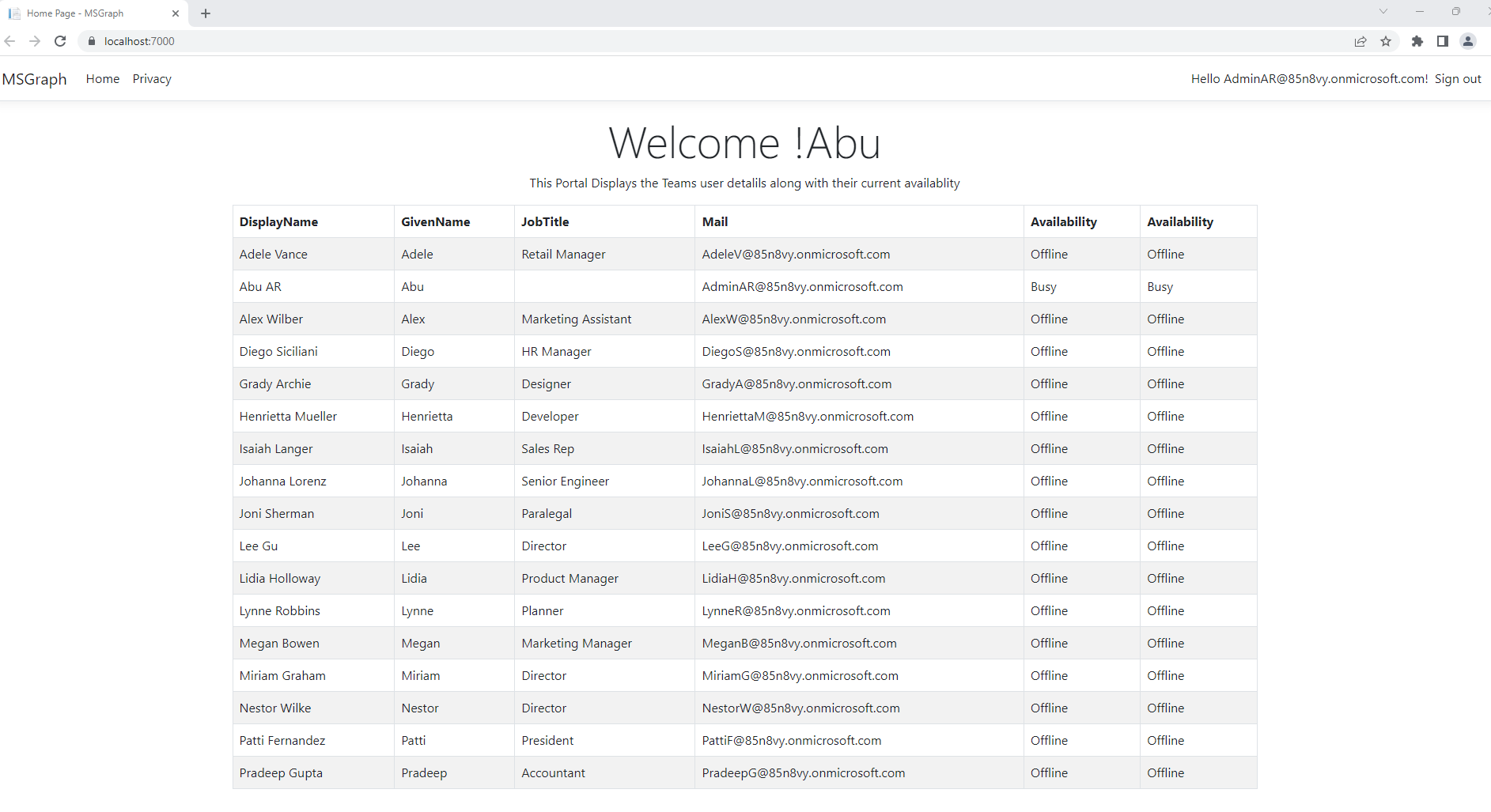
This Application connects Microsoft Graph API & Displays Teams Users Status
Every app that uses Azure AD for authentication must be registered with Azure AD. For your .NET core MVC web app, you may connect your app with Microsoft Identity Platform through Visual Studio 2022. Please follow the instructions to connect your app with Microsoft Identity Platform:- Clone the MSGraphHackTogether repository to your local workspace or directly download the source code.
- Open the project folder MSGraphHackTogether and double click to MSGraph.sln file to open your project with Visual Studio.
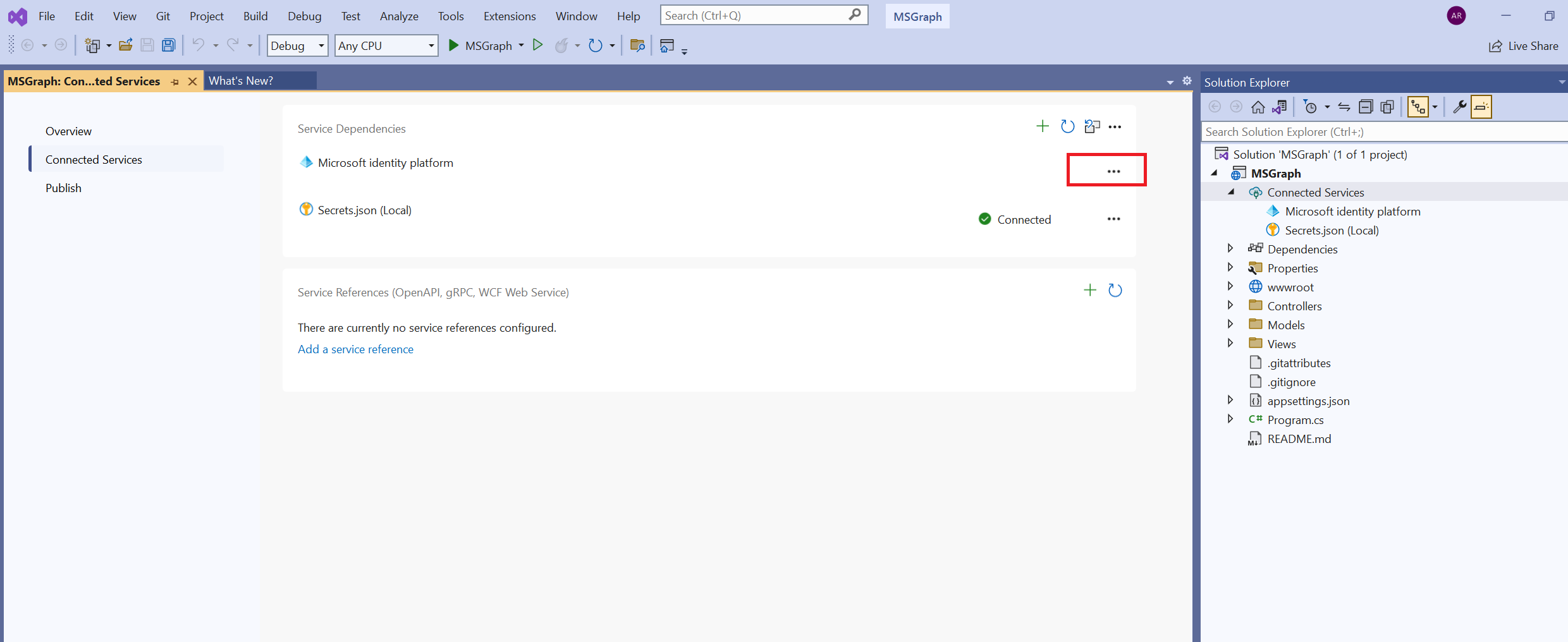
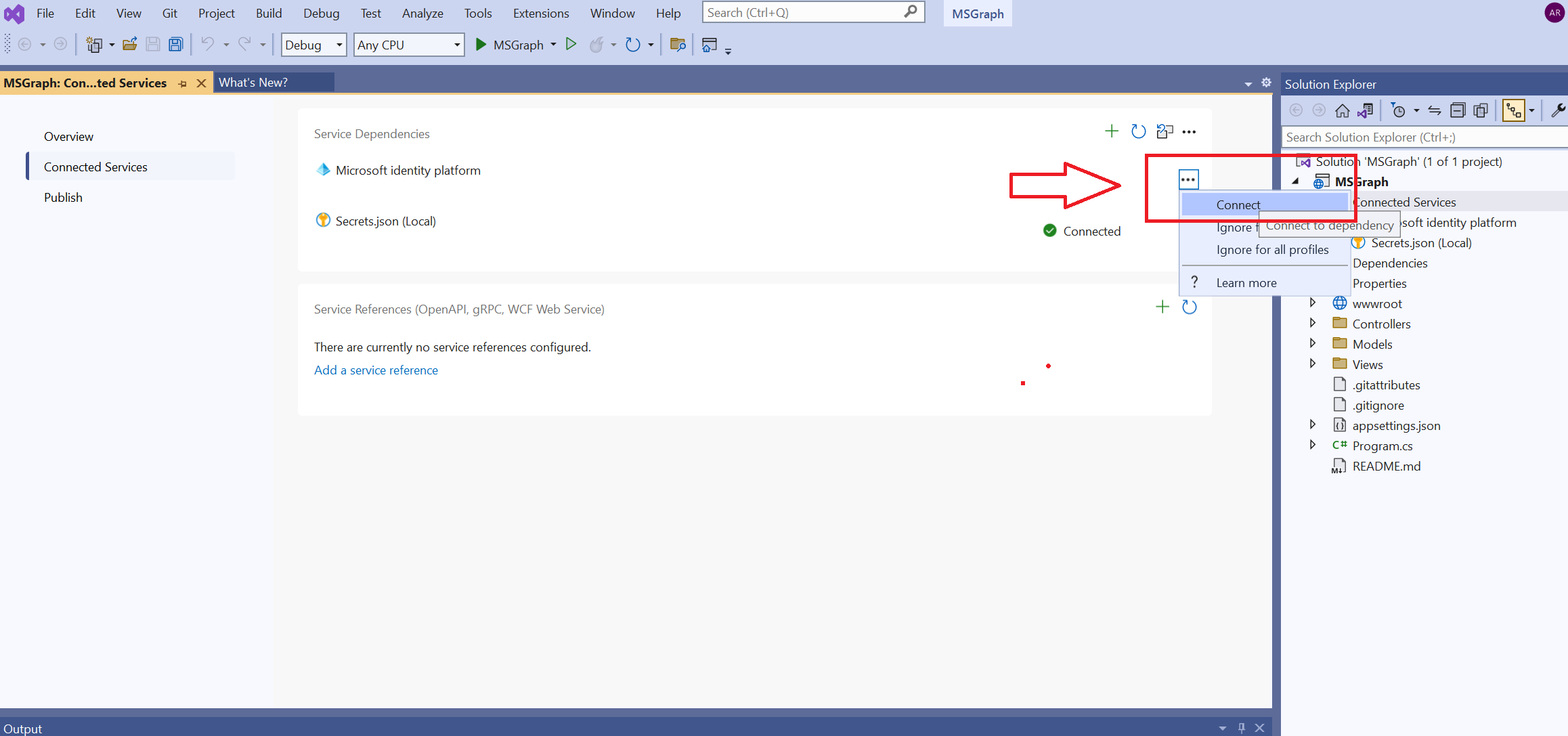
- Select Connected Services from the project root, and then direct to Connected Services tab, select three dots icon next to Microsoft identity platform
After the login, you'll see your email address mentioned on navigation bar of your app & displays user details as below