- The url or channel name can be hard coded but not done to make it more flexible and available
- To fix channel name , go to application.py file and replace the channel_name with the given name: Like for example in the url: "https://www.youtube.com/@PW-Foundation/videos" , replace channel name with "PW-Foundation"
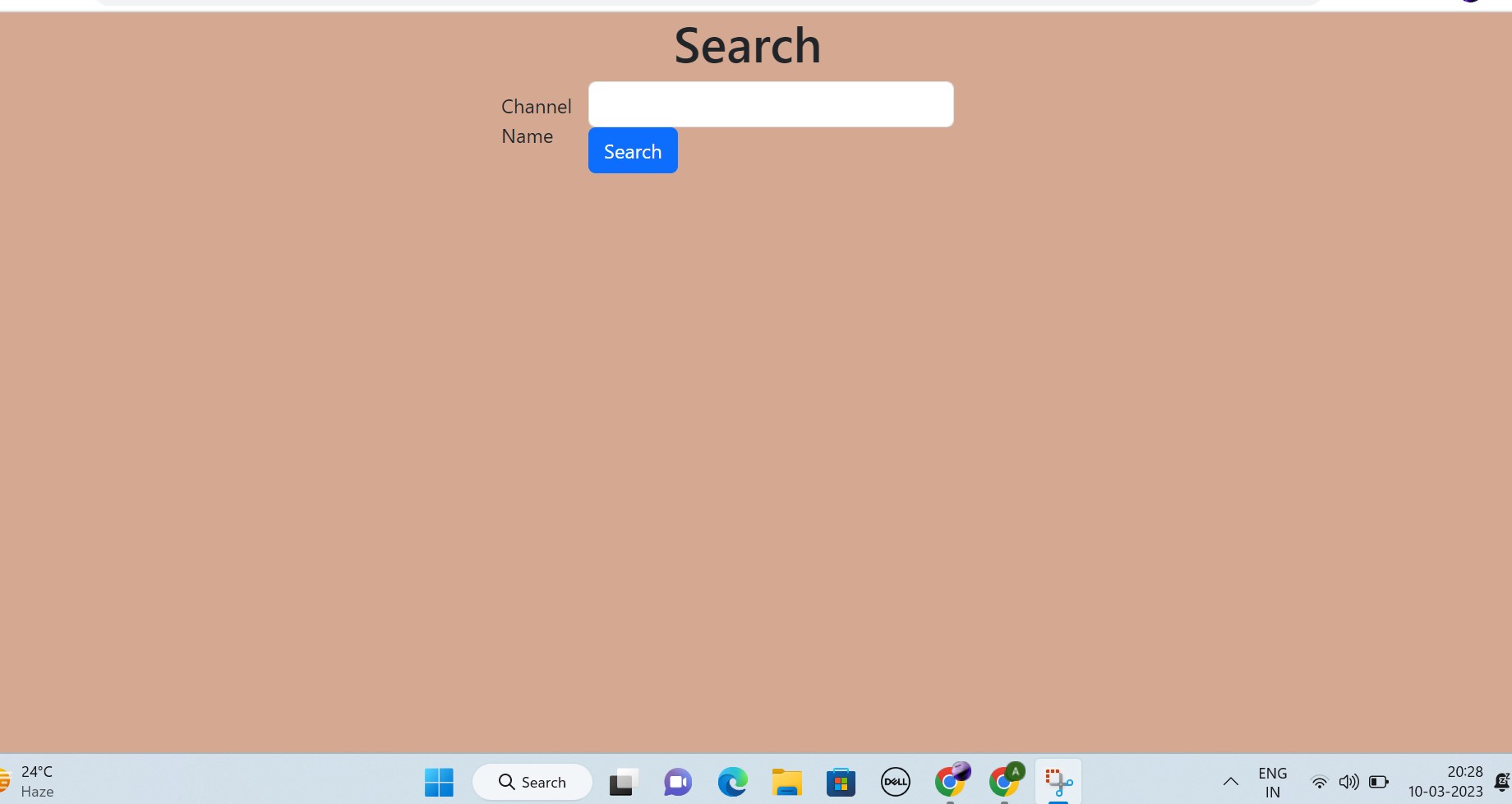
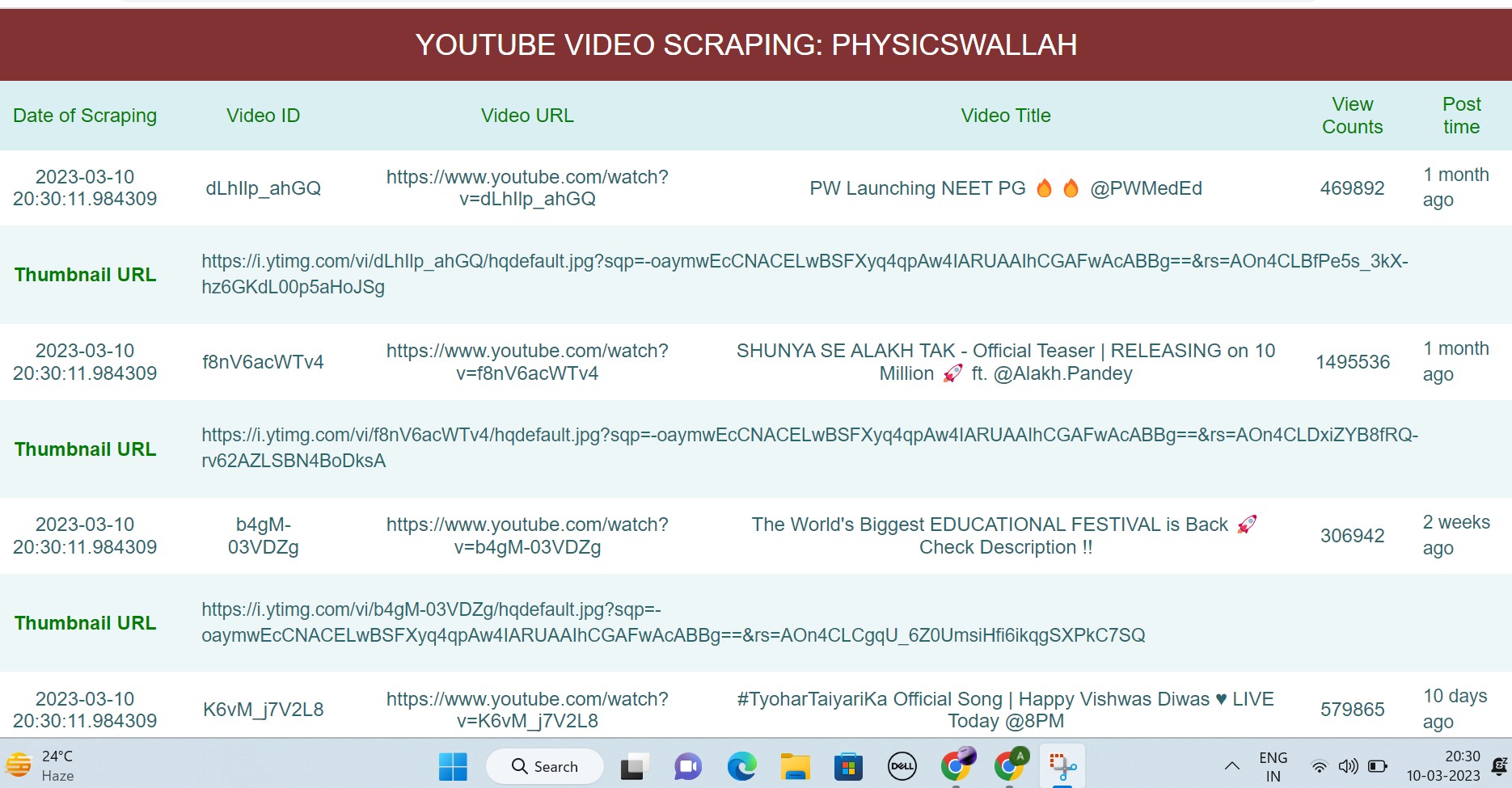
- Enter the name of channel whose latest 5 videos content (video url, video id, datetime of scraping, date of video posted, views count, video thumbnail url) you want to scrape.
- libraries used are mentioned in the requirements.txt
- The website is hosted on Microsoft Azure (The link is temporarily down/not working....will fix it soon)
- Link :
scrutube2.azurewebsites.net
You Tube Videos Scraper using Flask (Python) : ScrapeTube 1.0
To run flask application :
- Install the requirements.txt file for the python libraries:
pip install -r requirements.txt
- Run the app:
python application.py
To access your flask application open new tab in and paste the url:
https://{your_url}.pwskills.app:5000/
-
Home Page: Search Channel Name
-
Results :
-
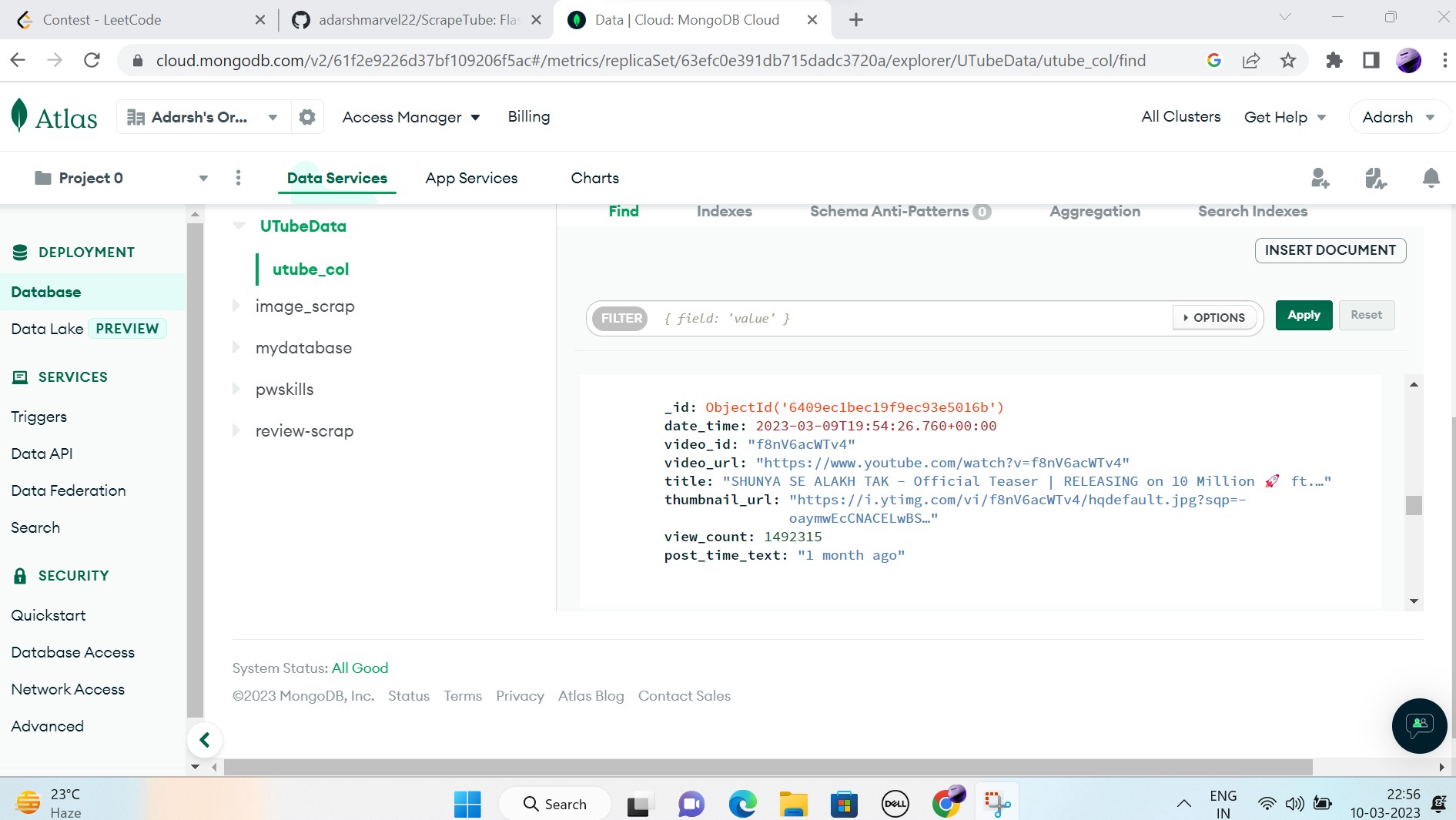
Database :
-
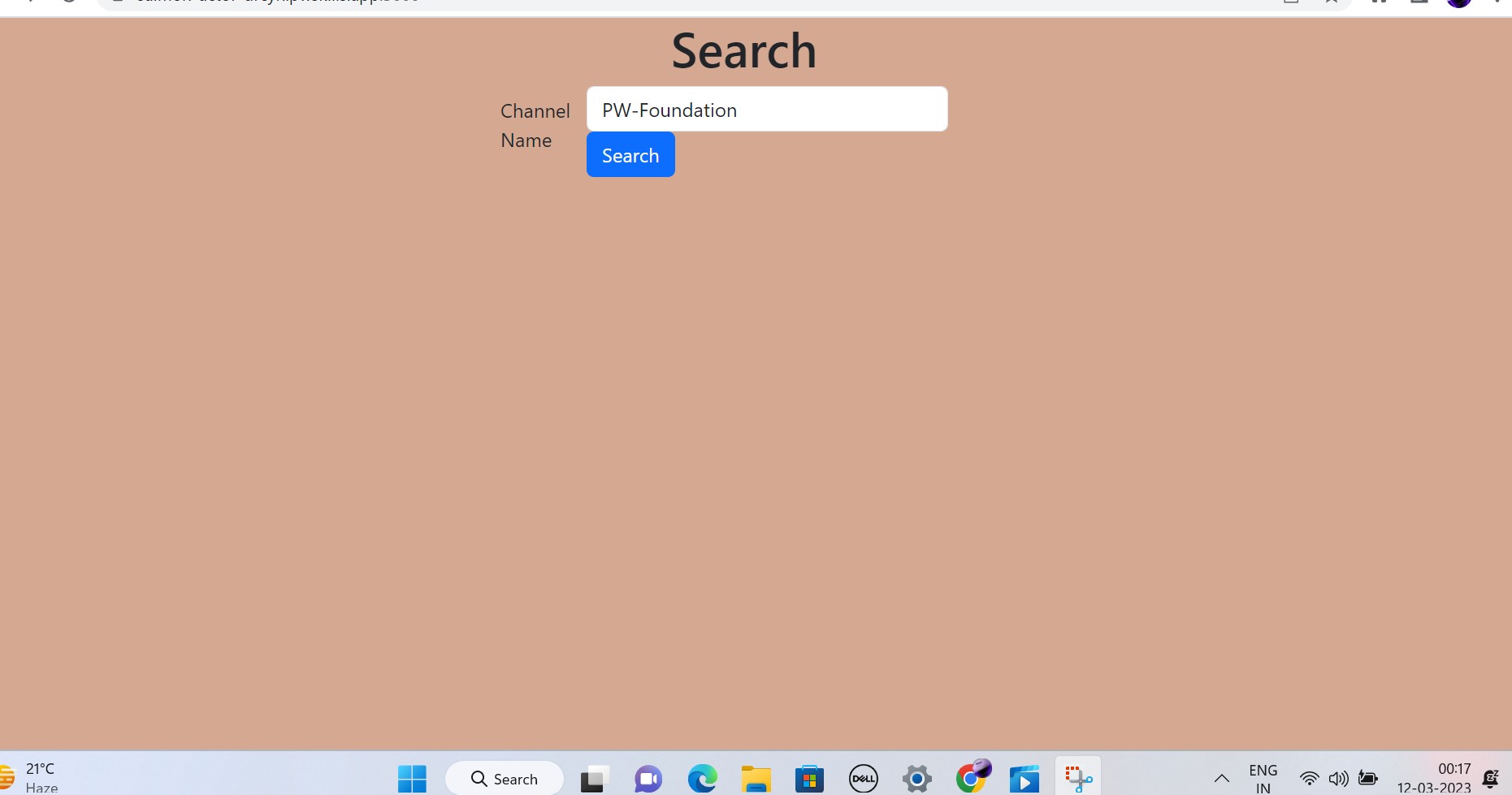
according to ques:
-
input channel name: PW-Foundation
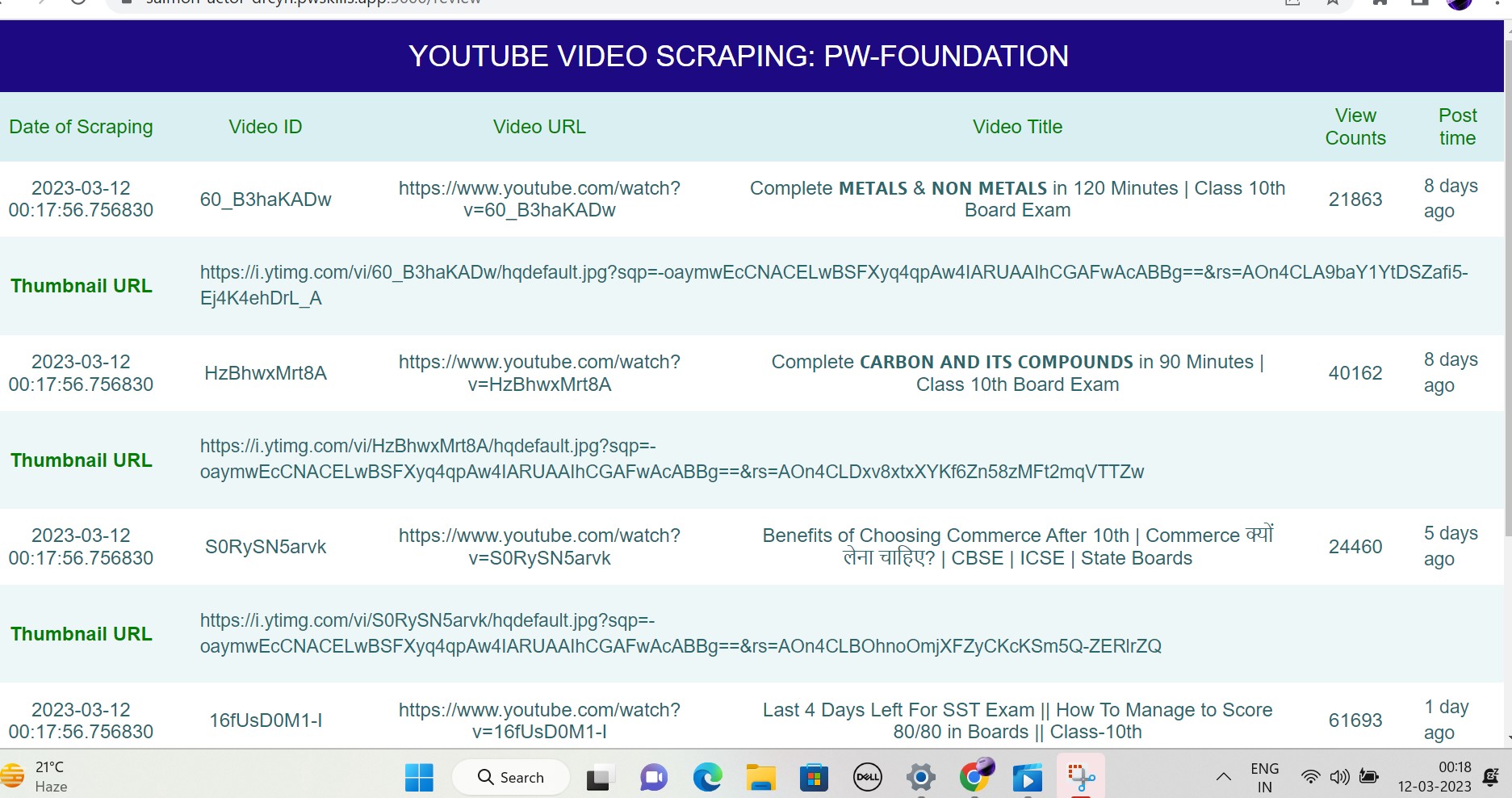
data is saved in the csv file: https://github.com/adarshmarvel22/ScrapeTube/blob/main/videos_data.csv