A simple message encryption GUI software made in Python based on symmetric-key encryption.
It utilizes a key table which has byte values for every alpabhet of the English language.
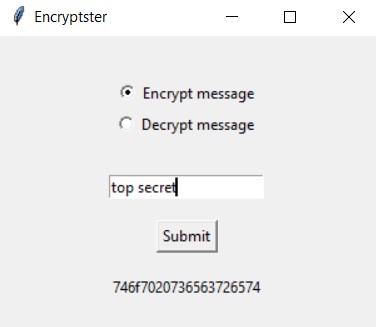
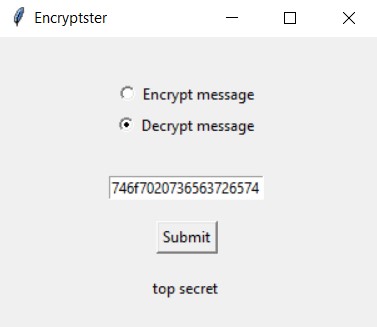
Run the main.pyw file and enter the message to be encrypted or decrypted.
Install Pyinsntaller and Pandas using Command Prompt, if not already installed.
pip install pyinstaller
pip install pandas
On the Command Prompt, navigate to the folder where the Python file is located.
cd C:\Users\UserName\Downloads
Type the following to build the .exe file:
pyinstaller --onefile main.pyw
After the success message, look for the 'dist' folder in the same directory. There you'll find your .exe file ready to be used.