A simple Terminal and SSH Command Shortcut Menu Bar App for built for MacOS Ventura using SwiftUI's MenuBarExtra. Provided as Open Source for Security of the end user. Any Support appreciated.

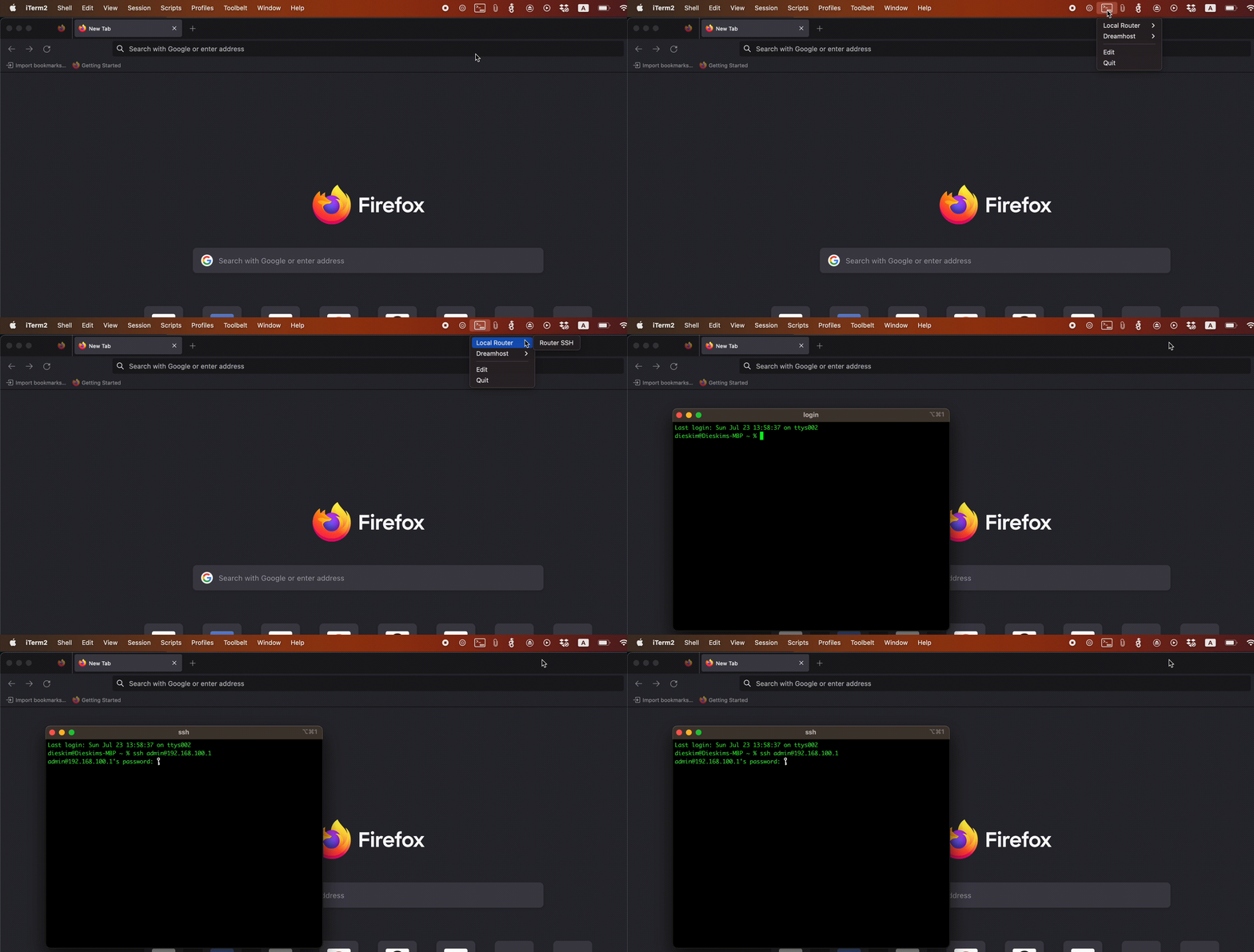
- Download latest DMG from the MenuBarSSHCommands releases
- Open the DMG
- Move MenuBarSSHCommands to Applications
- Open MenuBarSSHCommands App
- Edit the JSON as required (via clicking Edit in the MenuBarSSHCommands app in the Menu Bar)
Sidenote: As this app is not Sandboxed (Sandbox apps cant run terminal commands) it has been released as Open Source for security. Any Support appreciated.
When using iTerm, you can specify which profile to use by adding the --profile flag to your SSH command. This is helpful if you maintain different profiles for various environments (like production, staging, etc.).
For example, if you have an iTerm profile named "Production" configured with specific settings for production servers, you can reference it in your configuration like this:
{
  "terminal": "iTerm",  // Supported terminals: 'Terminal' or 'iTerm' (recommended)
  "data": [
    {
      "action": [
        {
          "name": "Action1",
          "command": "ssh admin@host.com --profile Production"
        }
      ]
    }
  ]
}MenuBarSSHCommands was inspired by Shuttle and SSHMenu, the GNOME applet for Linux.
This project is licensed under the terms of the GNU General Public License version 3.0 (GPL-3.0).