


A LUI configuration by Tonkah
This is a LUI profile with profiles for Omen, Recount, Bartender, Chatter, DBM, and Healbot. It also contains other addons that don't require much configuration. I plan on adding, tweaking and improving these addons and profiles as I go, creating branches for various screen sizes.
All of these addons are available from their respective authors. This repo is for the simple purpose of saving you/me time in configuration, if you like the way my UI looks/works.
Due to some addons not fully supporting profiles, some tweaking may be necessary after installing.
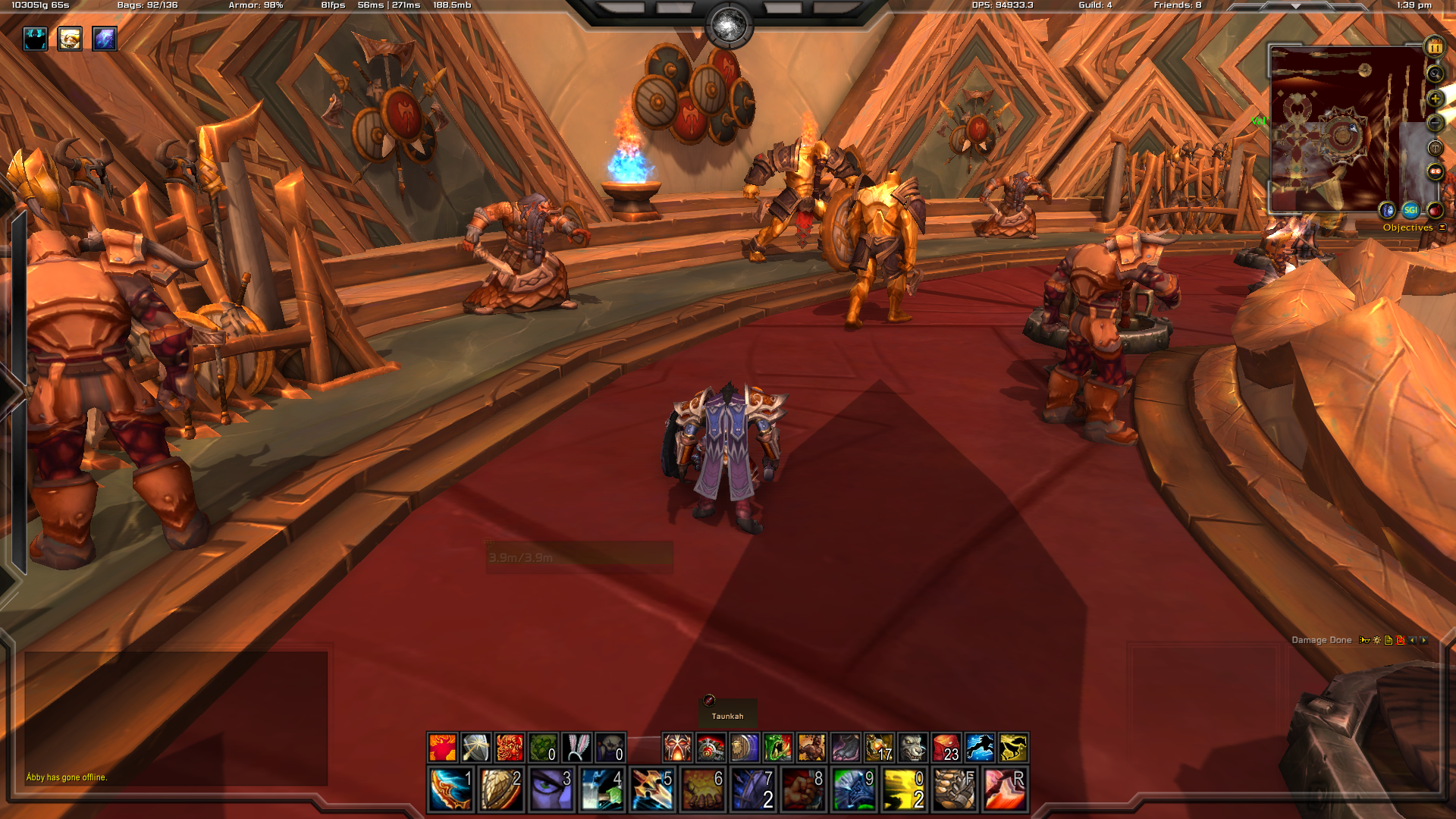
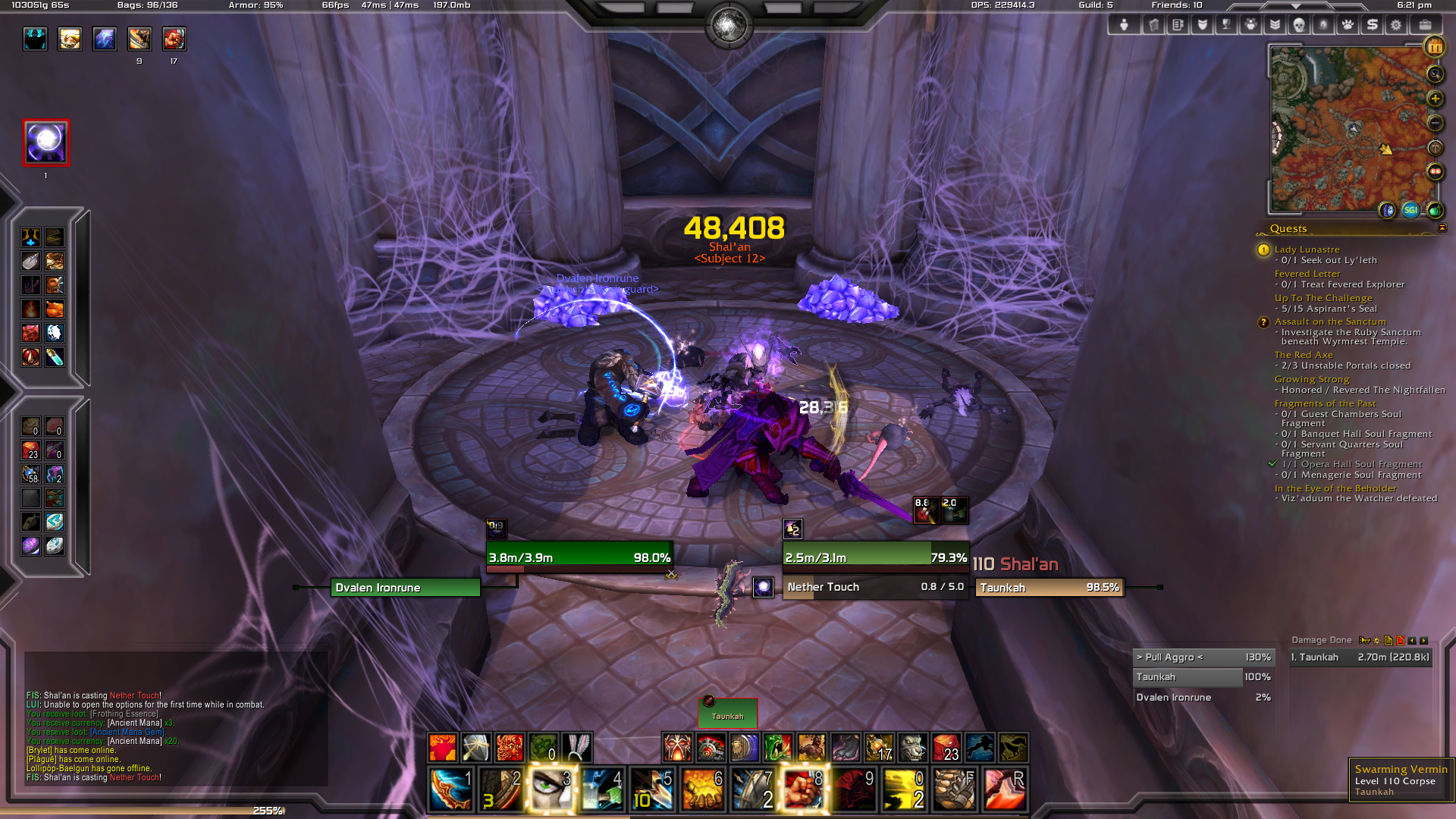
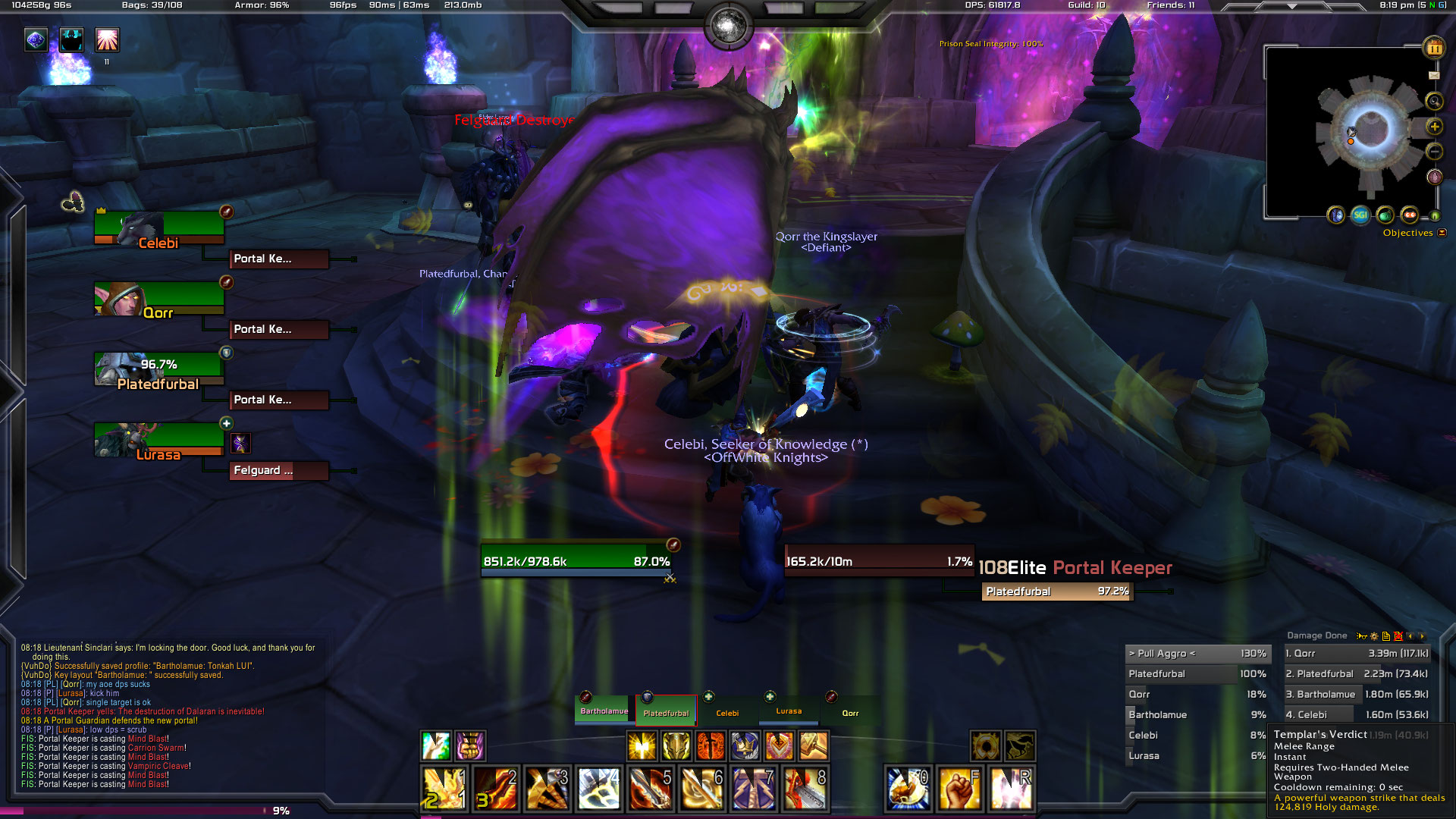
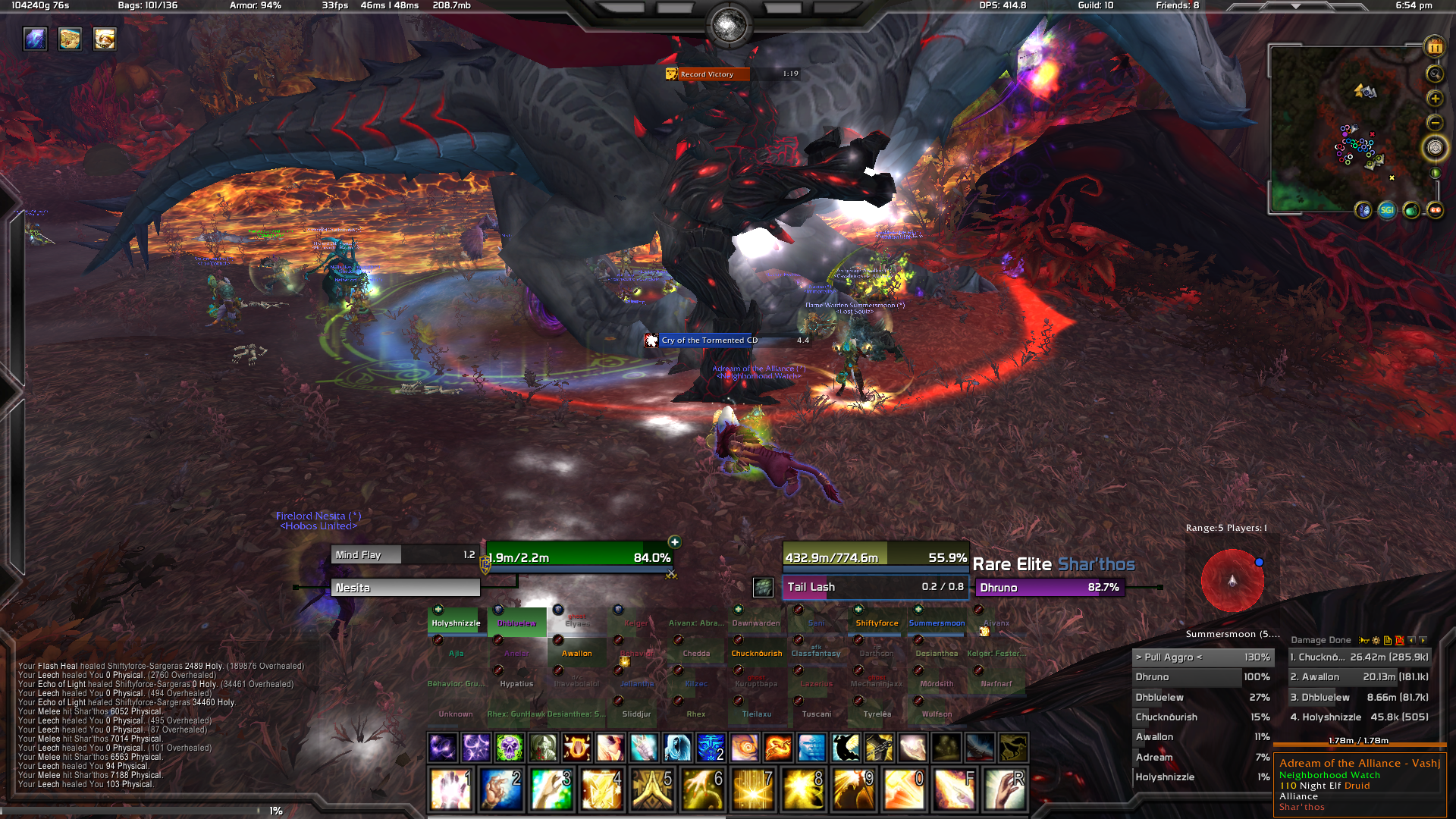
- Download the source.
- Locate the appropriate screen resolution that matches your WoW screen.
- Copy the contents of the
[Screen-Resolution]\Interfacefolder into yourC:\World of Warcraft\Interfacefolder (Mac:/Applications/World of Warcraft/Interface). - Copy the contents of the
[Screen-Resolution]\WTFfolder into yourC:\World of Warcraft\WTFfolder (Mac:/Applications/World of Warcraft/WTF) and rename theSERVERNAME,ACCOUNTNAMEandCHARACTERNAMEfolders accordingly. - Launch the Curse/Twitch client and update all addons to their latest version.
- Launch WoW and configure each addon to use (or copy from) the
Taunkah LUIprofile. - Mess with your System Settings -> Interface Scale if you are getting items overlapping or not fitting.
- Tweak further as you see fit.
Your installation instructions will be pretty much the same except that you'll want to fork/clone instead of just download. Once your git repo is set up, create symlinks to the desired WoW folders to easily track your changes.