

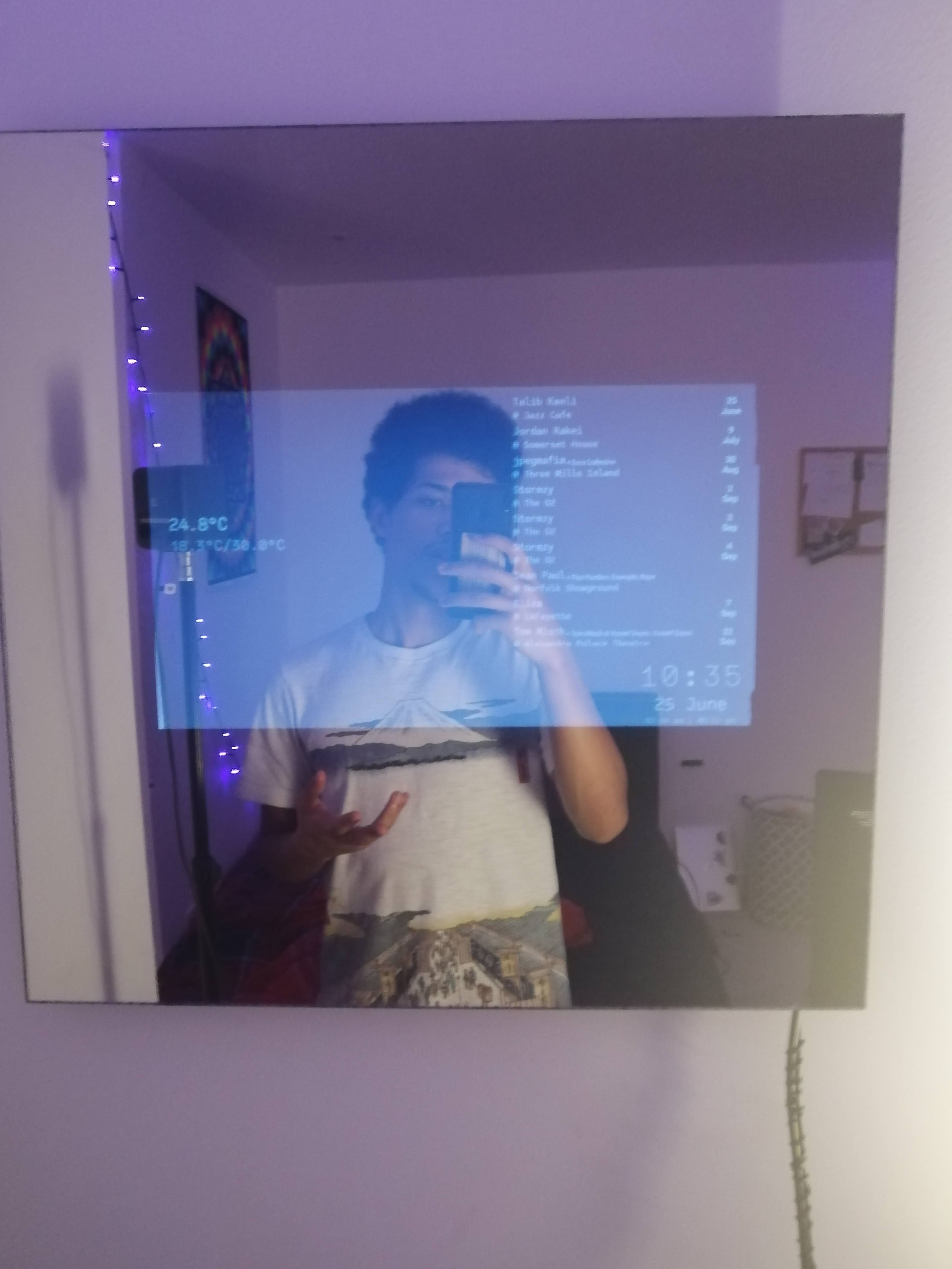
Parts
- Android running on a raspberry pi 3 - https://konstakang.com/devices/rpi3/LineageOS16.0/
- a 2 way acrylic mirror - https://www.plasticstockist.com/Acrylic-Mirror/Two-Way-See-Thru-Acrylic-Mirror-Sheet.aspx
- LVDS to HDMI driver board
- an old laptop monitor with LVDS (or a new one 🤷🏽♂️) (the darker the black value the better)
- some velcro 3M strips, (black is better) - https://www.command.com/3M/en_US/command/products/~/Command-Black-Large-Picture-Hanging-Strips/?N=5924736+3294529207+3294737309&rt=rud
- black acrylic paint
- (optional) mini keyboard/mouse with a usb dongle (useful for debugging, means you dont have to take the mirror down to interact)
- attach the pi and LVDS board to the wall with 3M command strips
- 3d print some cubeoids as standoffs between the wall and the monitor. This ensures that when the mirror is added on top of the screen the electronics can find underneath
- paint the back of the mirror where there is a border around the screen
- attach the screen to the wall with 3M strips (you will need quite a few of these strips)
- attach the mirror to the screen