- Clone or download the repository
- Run
npm initin the CLI - Run
npm installin the CLI - Run
npm run servein the CLI
Ten Questions is my second project in the General Assembly Software Engineering Immersive course. The idea behind the project was to replicate a 'hackathon', where we had two days to complete a fully-functioning React.js app which consumed a public API. My proposal for this project was to utilise a quiz API provided by opentdb.com, which holds a database of thousands of different questions across a range of categories, to create a quiz app where users could select a category and difficulty of their choosing. The user then answers 10 questions based on these choices.
- Consume a public API – this could be anything but it must make sense for your project.
- Have several components - At least one classical and one functional.
- The app should include a router - with several "pages".
- Include wireframes - that you designed before building the app.
- Have semantically clean HTML.
- Be deployed online and accessible to the public.
- JavaScript
- React.js
- Bulma
- Route, Switch, Link from 'react-router-dom'
- Axios
- HTML5
- CSS
- GitHub
- 48 hours
Once the initial idea for the project was formulated, I began the psuedo-coding process and developed some basic wireframe models to establish the layout of each page. I then set out a list of features that were to be included, and set out to create the repository in Github and installed the various packages via NPM.
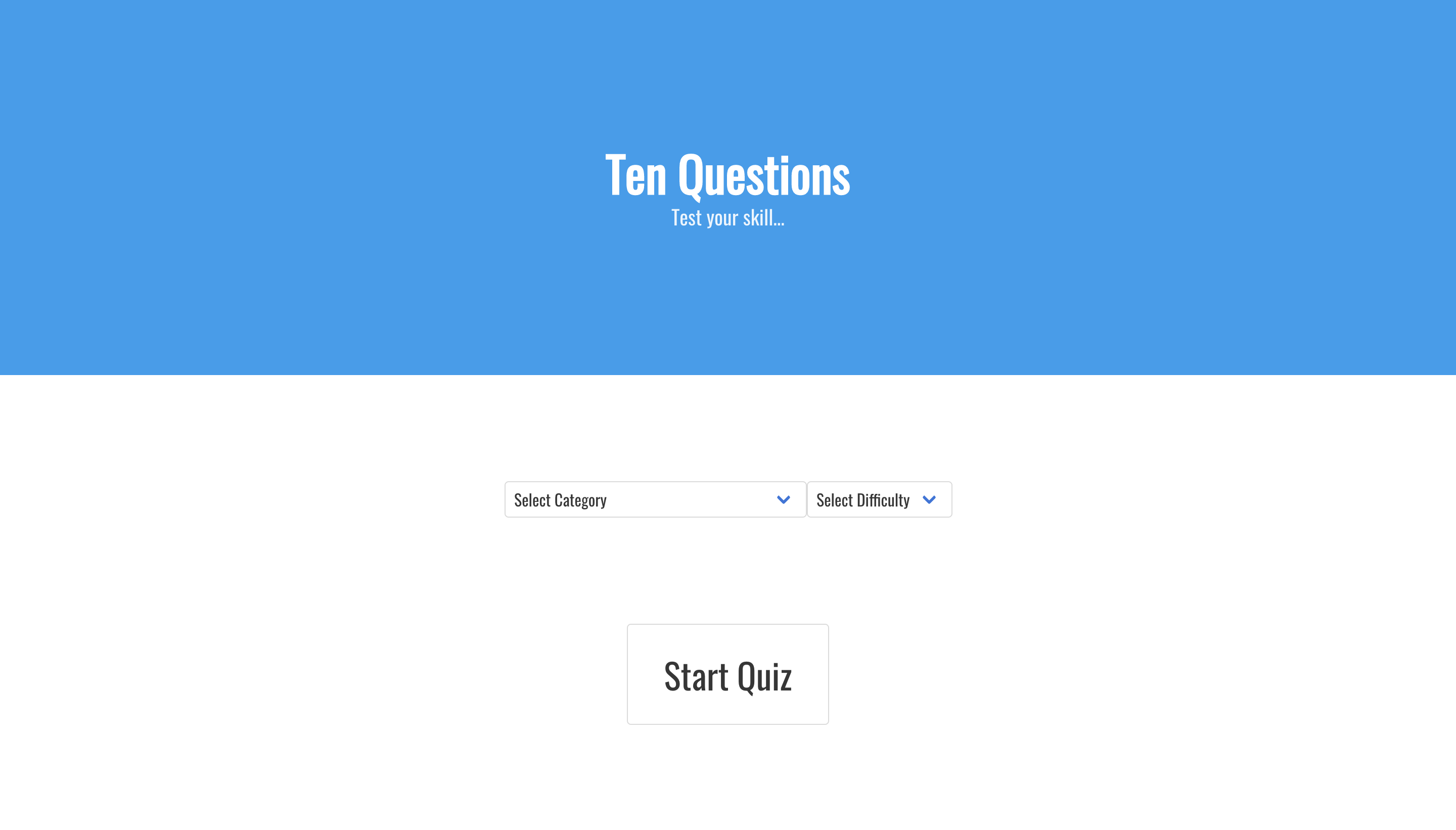
- Home page where user selects question category and difficulty
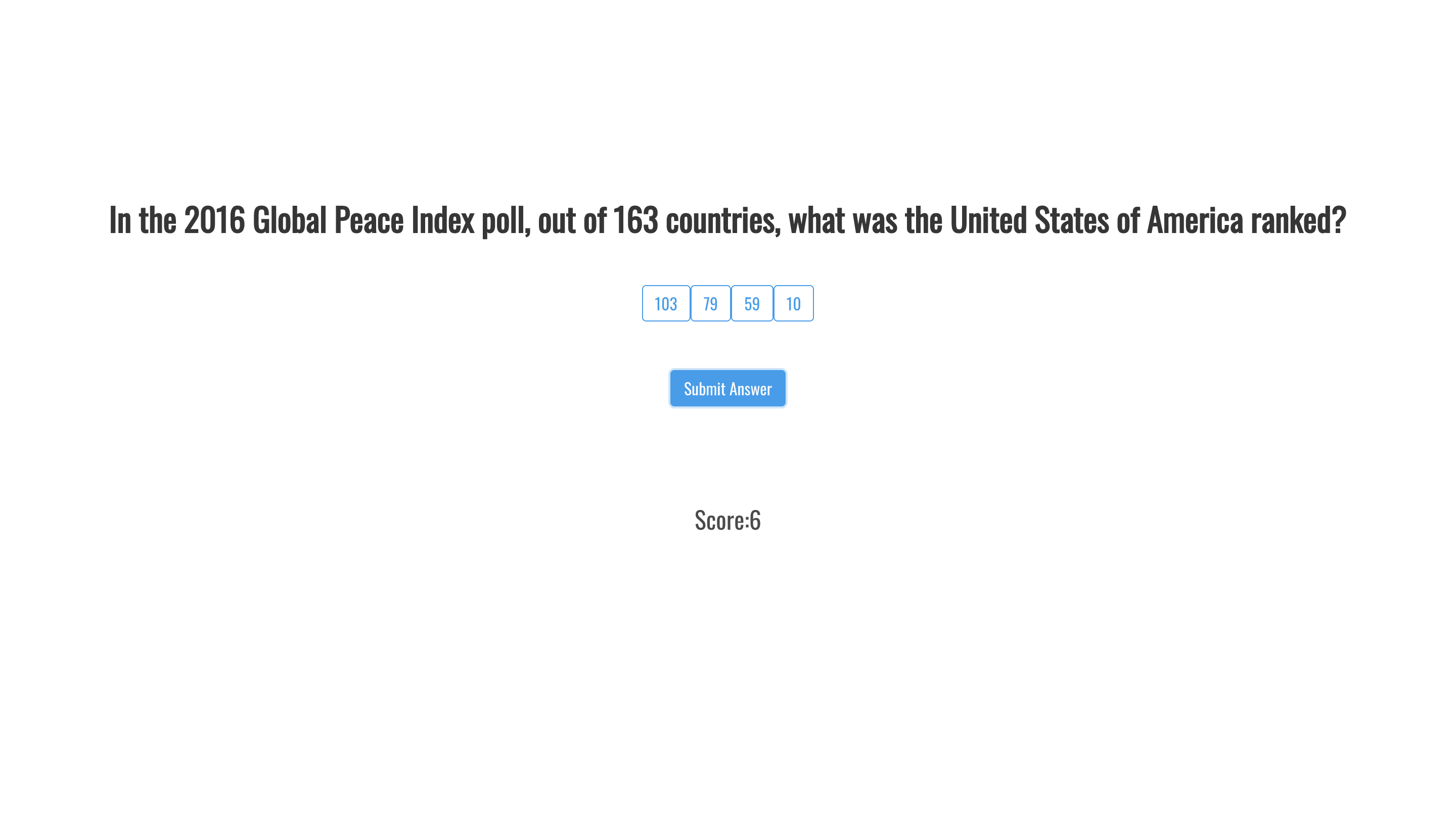
- Multiple choice questions presented to user, one of which needs to be submitted before moving onto next question
- A running score displayed on the question page to show how many questions user has currently answered correctly
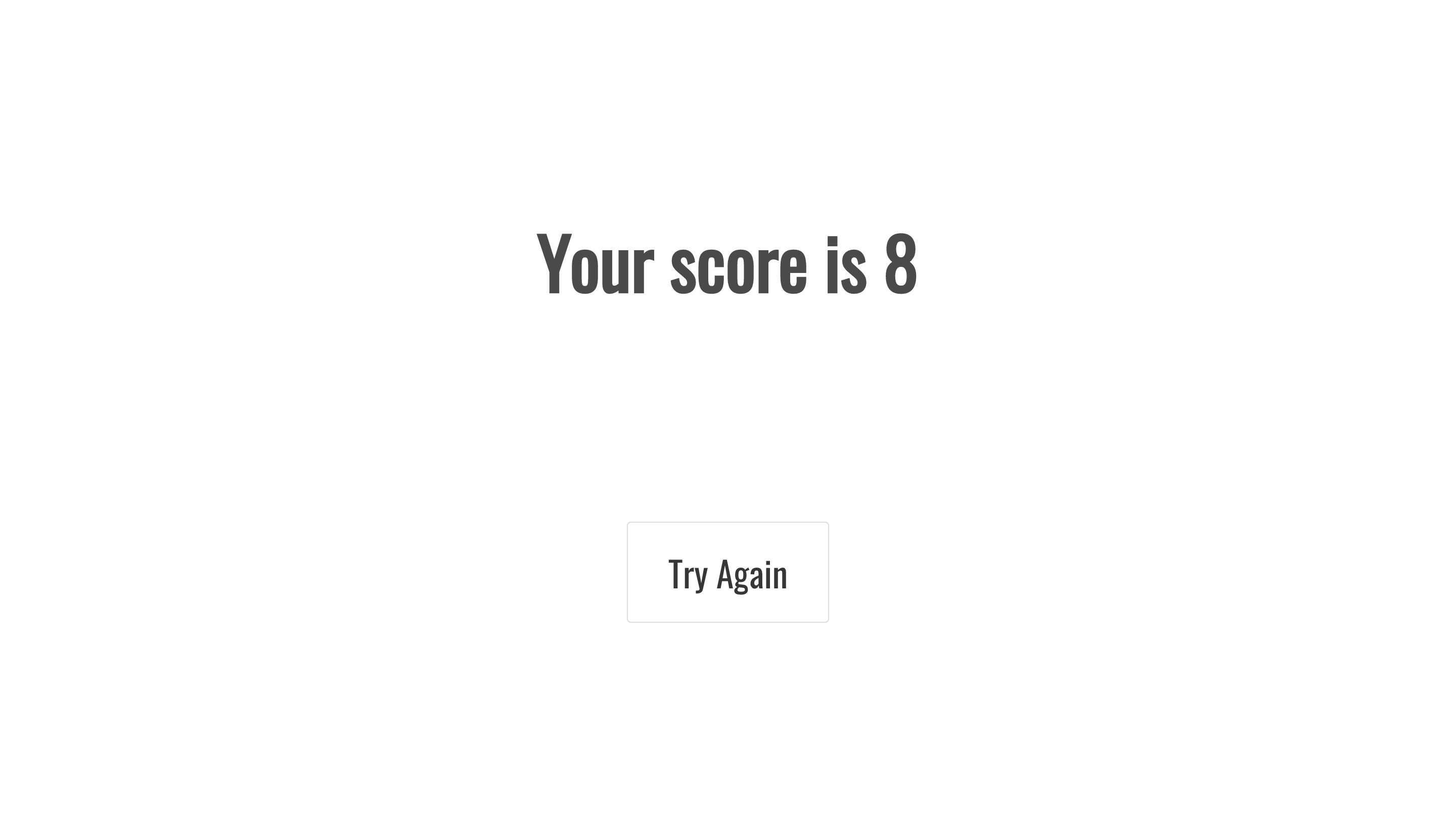
- A final score displayed after all questions have been answered
- A 'try again' button which redirects users to the home page
As mentioned previously, the decision was made to allow users to choose the category and difficulty of questions they would like for their quiz. This decision was based on the endpoints provided by the API, and worked well in terms of providing additional user interactivity and choice. On the initial home page, an event listener was placed in the drop down menu's for 'Category' and 'Difficulty'. Once these choices have been made, state is set using React and then passed on to the 'Quiz' page via a React Router Link element on the 'Start Quiz' button.
<div className="start-quiz">
    <div>
      <Link className='button button-start' to={{
        pathname: '/quiz',
        state: this.state
      }}>Start Quiz
      </Link>
    </div>
  </div>
</div>
Once the user has been redirected and the Quiz page is loaded, a call is made to the API via axios based on the user choices, and the first question is displayed.
componentDidMount() {
    this.setState({ ...this.props.location.state },
      () => {
        axios.get(`https://opentdb.com/api.php?amount=11&category=${this.state.category}&difficulty=${this.state.difficulty}`)
          .then(res => {
            const allAnswers = res.data.results.map(quiz => {
              const correctAnswer = [quiz.correct_answer]
              const incorrectAnswers = quiz.incorrect_answers
              const shuffledAnswers = _.shuffle(correctAnswer.concat(incorrectAnswers))
              return shuffledAnswers
            })
            this.setState({ quiz: res.data, allAnswers })
          })
          .catch(err => console.log(err))
      })
  }
As you can see in the code above, a shuffle function (imported via loadash) was required upon response from the API. This was necessary due to the way that the API returned its JSON data. Without the shuffle function, the correct answer would always be displayed first in the list of answers, which would not make for a very effective quiz!
When the user answers a question, their score is updated based on how many questions they answer correctly. This was achieved by creating an 'add to score' function, which uses an if statement to compare the user's answer with the correct answer provided by the API. State is then set and updated as necessary.
addToScore(e) {
e.preventDefault()
	if (this.state.answer === this.state.quiz.results[`${this.state.questionNo}`].correct_answer) {
	  this.setState(
	    {
	      score: this.state.score + 1
	    }
	  )
	} else return
This was the first time that I had used React in a project, and I feel that my knowledge of this framwork improved dramatically as a result of the way that I decided to approach the developemnt of the application.
Having completed the project I felt that I was much more comfortable in using public APIs, and understanding the benefit and restraints that come with them. I was pleased with the outcome, given the time restraint and novelty of the process I was working with.
I learned a great deal about the setup process and use of Webpack. In addition to this, using Axios for making GET request to APIs, and viewing this information using Insomnia. This was a very beneficial tool as it allowed me to view the relevant data from the API in JSON format. Ultimately, these were very useful technologies that greatly complimented the sites functionality.
- Successfully using a public API and extracting the relevant information
- Further solidifying my understanding of key JavaScript concepts, such as funcitons, arrays, for loops and if/else statements
- Improving my knowledge of the fundamentals of React
- Implementing the shuffle function for the answers presented to the user
- Identifying the correct data supplied by the API, and how to manipulate the data stored in state upon response from the API
- Understanding how to pass state via React Router Link from Home page to Quiz page