
A easy-to-use Jenkins dashboard that provides some visibility on job statuses. Ideal for TV dashboards you can put up in the office.
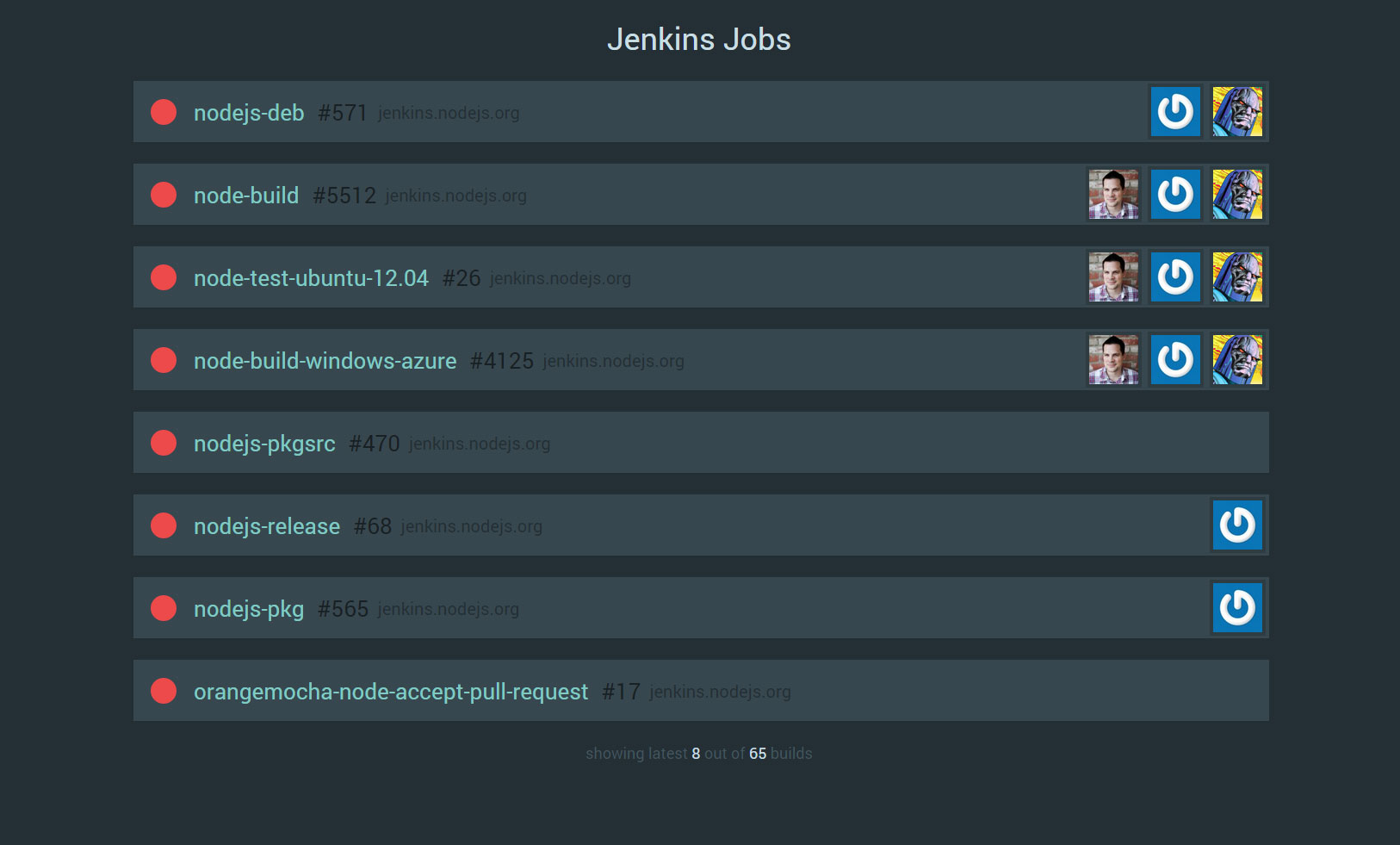
This example was generated off the public NodeJS Jenkins server.
It keeps a "top 8" view of all Jobs in the queue and changes their priority based on their status and current progress.
- Run
npm installto install any required dependencies. - Modify the
config.jsfile to include the Jenkins servers you want to monitor. - Start the application by running
npm start
The dashboard uses Gulp.js to manage assets and templates, any modification you make you need to change in the asset directory. In order for the assets to be compiled, you can run gulp or node_modules/gulp/bin/gulp.js. The default gulp command includes a watch operation that will compile any assets if a file in the asset folder changes.