Generate a meal plan and have the AI order the ingredients for you. All you need to do is check out!
Welcome to Open Fresh, an AI agent I built with GPT to help me improve my diet. The AI will generate a meal plan for you according to your tastes and order the ingredients from Sainsbury's. I use this every week to help me eat better and save time. I hope you find it useful too!
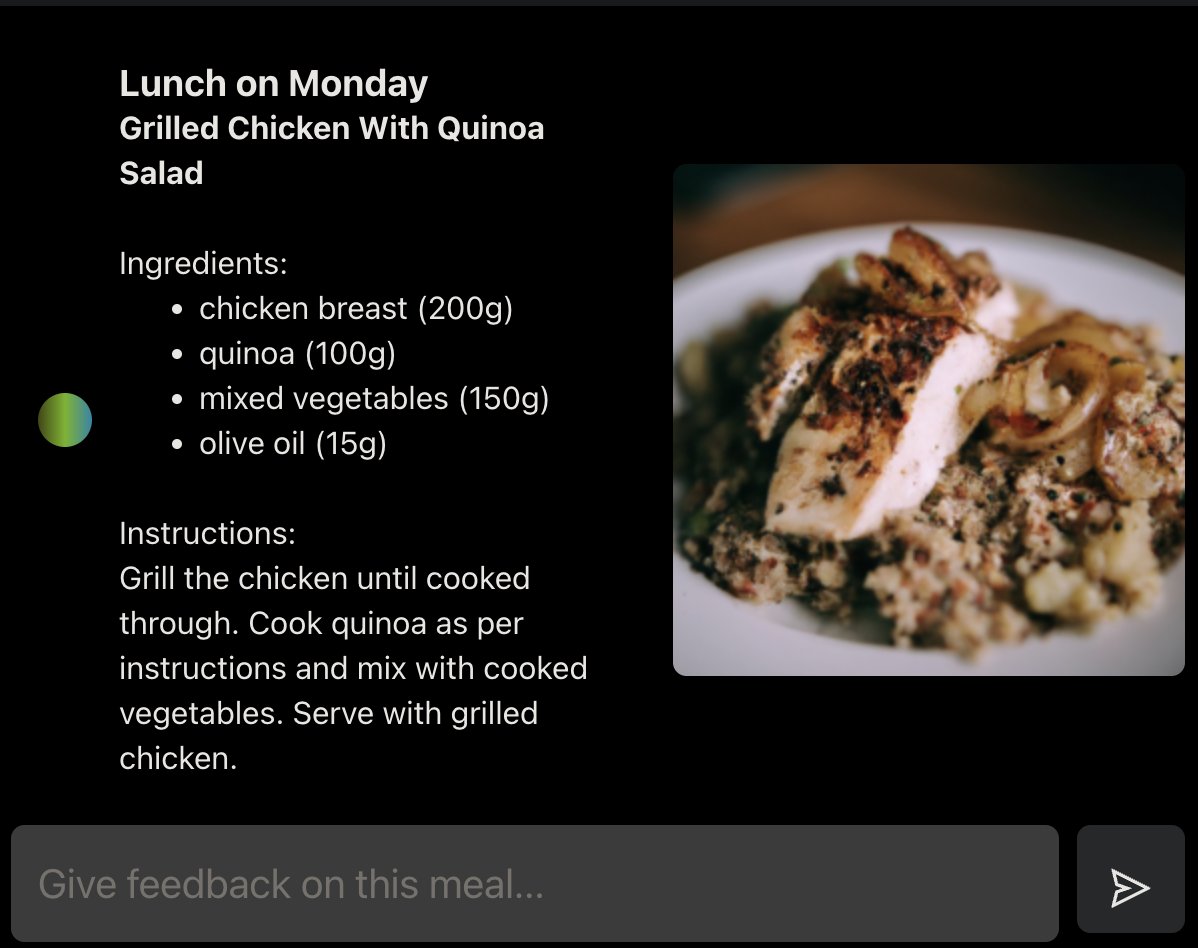
- Custom Meal Plans: The AI will prepares a custom meal plan tailored to you based on whatever dietary requirements you specify.
- Automated Grocery Shopping: The AI agent uses Selenium to log in to your grocer of choice and add the ingredients to your cart.
- Smart Ingredient Substitution: If an ingredient is unavailable, the AI will find a suitable replacement and update the recipe.
- TODO: Open Fresh will be hosted on a website soon. In the meantime, you can run it locally using the instructions below.
The program is split into two parts - creating a meal plan and ordering ingredients.
To create a new meal plan, you can use the create-meal-plan command. This allows you to specify meal requirements via an optional requirements file or interactive prompts.
If you have a requirements file, you can pass it as an option:
npm run dev -- create-meal-plan -r path/to/requirements.txtIf you don't use a requirements file, the CLI will ask you for meal requirements interactively:
npm run dev -- create-meal-planTo order ingredients based on a pre-existing meal plan, use the order-ingredients command:
npm run dev -- order-ingredients path/to/meal-plan.txtThis will extract the ingredients from the meal plan and use web browser automation to add them to your cart. All you need to do is check out!
Supported sites:
- Sainsburys
To add support for a new site:
- extend the
Grocerclass. - implement the
login,searchandaddToCartmethods.
- see
aiTests.tsfor prompt tests npm run testto run the entire prompt test suitenpm run test <test name>to run a particular test