
A simple, dark and minimal color scheme for vscode.
Download/Clone this repository into ~/.vscode/extensions and restart the editor. Press ctrl+shift+p and search Color Theme and choose TooDark.
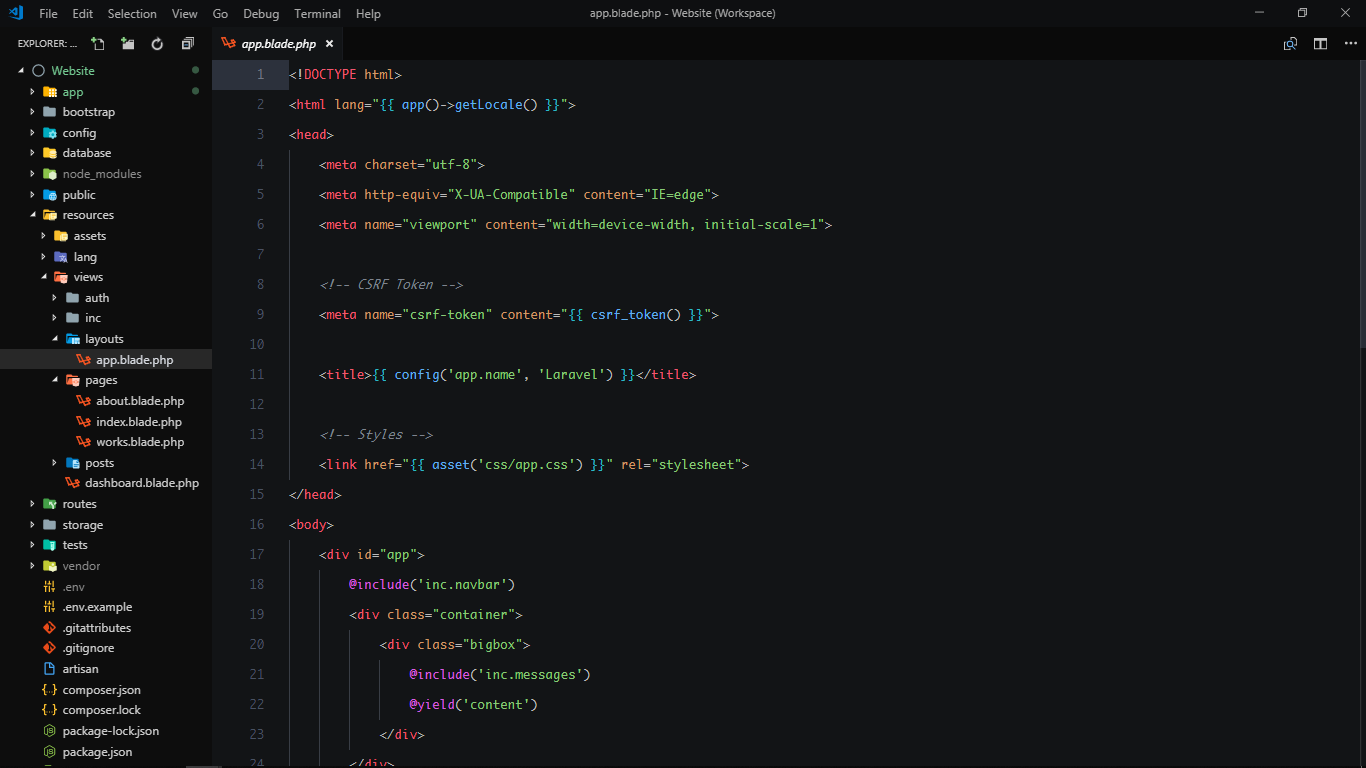
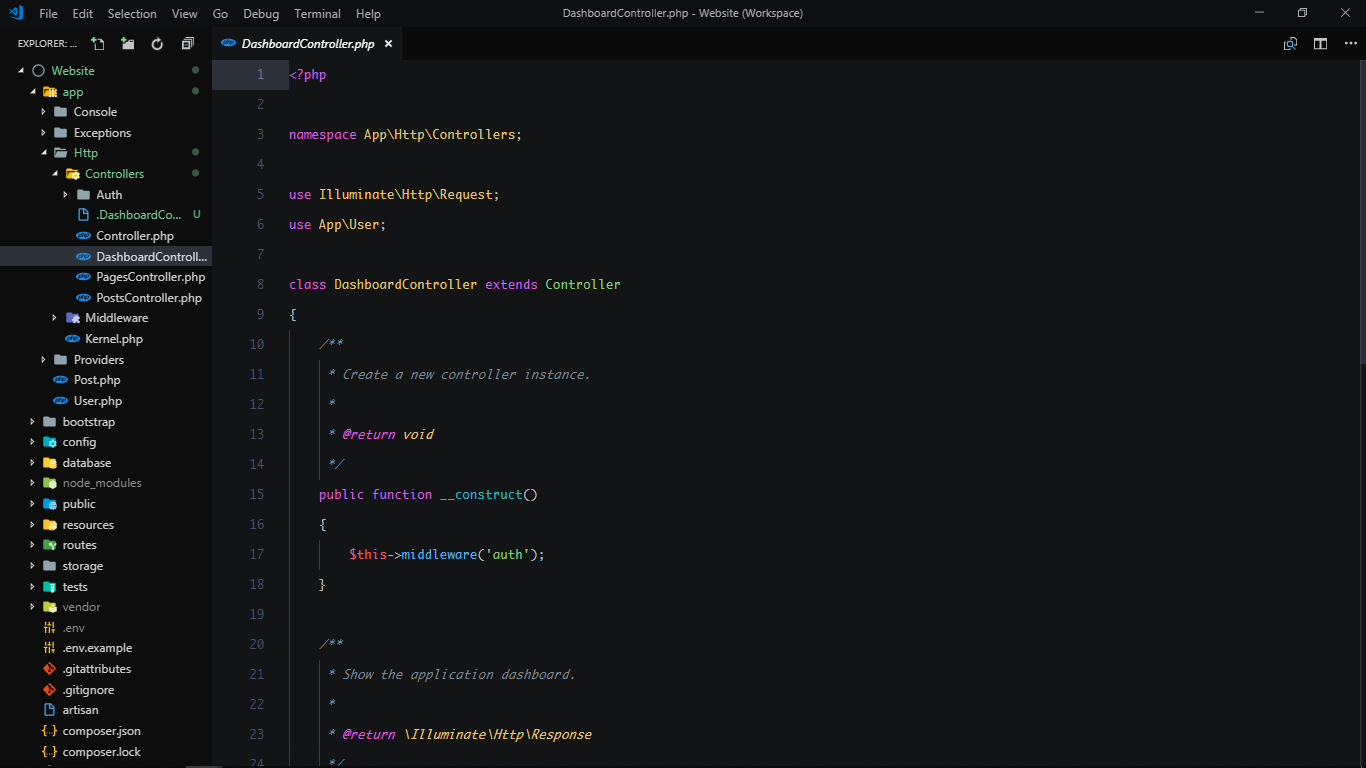
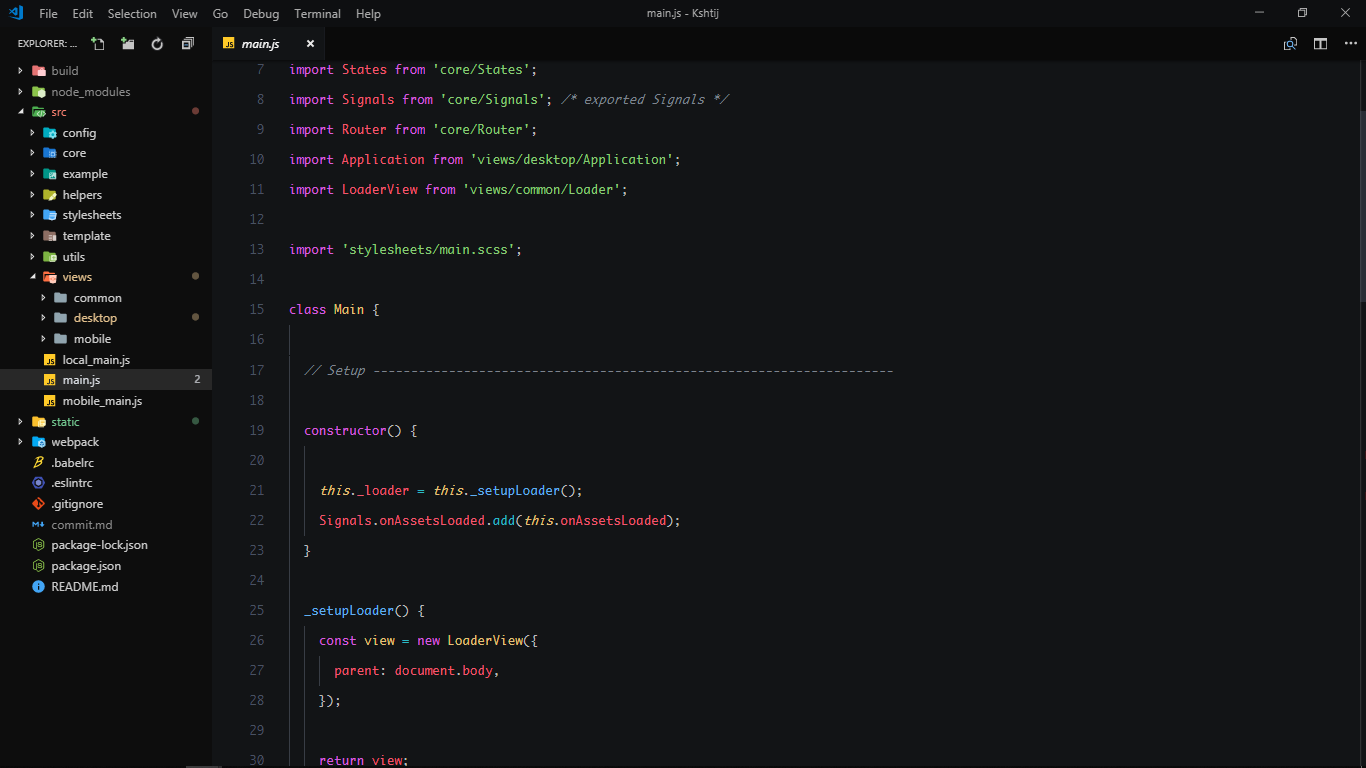
{
    "window.zoomLevel": -0.35,
    "editor.scrollbar.verticalScrollbarSize": 7,
    "editor.fontSize": 13,
    "editor.fontFamily": "Monaco",
    "editor.lineHeight": 32,
}If you want to play around with new colors, use the setting
workbench.colorCustomizations to customize the currently selected theme. For
example, you can add this snippet in your "settings.json" file:
"workbench.colorCustomizations":{
    "tab.activeBackground": "#282c34",
    "activityBar.background": "#282c34",
    "sideBar.background": "#282c34"
}
Please check the official documentation, Theme Color Reference, for more helpful information.