


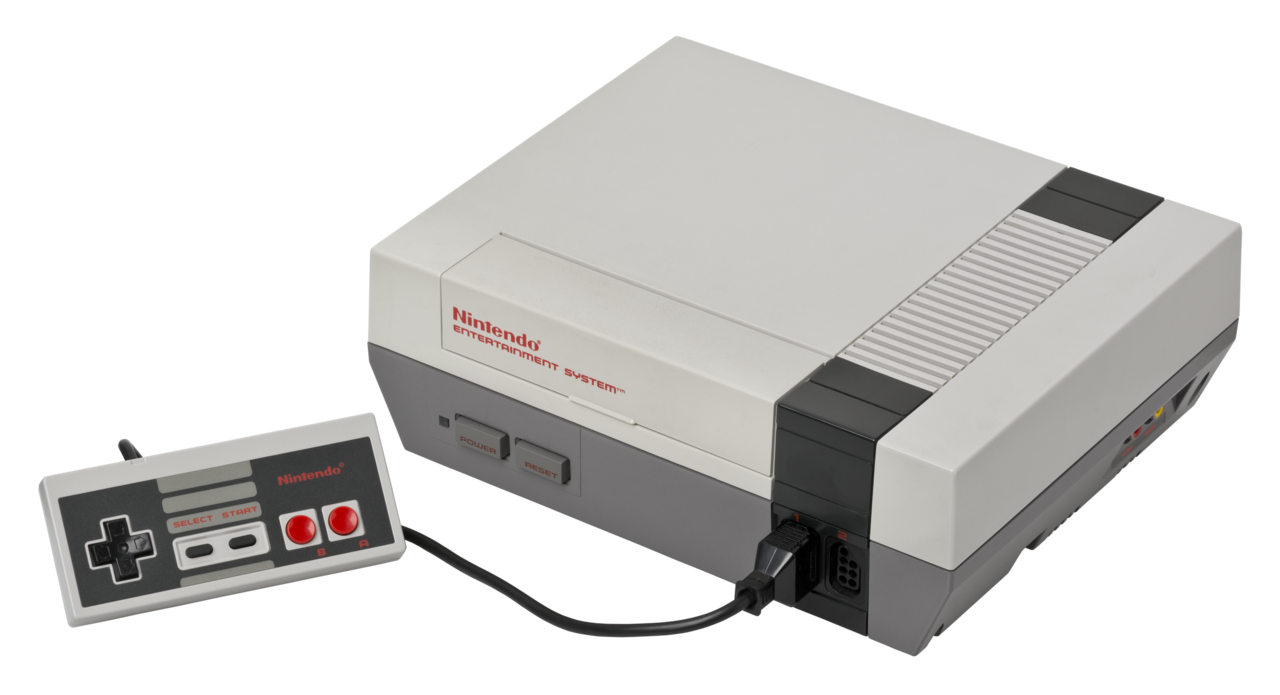
R-NES is a fully functioning emulator built entirely in Rust for the Nintendo Entertainment System, a gaming console from 1983.
- NROM and MMC1 mapper support with future plans to support more mapper types.
- 100% accurate implementation of all 151 official 6502 microprocessor instructions.
- Support for both vertical and horizontal scrolling modes.
- Tested to play a variety of games including but not limited to: Super Mario Bros, Donkey Kong, and Tetris. See Support for details on supported games.
Pressing escape will close the emulator at any time!
Controller 1 (Keyboard):

Controller 2 (Disabled by default):
-
Rust: R-NES is built in Rust and requires the software to compile and run. If you don't already have Rust installed, it can be found here here for your operating system.
-
SDL2.0: R-NES utilizes the Simple DirectMedia Layer Library to render graphical information to the screen. Instructions to install these binaries on any platform can be found here. All other dependencies will automatically be handled by the rust package manager!
After cloning the repository and entering the directory, launch the emulator with the following command:
cargo run -- -rom FULL_PATH_TO_ROM
Failing to provide a rom file will not allow the emulator to start
For development purposes, the emulator also comes with toggleable debug mode. Enabling debug mode is as easy as launching R-NES with the flag -debug. An example can be found below:
cargo run -- -rom /home/user/Desktop/smb.nes -debug
When enabled, every completed instruction gets logged to the console alongside the state of the console before that instruction was run.
Example debug log:
AA37  A5 33     LDA $33 = 00                    A:00 X:00 Y:00 P:27 SP:F9 | PPU: L: 223 CYC: 311
MORE PPU DATA: VBLANK: false CTRL: 10010000, STATUS: 00000000
Due to the large amount of console output, most computers will see a large drop in emulator performance when the mode is enabled. It is highly suggested to just use the mode for testing/development purposes only.
The following games have been tested on the emulator with different degrees of success. Many other games likely work but haven't been tested. Games with mapping modes other than 0 and 1 will not run!
| Game | Mapping Mode | Compatibility | Notes? |
|---|---|---|---|
| Pacman | 0 | Y | |
| Zelda 1 | 1 | P | Upward and downward scroll function correctly but display wrong |
| Super Mario Bros | 0 | Y | |
| Megaman 2 | 1 | Y | |
| Pinball | 0 | Y | |
| NES Tetris | 1 | Y | |
| Ice Climbers | 0 | Y | |
| Galaxia | 0 | N | Does not launch (known to be hard to emulate) |
A constantly updating version of this table can be found here: https://docs.google.com/spreadsheets/d/19lmfgJi0hDuFKWADfGg4XUymzAMxmPnBF0Reb8eU9G4/edit?usp=sharing