
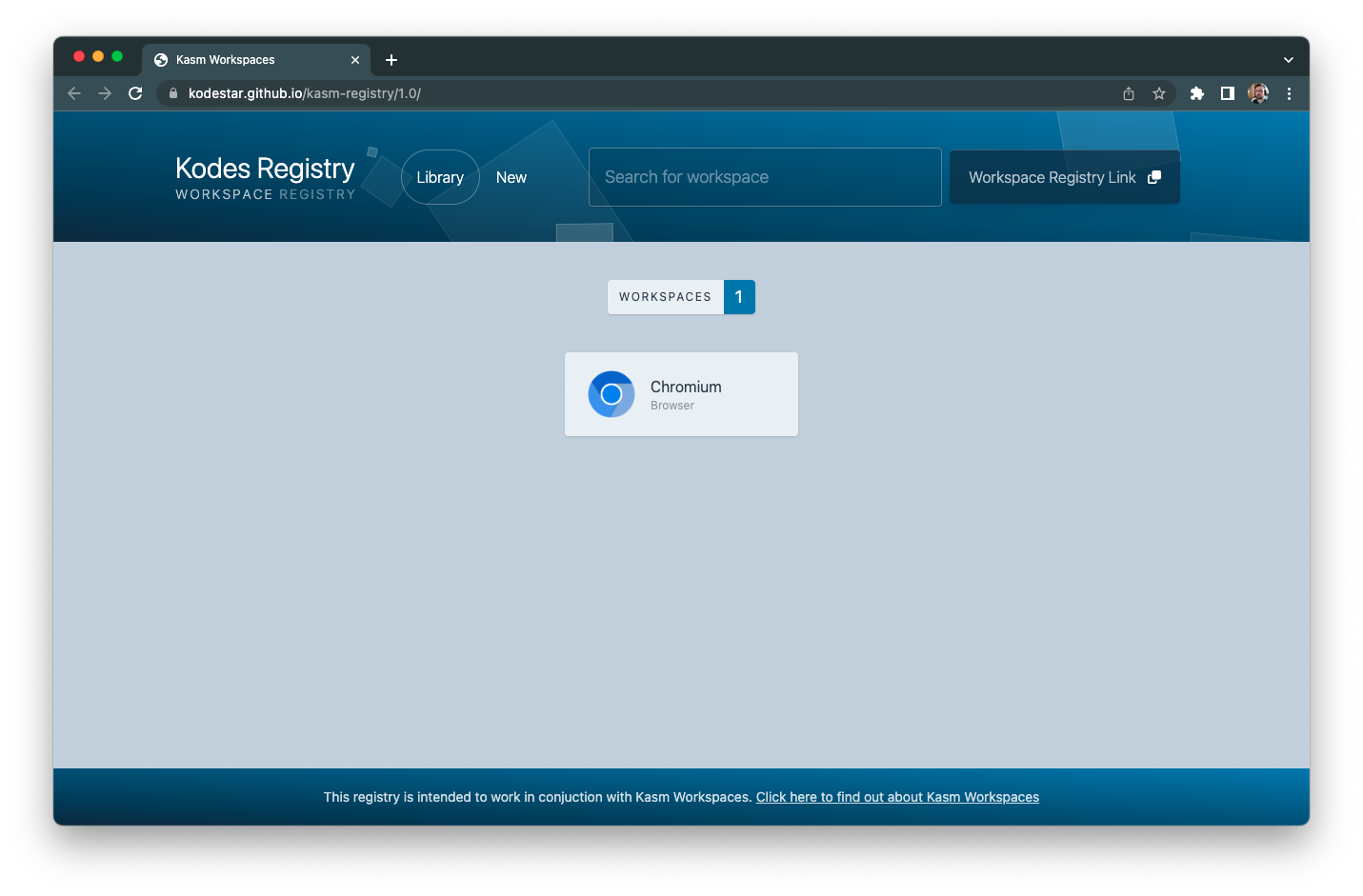
This repository is a custom registry for Kasm Workspaces. A front end website is automatically generated and hosted on GitHub Pages.
A custom workspace containing the Antigravity application.
- Base Image: Ubuntu Jammy 1.16.0
- Features: Pre-installed Antigravity package.
Native Linux version of MikroTik Winbox 4 (Beta).
- Base Image: Ubuntu Jammy 1.16.0
- Features: Native Winbox 4 client.
- Go to your Kasm Workspaces Admin panel.
- Navigate to Workspaces -> Registry.
- Click Add Registry.
- URL:
https://borborborja.github.io/kasm-bor/
- Once the registry is added, you will see the new workspaces listed.
- Click Install on the desired workspace.
To use these workspaces, you must build the Docker images and push them to a registry accessible by your Kasm instance.
cd workspaces/Antigravity
docker build -t your-docker-user/antigravity:latest .
docker push your-docker-user/antigravity:latestcd workspaces/Winbox4
docker build -t your-docker-user/winbox4:latest .
docker push your-docker-user/winbox4:latestNote Update the
workspace.jsonfiles in this repository if you use different image names.
To rebuild the registry list and site locally:
./build_all_branches.sh