Telegram Drive is an open-source, cross-platform desktop application that turns your Telegram account into an unlimited, secure cloud storage drive. Built with Tauri, Rust, and React.
This specific fork has been heavily optimized for users with low bandwith accessing the Telegram API through a VPN. It includes custom network polling, automatic multi-DC fallback, exponential backoff retries for high-latency connections, and deep API optimizations to minimize round trips.



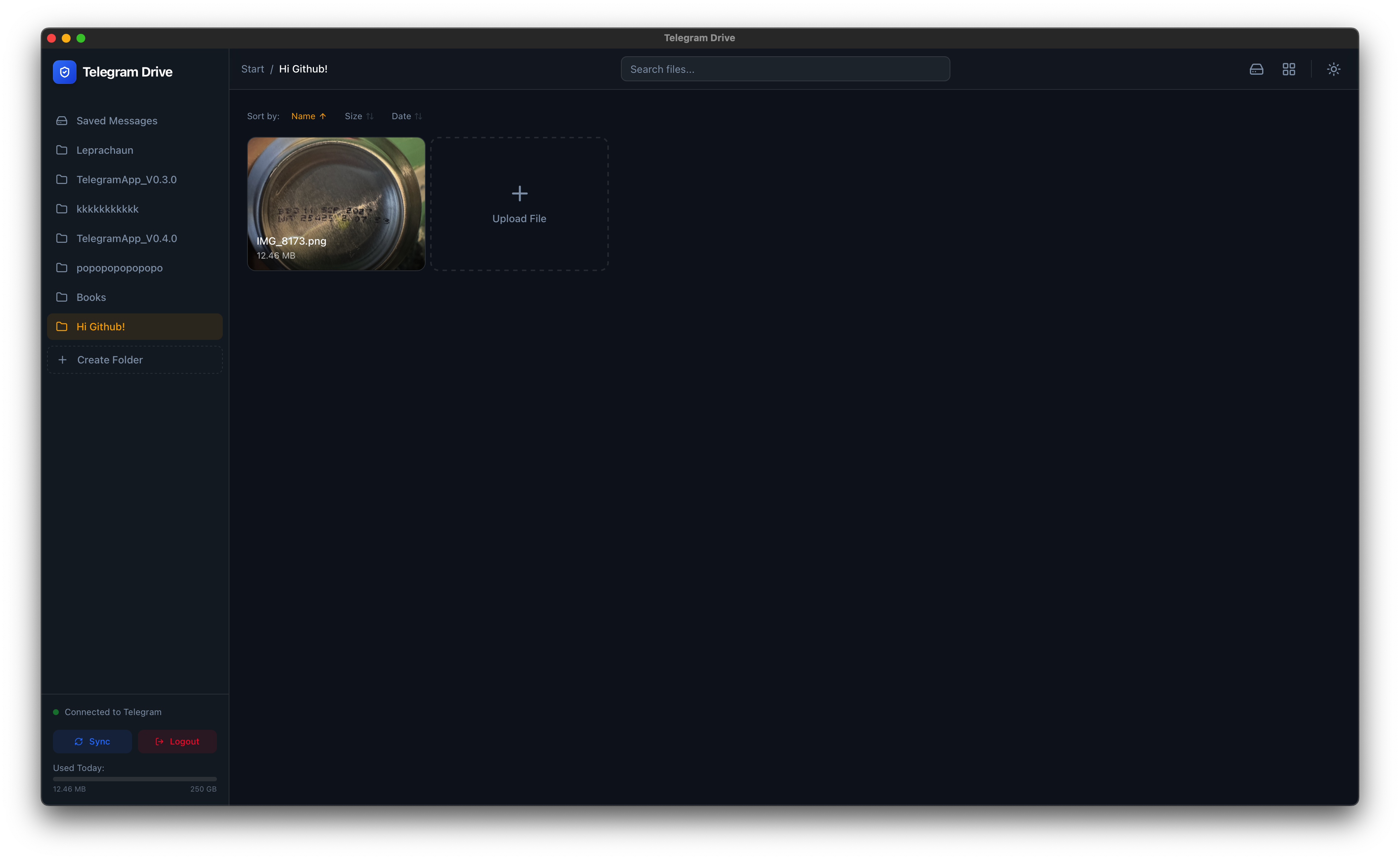
Telegram Drive leverages the Telegram API to allow you to upload, organize, and manage files directly on Telegram's servers. It treats your "Saved Messages" and created Channels as folders, giving you a familiar file explorer interface for your Telegram cloud.
- Unlimited Cloud Storage: Utilizing Telegram's generous cloud infrastructure.
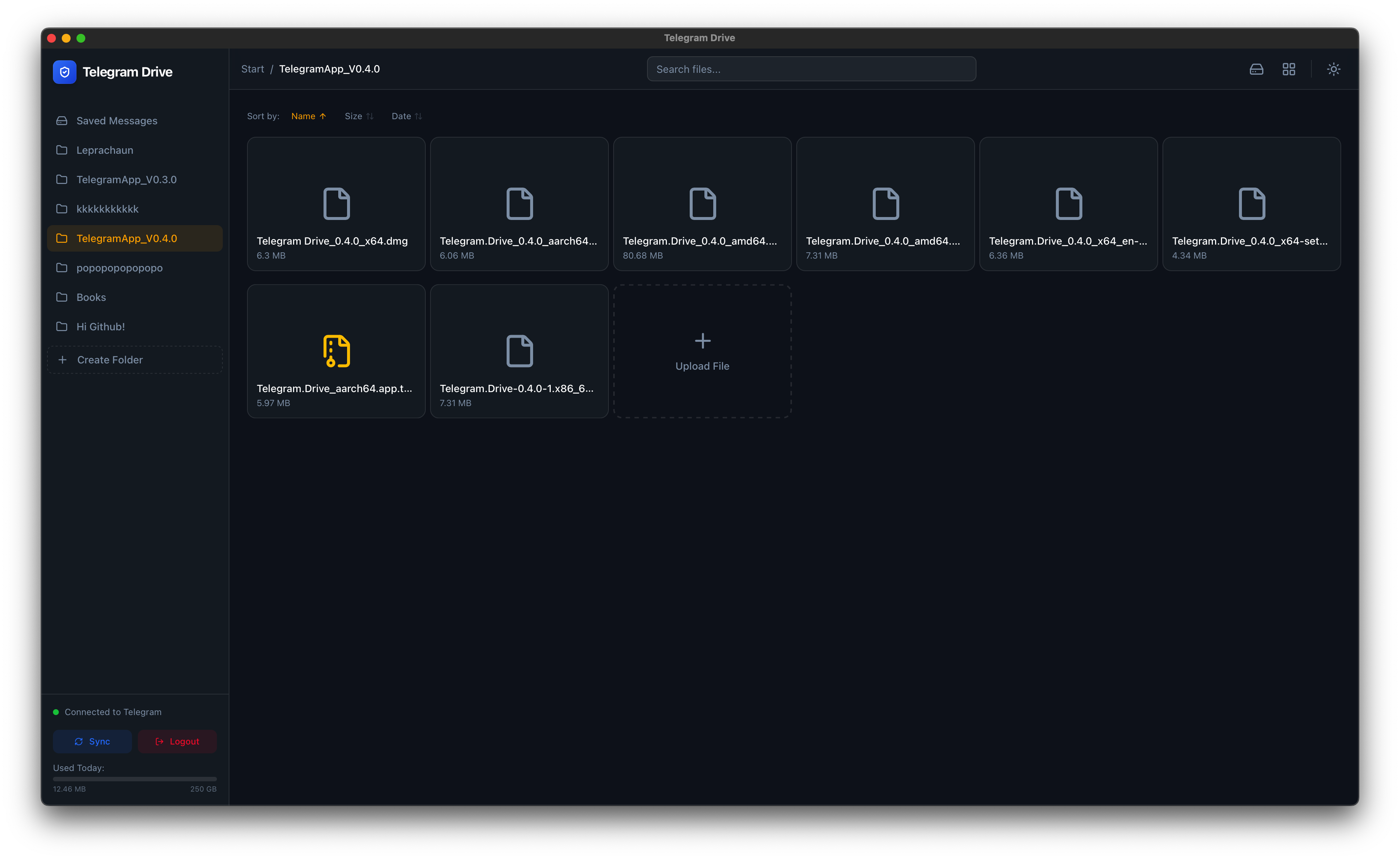
- High Performance Grid: Virtual scrolling handles folders with thousands of files instantly.
- Auto-Updates: Seamless updates for Windows, macOS, and Linux.
- Media Streaming: Stream video and audio files directly without downloading.
- Drag & Drop: Intuitive drag-and-drop upload and file management.
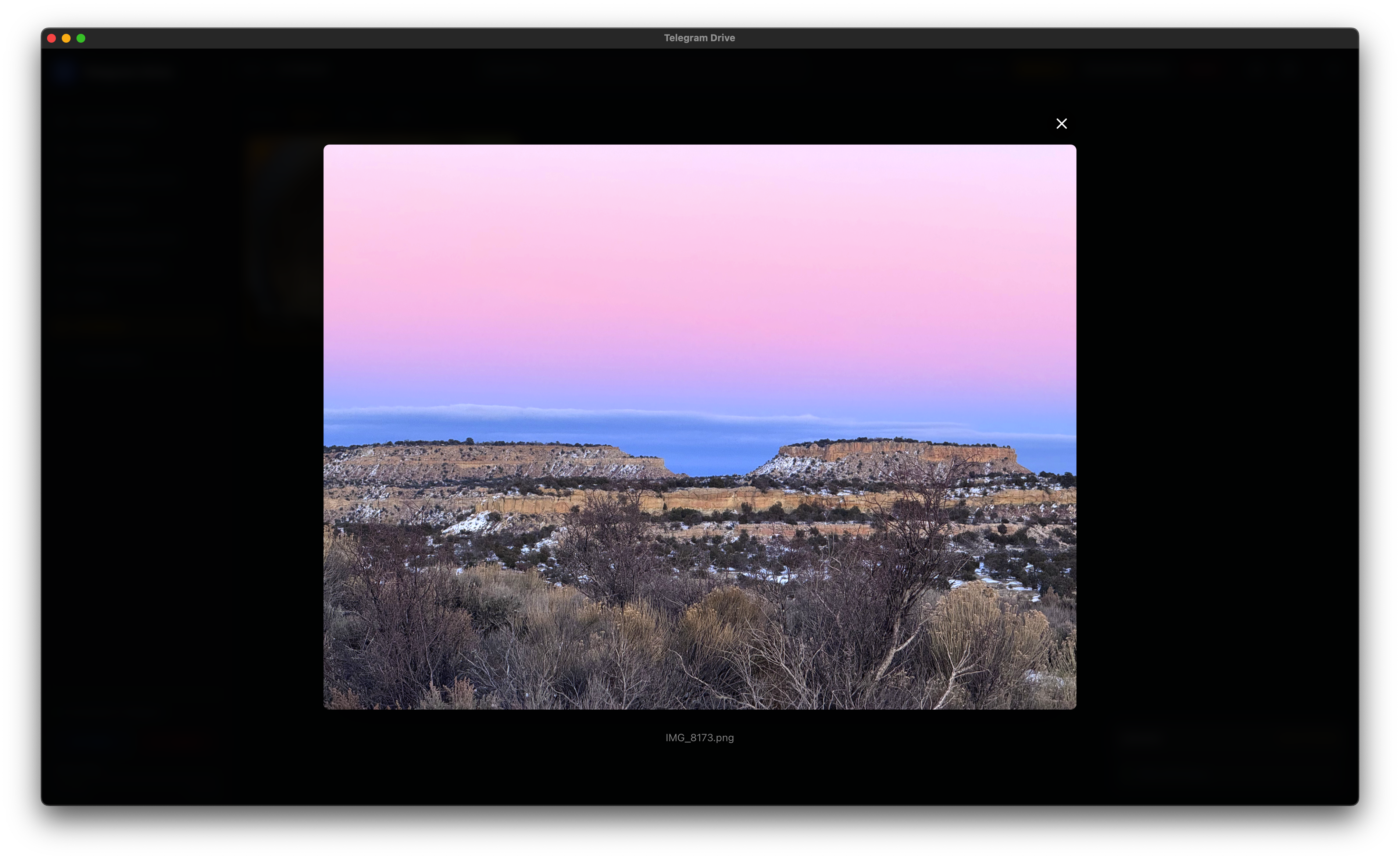
- Thumbnail Previews: Inline thumbnails for images and media files.
- Folder Management: Create "Folders" (private Telegram Channels) to organize content.
- Privacy Focused: API keys and data stay local. No third-party servers.
- Cross-Platform: Native apps for macOS (Intel/ARM), Windows, and Linux.
This version includes specific backend enhancements to handle the high latency, packet loss, and connection instability common when routing Telegram traffic through VPNs from China:
- Multi-DC Network Checks: Attempts connections across 5 different Telegram Data Centers (DC1-DC5) to find the most stable route, rather than relying on a single hardcoded IP.
- Latency-Tolerant Timeouts: TCP connection timeouts increased from 2s to 8s.
- Exponential Backoff & Retries: Uploads and downloads are wrapped in a custom retry handler that automatically recovers from broken pipes and EOF errors typical of unstable tunnels.
- Flood Wait Handling: Automatically detects and sleeps during Telegram API
FLOOD_WAITrate limits before transparently resuming operations. - O(1) Peer Resolution: Implements an in-memory
HashMapcache for Telegram peers, eliminating the need to iterate through hundreds of dialogs (saving 30+ seconds of API round trips on each file operation). - Direct Message Fetching: Replaced O(n) message iteration with targeted
get_messages_by_idcalls for instant file downloads and thumbnail generation. - Adaptive Polling: Frontend network polling intelligently scales from 30s to 45s to reduce unnecessary VPN traffic while remaining responsive.
- Resilient Authentication: Initial connections and
get_mepings include retry loops to prevent accidental logouts on temporary network drops.
| Dashboard | File Preview |
|---|---|
 |
 |
| Grid View | Authentication |
|---|---|
 |
 |
| Audio Playback | Video Playback |
|---|---|
 |
 |
| Auth Code Screen | Upload Example |
|---|---|
|
 |
| Folder Creation | Folder List View |
|---|---|
 |
 |
- Frontend: React, TypeScript, TailwindCSS, Framer Motion
- Backend: Rust (Tauri), Grammers (Telegram Client)
- Build Tool: Vite
- Node.js (v18+): Download here
- Rust (latest stable): Required to compile the Tauri backend. Install via rustup:
- macOS/Linux:
curl --proto '=https' --tlsv1.2 -sSf https://sh.rustup.rs | sh - Windows: Download and run
rustup-init.exefrom rustup.rs - Verify installation: run
rustc --versionandcargo --versionin your terminal.
- macOS/Linux:
- OS-Specific Build Tools for Tauri:
- macOS: Xcode Command Line Tools (
xcode-select --install). - Linux (Ubuntu/Debian):
sudo apt update && sudo apt install libwebkit2gtk-4.1-dev build-essential curl wget file libxdo-dev libssl-dev libayatana-appindicator3-dev librsvg2-dev - Windows (CRITICAL): You must install the Visual Studio Build Tools. During installation, select the "Desktop development with C++" workload. Without this, you will get a
linker 'link.exe' not founderror. - Windows (WebView2): Windows 10/11 users usually have this pre-installed. If not, download the WebView2 Runtime.
- Reference: See the official Tauri v2 Prerequisites Guide for detailed instructions.
- macOS: Xcode Command Line Tools (
- Telegram API Credentials: You need your own API ID and API Hash to communicate with Telegram's servers.
- Log into my.telegram.org.
- Go to "API development tools" and create a new application to get your
api_idandapi_hash.
Note
First-run Compile Time: The initial build (npm run tauri dev or npm run tauri build) will download and compile over 300 Rust crates. This process can take 5 to 15 minutes depending on your hardware. Subsequent builds will be much faster.
Tip
NPM Vulnerabilities: You may see vulnerability warnings during npm install. These are usually related to build tools and dev dependencies. You can optionally run npm audit fix, but it is not strictly required to run the app.
-
Clone the repository
git clone https://github.com/caamer20/Telegram-Drive-ForVPNs cd Telegram-Drive-ForVPNs -
Install Dependencies
cd app npm install -
Run in Development Mode
npm run tauri dev
-
Build/Compile
npm run tauri build
This project is Free and Open Source Software. You are free to use, modify, and distribute it.
Licensed under the MIT License.
Disclaimer: This application is not affiliated with Telegram FZ-LLC. Use responsibly and in accordance with Telegram's Terms of Service.