Husky Interview Prep is an AI-powered interview preparation tool designed to help job seekers excel in their interviews. This application simulates real interview scenarios, providing instant feedback and coaching to improve your interview skills.
- Job Analysis: Automatically extracts key skills, values, and requirements from job descriptions
- Personalized Questions: Generate interview questions as well as follow-up questions based on the job description and your resume
- Voice Interaction: Practice answering questions verbally and get your responses transcribed
- AI Feedback: Receive detailed feedback on clarity, relevance, and confidence of your answers
- Model Answers: View AI-generated sample answers to learn effective response strategies
- Text-to-Speech: Hear questions read aloud in different accents for a realistic experience
- Exportable Results: Save your practice sessions as HTML files for later review
- Backend: Flask, Python
- AI: Together AI API (LLama 3), Speech Recognition
- Frontend: HTML, CSS, Alpine.js, TailwindCSS
- Speech Processing: Text-to-Speech, Speech-to-Text conversion
(Click to see the video)
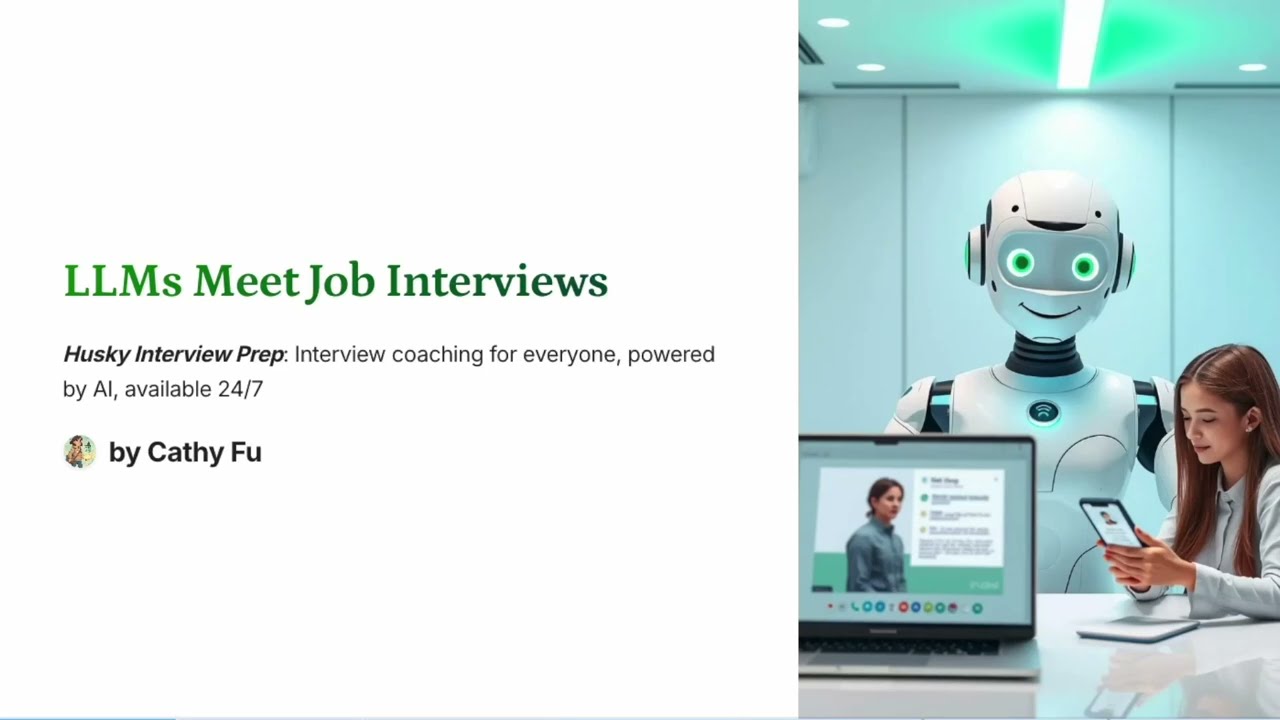
(Click to see the video)
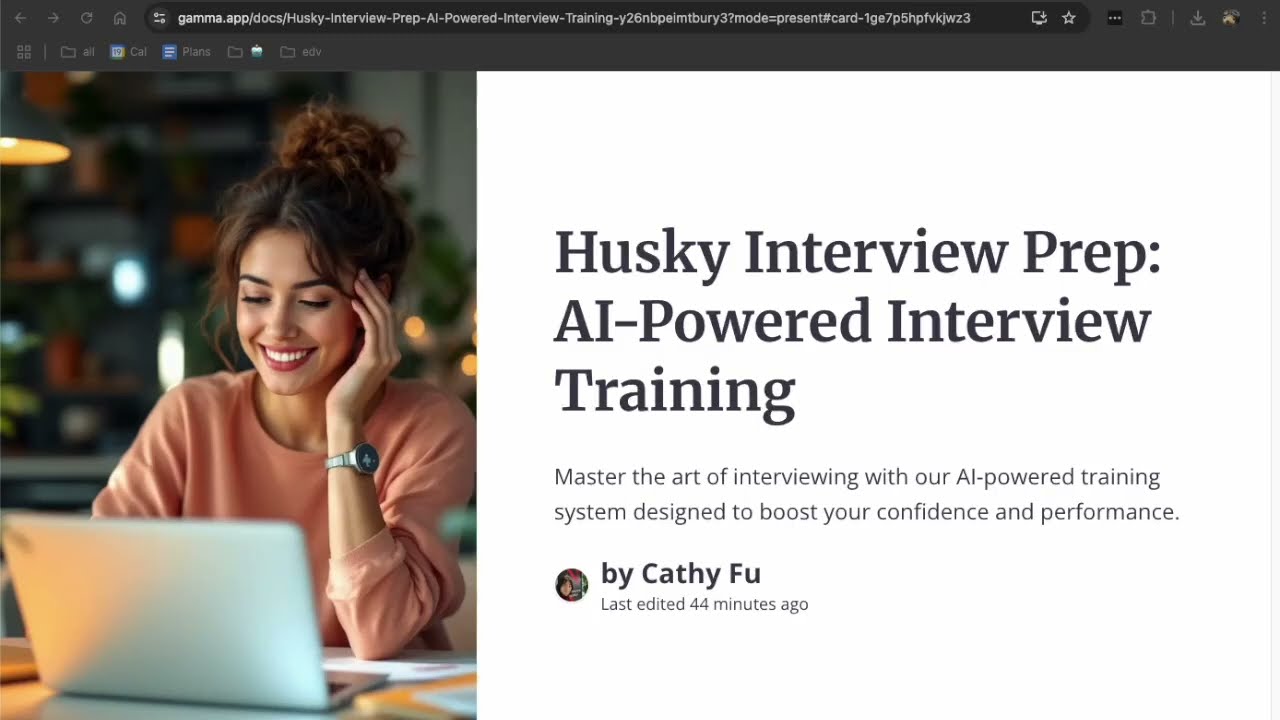
https://gamma.app/docs/Job-Application-Accelerator-6j7oxopdrchd1kv

First, clone the repository to your local machine:
git clone https://github.com/your-username/huskyinterviewprep.git
cd huskyinterviewprep
To create and activate a virtual environment:
On macOS/Linux:
python3 -m venv myenv
source myenv/bin/activate
On Windows:
python -m venv myenv
myenv\Scripts\activate
Once inside the virtual environment, install the project’s dependencies using pip:
pip install -r requirements.txt
Create a .env file in the root of the project directory to securely store your API key:
touch .env
Then open the .env file and add your TOGETHER_API_KEY like this:
TOGETHER_API_KEY=your-real-api-key-here
Make sure to replace your-real-api-key-here with the actual API key you obtained from Together.
After installing the dependencies, run the Flask application:
python flask_app.py


