Improve CI #5
Improve CI #5
Conversation


Matrix buildsGreat work so far! By targeting specific versions of Node, we've configured a build matrix which allow us to test across multiple operating systems, platforms, and language versions. See Configuring a matrix build in GitHub Help if you'd like to learn more. I'll respond when you commit the changes in the comment below. |
![github-learning-lab[bot]](https://avatars.githubusercontent.com/in/10572?s=60&v=4)

Co-authored-by: github-learning-lab[bot] <37936606+github-learning-lab[bot]@users.noreply.github.com>
New JobGreat, if you look at the logs now, you'll notice that multiple builds will exist: 4 build to be exact! That's because for each of the 2 operating systems we're running tests against 2 versions so: 2 OS ✖️ 2 Node.js versions = 4 builds. Our custom workflow now accounts for:
Step 9: Use multiple jobs
Let's now try to create a dedicated test job and satisfy the second item in our custom workflow checklist. This will allow us to separate the build and test functions of our workflow into more than one job that will run when our workflow is triggered. Activity: Edit your workflow file to separate build and test jobs
If you'd like to copy and paste the full workflow file instead, click here to see it in its entirety.name: Node CI
on: [push]
jobs:
build:
  runs-on: ubuntu-latest
  steps:
    - uses: actions/checkout@v2
    - name: npm install and build webpack
      run: |
        npm install
        npm run build
test:
  runs-on: ubuntu-latest
  strategy:
    matrix:
      os: [ubuntu-latest, windows-2016]
      node-version: [12.x, 14.x]
  steps:
  - uses: actions/checkout@v2
  - name: Use Node.js ${{ matrix.node-version }}
    uses: actions/setup-node@v1
    with:
      node-version: ${{ matrix.node-version }}
  - name: npm install, and test
    run: |
      npm install
      npm test
    env:
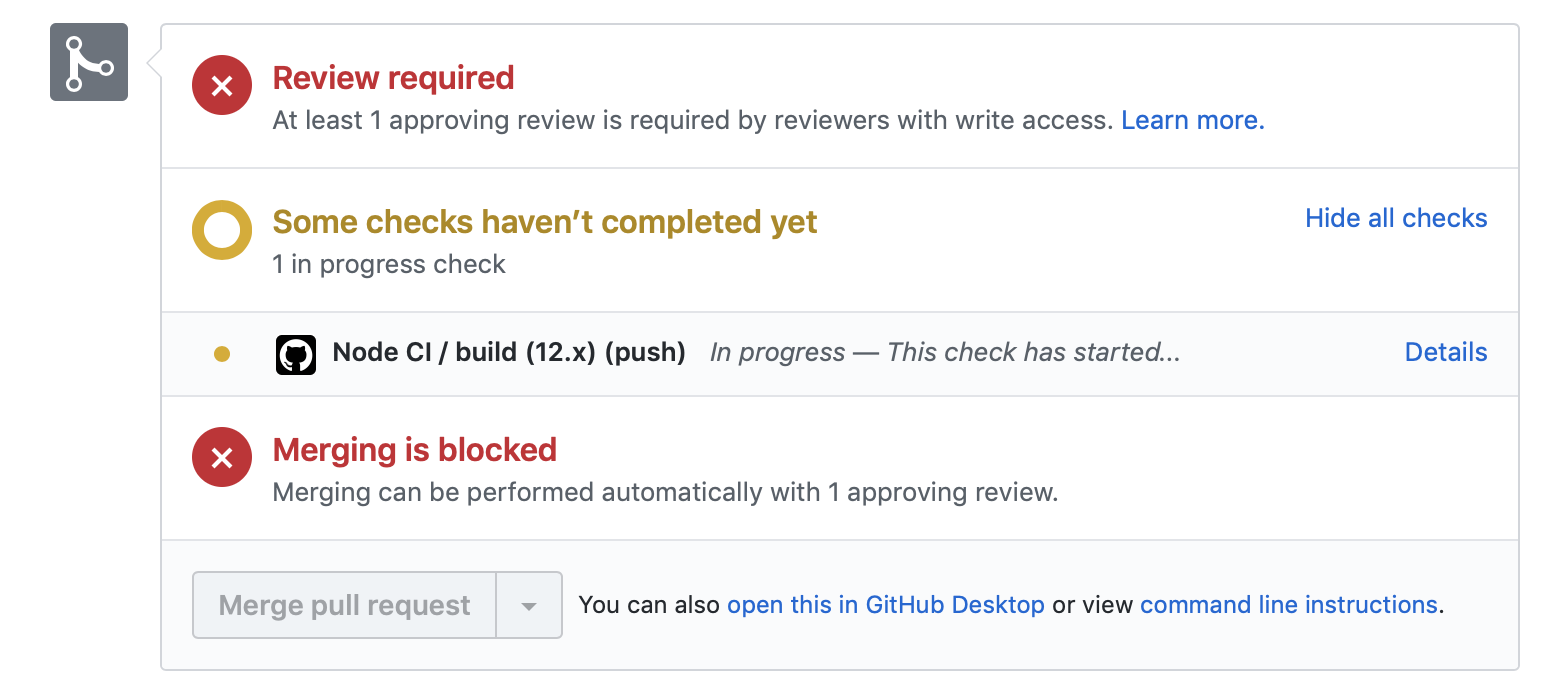
CI: trueWhen you commit to this branch, the workflow should run again. I'll respond when it is finished running. Actions workflow not running? Click hereWhen a GitHub Actions workflow is running, you should see some checks in progress, like the screenshot below.
If the checks don't appear or if the checks are stuck in progress, there's a few things you can do to try and trigger them:
|


No description provided.