A premium, reproducible NixOS configuration featuring Home Manager, GNOME, and Hyprland, built with modern Nix Flakes.
DotFlakes is designed to be a stable, aesthetic, and highly productive base system. It prioritizes system-level management while keeping the environment visually polished and functionally robust. It is built to complement application-specific configurations like Kiddots.
DotFlakes combines the best tools in the Nix community for a seamless experience:
- NixOS: The foundation of the system.
- Flakes: For reproducible and versioned configuration.
- Home Manager: Declarative user environment management.
- Nix-Direnv: Fast, automatic shell environments.
- GNOME: A polished, stable DE with customized extensions.
- Hyprland: A dynamic tiling Wayland compositor for high productivity.
- Stylix: Consistent system-wide theming.
- Zsh: Enhanced with Starship prompt.
- Kitty: Fast, GPU-accelerated terminal.
- Neovim / Tmux: Core development tools.
- Lazygit / Lazydocker / OpenCode: CLI productivity interfaces.
- Python 3.14, Go, Ruby, Node.js 24 (via pnpm).
If you already have NixOS installed and just want to switch to this configuration:
- Clone the repository:
git clone https://github.com/cesargomez89/dotflakes ~/dotflakes
cd ~/dotflakes
- Setup Hardware:
Generate your hardware config if you haven't already:
nixos-generate-config --show-hardware-config > nixos/hardware-configuration.nix - Apply Configuration:
sudo nixos-rebuild switch --flake .#nixos
See the detailed INSTALL.md guide for instructions on installing from scratch using the NixOS ISO.
DotFlakes provides a consistent set of shortcuts across both GNOME and Hyprland where possible.
These apply to both environments or are the primary app triggers.
| Key | Action |
|---|---|
<Super> + Return |
Open Terminal (Kitty) |
<Super> + B |
Open Browser (Chrome) |
<Super> + E |
Open File Manager (Nautilus) |
<Super> + C |
Open Chat (Slack) |
<Super> + Y |
Open Music (YouTube Music) |
<Super> + R |
Change Wallpaper (Random) |
<Super> + Q |
Close Window |
<Super> + Backspace |
Log Out / Exit |
| Key | Action |
|---|---|
<Super> |
Overview / Activity search |
<Super> + Tab |
Switch Applications |
| Key | Action |
|---|---|
<Super> + Space |
App Launcher (Walker) |
<Super> + P |
Notification Center (SwayNC) |
<Super> + L |
Lock Screen (Hyprlock) |
Print |
Take Screenshot (Hyprshot) |
<Super> + [0-9] |
Switch Workspace |
<Super> + V |
Toggle Floating |
<Super> + Arrow Keys |
Move Focus |
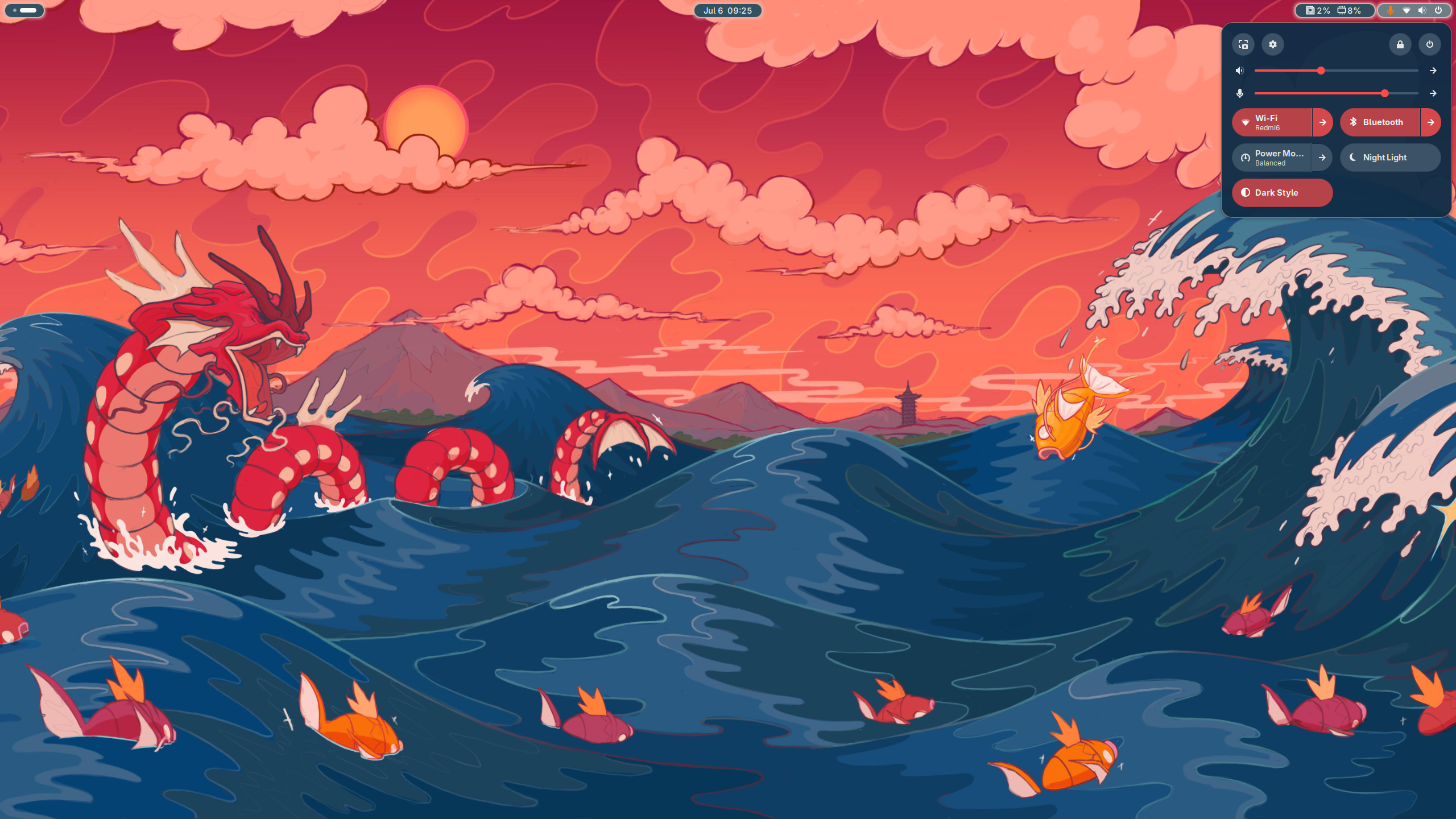
The system includes a custom random-bg script that changes your wallpaper from ~/wallpapers/.
- Auto-change: Triggers every time you log in.
- Manual change: Use
<Super> + Ror click the wallpaper icon in the dock/bar. - Source: Feel free to use my collection:
git clone https://github.com/cesargomez89/wallpapers.git ~/wallpapers
The GNOME environment is enhanced with:
- Open Bar: Beautifully customized top panel.
- Tiling Shell: Optional tiling window management for GNOME.
- Blur My Shell: Elegant blur effects.
- Vitals: System monitoring in the panel.
.
├── flake.nix           # Entry point and dependency management
├── home-manager/       # User-level configuration (apps, shell, DEs)
│   ├── gnome.nix       # GNOME settings & extensions
│   ├── hypr.nix        # Hyprland configuration
│   └── home.nix        # Main Home Manager entry
├── nixos/              # System-level configuration
│   ├── configuration.nix # Core system settings
│   └── hardware-configuration.nix # Hardware specific settings
└── README.md           # You are here
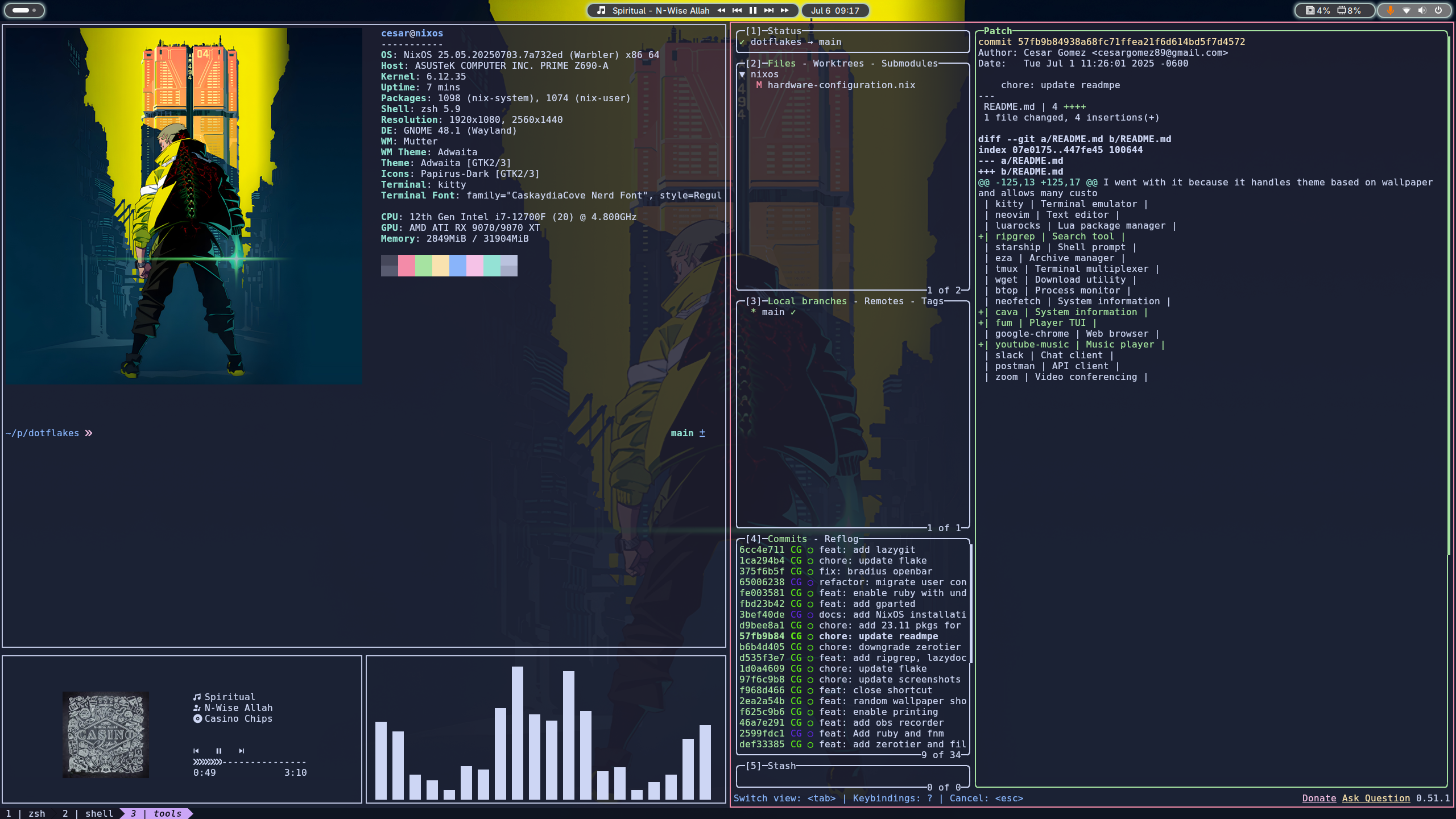 A look at the clean, productive workspace.
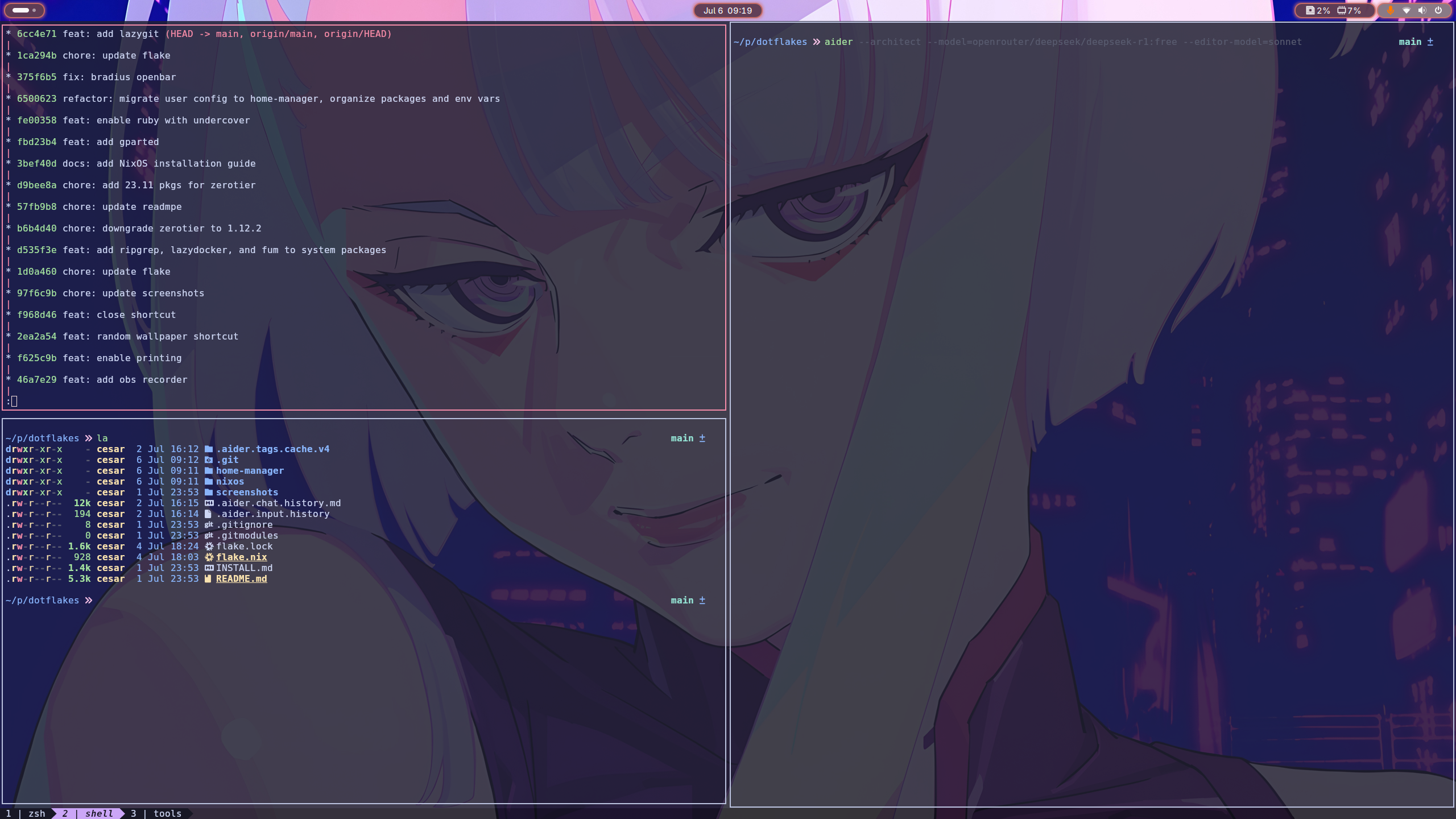
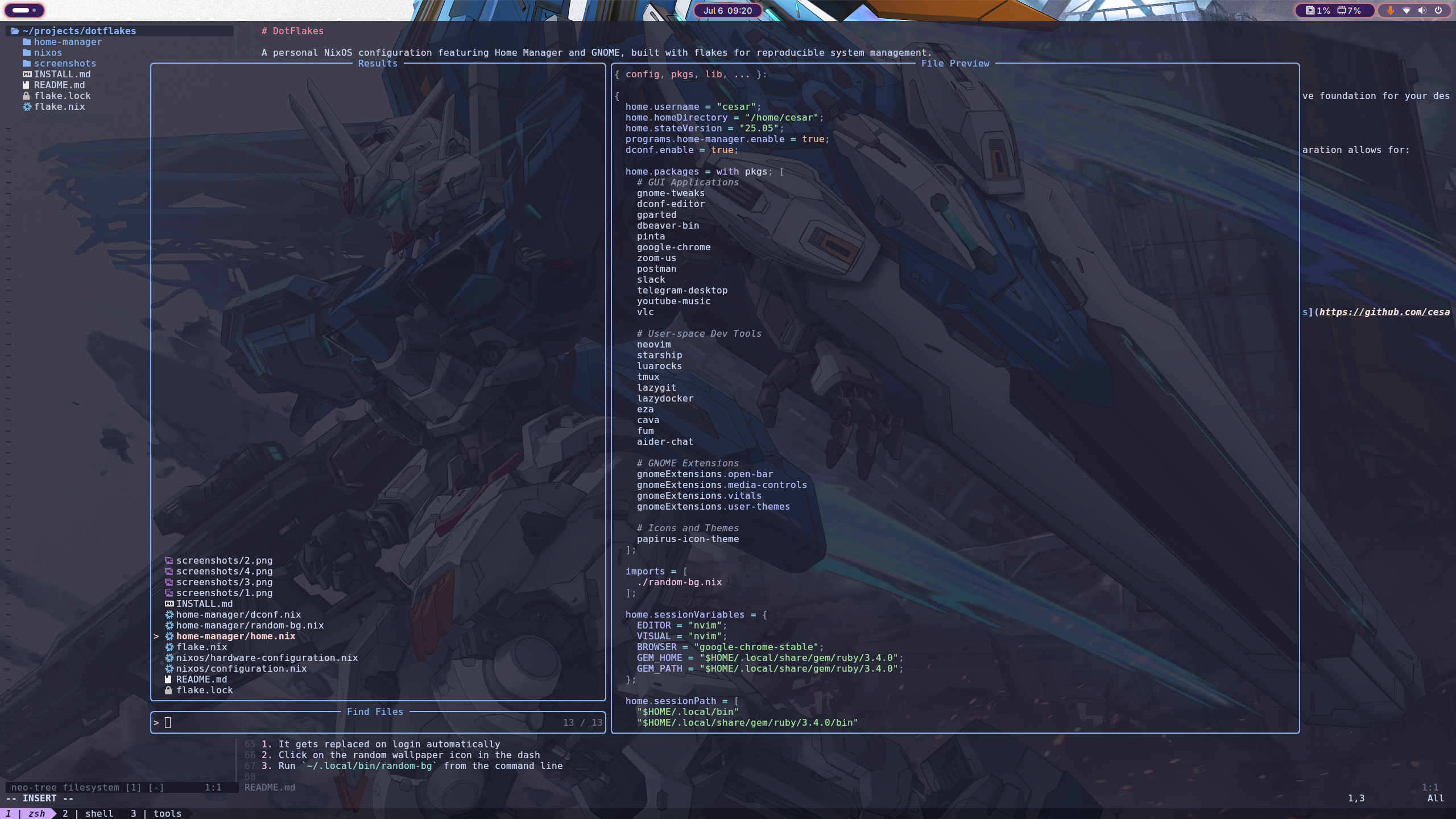
View More Screenshots
This is my personal configuration, but I'm happy to accept suggestions, bug reports, or forks. Feel free to open an issue or a PR!