- Noteskins on Options Menu
- Updating this entire file because it's outdated at the moment lol
- Softcoded Judgement Skins
- Separated Noteskins for each Player (already possible with lua so...)
- Fix all current issues with Opponent Mode
- 01-13-22: did remove the additional hitsounds, now for the hard part I suppose!
- 01-15-22: imma just make hitsounds less louder for now, softcoded ones will be added eventually, not on 0.3
- 01-18-21: Actually, Hitsounds are already Softcoded, just place your Hitsound on "mods/sounds" with the name "Tick.ogg", for Chart Editor Sounds, do "ChartingTick.ogg", that's about it!
a fork of Psych Engine which adds a bunch of features from Pull Requests around the Main Branch, and even other forks! Credits:
- CharlesCatYT - hi I archived this shit, thanks
- crowplexus - Base Engine - https://github.com/crowplexus/FNF-BedrockEngine
- CerBor - Difficulty Drop Down on Chart Menu - ShadowMario/FNF-PsychEngine#2896
- HiroMizuki - Pixel Note Splashes - ShadowMario/FNF-PsychEngine#1792
- lemz1 - Play as Opponent - ShadowMario/FNF-PsychEngine#2770
- l1ttleO - Made ProjectFNF 2.X, Original Hit Sound Code, Miss Sounds Toggle - https://github.com/l1ttleO/ProjectFNF
- magnumsrtisswag - Stage Editor - ShadowMario/FNF-PsychEngine#3502
- Starmapo - Time Signatures - ShadowMario/FNF-PsychEngine#3428
- Stilic - Freeplay Bump, Max Optimization, Menu Animations - ShadowMario/FNF-PsychEngine#1809
- Verwex - made Mic'd Up Engine, Winning Icons - https://github.com/Verwex/Funkin-Mic-d-Up-SC
- XtraXD1 - Show/Hide Weeks temporally + Getting/Setting on Source Code - ShadowMario/FNF-PsychEngine#3192
- Yoshubs - made Forever Engine, Main Inspiration - https://github.com/Yoshubs/Forever-Engine-Legacy
- Git
- Haxe (4.2.5)
- VS Community (windows only!)
- Visual Studio Code (for modifying the code itself)
- Lime
- Bracket Pair Colorizer 2
- HXCPP Debugger
- Tabline
for Windows and Mac: https://git-scm.com/downloads
- after installing, open a Command Prompt or Terminal, and type in: haxelib setup
- Linux (Ubuntu and Debian based Distros):
- sudo apt-get update
- sudo apt-get install git -y
Linux (Arch based Distros):
- sudo pacman -Sy git --noconfirm
-
for Windows and Mac: https://haxe.org/download/
-
Linux (Ubuntu and Debian based Distros):
- sudo add-apt-repository ppa:haxe/releases -y
- sudo apt-get update
- sudo apt-get install haxe -y
- mkdir ~/haxelib && haxelib setup ~/haxelib
- Linux (Arch based Distros)
- sudo pacman -Sy haxe --noconfirm
https://my.visualstudio.com/Downloads?q=visual%20studio%202017&wt.mc_id=o~msft~vscom~older-downloads
once you download and install VS Community, on the "Workloads" tab, select "Desktop Development with C++"
near the "Install" button, there's a Drop-Down menu, click on it, Select "Download first, then Install"
now wait until it finishes, it is recommended to reboot your PC once it finishes, but it's not needed at all
-
on Windows: press "Windows+R" and type in "cmd", if you don't like cmd, or you just use something different, open that program instead cmd is usually faster, that's why I'm recommending it!
-
on Some Linux Distros: Press "CTRL+ALT+T" and a Terminal window should open -- although, if you are on linux, you probably know that already
-
on other Linux Distros: Usually in your applications menu, or press Ctrl+Alt+2-6, Ctrl+Alt+7 usually get you back to your desktop
-
on Mac: Press cmd+space and type "Terminal" into spotlight or open Launchpad and look for Terminal type in these commands
- haxelib git discord_rpc https://github.com/Aidan63/linc_discord-rpc
- haxelib git linc_luajit https://github.com/nebulazorua/linc_luajit.git
- haxelib git hxvm-luajit https://github.com/nebulazorua/hxvm-luajit
- haxelib git faxe https://github.com/uhrobots/faxe
- haxelib git polymod https://github.com/MasterEric/polymod.git
- haxelib git extension-webm https://github.com/KadeDev/extension-webm
- haxelib install lime 7.9.0
- haxelib install openfl
- haxelib install flixel
- haxelib install flixel-tools
- haxelib install flixel-ui
- haxelib install hscript
- haxelib install flixel-addons
- haxelib install actuate
- haxelib run lime setup
- haxelib run lime setup flixel
- haxelib run flixel-tools setup
read carefully when it prompts for you to do anything (like: setup the lime command, setup flixel tools, etc)
once it's done, do this command to compile the game
lime test windows
lime test linux
lime test mac
add a "-debug" flag at the end of "lime test "
- Windows and Mac: https://code.visualstudio.com/Download
Linux (Ubuntu and Debian based Distros):
- sudo apt install software-properties-common apt-transport-https wget
- wget -q https://packages.microsoft.com/keys/microsoft.asc -O- | sudo apt-key add -
- sudo add-apt-repository "deb [arch=amd64] https://packages.microsoft.com/repos/vscode stable main"
- sudo apt install code
Linux (Arch based distros):
- sudo pacman -Sy code
In case you don't want your mod to be able to run .lua scripts, delete the "LUA_ALLOWED" line on Project.xml
Being a Psych Engine fork has it's Perks
2021-12-23.02-40-34.mp4
2021-12-23.02-44-05.mp4
wanna play some FNF but your pc can't run it without crashing every 10 seconds? don't worry, we got the solution!

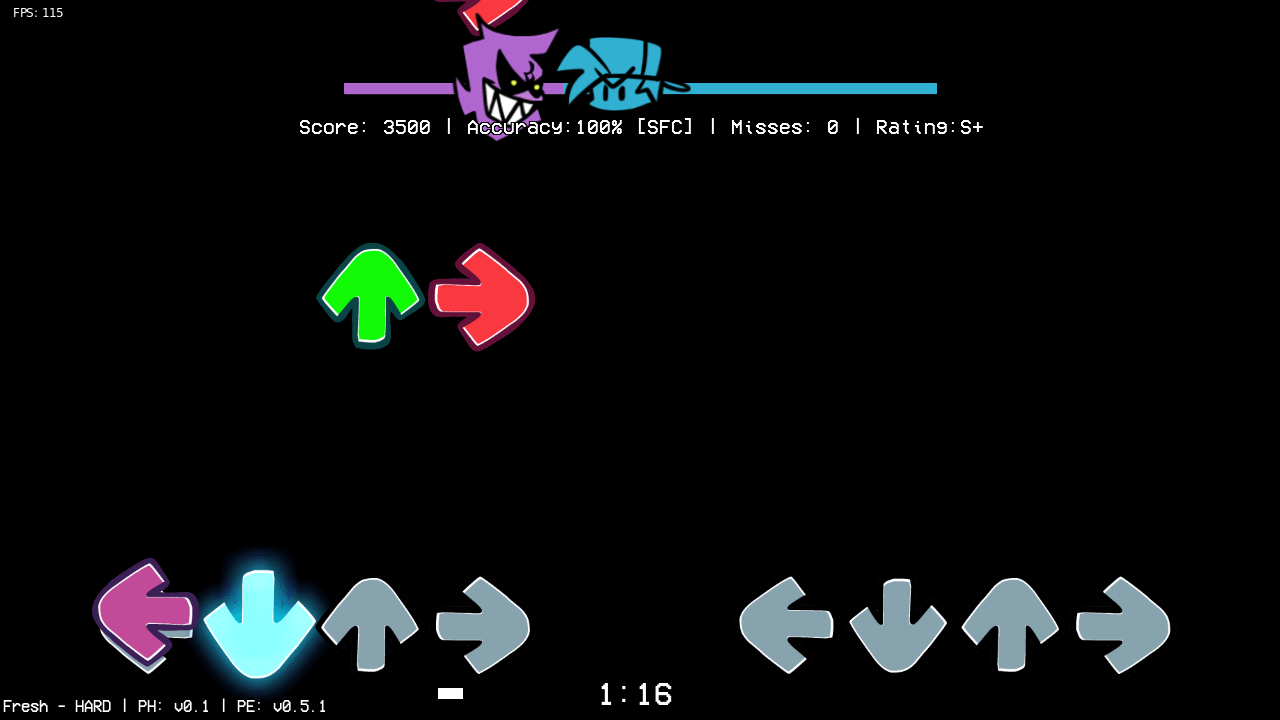
this should be enough for any pc to run!
- QUICK NOTE: This does not disable the HUD, or Note Splashes entirely, it's up to you to disable them in the game options!

- S+ 100% Accuracy.
- S 99.9% Accuracy.
- AAA 99.1% Accuracy.
- AA 98.6% Accuracy.
- B 80% Accuracy.
- C 70% Accuracy.
- D 40% Accuracy or below.
2021-12-31.03-24-17.mp4
can be enabled on the Gameplay Changers menu
2021-12-23.02-53-39.mp4
You can now Change your Judgements' Appearance with the new UI Skins
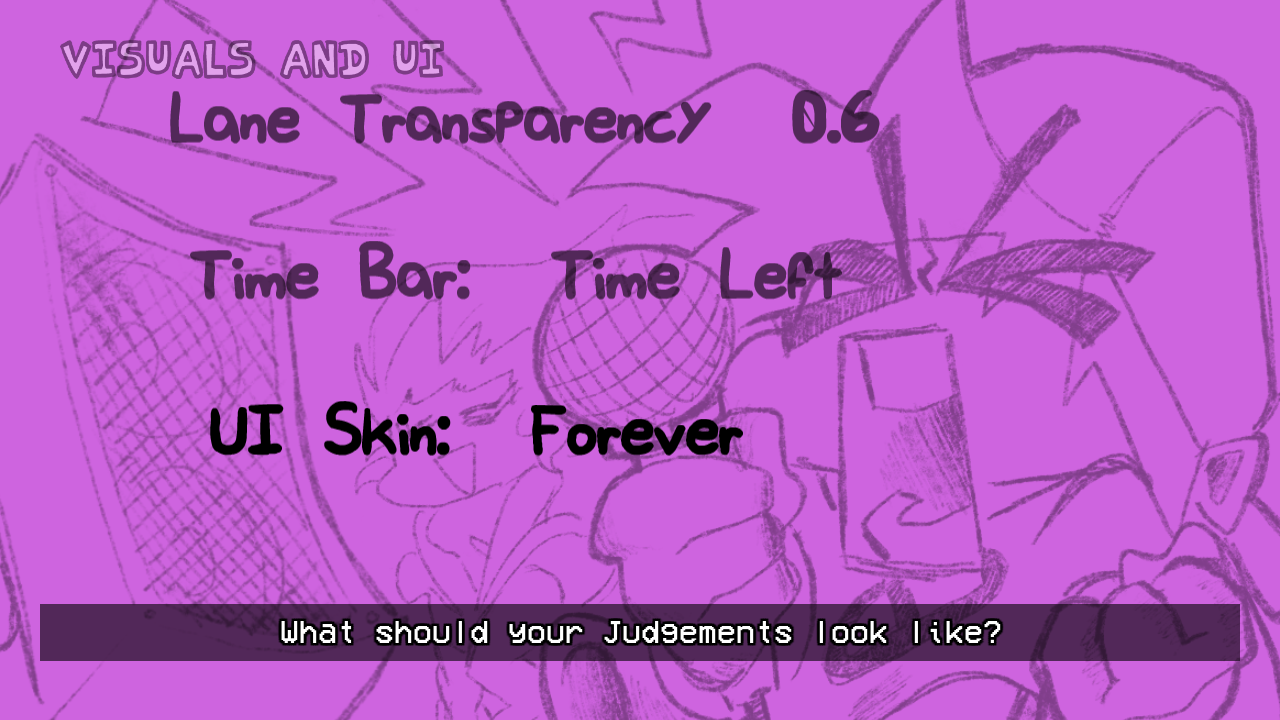

right now this feature is hardcoded, but I plan to make it softcoded soon

i will add more features sooner