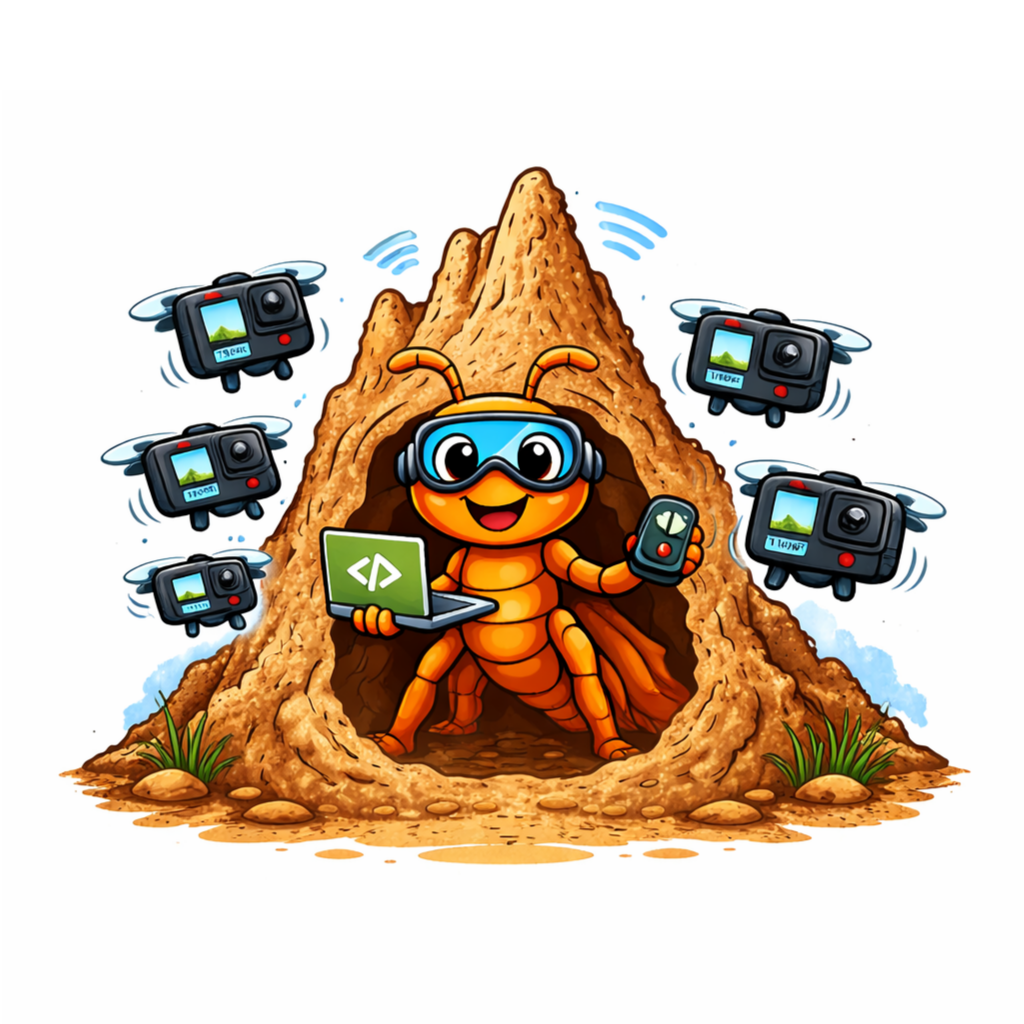






pyTermite is a small toolkit that simplifies discovering, connecting to and
controlling a swarm of GoPro cameras over USB and mDNS. It wraps parts of the
open_gopro library and provides a convenient CLI and small Python API for
automation and testing.
Key features
- Discover GoPro devices via mDNS/USB
- Connect to multiple cameras concurrently
- Query camera info and runtime state
- Start/stop recording on multiple cameras simultaneously
- Interactive REPL and programmatic API
If you want to try out pyTermite quickly, you can install it from PyPI and run the demo script from the GitHub repository:
pip install pyTermite
python -m demo.py
Make sure to put the serial numbers of one or multiple connected cameras in a subdirectory ./config/gopro_serials.json next to demo.py before running the script.
Structure of this file is as follows:
{
  "camera_name": "camera_serial_number"
}
If you want to contribute or run the latest development version, you can clone the repository and install it locally. Create a virtual environment, install dependencies and run the demo script:
git clone https://github.com/cimt-unia/pyTermite.git
cd pyTermite
python -m venv .venv
source .venv/bin/activate
pip install --upgrade pip
pip install -e .After installation, you can use the bundled CLI. Examples:
# discover devices (waits for mDNS / USB discovery)
pytermite scan --timeout 5

# connect to discovered devices automatically
pytermite connect --auto

# connect using explicit serials
pytermite connect --serials S123,S456

# start recording on connected devices
pytermite record start

# disconnect
pytermite disconnectRun the test suite with coverage reporting:
pip install tox --group test
tox r -m test coverageBuild the Sphinx documentation locally and open the generated HTML:
python -m pip install -e . tox --group docs
tox r -m docs
or alternatively use sphinx-autobuild:
python -m pip install -e . tox --group docs
sphinx-autobuild docs/source docs/build/htmlSee CONTRIBUTING.md and the Developer Guide for contribution guidelines and the typical workflow
(pull requests, tests, code style).
This project is licensed under the BSD-3-Clause license (see
LICENSE.txt).
Lukas Behammer — lukas.behammer@uni-a.de