
| SimpliSharp is a C# utility library designed to streamline development with useful extensions, helpers, data processing tools, and logging helpers. |



The SmartDataProcessor<T> is designed to process a queue of items in parallel, while automatically adjusting the level of concurrency to stay within a specified CPU usage limit.
- Dynamic Concurrency: Automatically adjusts the number of worker threads based on real-time CPU load.
- CPU Throttling: Ensures that CPU usage does not exceed a configurable maximum limit.
- Backpressure: The
EnqueueOrWaitmethod blocks when the queue is full or the CPU is saturated, preventing memory overload. - Lazy Initialization: The processing thread pool is only created when the first item is enqueued.
- Configurable: Fine-tune performance with the
SmartDataProcessorSettingsclass. - Event-driven: Subscribe to events for CPU usage changes and exceptions.
- Runtime Control: Pause and resume the processor on the fly.
You can now configure the processor using the SmartDataProcessorSettings class:
var settings = new SmartDataProcessorSettings
{
    MaxCpuUsage = 80, // Target 80% CPU usage
    MaxDegreeOfParallelism = 4, // Use a maximum of 4 threads
    QueueBufferMultiplier = 8 // Set a larger queue buffer
};

using var processor = new SmartDataProcessor<int>(settings);

// Subscribe to events
processor.OnCpuUsageChange += (cpuLoad) => Console.WriteLine($"CPU Load: {cpuLoad:F1}%");
processor.OnException += (ex) => Console.WriteLine($"An error occurred: {ex.Message}");

// Enqueue items
for (int i = 0; i < 100; i++)
{
    processor.EnqueueOrWaitAsync(i, data =>
    {
        // Your processing logic here...
    });
}

// Pause and resume processing
processor.Pause();
Thread.Sleep(5000);
processor.Resume();

processor.WaitForAllAsync().Wait();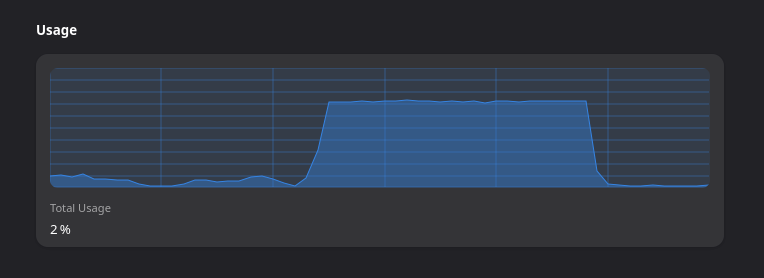
Batching enumerables using Enumerables.Batch(batchSize) or Enumerables.BatchSliding(windowSize) will simply yield the requested batches,
string[] sample = ["Red", "Blue", "Purple", "Black", "Yellow", "Pink"];
string[][] batches = sample.Batch(3).ToArray();

// Batch 1: [Red, Blue, Purple]
// Batch 2: [Black, Yellow, Pink]int[] sample = [1, 2, 3];
int[][] batches = sample.BatchSliding(2).ToArray();
// Batch 1: [1, 2]
// Batch 2: [2, 3]