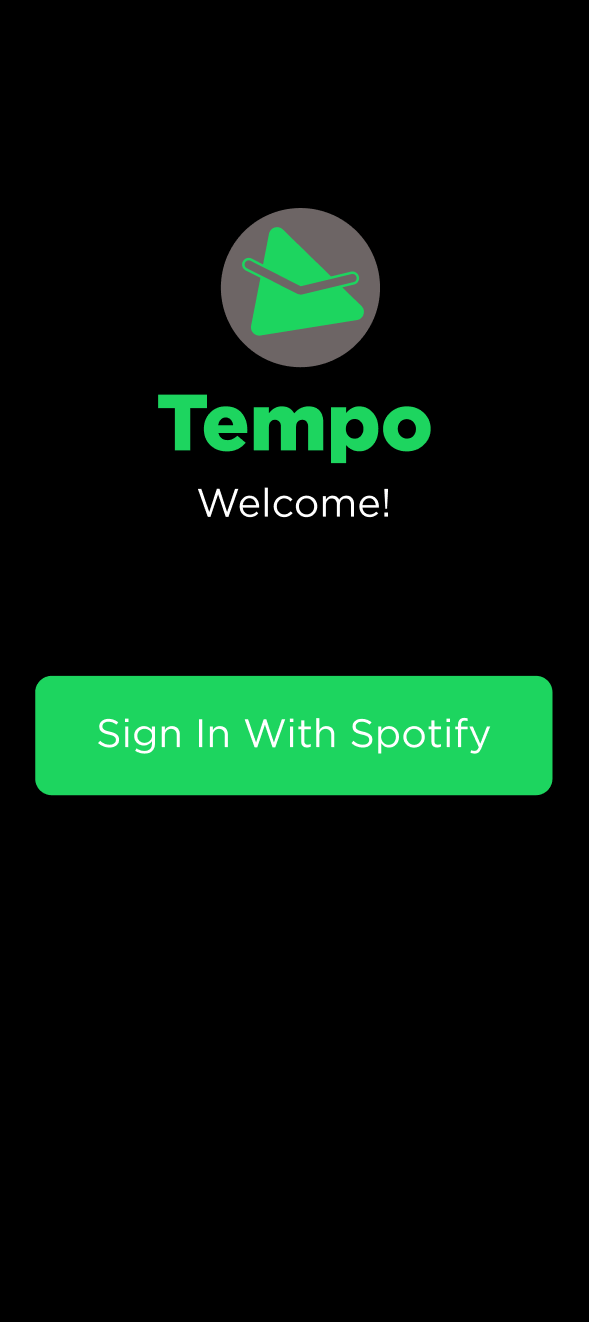
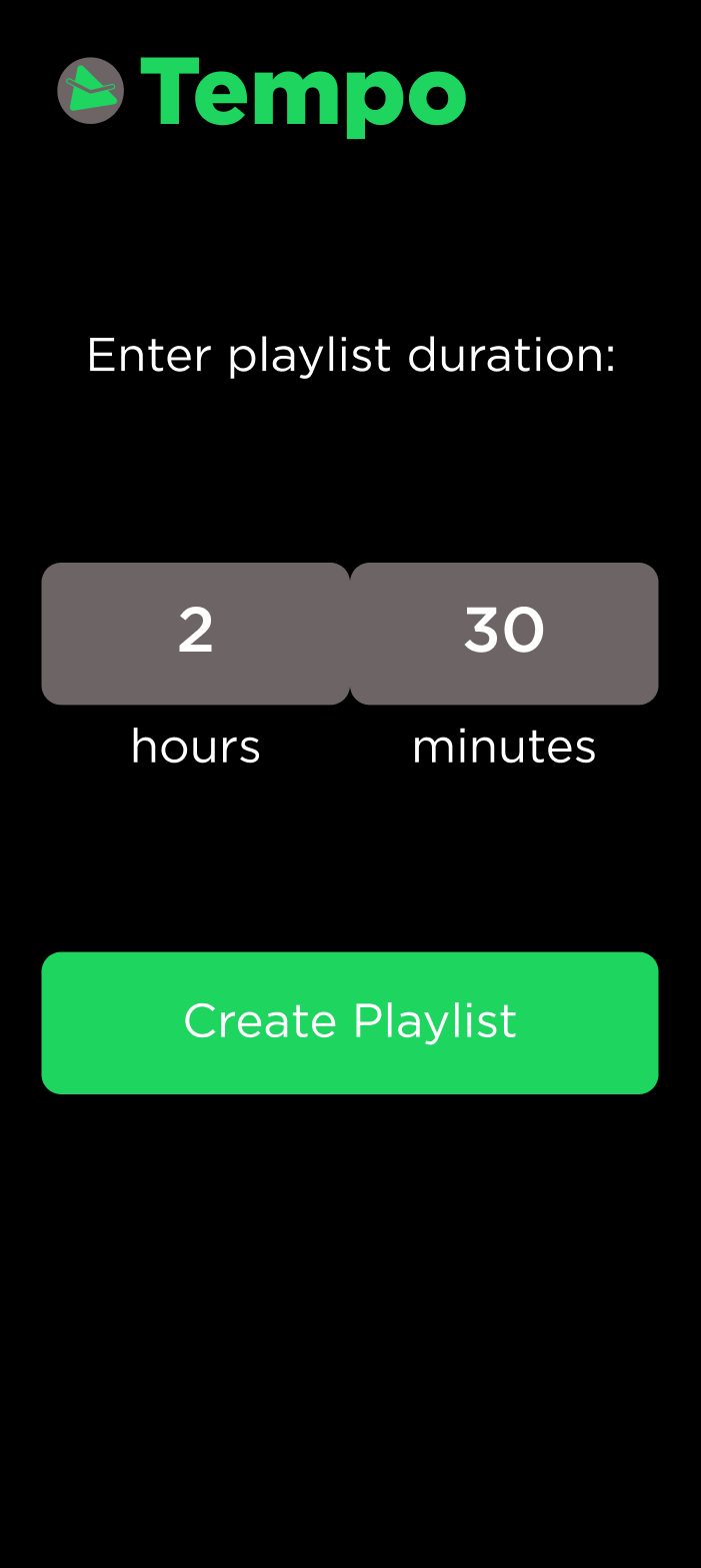
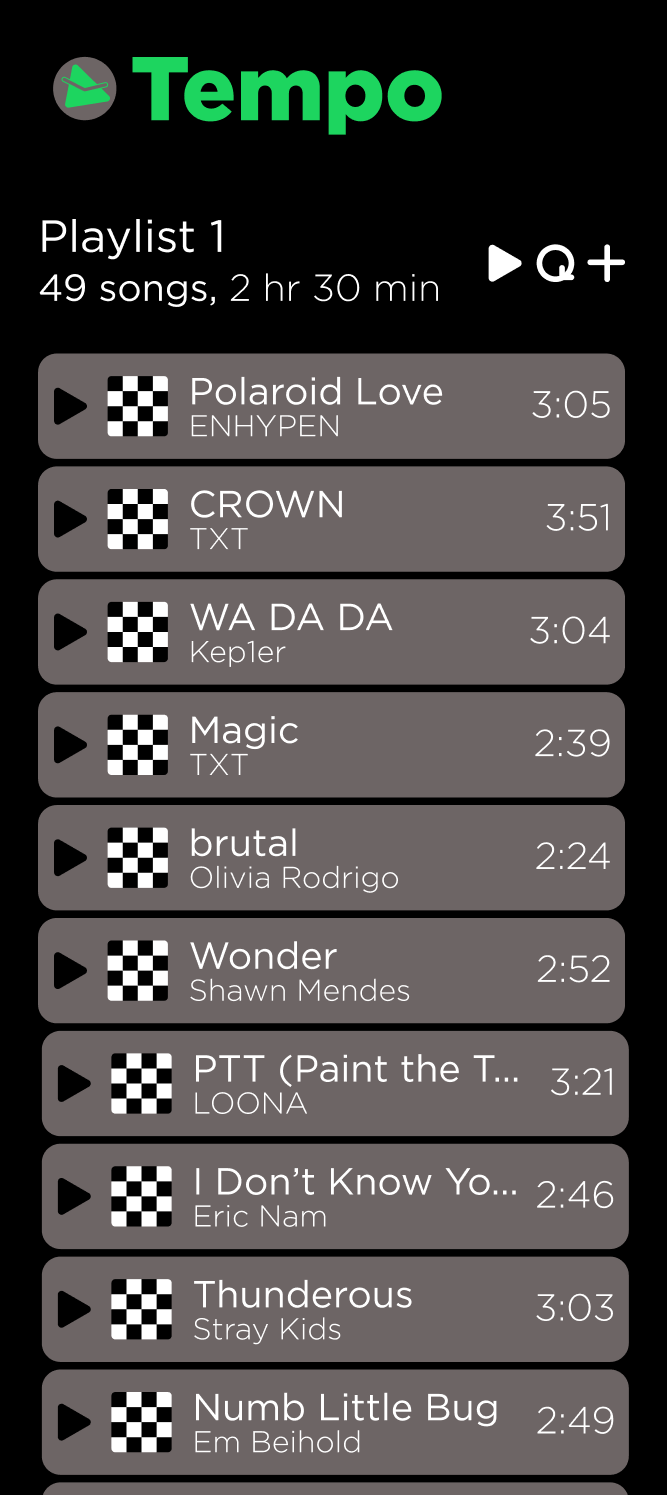
A music app that creates playlists based on song durations to match the duration of a user's task, as inputted in the app.
-
A completed Recycler View with a custom adapter
-
Integration with an API created by backend with use of OkHTTP and Moshi.
-
Use of two 3rd party libraries (We've covered a little bit of Firebase, showcased Glide, or feel free to explore: here are others)
-
At the minimum, three fully functional fragments with some system of navigation.
We have two recycler views: One for the playlist displaying songs, another one for a list of playlist.
We used OkHTTP3, the Spotify OAuth API and Glide
We have four functional fragments: One to login, another one to input the hours and minutes, another one to show the playlist, another one to show the playlists saved, and another one to edit the playlist name.
List of our 4 most important routes in the app:
-
GET /tempo/playlist/<session_token> Get all previously favorited playlists from database
-
POST /tempo/playlist/ Create new playlist from Spotify w/ specified length
-
POST /tempo/playlist/<playlist_id>/edit/ Edit name of favorited playlist
-
DELETE /tempo/playlist/<playlist_id>/ Unfavorite and delete playlist from database
List of our 3 tables used in the app:
Table of users
- 1-to-many relationship w/ playlists
Table of playlists
- Many-to-1 relationship w/ users
- 1-to-many relationship w/ songs
Table of songs
- Many-to-1 relationship w/ playlists
POST /tempo/playlist/
Endpoint for creating a new playlist from Spotify with specified playtime

Returns:
    json: JSON containing list of tracks with total playtime of specified length.
    The returned JSON is the same as the one listed on Spotify's API for getting several tracks at once:
    https://developer.spotify.com/documentation/web-api/reference/#/operations/get-several-tracks
GET /tempo/playlist/<session_token>
Endpoint for getting all favorited playlists of user using their Spotify id.

Args:
    session_token (string): session token for authorization

No request body.

Returns: json of list of user's playlists
GET /tempo/playlist/<playlist_id>/
Endpoint for getting a list of tracks in a playlist using the playlist's id.

Args:
    playlist_id (int): id of the playlist

No request body.

Returns: json of list of tracks (see api)
POST /tempo/playlist/<session_token>/favorite/
Endpoint for "favoriting a playlist" by adding playlist for user (using their session_token)
to playlists table.

Args:
    session_token (string): current session_token of the user

Request body:
{
    "tracks": [
        <spotify_id> (string),
        <spotify_id> (string),
        ...],
    "length": <length of playlist> (int)
}

Returns: new favorited playlist as json
POST /tempo/playlist/<playlist_id>/edit/
Endpoint for editing name of a favorited playlist by playlist's id.

Args:
    playlist_id (int): id of the playlist

Request body:
    title: new title for the playlist

Returns: returns json of updated playlist (see api)
DELETE /tempo/playlist/<playlist_id>/
Endpoint for deleting a playlist by id.

Args:
    playlist_id (int): id of the playlist

No request body.

Returns: returns success message
We utilized session tokens to store Spotify authentication, which was then used to create playlists from personalized recommendations.
The design consists of six screens: login, home, playlist information (with icons), playlist naming, saved playlists, and playlist information (without icons). The features include signing in via Spotify, entering a desired playlist duration, creating a playlist of the specified duration, naming playlists, saving playlists, and viewing saved playlists.
The design started with low-fidelity sketches of the main screens: logging in, inputting playlist duration, displaying playlist information, and displaying saved playlists. The designs were then translated to medium-fidelity sketches and explorations of how the screens may look like. Finally, the designs were finalized in high-fidelity, complete with prototyping of visual designs and element interactions. The interactions involved creating flows for users to go from signing in to seeing a generated playlist of appropriate duration. The visual design involved prominent use of the font Gotham Pro and the colors green, gray, black, and white—with more information detailed in the accompanying UI Kit.
Figma link (Design): https://www.figma.com/file/PyIkCXqdCSrYAWWsa9tpXN/TEMPO?node-id=13%3A2](https://www.figma.com/file/PyIkCXqdCSrYAWWsa9tpXN/TEMPO?node-id=13%3A2)