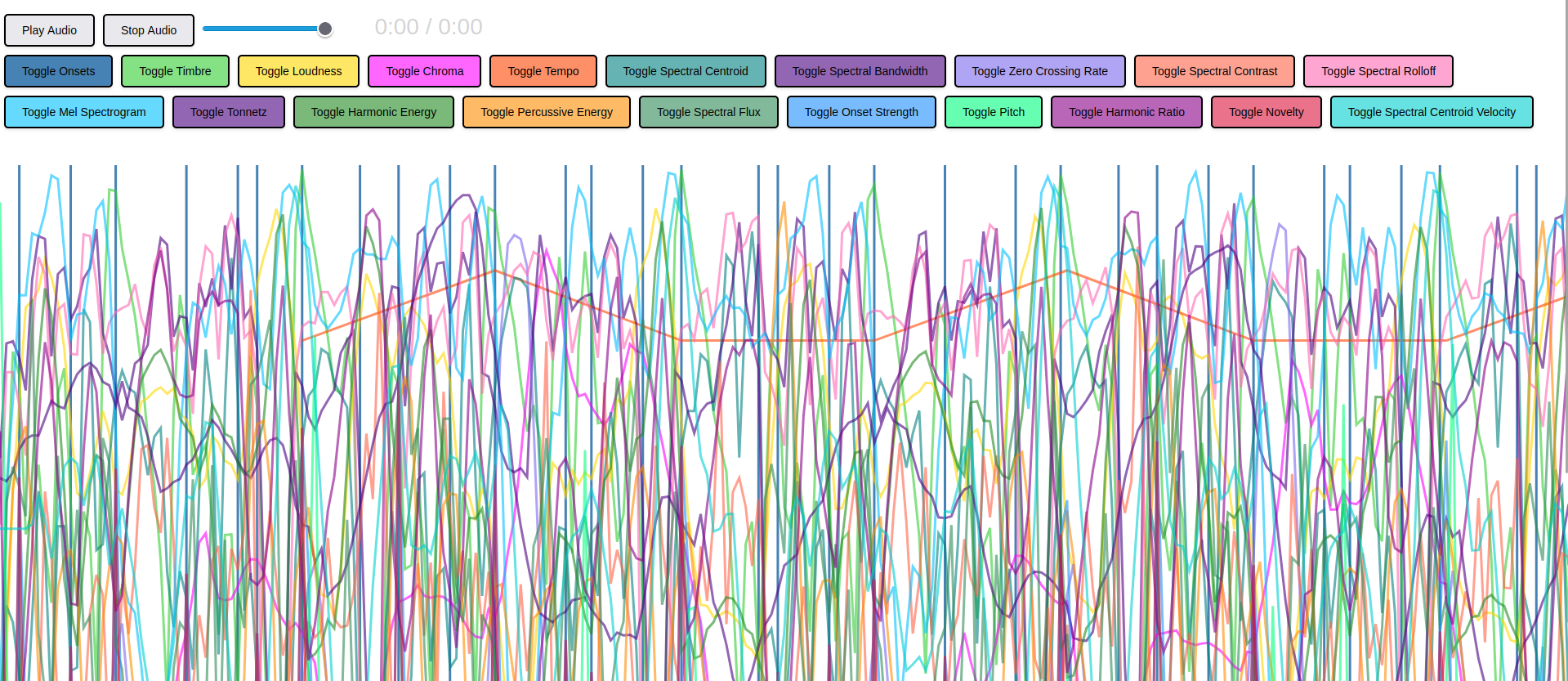
Measure the evolution of onsets, timbre, loudness, chroma, tempo, spectral centroid, spectral bandwidth, zero crossing, spectral contrast, spectral rolloff, mel spectogram, tonnetz, harmonic energy, percussive energy, onset strength, pitch, harmonic ratio, novelty, spectral centroid velocity and spectral flux for any number of audio tracks. Then visualize and interact with your data over time.
Below are the required software programs and instructions for installation and use of this software application.
-
Install the above programs
-
Open a terminal
-
Clone this repository using
gitby running the following command:git clone git@github.com:devbret/detailed-audio-analysis.git -
Navigate to the repo's directory by running:
cd detailed-audio-analysis -
Install the needed dependencies for running the script:
pip install -r requirements.txt -
Add the audio files you wish to analyze to the local
audiofolder -
Run the script:
python3 app.py -
To view the audio analyses with the
index.htmlfile you will need to run:python3 -m http.server
The JSON file this Python script outputs will be very, very large. And takes a prolonged period of time to generate. As an example, putting one Drum And Bass track through this program produces almost 600 MB of data and took sixty seconds to compute.
Also, your browser may have a difficult time loading and displaying excessively sized JSON files. I find Firefox to be the most compatible internet browser when viewing the frontend of this application.