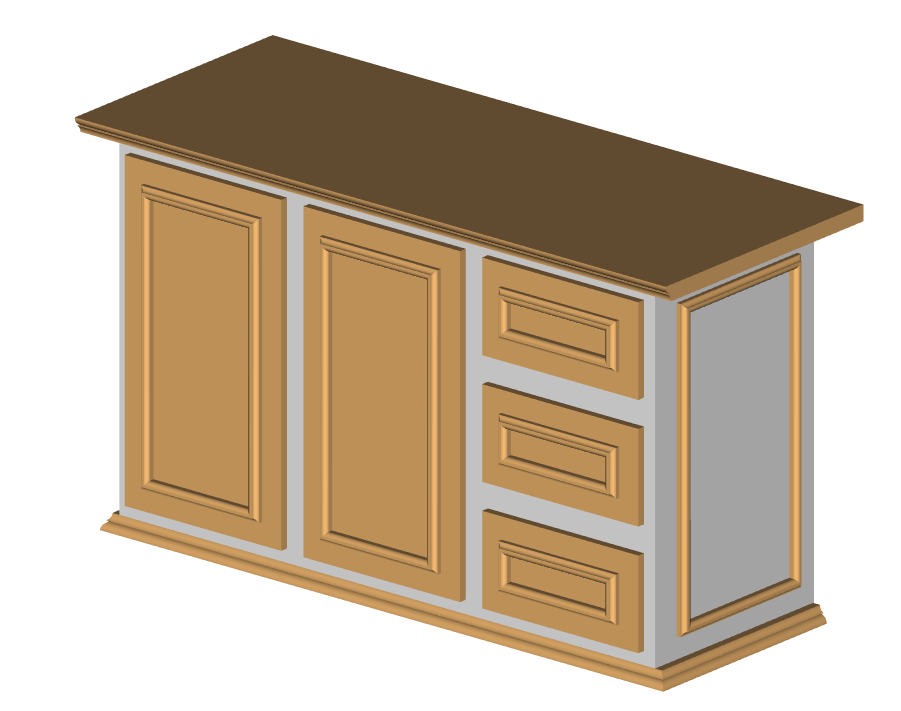
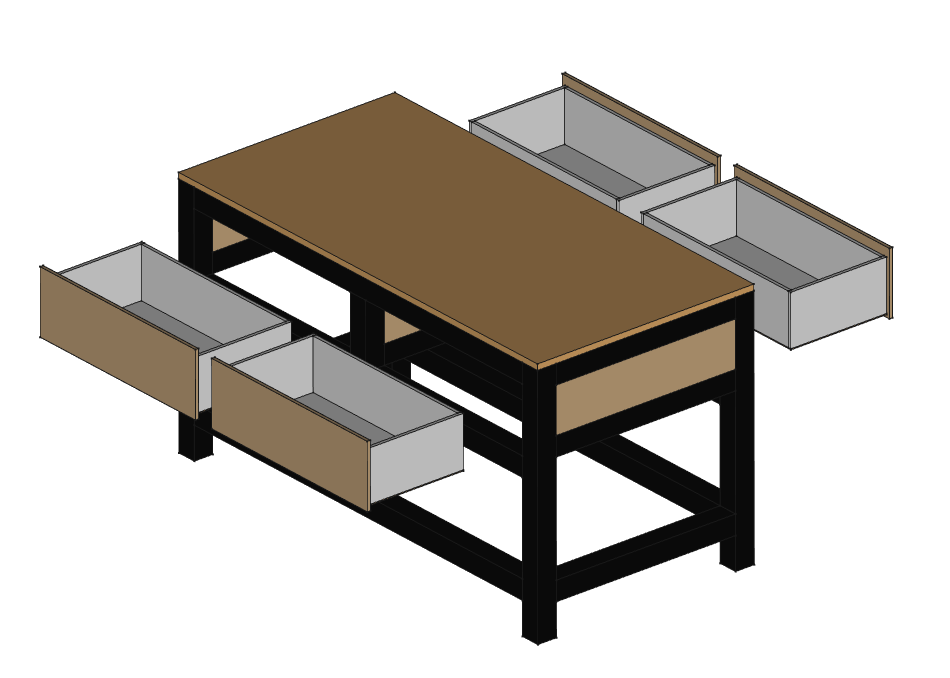
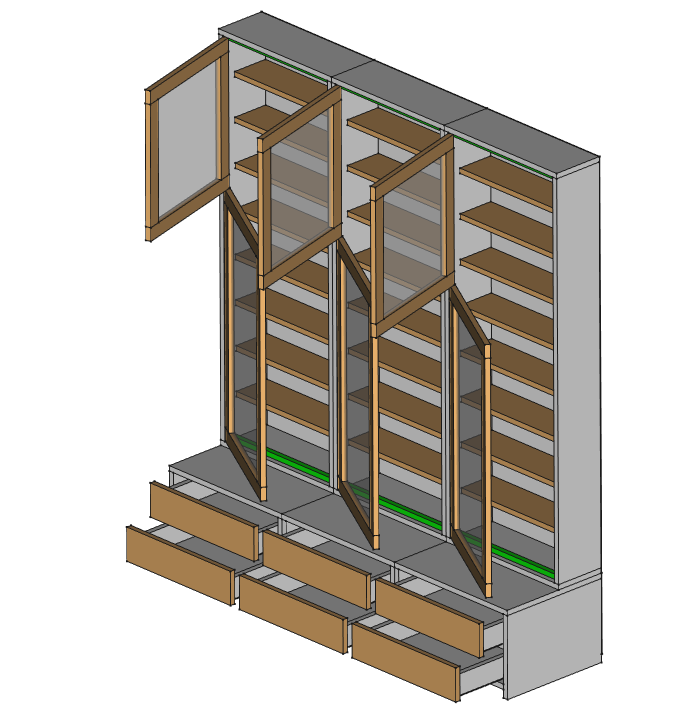
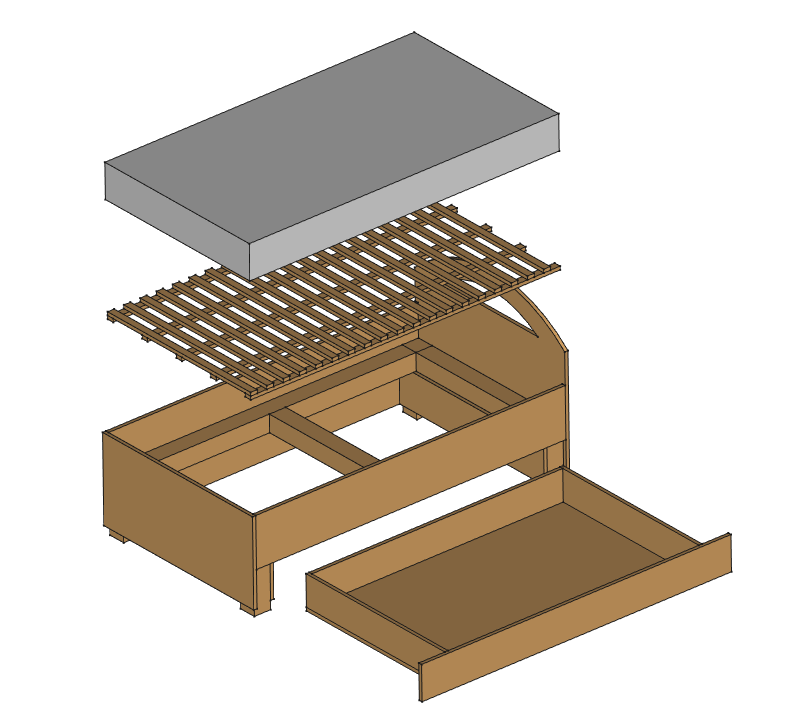
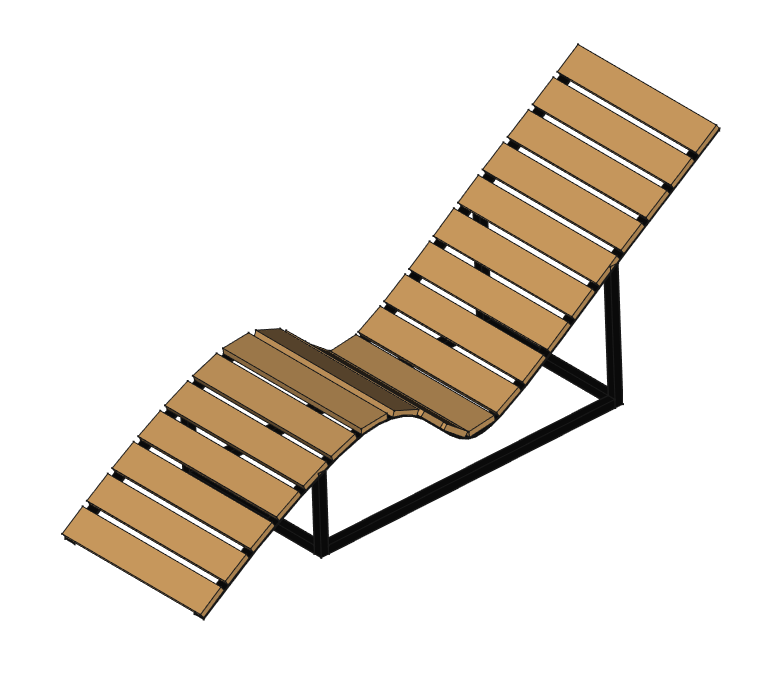
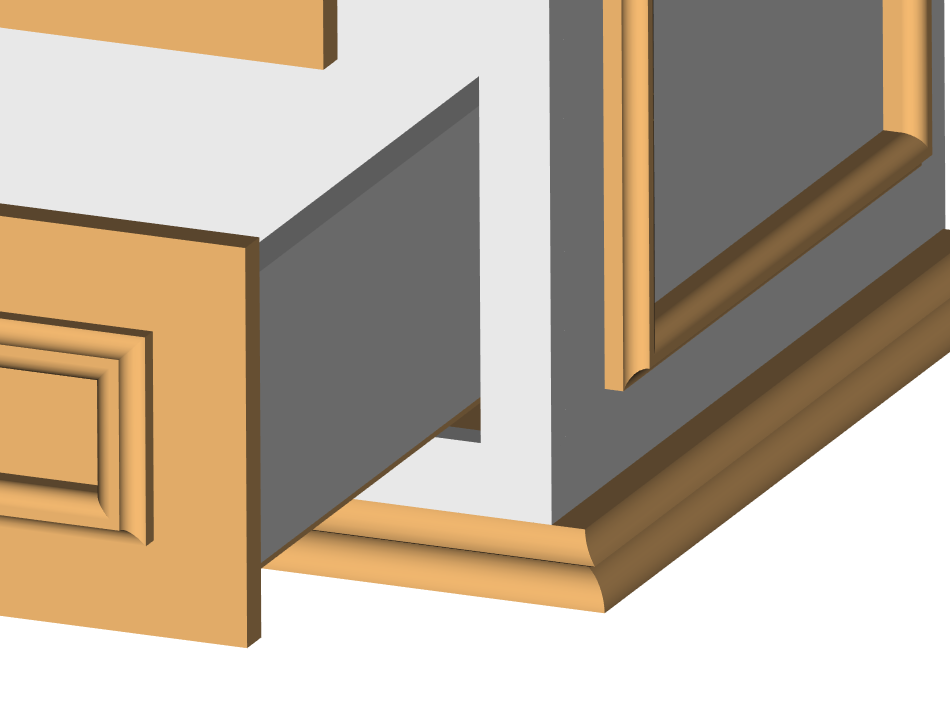
Woodworking workbench was designed primarily for creating simple cabinets for your home or garage. However, it includes many features that will make everyday carpentry and other CAD projects easier and faster. I hope you will find something you enjoy here.
Key features:
- Quick start and fast process of creating the main structure of the furniture via magicStart.
- Quick and simple copy, move and redesign furniture via magicMove, magicResizer and other tools.
- Quick process of adding dowels and other mounting elements, screws, minifix via magicDowels.
- Quick process of drilling holes, countersinks, counterbores or pockets holes via magicDriller.
- Quick process of making furniture parametric via magicGlue.
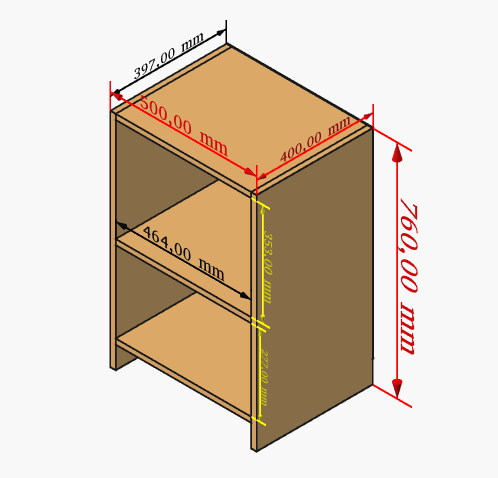
- Quick process of measurement via magicMeasure and showMeasurements.
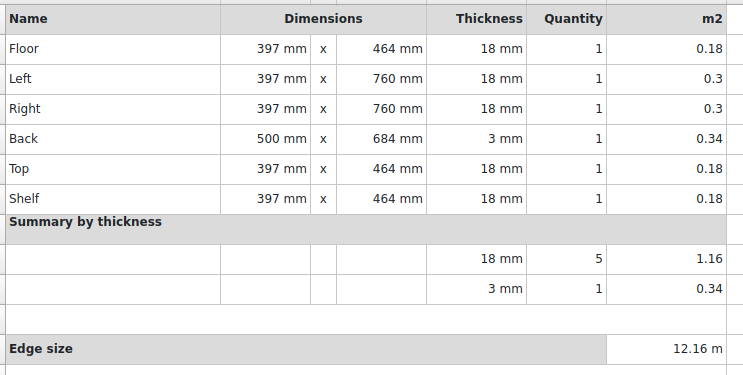
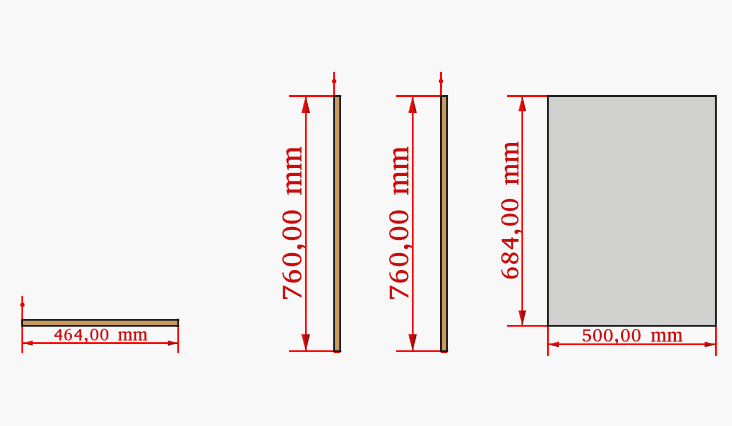
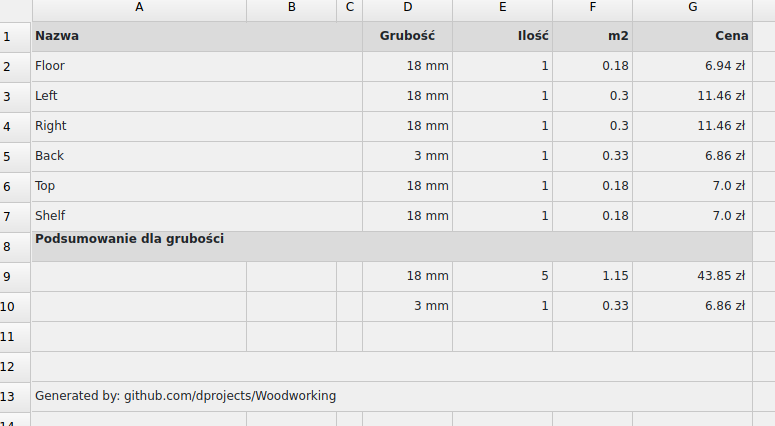
- Automatic cut-list after design via getDimensions.
- Export cut-list to format csv, json, html, markdown via sheet2export.
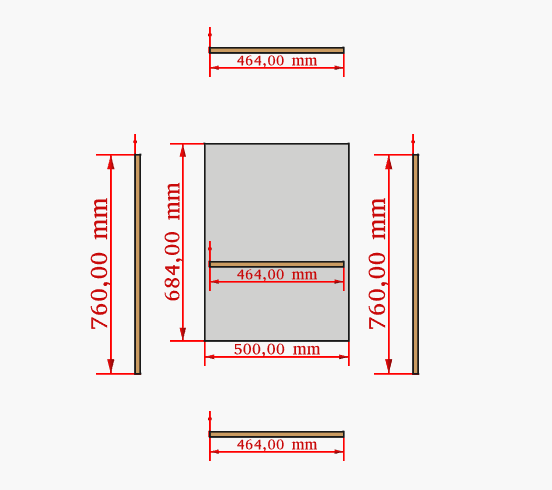
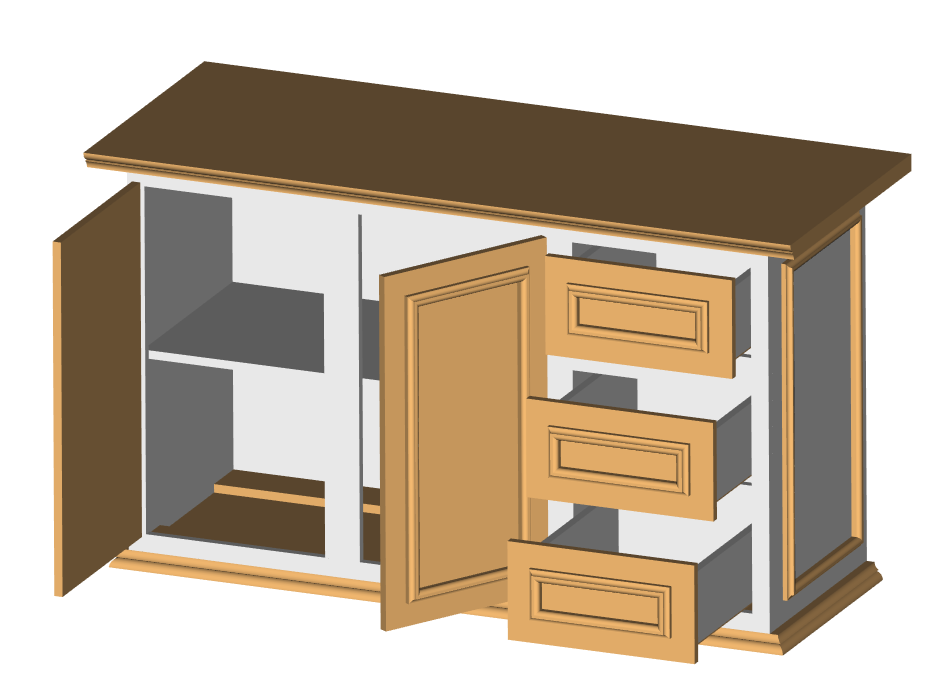
- Improved furniture preview via makeTransparent, frontsOpenClose and magicView and real-time color management via magicColors.
- Support for units in all tools and cut-list (mm, cm, m, inches, fractions, system).
- Wood weight and costs calculation via getDimensions.
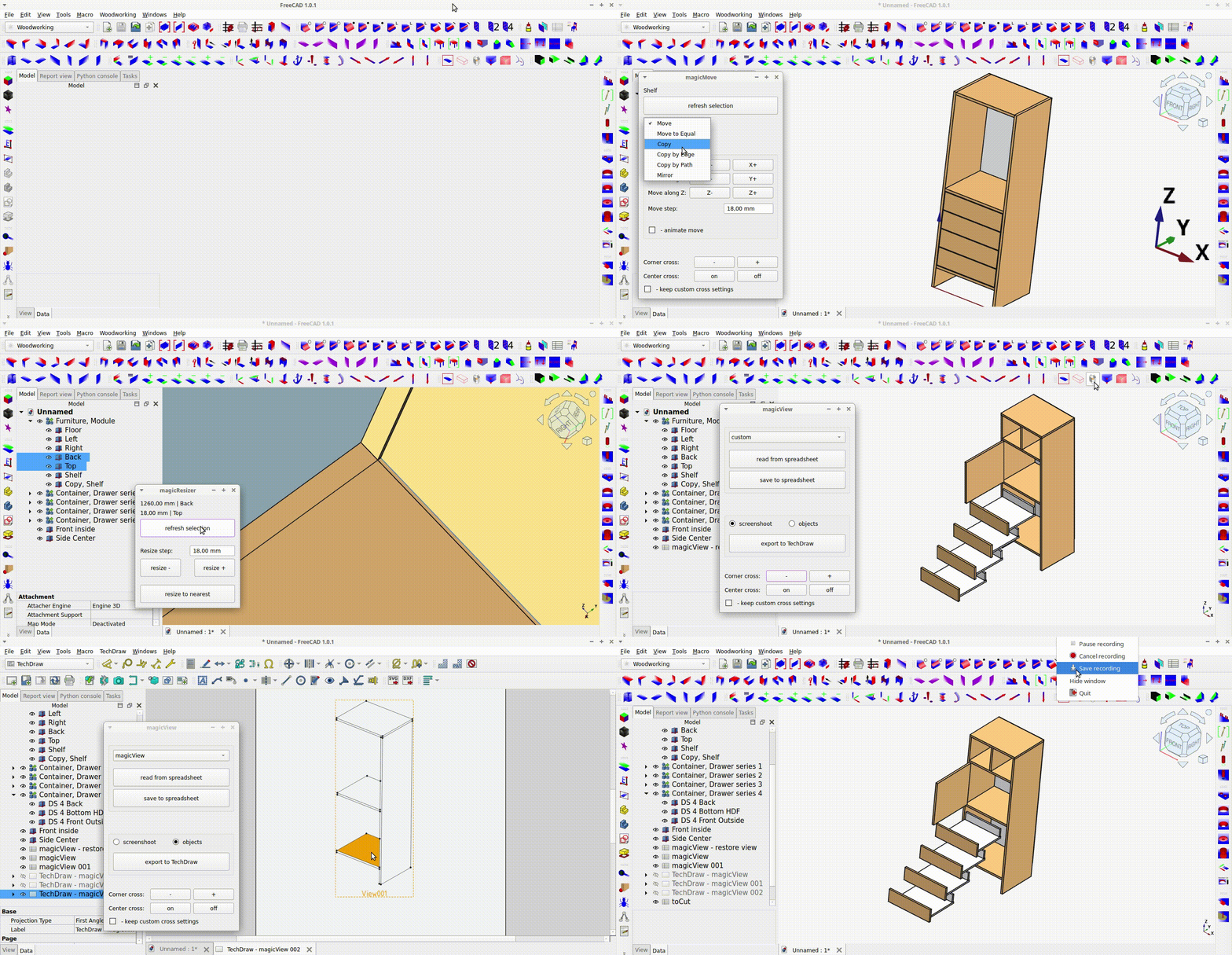
For Linux download and run installation package: magicCAD_2.0.AppImage.
Note
- This is installation package with tested FreeCAD kernel and Woodworking workbench. Installation package was created to lock in a compatible and tested version of the FreeCAD kernel and prevent external "breaking" of Woodworking workbench and keep it working forever.
- This
AppImagewill copy the Woodworking workbench into~/.local/share/FreeCAD/Modfolder, will run the FreeCAD, and set the Woodworking workbench as default. So you will be able to update later the Woodworking workbench via debugInfo tool. Read more about: Add-on Manager installation and update problems - For manuall installation and more details see: Installation section in Woodworking workbench documentation.
Woodworking workbench documentation: Woodworking/Docs
YouTube playlists:
- How-to & Tutorials - explains a little bit how-to use tools
- Furniture from scratch & redesign - shows how quickly you can design furniture from scratch and redesign, this is not tutorial step by step
- Cut-list, BOM, dimensions - shows how you can create cut-list, BOM and get dimensions
- Joinery examples - all videos related to joinery connections, mounting points
- Parameterization solutions - explains how to approach this problem
- Workbench features & development - all the latest features and development videos
Woodworking workbench YouTube channel: youtube.com/@dprojects.woodworking
FreeCAD is licensed under LGPL license but Woodworking workbench is licensed under MIT license, only with the copyright preserved. I can release Woodworking workbench with any license because I use FreeCAD only as library, only as kernel.
In my opinion, LGPL not allows you to earn from your additional work. Anything you change or add to LGPL code need to be licesend under LGPL license as well, so you cannot sell it. MIT license supports talented developers and allows them to earn, sell their work based on the MIT project.
But you always need to keep the note about real author. You should never claim you invented Woodworking workbench or any MIT or LGPL projects, that's the author's rights.
For example:
- You can change the Woodworking workbench code and sell it but you have to add info what is invented by you and what is not, just keep the license, or add info about your changes to the license, so will be fine.
- You can create your own YouTube or real life tutorials, voice over to existing ones, and earn, it is your hard work so you don't have to ask, but during tutorials you cannot say you invented Woodworking workbench or its features.
- You can translate Woodworking Workbench to any language and even sell such translation to anyone, it is your work, but you cannot say the Woodworking workbench is created by you.
For example:
- You cannot copy Woodworking workbench, or its features, to FreeCAD main branch without note about real author, and even get FPA grants for it. It is illegal, you can be sued, but also it is very bad behaviour, typical rats and thief strategy.
- You cannot claim anywhere you invented Woodworking workbench or its features. If you add or change any code, you can say it only about your work.
Note
Currently there are no plans to introduce a fee for using these additional tools. I guess I will keep this repository with MIT forever. If there will be paid version this will be new repository, new project. If you have still doubts, you can always open issue and ask.
Unfortunately, tax law in Poland is so absurd that to settle even small amounts, you have to set up a company or run to the tax office for every small donation. I would rather spend my time doing what I enjoy, programming and inventing new features, than running around offices wondering if I will be accused of terrorism because someone from a "dodgy country" donated a small amount. Therefore, the safest way to support me right now is by liking and promoting my channel on GitHub and YouTube, and offering a small thank you.
Perhaps in the future, if there is a greater desire for financial support, I will start a company or launch other financial support channels. However, even if I start developing a paid version in the future, I would like my workbench to continue allowing ordinary individuals to create simple furniture for their home and garage for free.
For questions, feature requests, please open issue at: github.com/dprojects/Woodworking/issues
 |
 |
 |
 |
 |
 |
 |
 |
 |
 |
 |
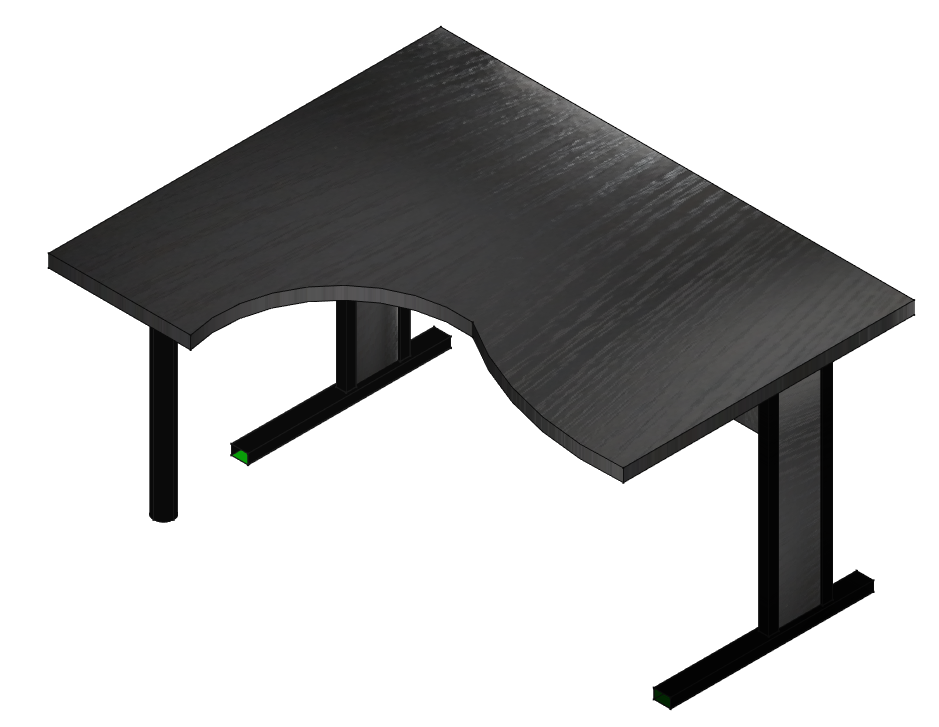 |
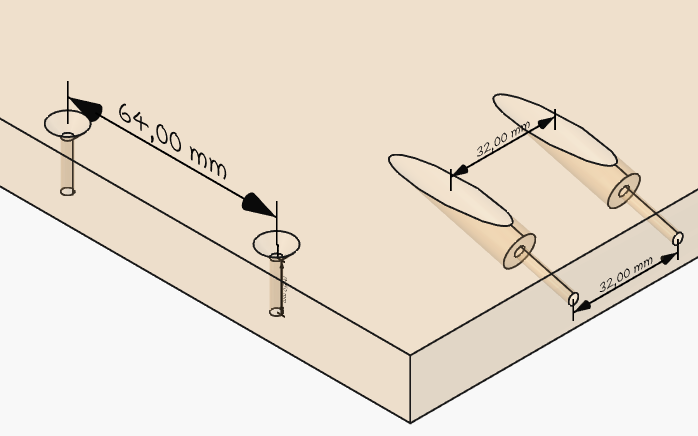 |
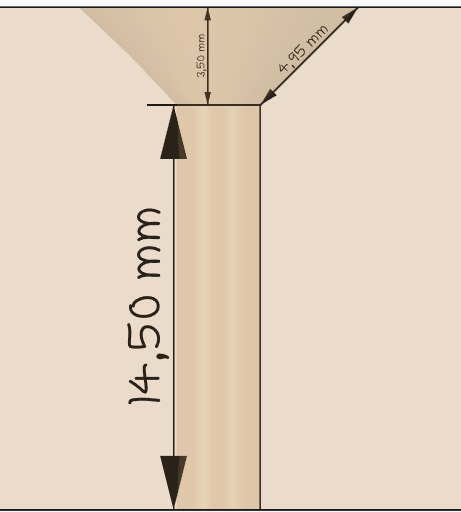 |
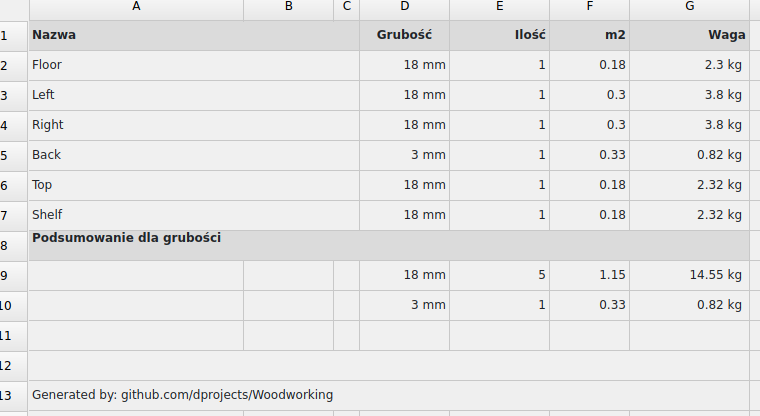 |
 |