


- Swift Version : 5.0
- iOS deployment target : 13.0
StackERView is available through CocoaPods. To install it, simply add the following line to your Podfile:
pod 'StackERView'You can simply add vertical stack laoyut by code.
let stack = VStackERView()
stack.translatesAutoresizingMaskIntoConstraints = false
view.addSubview(stack)
NSLayoutConstraint.activate([
    stack.centerXAnchor.constraint(equalTo: view.centerXAnchor),
    stack.centerYAnchor.constraint(equalTo: view.centerYAnchor)
])
it's empty at first, you can add any UIView into stack by code.
let label = UILabel()
label.text = "Hello StackERView"
stack.push(label)

can push image too. and you can set space between current pushing view and old view. this can be deferent every stack nodes.
let image = UIImageView(image: UIImage(named: "sample"))
stack.push(image, spacing: 50)

basically it's almost same with VStackERView but this stack the nodes horizontally
let stack = HStackERView()
stack.backgroundColor = .systemBlue
stack.translatesAutoresizingMaskIntoConstraints = false
view.addSubview(stack)
NSLayoutConstraint.activate([
    stack.centerXAnchor.constraint(equalTo: view.centerXAnchor),
    stack.centerYAnchor.constraint(equalTo: view.centerYAnchor)
])

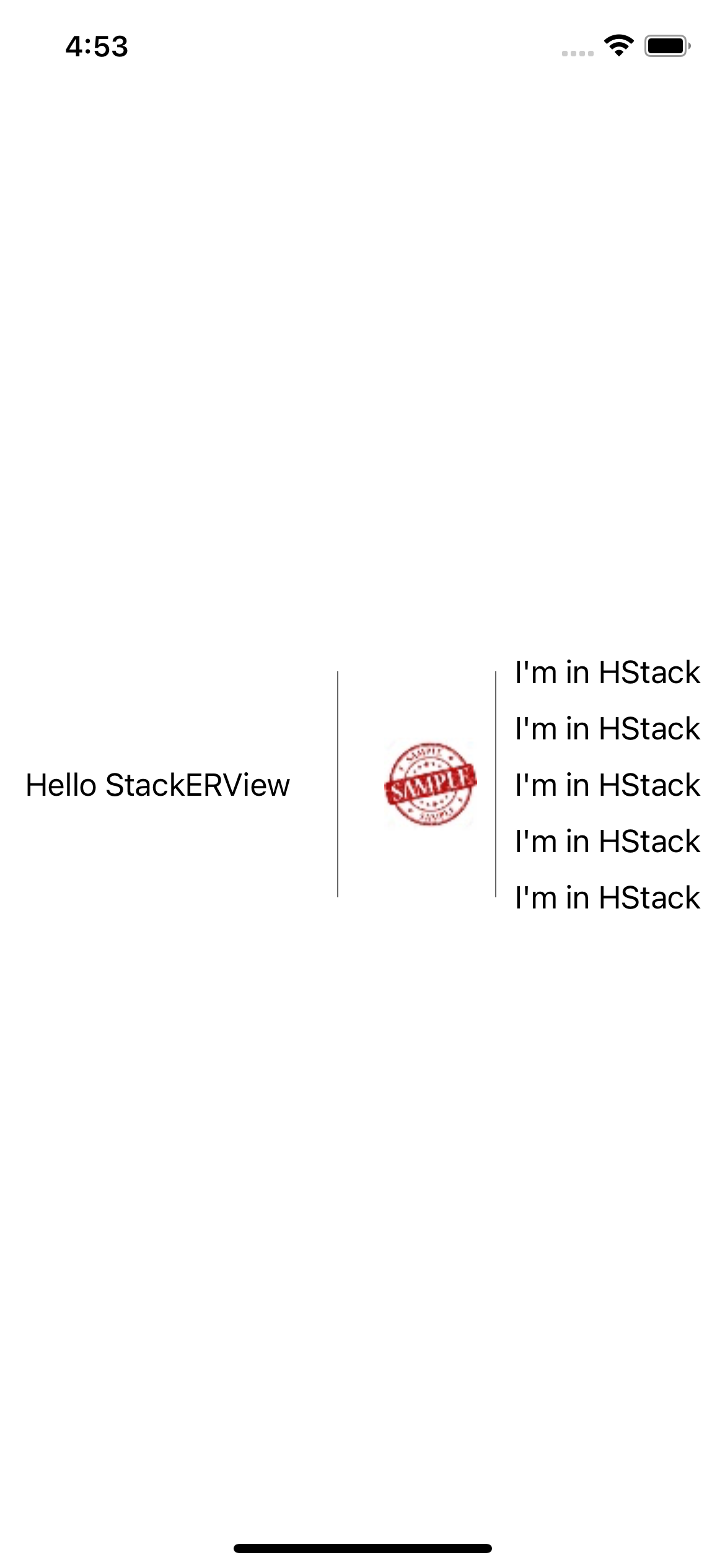
both of StackERView can add separator between nodes
stack.separatorType = .line

StackERView also can add another StackERView.
let otherStack = VStackERView()
stack.push(otherStack, spacing: 20)

for _ in 0 ..< 5 {
    let otherLabel = UILabel()
    otherLabel.text = "I'm in HStack"
    otherStack.push(otherLabel, spacing: 10)
}
if your contents of stack can be larger than screen, use StackERScrollView. it has almost same usage but scrollable.
eastroot1590@gmail.com, eastroot1590@gmail.com
StackERView is available under the MIT license. See the LICENSE file for more info.