This plugin is no longer maintained. If you are using Neovim, there's a Lua version available at filipekiss/cursed.nvim
Using vim-plug:
Plug 'filipekiss/cursed.vim'This plugins add two new User autocmds CursedStartedMoving and
CursedStoppedMoving. You can use the events to trigger commands after a delay
triggered after the cursor stops moving. For example, you can use to show
cursorline only when the cursor has been stopped for a while:
augroup CursedCursorLine
    autocmd!
    autocmd WinEnter * if !cursed#is_disabled() | set cursorline | endif
    autocmd User CursedStartedMoving :set nocursorline
    autocmd User CursedStoppedMoving :set cursorline
augroup END
If you have nvim-blame-line, for example, you may do something like this:
augroup CursedBlameLine
    autocmd!
    autocmd User CursedStoppedMoving silent :SingleBlameLine
augroup END
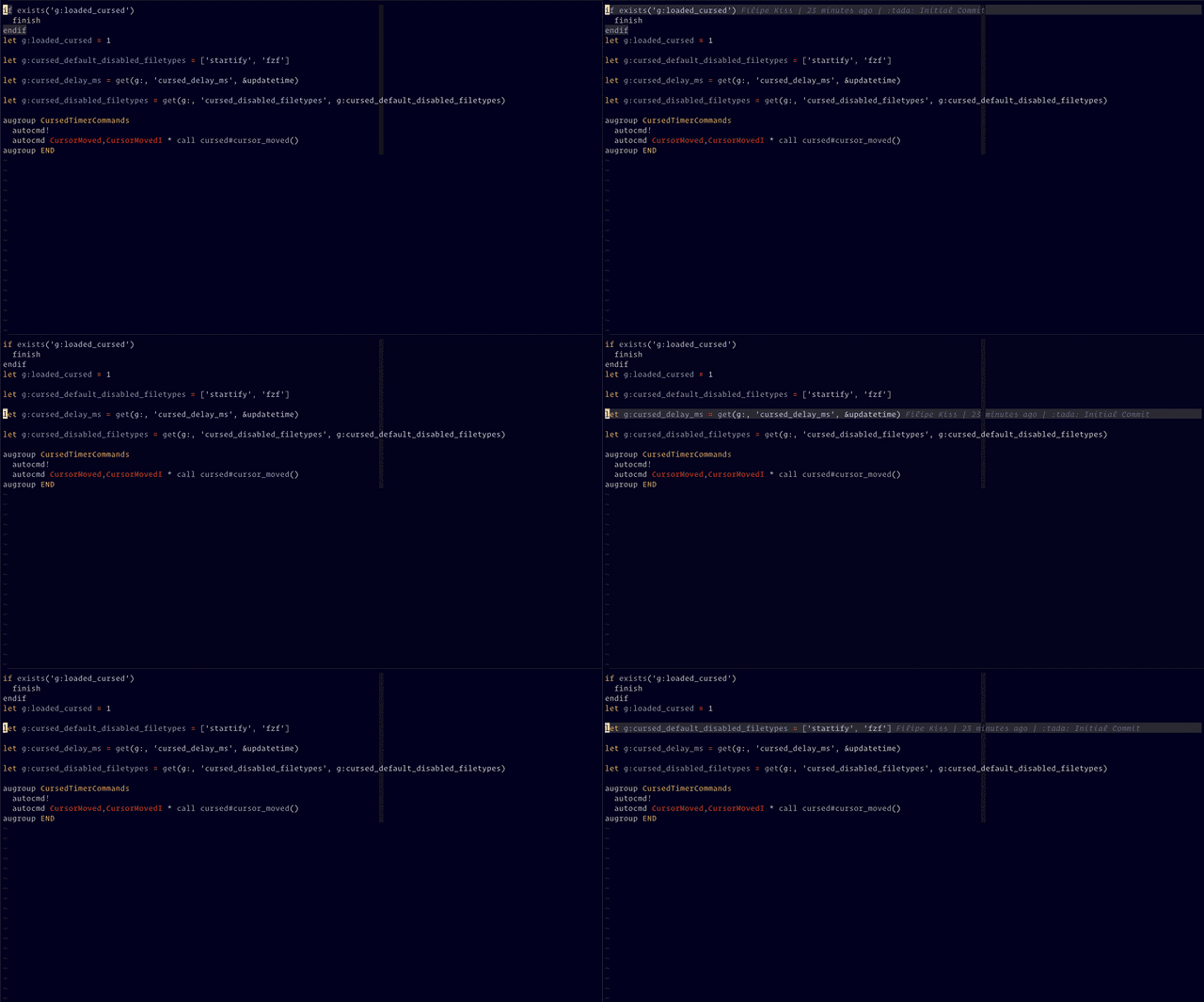
And the blame will appear after the timer runs out (as seen in the gif above).
How long after the CursedStartedMoving event the CursedStoppedMoving will be
triggered. The default value is the same as updatetime, unless this variable
is set.
Disables the events for the current bufffer
An array of file types in which the events should not be triggered. The events won't trigger in terminal buffers.
" default value
let g:cursed_disabled_filetypes = ['startify', 'fzf']
cursed.vim © 2019+, Filipe Kiss Released under the MIT License.
Authored and maintained by Filipe Kiss.
GitHub @filipekiss · Twitter @filipekiss