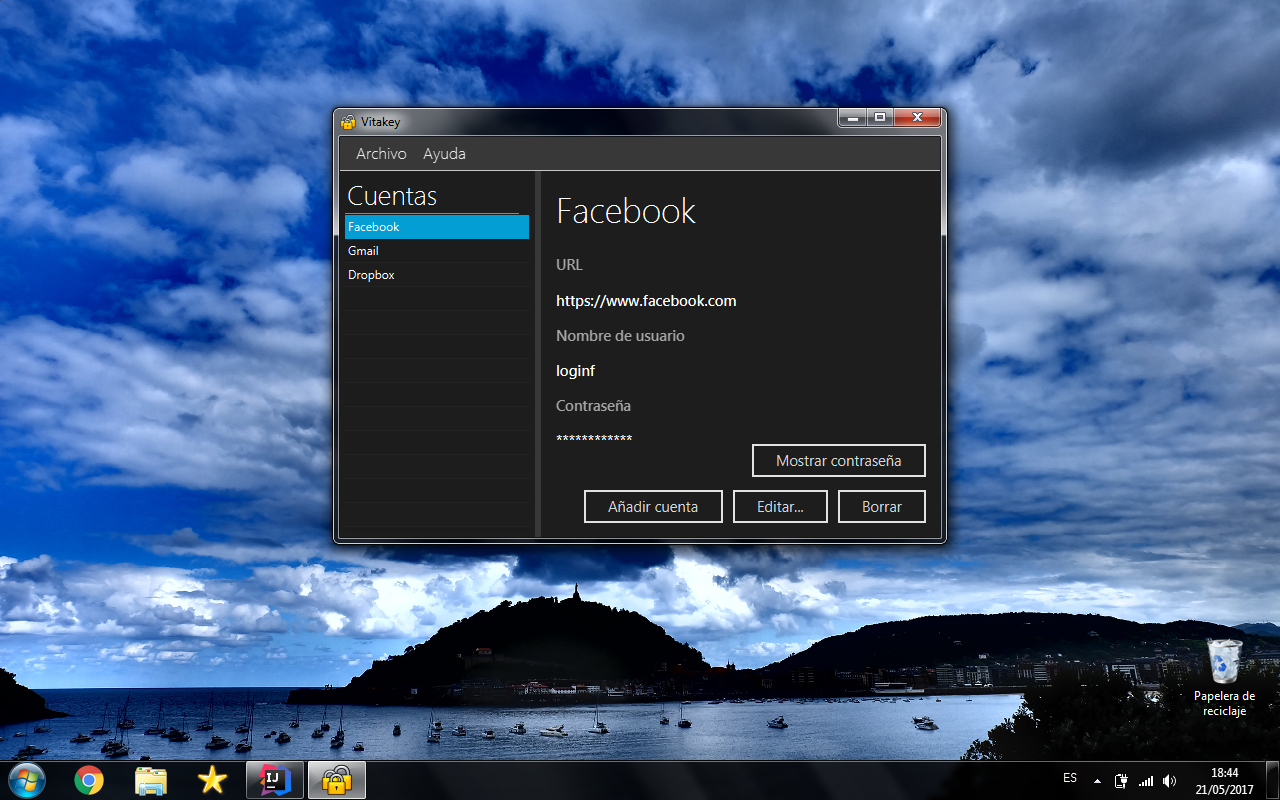
Vitakey is a simple password manager JavaFX application. With Vitakey users can safely archive and classify their passwords in one or several local files.
In the following section are the executable files for Vitakey's automatic installation using a wizard.
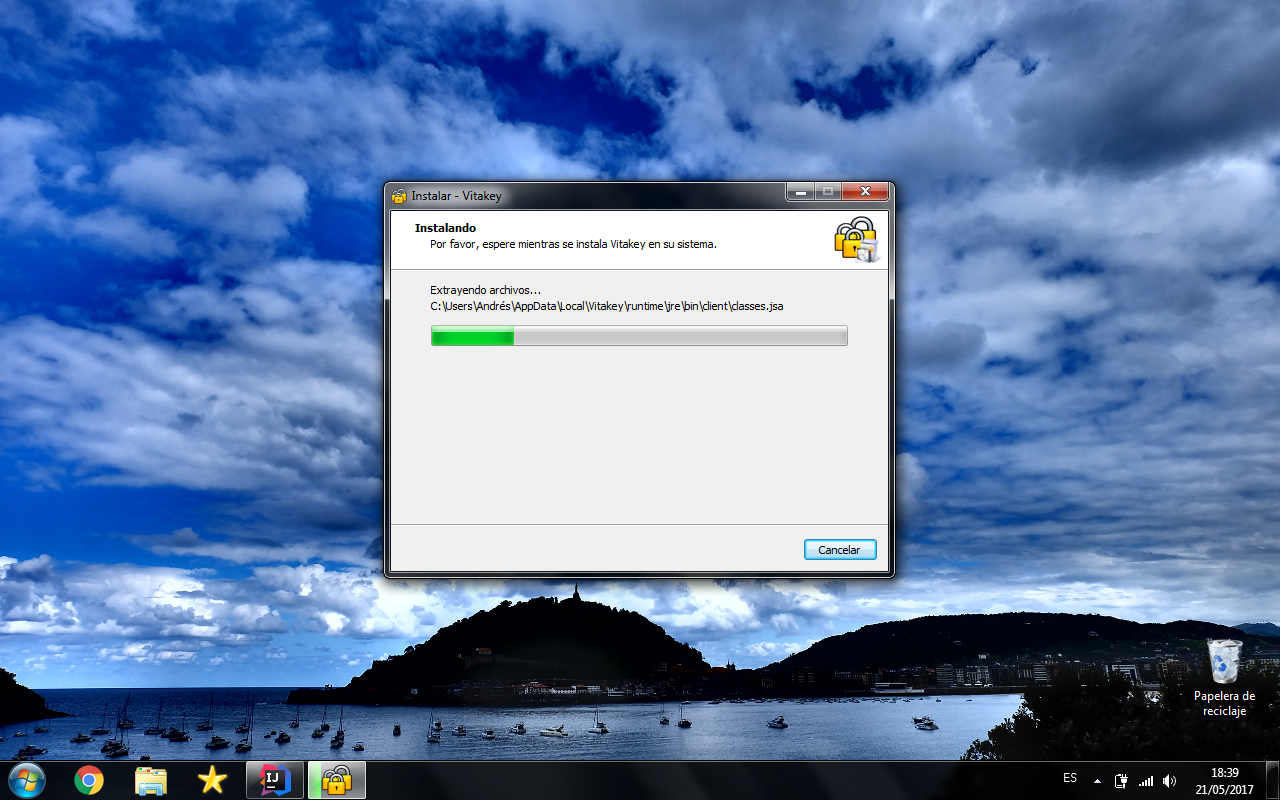
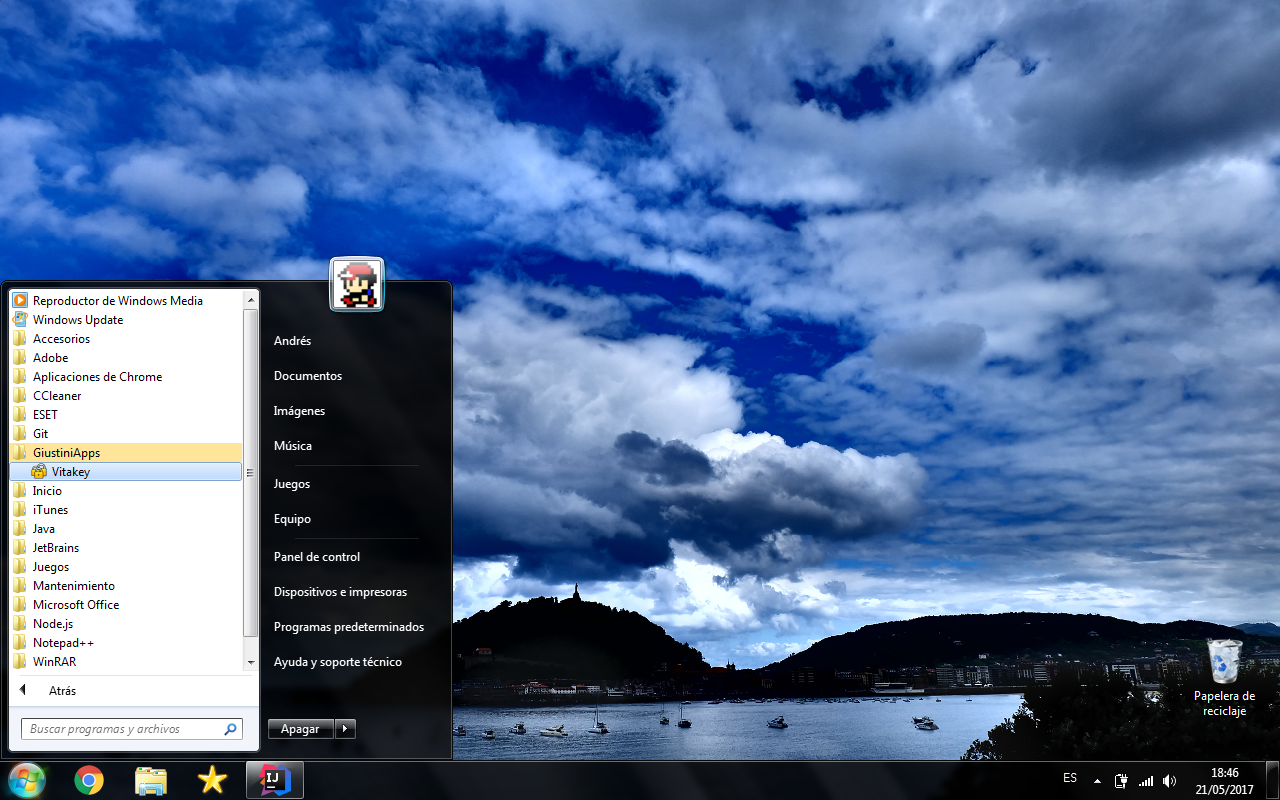
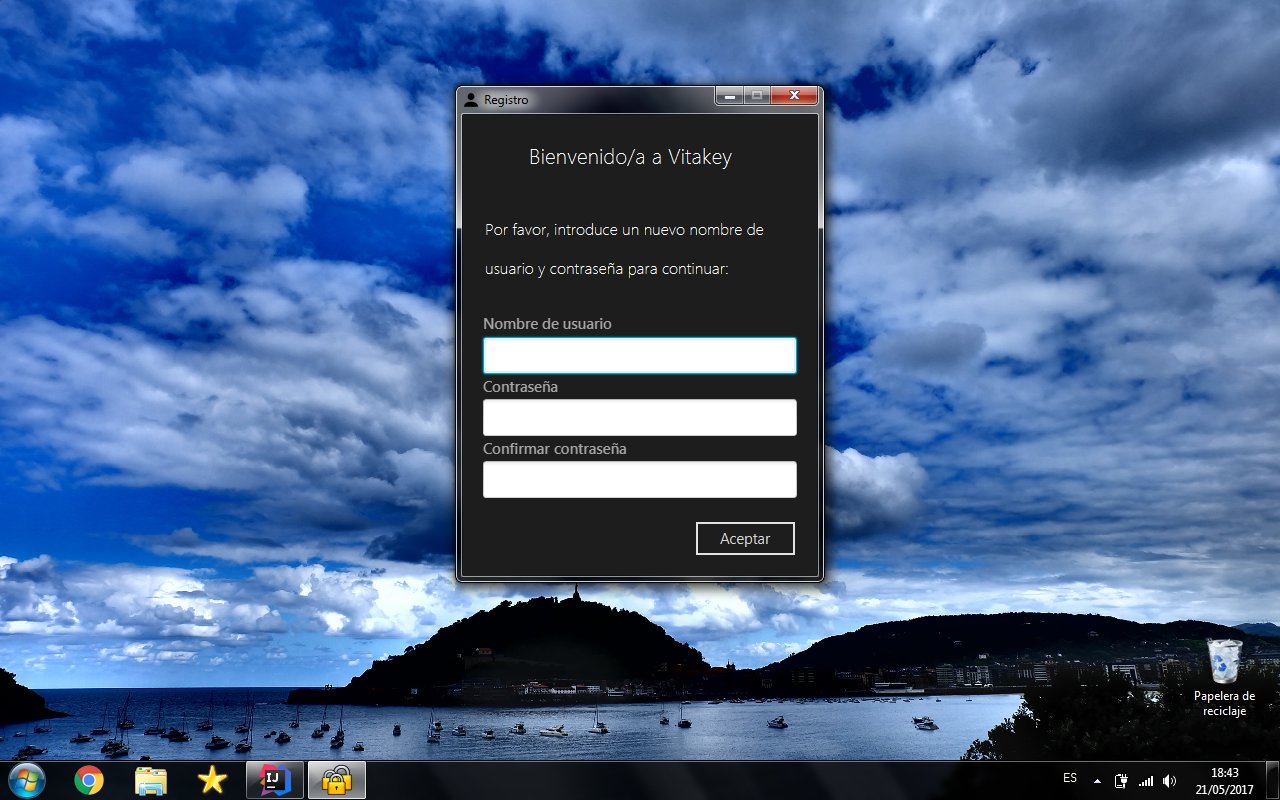
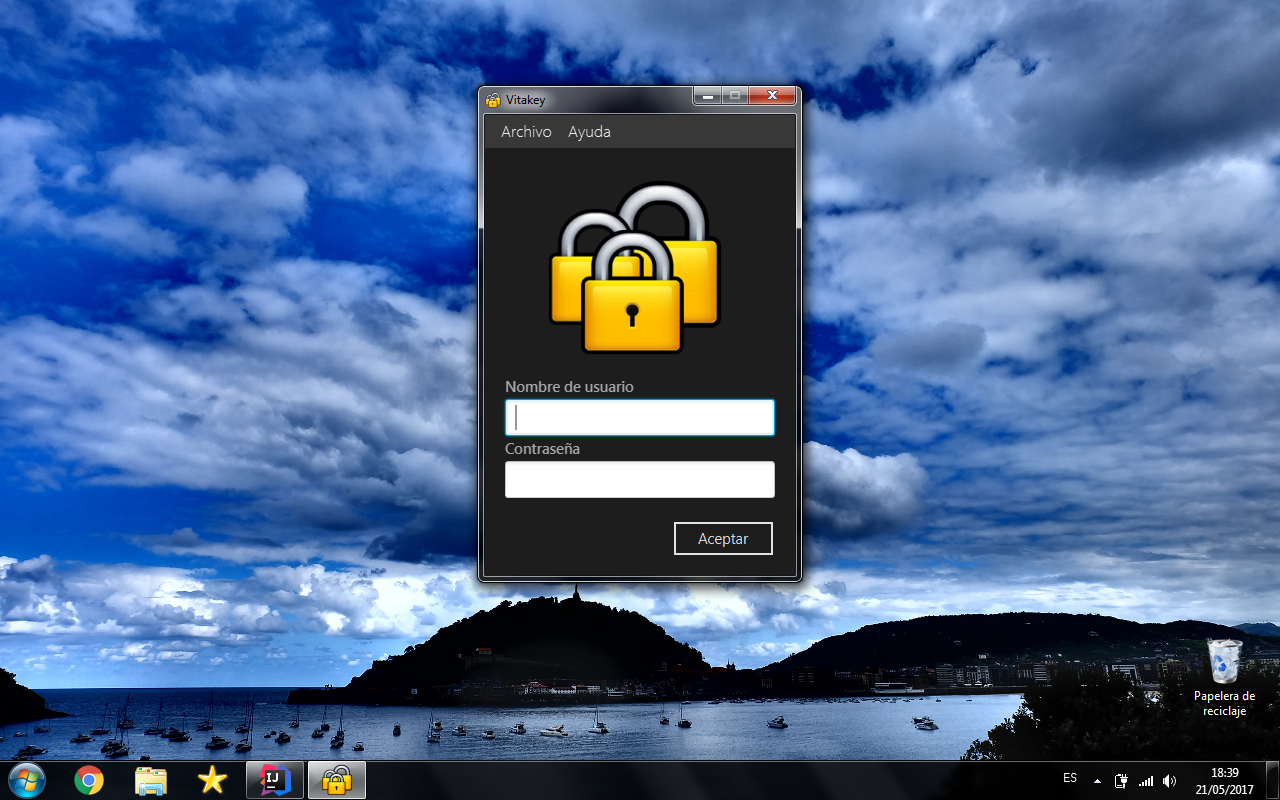
When the application is installed you must to sing up. Enter your username and password and press the Ok button.
Once you have sing up in the application, you must select File> New to create a new password book. Then you need to select the Add account button and complete the fields (name, url, login and password) to instert a new account in your passwords book. Remember to save the password book when you finish the changes.
The next time you access the application you will need to enter the username and password with which you signed up.
Vitakey requires JavaFx, so Java 1.8 or higher. In this project are used some libraries:
- controlsfx is an open source project for JavaFX that aims to provide really high quality UI controls and other tools to complement the core JavaFX distribution.
- commons-codec is an Apache Commons Codec (TM) software that provides implementations of common encoders and decoders such as Base64, Hex, Phonetic and URLs.
- junit for unit testing.
- JDK 8u31 for develop.
Vitakey, Copyright (C) 2017 Andrés Giustini