EAM Light is a responsive web application providing the core functionality of Infor EAM. It is functional on all platforms, including smartphones and tablets, and allows users with no or limited training experience to perform common Infor EAM tasks:
- Searching, viewing, creating, updating and deleting Work Orders, Equipment and Parts
- All screens composed of user selectable areas representing EAM blocks or tabs
- Work Order screen with
- Details, Scheduling, Closing Codes, Parts Child Work Orders, Comments, Activities, Book Labour, Checklist, Custom Fields, Equipment Custom fields, Meter Readings and Equipment
- Equipment screens with
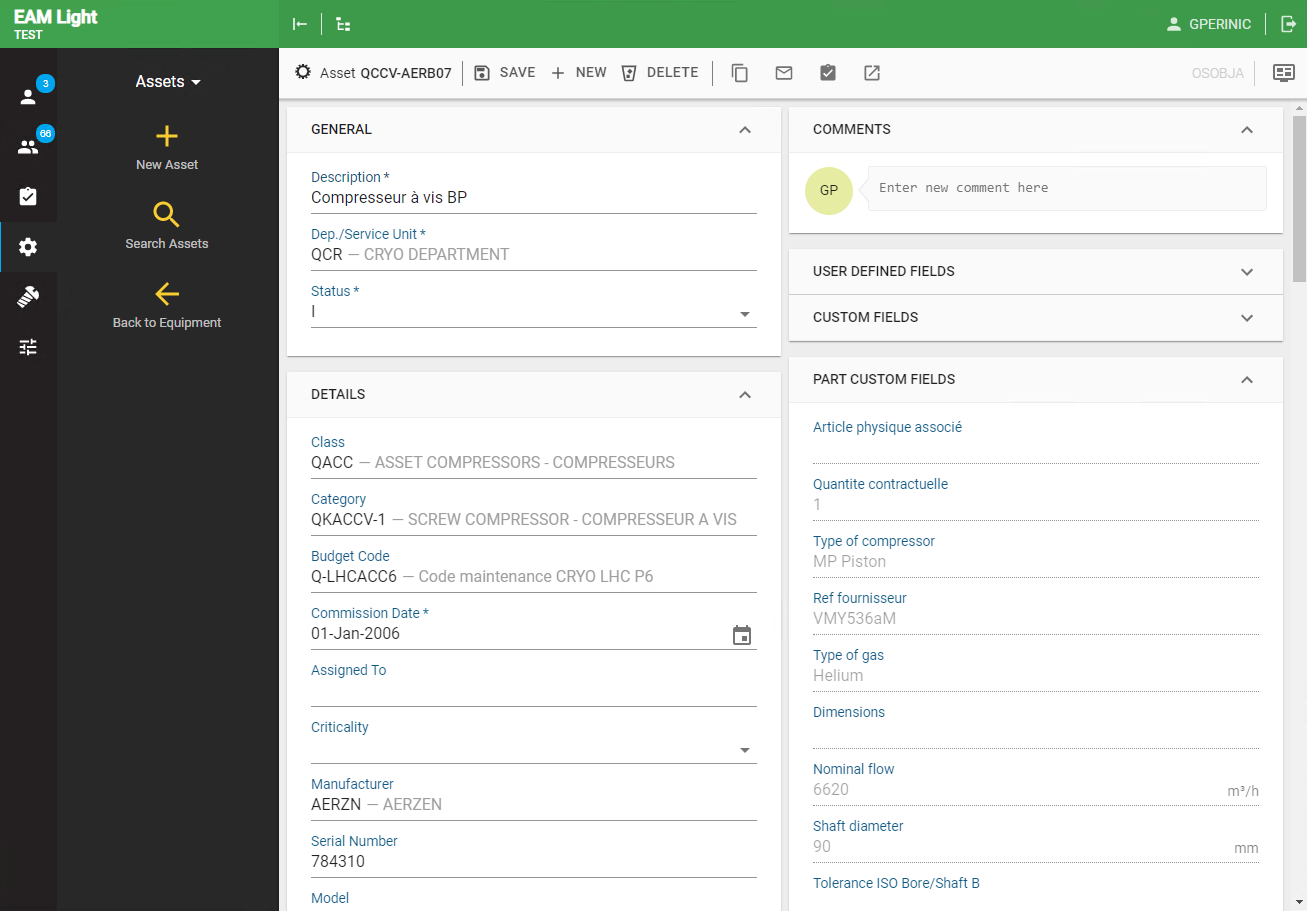
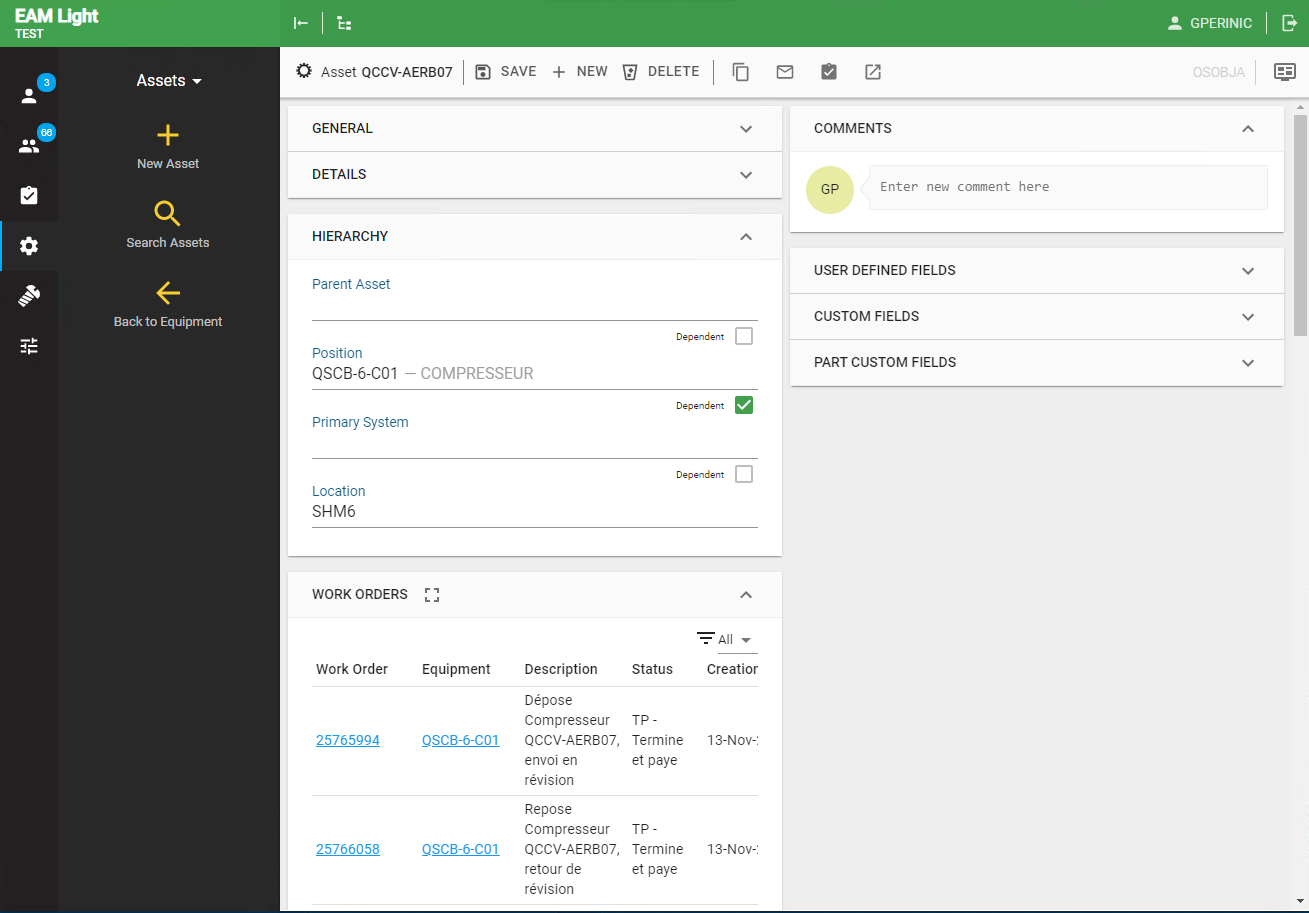
- Details, Part Association, Hierarchy, Events (split into Work Order History and Equipment History), Associated Parts, Comments, User Defined Fields, Custom Fields and Part Custom fields (not in EAM)
- Part screen with
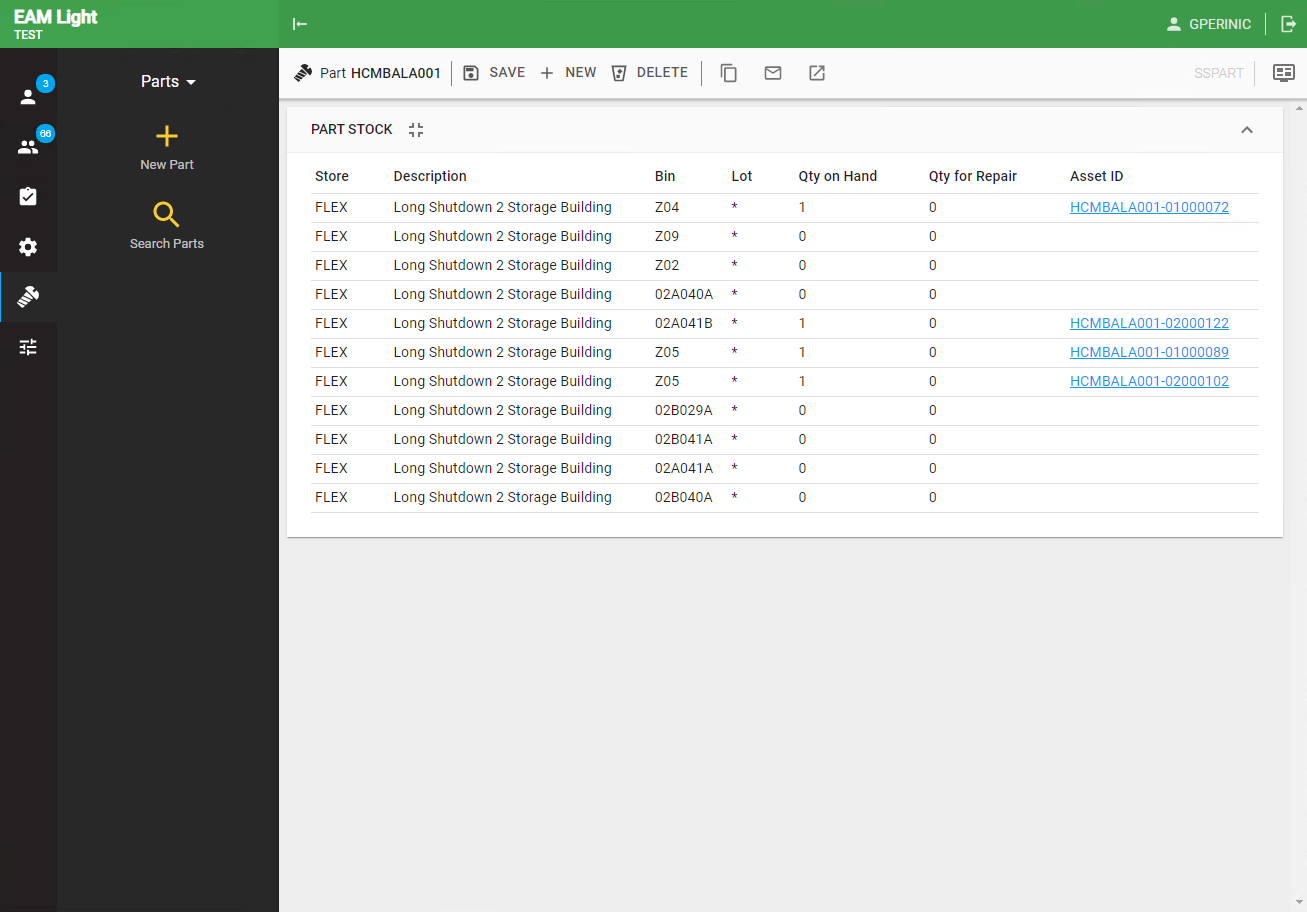
- User Defined Fields, Stock, Where Used, Assets (not in EAM), Comments and Custom Fields
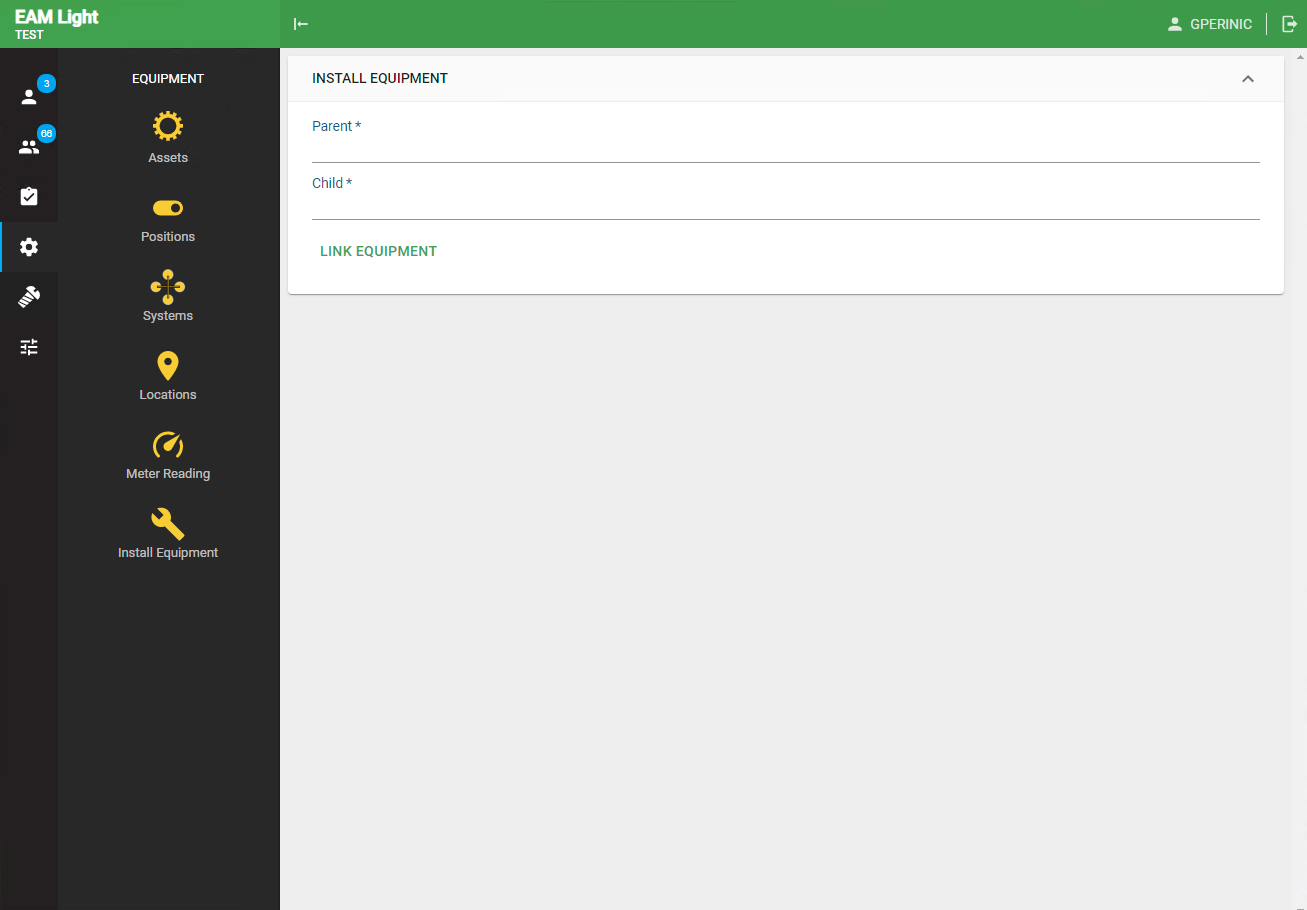
- Additional functionalities comprise a global search, WO inboxes for the user and the user's department, a mail-a-link feature, a Meter Reading screen, an Install Equipment screen
To run EAM Light using Docker, we have available a Docker image that exposes both the backend and frontend modules of the application.
The docker container may be started by providing a single argument: the Infor Web Server URL (EAMLIGHT_INFOR_WS_URL), which will look similar in your organization to the following: https://inforappserver/axis/services/EWSConnector.
docker run -p 8080:8080 -p 9090:9090 --env EAMLIGHT_INFOR_WS_URL=<Infor WS URL> cerneam/eam-light
In addition, a new Grid must be created (Administration / Screen Configuration / Grid Designer) exactly as illustrated below, with the exception of the Grid ID.

Once the docker container is started, browsing to http://localhost:8080/eamlight will open the standard login screen of EAM Light.
The docker container exposes the following ports:
| Port | Description |
|---|---|
| 8080 | EAM Light Backend |
| 9090 | JBoss Management Port |
The EAM Light REST backend is available at the endpoint http://localhost:9090/rest.
You may also configure the backend or the frontend further.
| Name | Description |
|---|---|
| EAM Light Frontend | Frontend module of the EAM Light application |
| EAM Light Backend | Backend module of the EAM Light application |
| EAM WSHub Core | Core library to provide a clean Java interface to Infor EAM |
| EAM Components | Library with a set of reusable components for EAM frontend application development |
| EAM WSHub Proxy Client | Low-level JAX-WS Proxy Client to consume Infor EAM Web Services |
| EAM WSHub | Different application that exposes Infor EAM Web Services as SOAP/REST endpoints |
This software is published under the GNU General Public License v3.0 or later.
Some examples of the EAM Light screens.
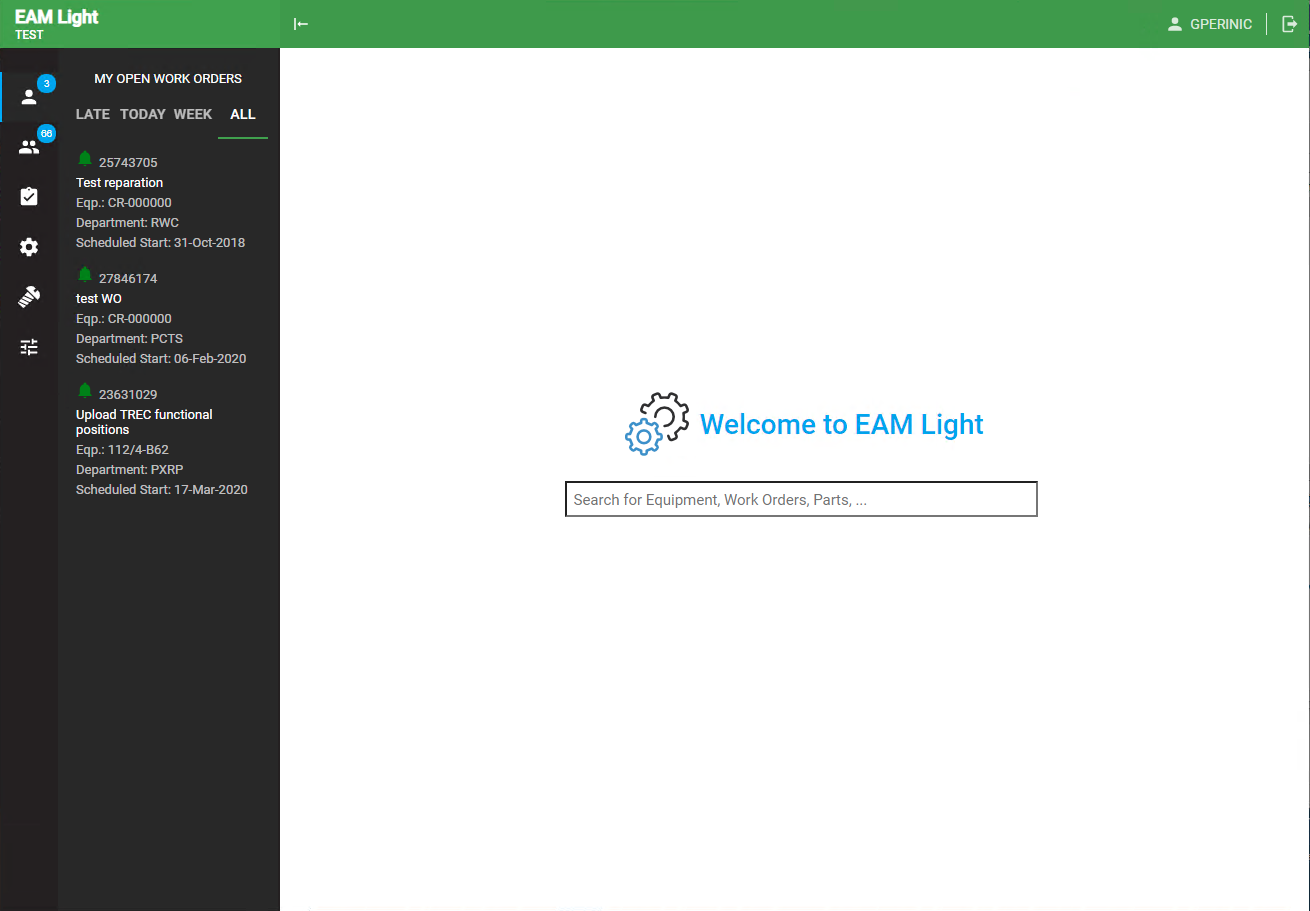
- Start screen with global search and My Open Work Orders inbox.
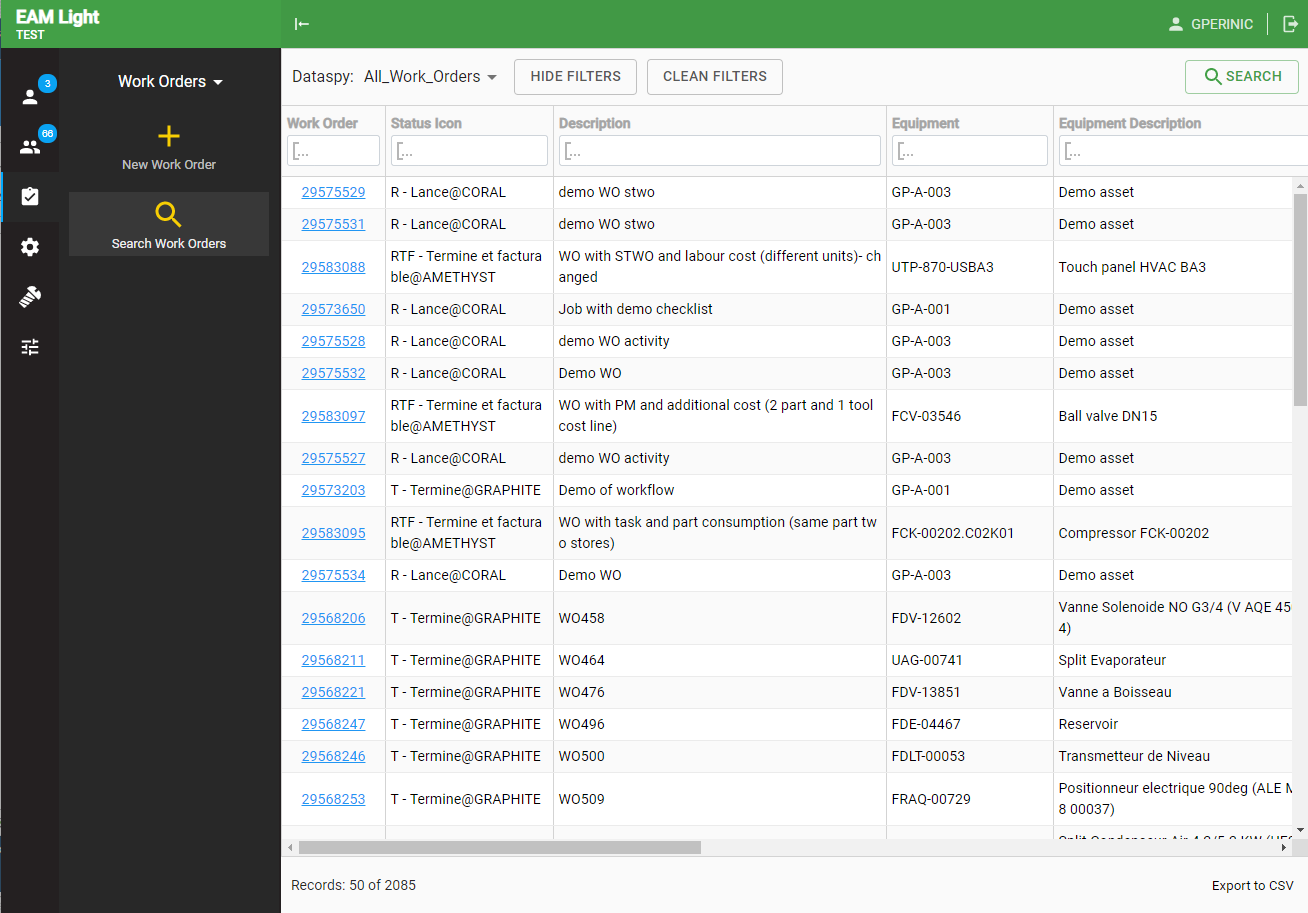
- Work order list view
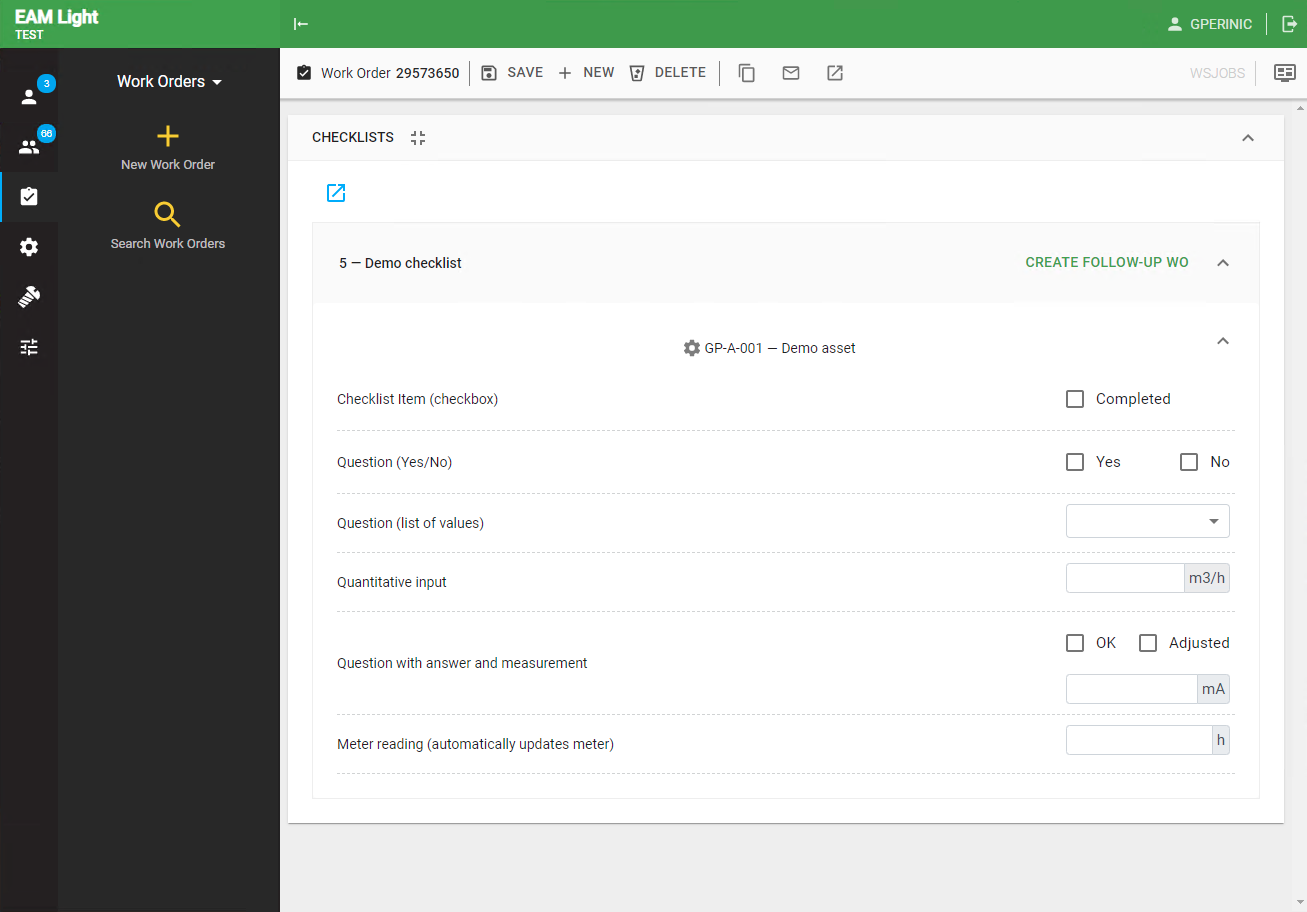
- Work order screen - Checklist panel zoomed to full screen
- Position list view - using multiple filters
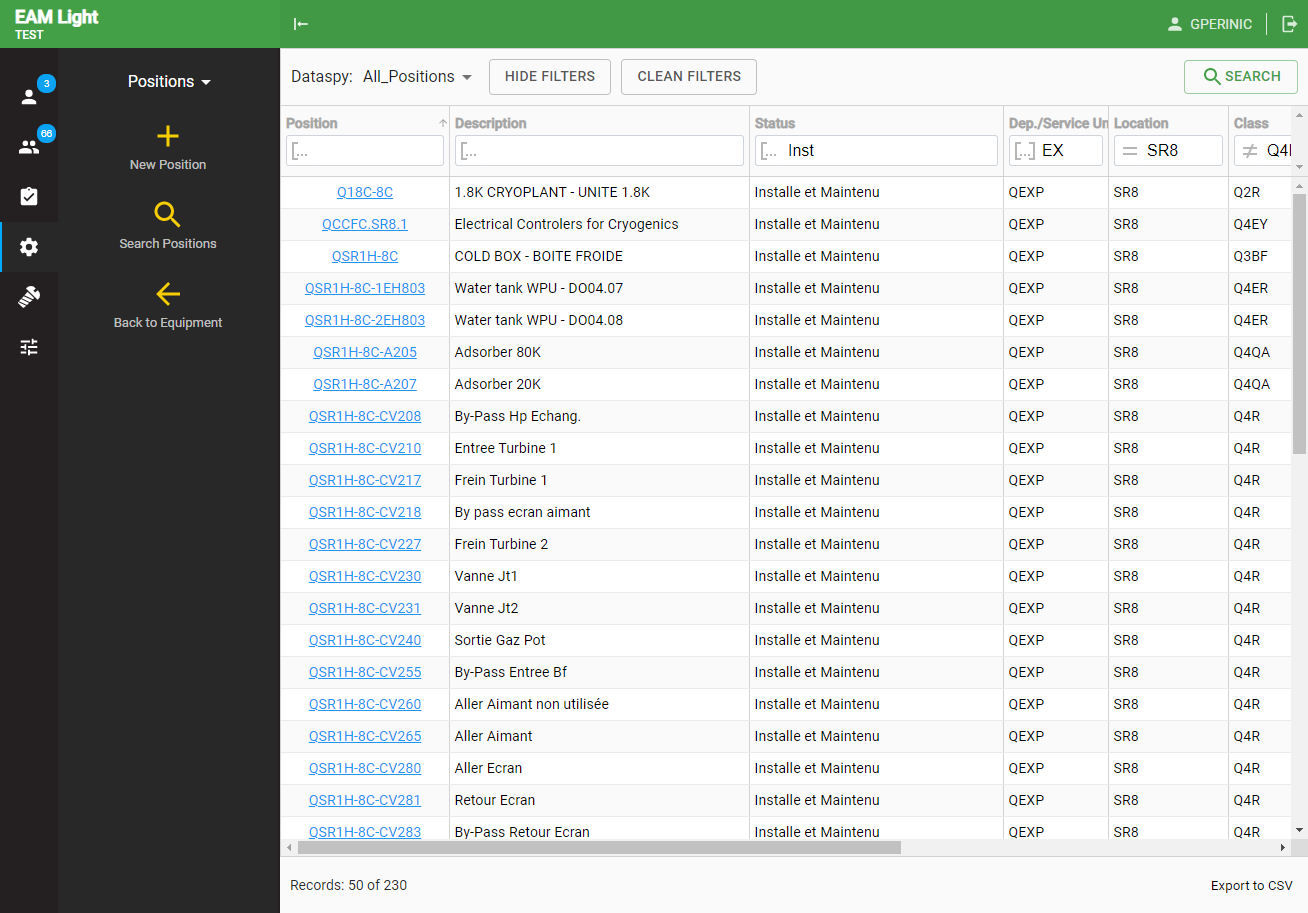
- Asset screen - panels General, Details and Part Custom Fields
- Asset screen - panels Hierarchy and Work Orders
- Screen to attach equipment to a parent
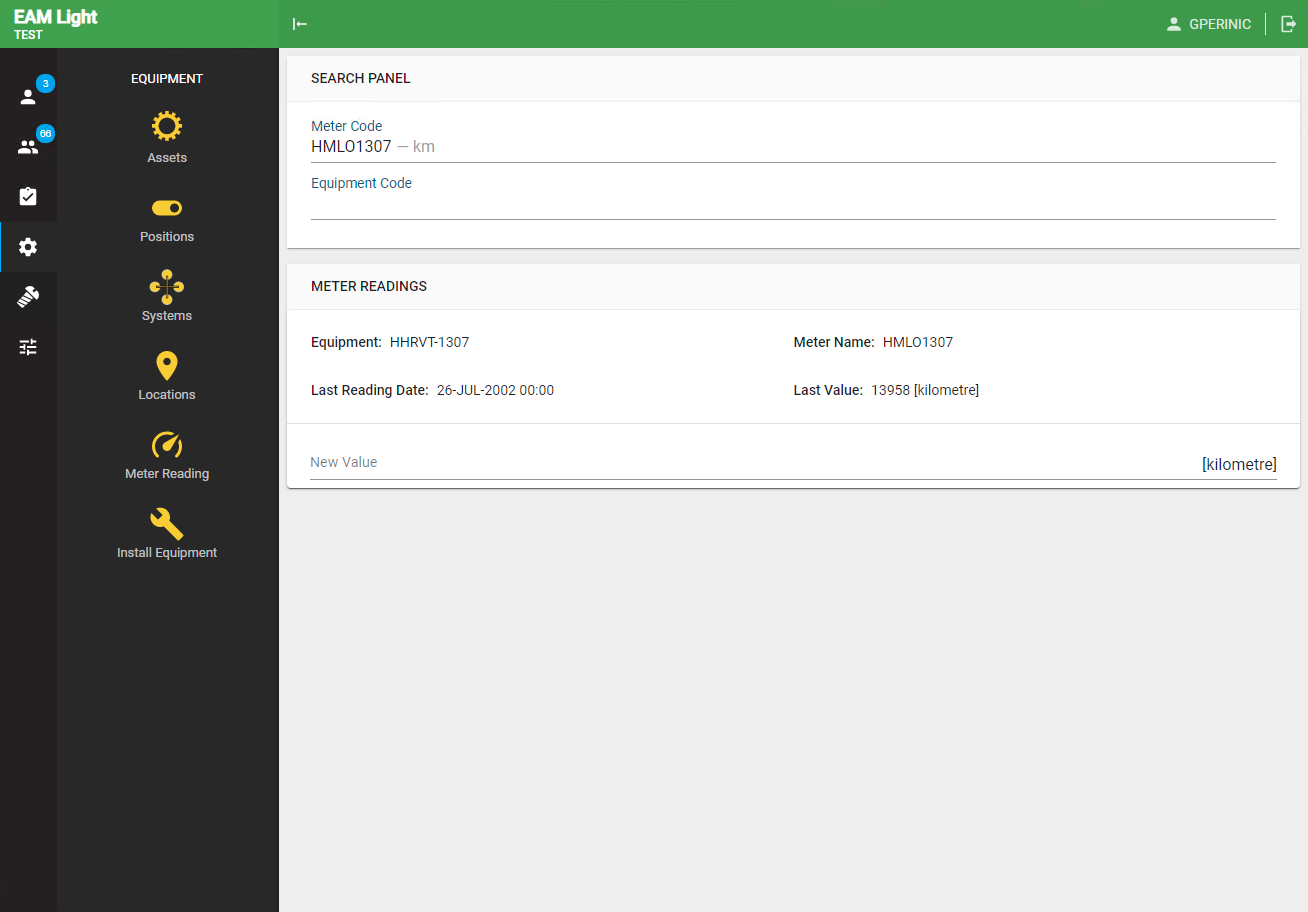
- Screen for meter readings
- Part screen
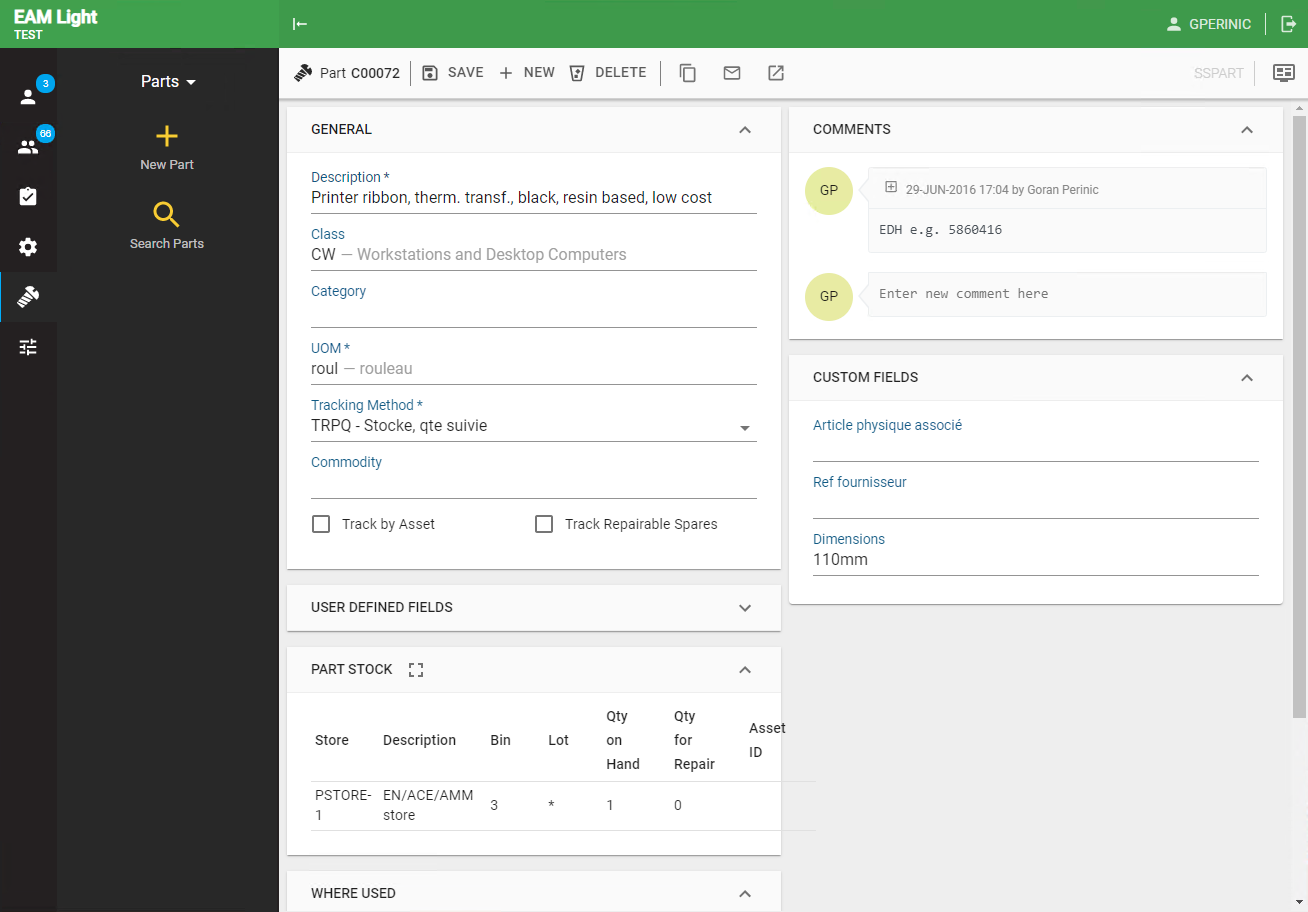
- Part screen - Part Stock zoomed to full screen