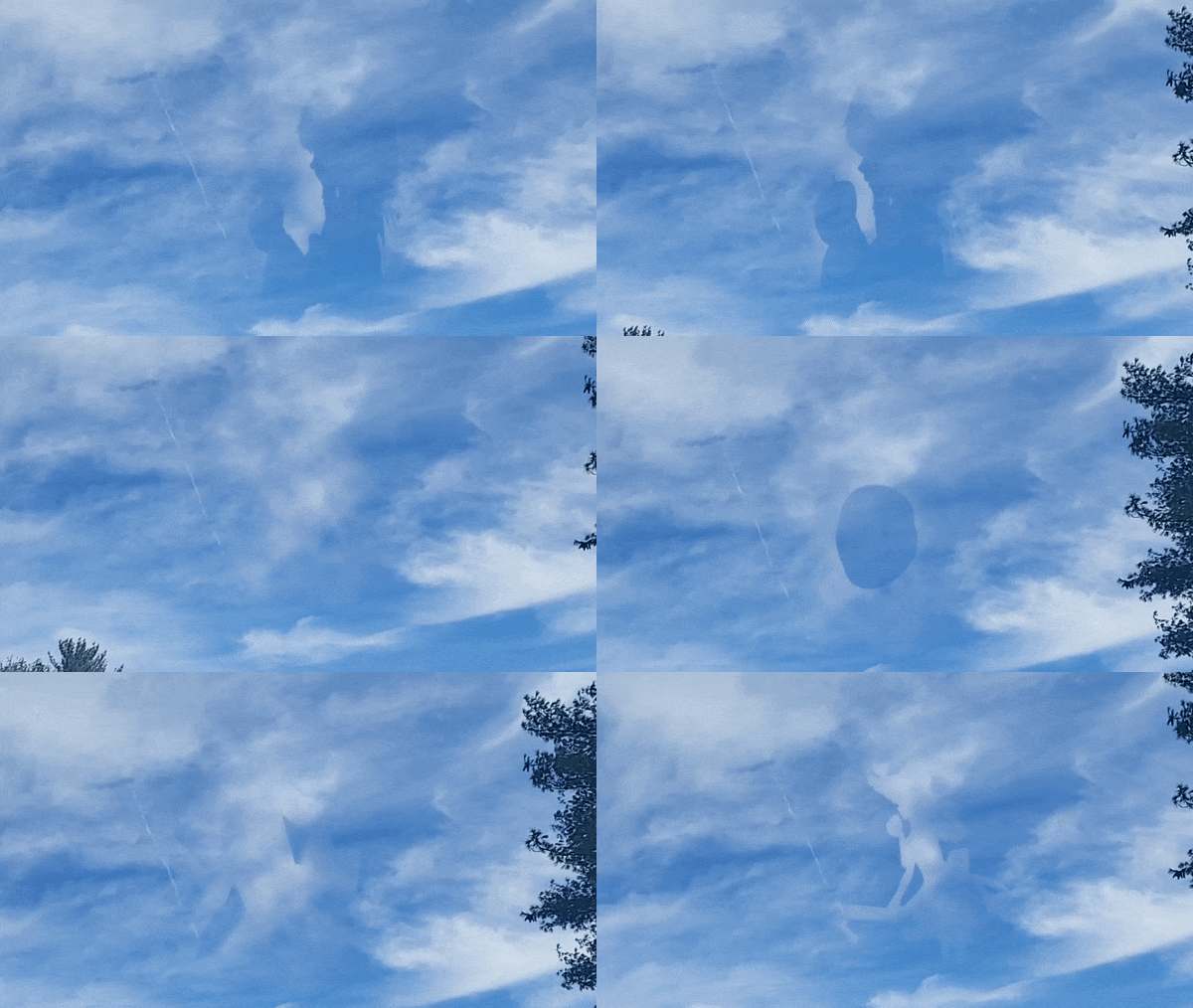
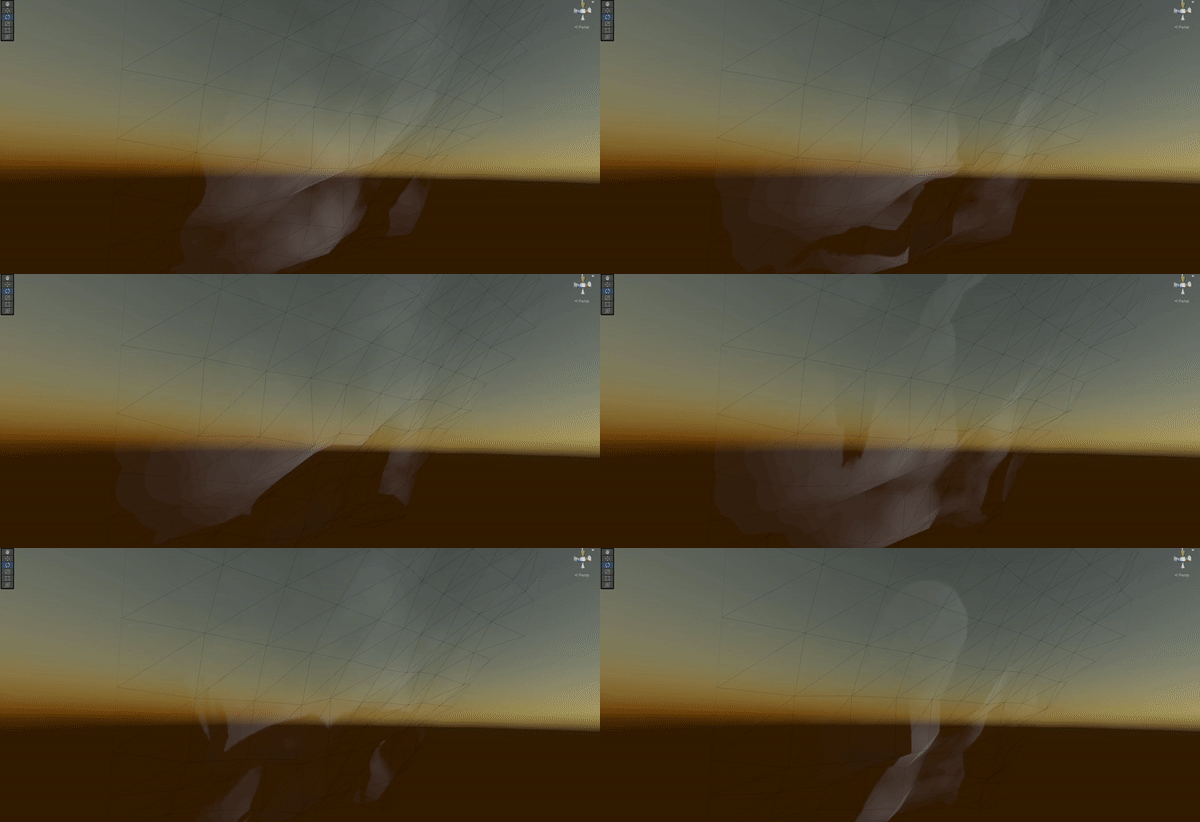
Click here to watch live demonstration.
Simple 3D light-weight augmented reality video player that displays monochrome video as clouds in the sky. Uses shaders to sample the black and white areas of the video to simulate volumetric clouds. Project leverages Niantic's ARDK to mask the sky with the video through the use of semantic segmetation. Best viewed in broad daylight with clear skies.
I'm unable to create an iPhone release as I don't personally have access to a Mac and Xcode. You can build it yourself with instructions below and some adjustments on your part.
- Download .APK from release section.
- Drag and drop into your phone directory.
- Use phone's file browser to install .APK. (Allow unknown sources.)
- Open up the app. Make sure to have an internet connection (Mobile Data or Wi-Fi) to authenticate. This is required by Niantic to use their AR services. Otherwise you'll see a white screen if no connection is available.
- Point your phone in the direction where you want to view. Press the 'Re-center' button to align the clouds to your position. Use the slider to move up/down the cloud player into position if adjustment is needed.
- Press Play!
- Open up the project in Unity and open the '_mainScene' scene file.
- Import video into assets and change the video player component in the 'Cloud Video Player' game object to play the new video file.
- Goto the Resources directory and create a 'ARDK' folder.
- Right click in the folder and create a ARDK API key. You can obtain one from the ARDK website here after making an account.
- File > Build Settings > Build