Basic ROS Setup
Now the next thing is getting our robot ROS ready.. So first we have to make our robot obey to the commands from ROS. Take a look at the following figure.

First we have to implement this with ROS in our system to get our differential drive system running.. Don't worry it is not hard thanks to people who contributed to ROS all around the world. Let's take a look at what each node does..
At first, to send velocity commands and control our robot manually we use this node. It allows us to control robot with terminal. After you run this node, It will look like this..

So simply, by pressing i j k l and , you can send velocity commands to move your robot. The massages published to /cmd_vel topic by this node will looks like this..

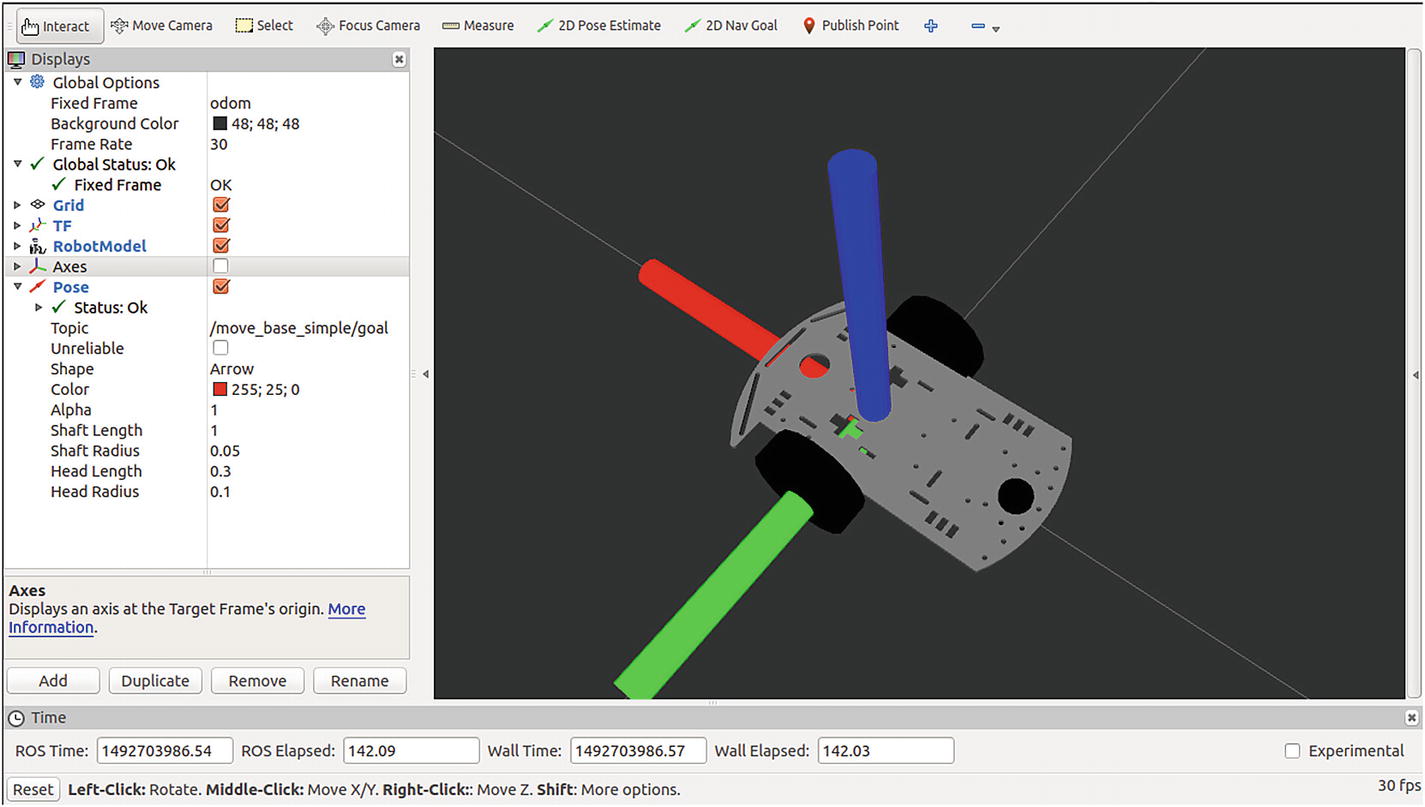
So the meaning of this massage is we need a linear speed of -0.988.. ms^-1 along x axis and a angular velocity of -1.2239.. around z axis (yaw) of base frame of the robot. usually this frame will be like x axis faces along the front of the robot and z axis going through top.
To install this, you can run following command.
sudo apt-get install ros-melodic-teleop-twist-keyboard
Link for the ROS package is here..
Later when we are running ROS Navigation, move_base node will publish velocity commands to this /cmd_vel topic and navigate the robot.
This node subscribes to /cmd_vel topic and calculates and publish velocity for each motor. When it calculates, only the linear velocity along x-axis and angular velocity around z-axis is considered.
For this we can use twist_to_motors.py from the ros-navbot/differential_drive/scripts/ folder.
These nodes are from the differential_drive package by Jon Stephan. The package is not maintained for latest ROS versions but we can use it after some simple modifications. You can find modified versions in our Git repository.
PID Controller is a very important part in this system. If you are not familiar with PID Concept, Please check this link. It should give you the basic idea.
Here we have two PID Controller nodes for each wheel as we launch same node twice under different names. Topics are remapped from launch file for two wheels. You can check that in launch file.
For PID node we need to provide velocity target and wheel encorder reading for individual wheels. Then it will publish motor command which we will send to microcontroller through rosserial.
I tried first with PID controller node came with differential_drive package but it didn't worked well for me. So I searched for an other PID controller node and tried few and then i found gopigo_controller.py (available in ros-navbot/navbot_control/scripts/). It worked fine and I used it with this build. But still need some tuning.
Take a look at MooreRobots blog where I got this Node. It contains some great tutorials.
With rosserial we can communicate with Microcontrollers. Here we use it to send the velocity commands calculated by PID controllers into esp8266 to control motors and get encoder readings.
If you're not familiar with rosserial, please take a look at these tutorials so you can get a better understanding of how to work with it.
To install rosserial and setup your Arduino IDE to work with it, please follow the instructions here.
This Node calculates the odometry from Wheel encoders. Odometry massages take following form.

Odometry massage gives an estimate of position and velocity of our robot in free space. It consist of a pose massage and a twist massage which contains those information.
The differential_drive package contains diff_tf node which do this job for us but when i started it I saw that even when i drive the robot forward it shows spikes of angular velocity which seems inaccurate. So I tried Differential Drive Controller from ROS Control and It was working fine. So i used that in my final implementation.
So I think now you have a basic idea of the system we are about to run. After starting this we should be able to control our robot with teleop key board. Then you can tune PIDs for your system for better performance.
Before that, Let's take a look at ROS Control.