This is the install and self-update helper for the itch.io app
https://itchio.itch.io/itch-setup
It applies a few tricks it learned from Squirrel.Mac and Squirrel.Windows, and uses some of the same technology behind butler, itch.io's command line uploader and patcher.
Something like this:
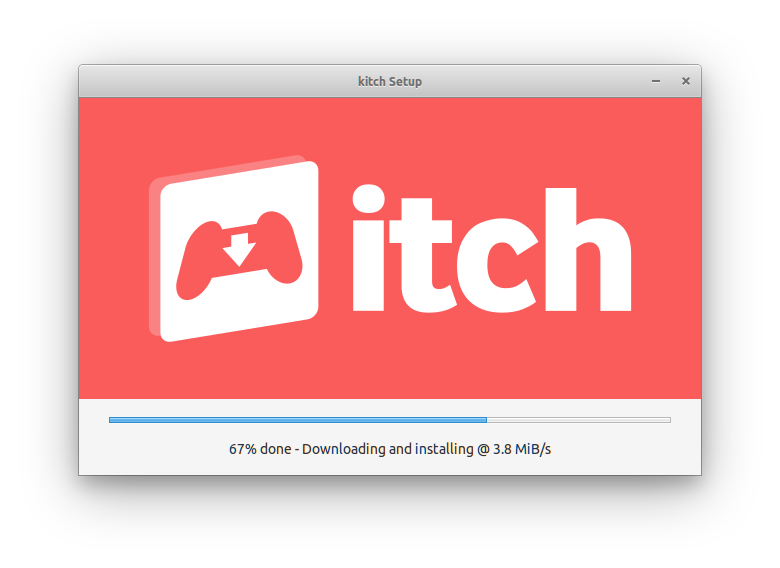
This is a screen you should only see the first time you launch the itch.io app, or if your itch install gets corrupted on disk somehow.
Any upgrades happen seamlessly in the background.
itch-setup is responsible for installing, updating, and launching the itch.io desktop app. It handles:
- First-time installation with a graphical progress indicator
- Background updates while the app is running
- Relaunching after updates are applied
- Uninstallation
| Flag | Description |
|---|---|
--prefer-launch |
Try to launch an existing installation first; only run setup if no valid version is found |
--upgrade |
Check for and apply updates (used by the running app for background updates) |
--relaunch |
Wait for a process to exit, then relaunch the app (used after applying updates) |
--relaunch-pid <pid> |
PID to wait for before relaunching (required with --relaunch) |
--uninstall |
Remove the installation |
--appname <name> |
Specify which app to manage: itch or kitch |
--silent |
Run installation without showing the GUI |
--no-fallback |
Disable automatic arm64 to amd64 architecture fallback |
--info |
Display installation information and exit |
- Fetch latest version - Query the Broth package server for the latest version number
- Download signature - Fetch the archive signature file for verification
- Stream and extract - Download the archive while extracting files, using wharf's "healing" mechanism
- Stage in temp folder - New installs go to a staging directory first
- Swap atomically - Move the staged version to the final location, renaming any existing version to
.old - Create shortcuts - Set up desktop shortcuts, start menu entries, or
.desktopfiles (platform-specific) - Launch the app - Start the newly installed itch app
For updates, the same process is used but the new version is queued as "ready" and applied on the next relaunch.
| Platform | Base Directory | App Location |
|---|---|---|
| Windows | %LOCALAPPDATA%\itch\ |
%LOCALAPPDATA%\itch\app-<version>\ |
| Linux | ~/.itch/ |
~/.itch/app-<version>/ |
| macOS | ~/Library/Application Support/itch-setup/ |
~/Applications/itch.app |
Each installation directory contains:
state.json- Tracks current and ready versionsapp-<version>/- The installed app files (or staging directory during install)staging/- Temporary directory used during installation
itch-setup uses a "multiverse" system to manage versions, tracked in state.json:
{
  "current": "25.6.2",
  "ready": ""
}- current - The version that's installed and actively used
- ready - A version that's been downloaded but not yet activated (pending relaunch)
When an update is downloaded, it's stored as "ready". On the next relaunch (via --relaunch), the ready version becomes current.
Run itch-setup --uninstall to remove the installation. The uninstaller will:
- Kill running processes - Gracefully close any running instances of the app
- Remove installation files - Delete all versioned app directories (
app-<version>/), icons, state files, and shortcuts - Clean app-managed data - Remove logs, crash reports, and prerequisites from the user data directory
What gets preserved:
User data is intentionally kept to allow easy reinstallation:
- User profiles and accounts (
users/) - Preferences (
preferences.json,config.json) - Game library database (
db/)
Platform-specific details:
| Platform | Removes | User Data Location |
|---|---|---|
| Windows | %LOCALAPPDATA%\itch\, Start Menu & Desktop shortcuts, registry uninstaller entry |
%APPDATA%\itch\ |
| macOS | ~/Applications/itch.app, ~/Library/Application Support/itch-setup/ |
~/Library/Application Support/itch/ |
| Linux | ~/.itch/, ~/.local/share/applications/io.itch.itch.desktop |
~/.config/itch/ |
On Windows, the itch-setup.exe binary cannot delete itself while running, so it moves itself to a temporary trash directory (%TEMP%\.itch-setup-trash\).
Broth is itch.io's package distribution service. itch-setup fetches packages from Broth at URLs like:
https://broth.itch.zone/itch/linux-amd64/LATEST
https://broth.itch.zone/itch/linux-amd64/<version>/archive/default
On macOS and Windows, if you're running on an arm64 system (Apple Silicon or ARM Windows) and no native arm64 build is available on Broth, itch-setup will automatically fall back to the amd64 version. This works because:
- macOS with Apple Silicon can run x86_64 apps via Rosetta 2
- Windows on ARM can run x64 apps via emulation
This allows itch-setup to install the app even when a native ARM build hasn't been released yet. Use the --no-fallback flag to disable this behavior and require a native arm64 build.
itch-setup is MIT-licensed, see LICENSE for details

