A card-based theme for your blog.
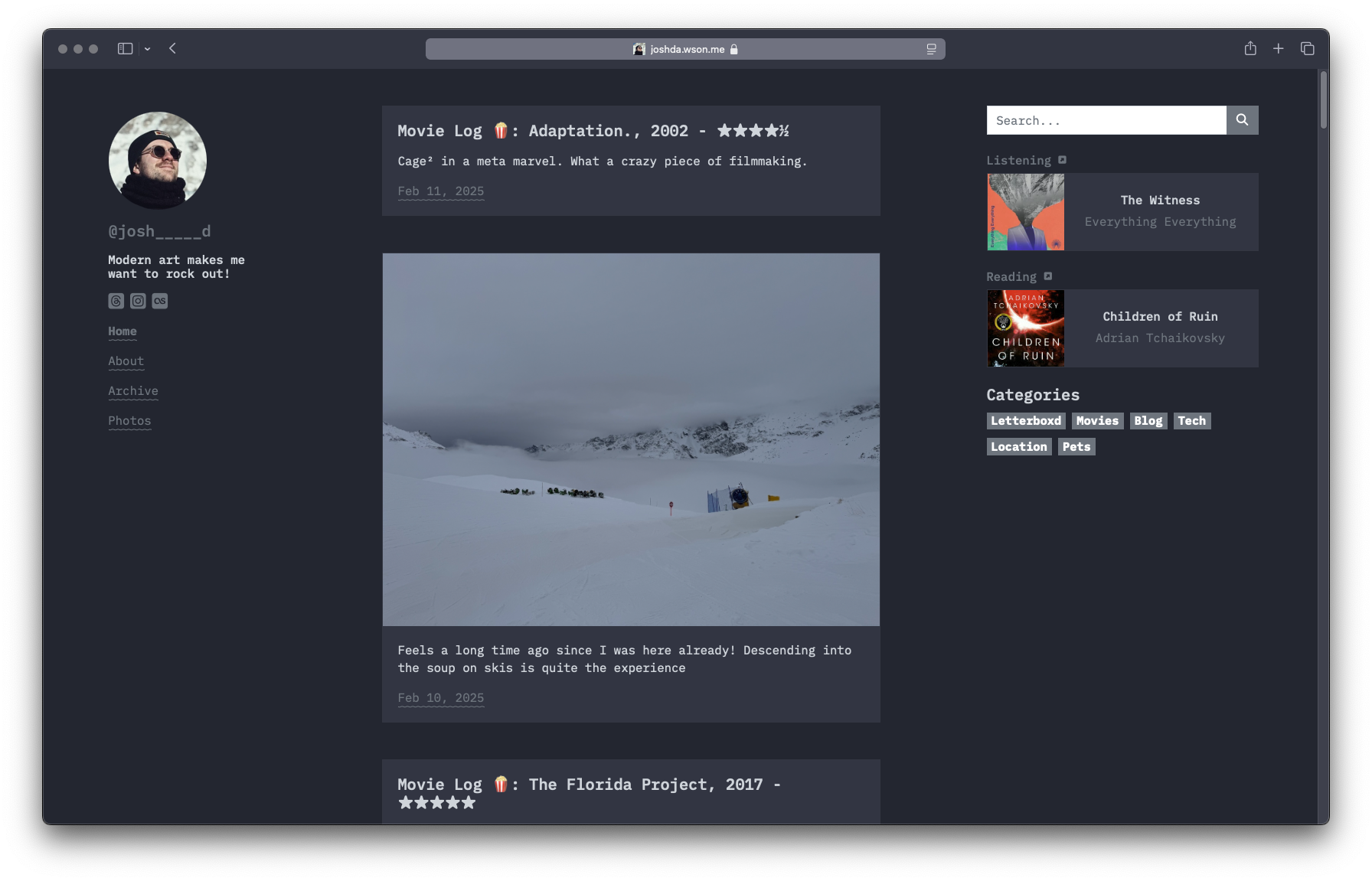
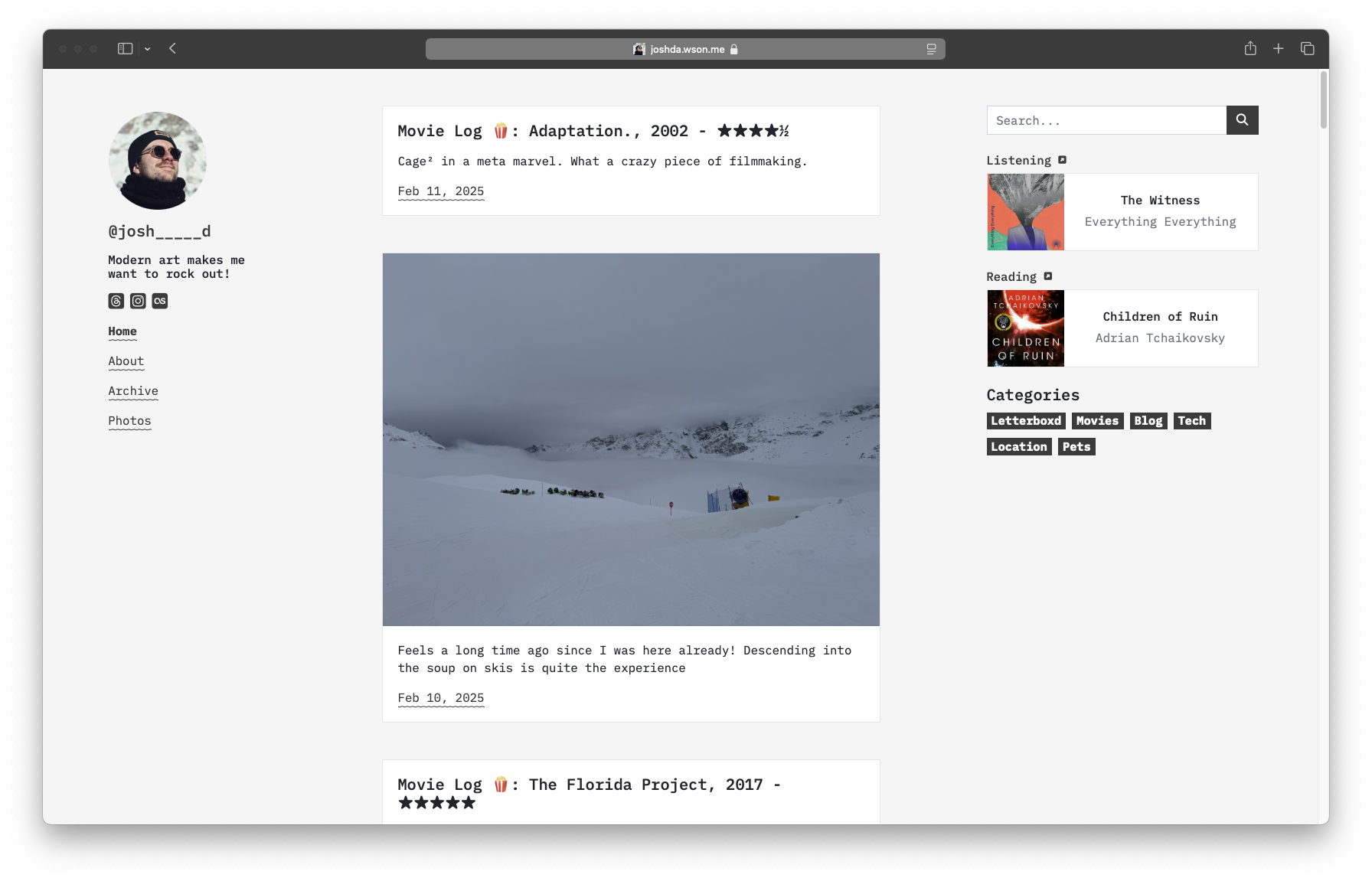
A demo is available at https://microwave.micro.blog
The theme was heavily inspired by Jimmy Cai's stack theme for Hugo that can be found here: https://github.com/CaiJimmy/hugo-theme-stack
Search comes from the official Micro.blog search plugin by Manton Reece: https://github.com/microdotblog/plugin-search-page
Images page uses Masonry and ImagesLoaded from David SeSandro: https://github.com/desandro
The archive timeline is almost entirely built from this great codepen from Shireen Taj: https://codepen.io/TajShireen/pen/JjGvVzg
Mobile hamburger menu comes from Jonathan Suh here: https://github.com/jonsuh/hamburgers
- Automatic light and dark mode that follows the system setting
- Additional social icons from micro.blog defaults
- Built-in search
- Custom tagline
- Support for replies
- Custom lightbox for photos in posts (supports multiple!)
- Shows your most recent last.fm play (via my API)
- Shows your 'Currently Reading' micro.blog book
- Replies and Conversations
- Old-school marquee banner plus loads more in a stacked config.json!
For simple customisations, you can edit directly from the plug-in settings page. This should open up all the relevant parts of the theme for editing by micro.one plan users. All the below settings are available in the plug-in settings page. It's worth noting you have the option to edit your config.json if you would prefer.
Change the value of tagline
I've only got a few of these right now - but add your username for each respective site and you'll get an icon. If you would like more adding to the theme, raise an issue in this repo and I'll get to it!
You can request an API key from me if you want to use this integration. Drop the key I give you into the settings along with your last.fm username and you'll start to see your most recently scrobbled track.
You can toggle on/off the ability to show Categories on your posts, Categories in your sidebar, the amount of time it'll take to read your posts, Archive years in your sidebar, truncation of posts in your main feed. All of these are again options in your settings.
We've got an old-school marquee here! You can drop a bit of something in marqueeContent in your settings - HTML is supported - and toggle on the marquee.
Sometimes you don't want some categories of posts to show full size images on your main feed, or on the photos page. There are two lists in the config.json that you can populate to do just this. Wrap your categories in double quotes and separate with commas.
I've included SASS variables for the light and dark modes of the theme. Feel free to hack away at those and create alternative bootstrap-dark and bootstrap-light files. When you change card background colours, you'll want to update the values of the reply div backgrounds in static/css/style.css - sorry about that.
Follow me and give me a nudge for help:
- @josh_____d on micro.blog
- @joshda.wson.me on BlueSky
Or you can raise an issue in this repository.
If you love Microwave so much you would like to part with some money, you can buy me a coffee.