Just like Airbnb, at Stays you can explore multiple vacation listings across the world and find the one you'd love to Stay at! If you have a stay of your own that you would like to offer to others you can create your very own listing! If you stayed at a stay recently and would like to leave a review you can also do that once you are logged in to your Stays account. Checkout Stays now!
Created with: JavaScript, PostgresSQL, Sequelize, Express, React, Redux, CSS
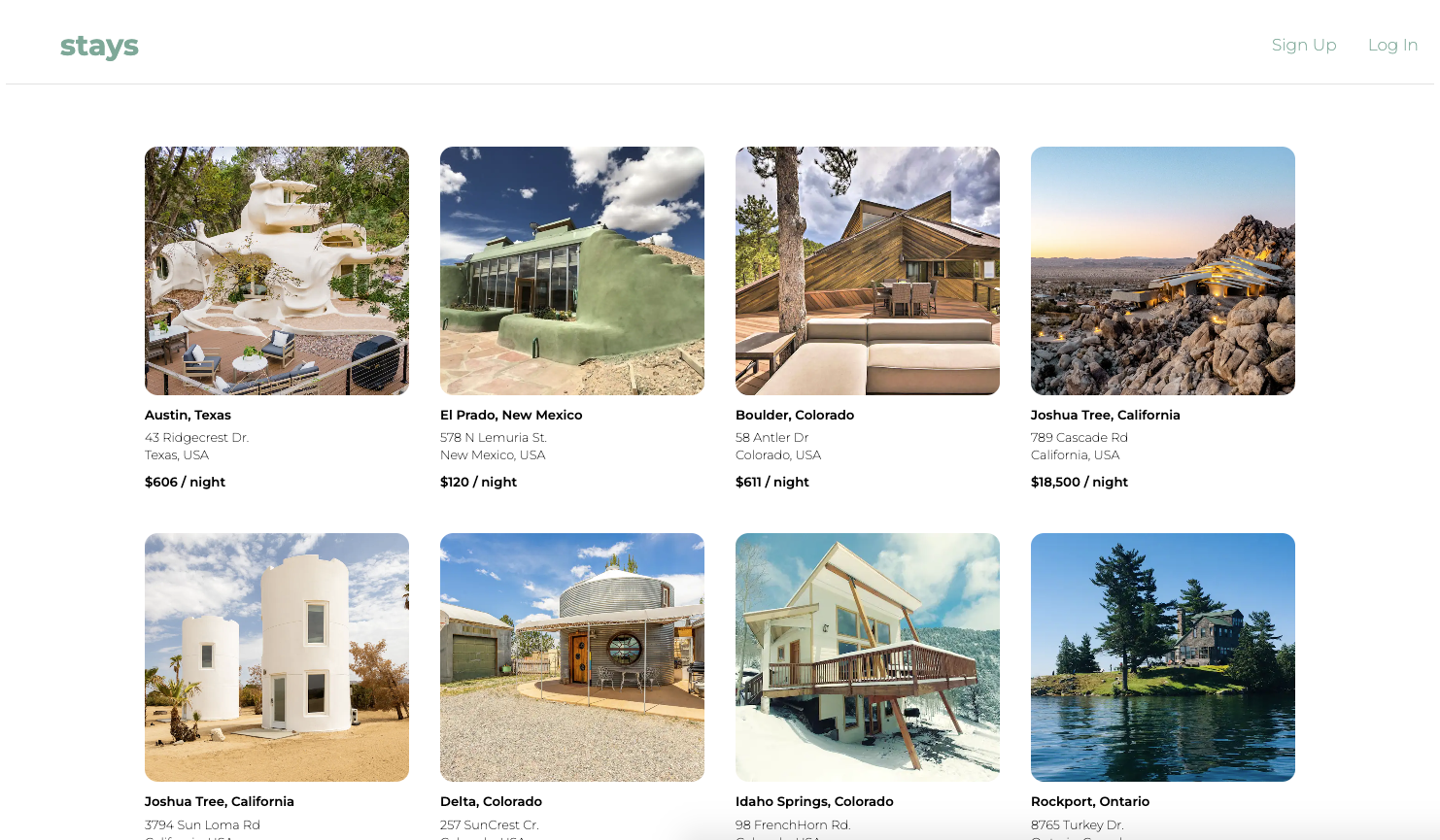
Checkout all of Stays listings without having to be logged in!
Don't have time to Sign up and create a new account, no worries! Simply log in with our provided Demo/Guest user, and explore Stays and all its capabilities! Create a Listing and leave some reviews!
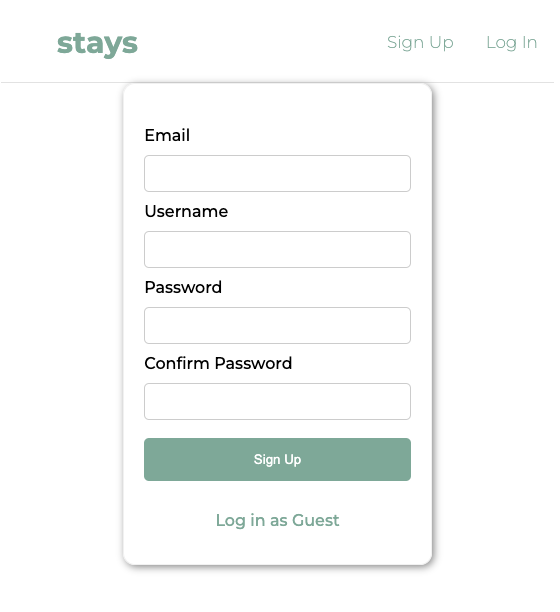
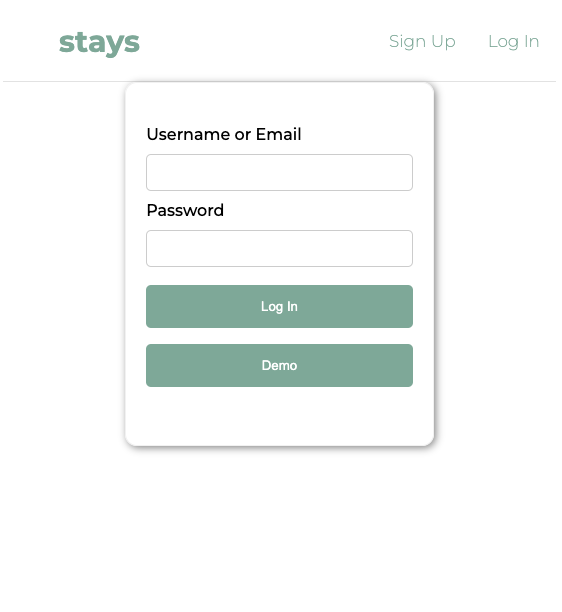
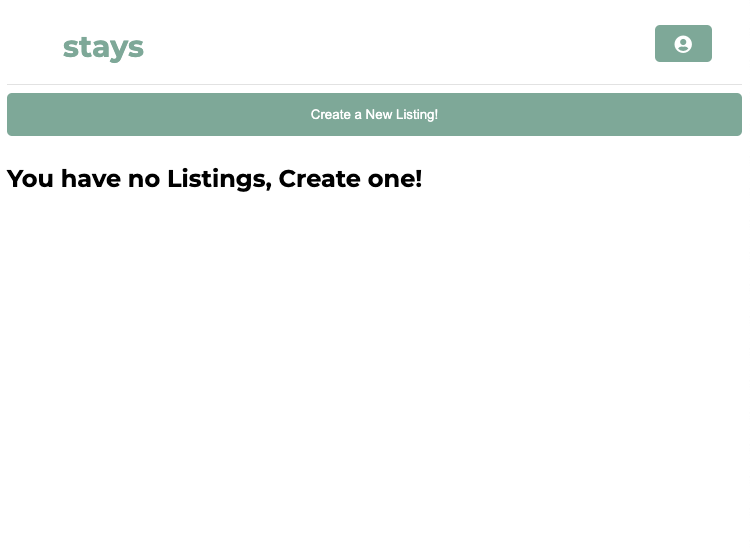
Once you have signed up and logged in you can now Create your first listing within your 'My Profile' page. You can also instantly delete it or edit it as you please!
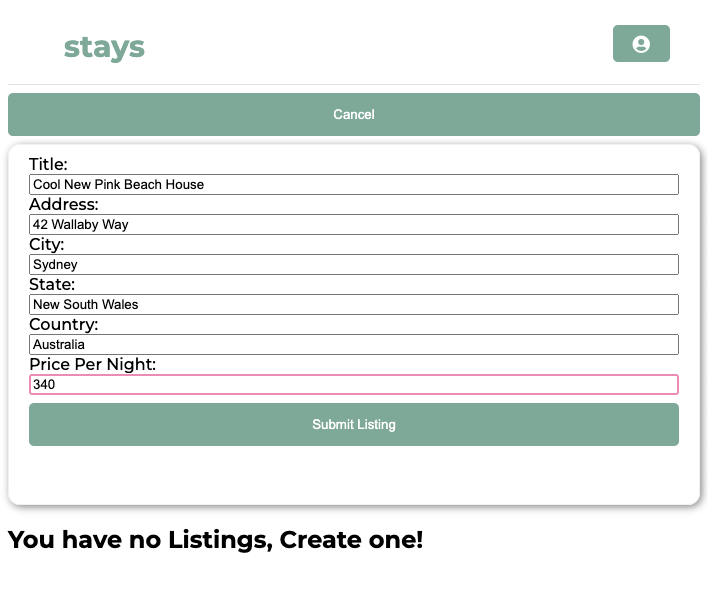
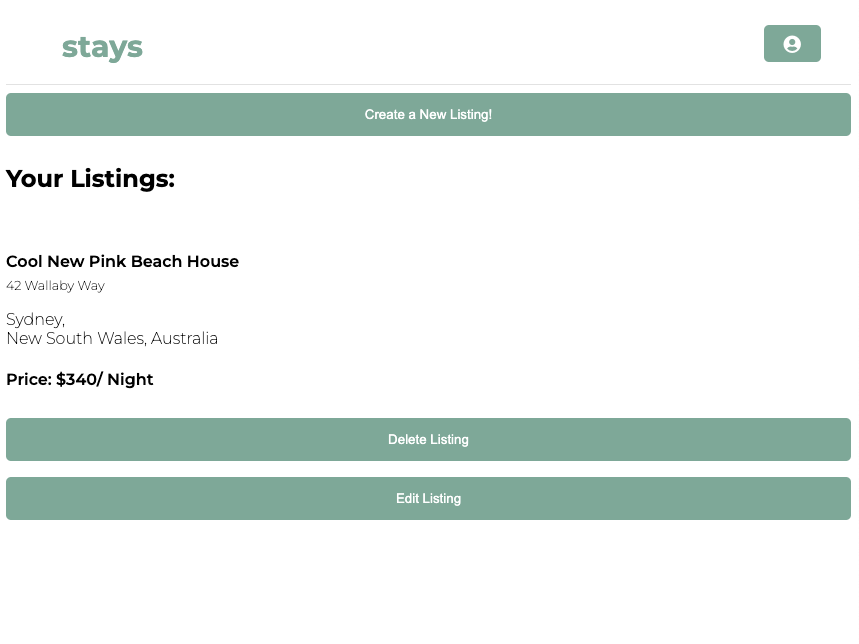
Once you are logged in on Stays you can leave a review on any listing and even your own listings! You can also delete your review if you end up changing your mind!
Taking the time to setup my database properly and understand the relationship between my models was super important to me and came in handy when I needed to pull related data from other data. This situation first presented itself in the reviews feature, I wanted to showcase reviews in the same individual spot (or individual stay/listing) page and underneath the individual spot/listing information. Since I also created a reducer specifically for my reviews I was able to easily access reviews through the state.
const  reviewsObj  =  useSelector(state  =>  state.reviewReducer)
const  reviews  =  Object.values(reviewsObj);
I was then able to iterate through all the reviews that the particular spot/listing had and display them!
{  reviews  &&  reviews.map((review) => (
<div  key={review.id}>
    {(
    <div  className="reviewBox">
	    <h5>Rating: {review.rating}</h5>
	    <span>{review.review}</span>
    {userId  &&  userId  ===  review.userId && (
    <button  onClick={()=>  onDelete(review.id)}>Delete Your Review!</button>
    )}
    </div>
    )}
</div>
))}
Using conditionals within my JSX was a great way to solve some of my road bumps, for example figuring out how to Display a delete button only if the logged in users Id matched the userId asspciated to that review. After overcoming this road bump I was able to use multiple conditionals to display specific features throughout Stays
{userId  &&  userId  ===  review.userId && (
<button  onClick={()=>  onDelete(review.id)}>Delete Your Review!</button>
)}
Run Stays locally! Clone the stays repo to a local folder
git clone https://github.com/joshsalcido/stays-app.git
In both the backend directory and frontend run npm install to install all dependencies
npm install
In the backend directory create a .env file, use the .env.example file as a reference and fill it out with your desired port, username, password, and database name
now in the backend directory create, migrate, and seed the database, run:
npx dotenv sequelize db:create
npx dotenv sequelize db:migrate
npx dotenv sequelize db:seed:all
Final step, run the server, navigate to the backend directory in one terminal and in another terminal navigate to the frontend directory and run this in both:
npm start
Given the time constraint of a week, here are some features that haven't made the site yet but will be implemented soon!
- Listing Categories ex. Cabins, Islands, Modern Design, A-frames etc.
- Bookings
- AWS local photo uploads
- Favorites, save listings to a Favorites list
- Listing Search bar