This repository contains my exercises for college classes (in folders 1. 2.1. 2.2. ...). In the main directory is a testing system created by myself to make testing easier.
In every subfolder are located excercises written in C. But in one subfolder can't be more then one program to run. This is because name of folder is also name of the test inside directory. To propely run testing you have to write one more file named: tests.test in which will be include tests.
For example, you have to write program that write Hello World to output.
- If you don't have src directory, create it in main folder.
- On start, you must a create dictionary for the program (which name will be displayed in the testing program as the program name).
- After you finish writing the code, you save it as a hello.c file. You don't have to compile it to .exe because the program automaticly does it for you :).
- Finally, add tests to that dictionary file. test with such a build:
hello                   (#0 name of c file to test)
#TEST                   (# tags are required informations for testing program)
Print Hello World       (#1 first test name)
#INPUT
                        (#2 Program input, in this case empty line)
#OUTPUT
Hello World             (#3 Expected program output)
#EOF                    (#4 End of file)
#0 and #4 tag supposed to be unique in a file. But segment with #TEST #INPUT and #OUTPUT could be used many times (for each test which you want to include).
Program during running creates 3 files in his folder:
- tmp (for storage information about dir output command)
- tmpin (for storage temporary input for test)
- tmpout (for storage temporary output for test)
- logs (in test directory for storage compilation logs)
Of course if you want you could remove then after closing program but they are neccesery during running :)
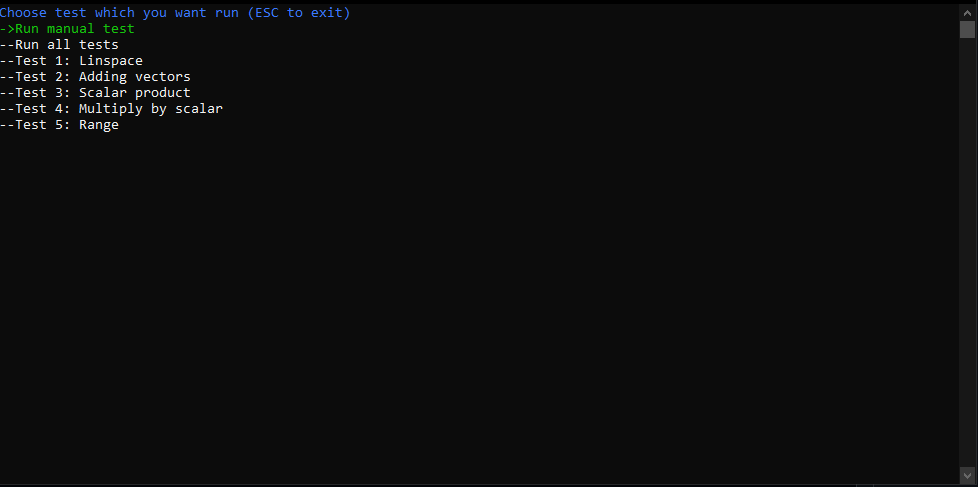
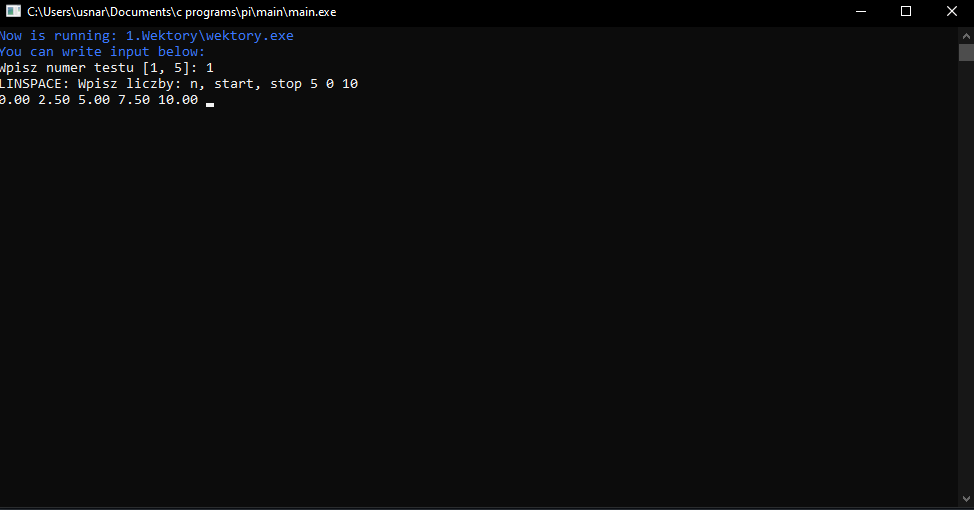
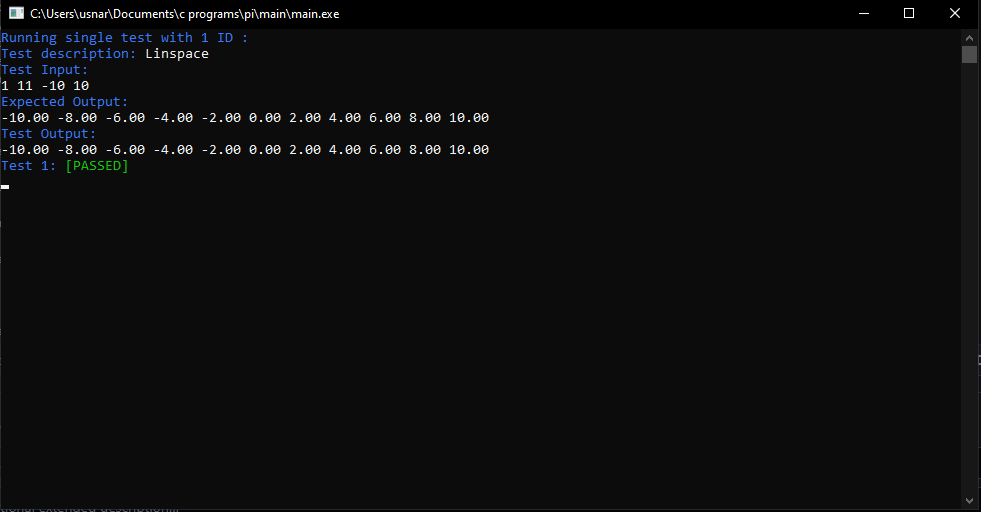
Program offers automatic and manually testing. For automatic you have to write any output to testing file. For example:
Enter your name:
Christopher
In tests file line "Enter your name:" must be to properly working. But you can avoid that, writing your code for automatic and manually tests. When it is manually, for help enter input hints like 'Enter your name' are necessary. But for automatic tests you don't have to see that. So best idea is that add optionaly program argument 0 or 1. This program has implemented that all. 1 is for manually testing and 0 (which is default) for automatic testing.
You don't have to reset testing program after each src changes, but you have to return to main menu panel.
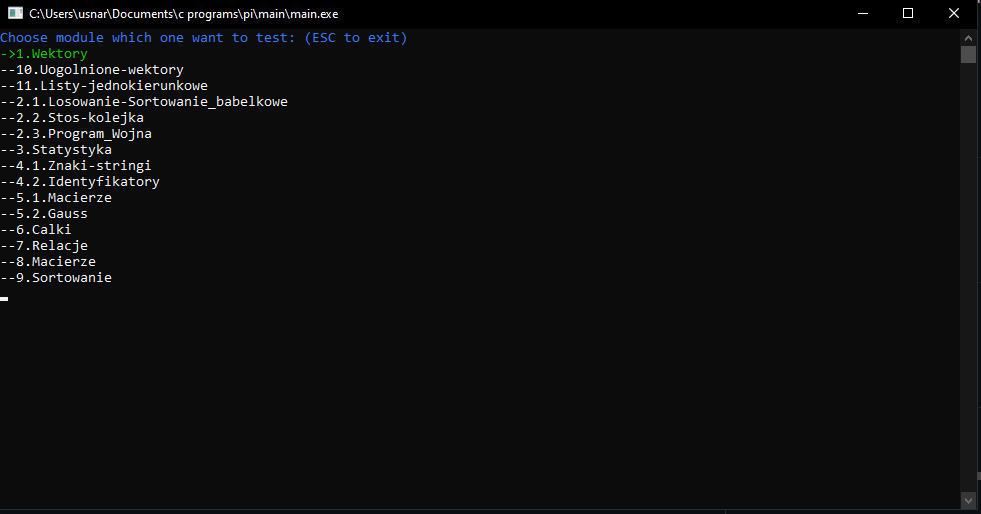
Poruszanie się strzałkami (góra/dół)
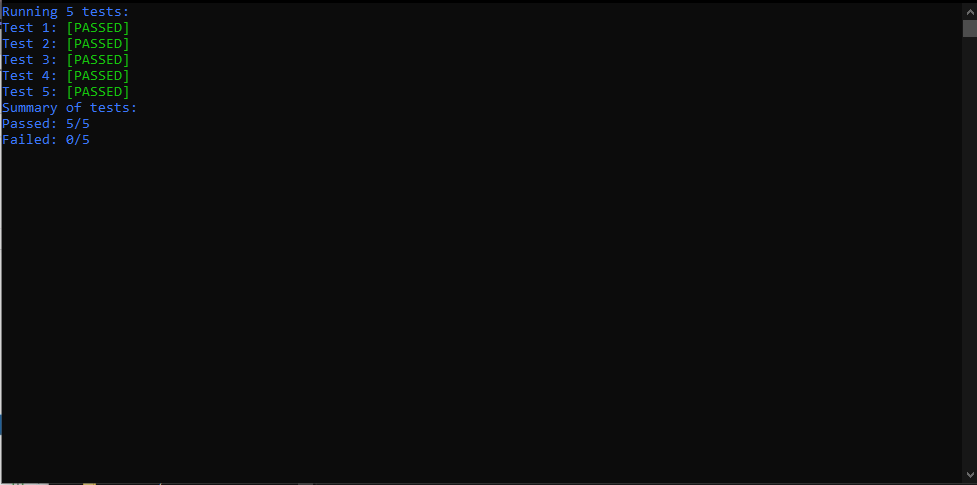
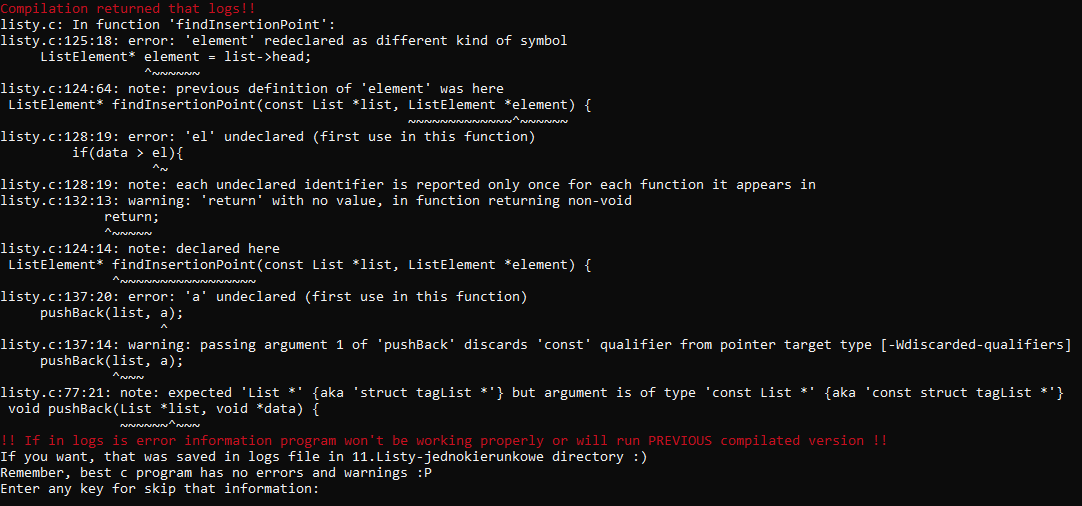
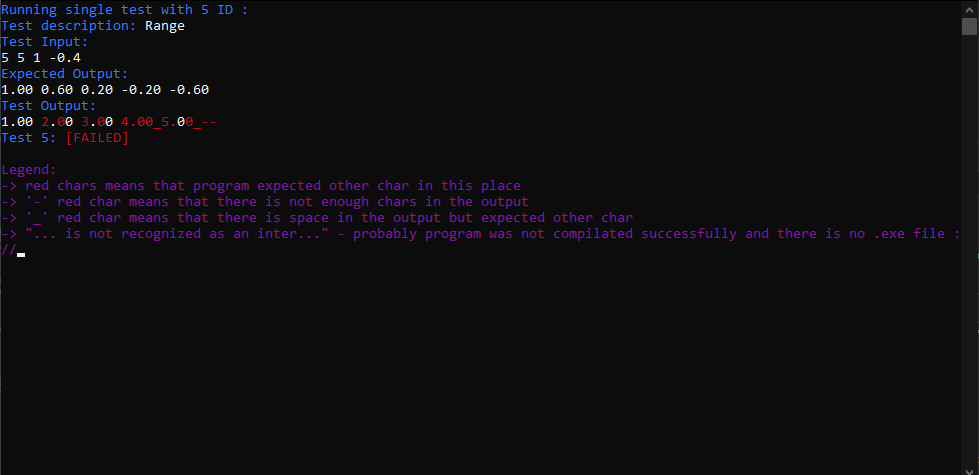
I know, my English is very poor but i am learning all the time :)