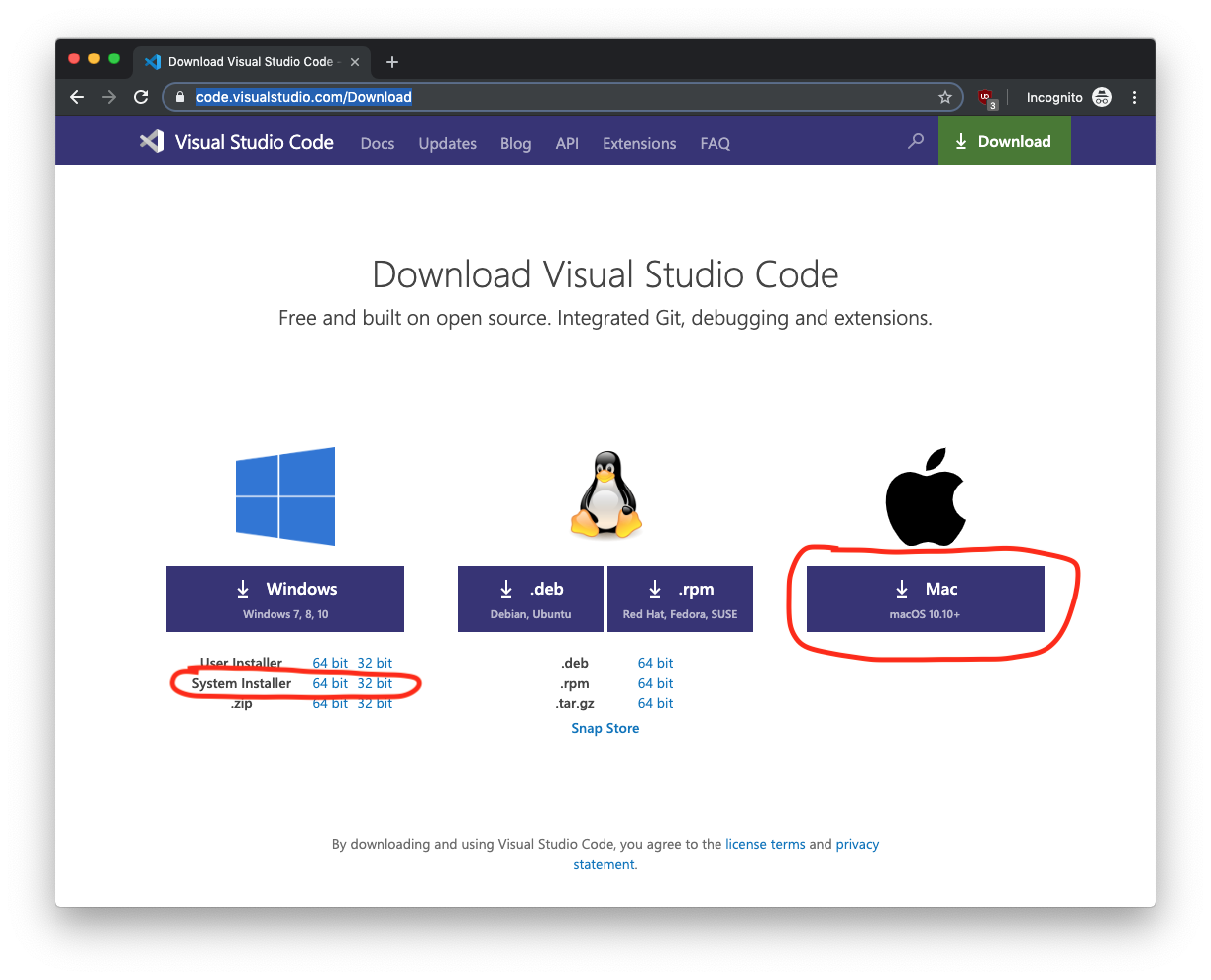
- Download Visual Studio Code here: https://code.visualstudio.com/Download
-
Install it.
- Windows - run .exe file.
- MacOS - unzip the archive and move the .app file into Applications directory.
-
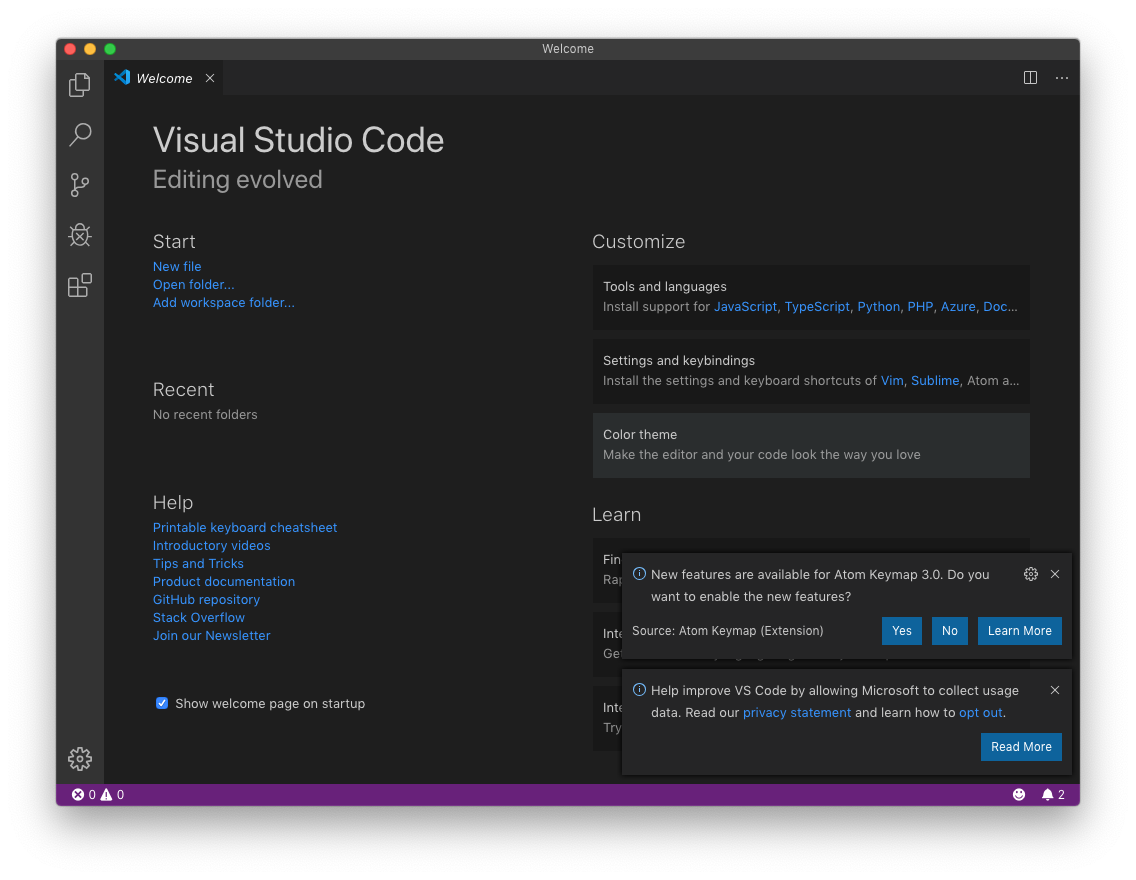
Open it.
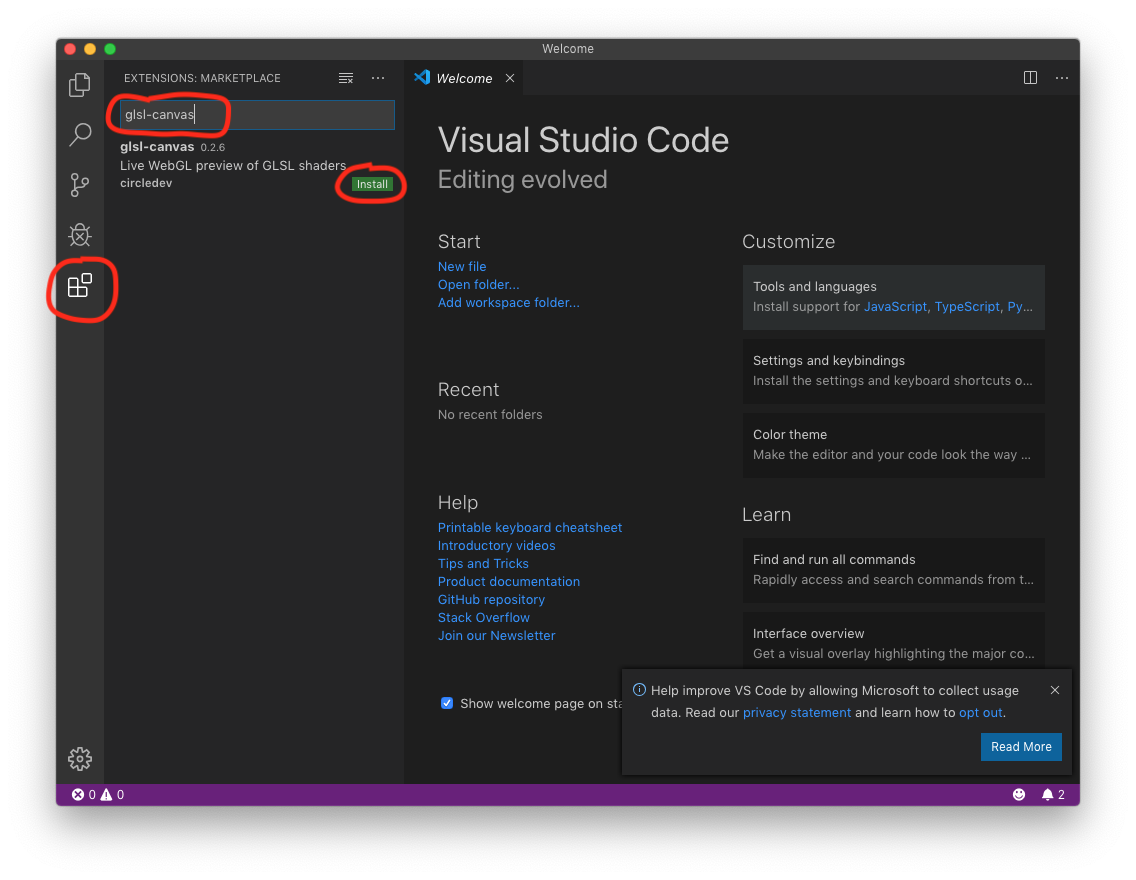
- Open the 'extensions' panel (the last button on the left side panel), type there 'glsl-canvas' and then install this extension.
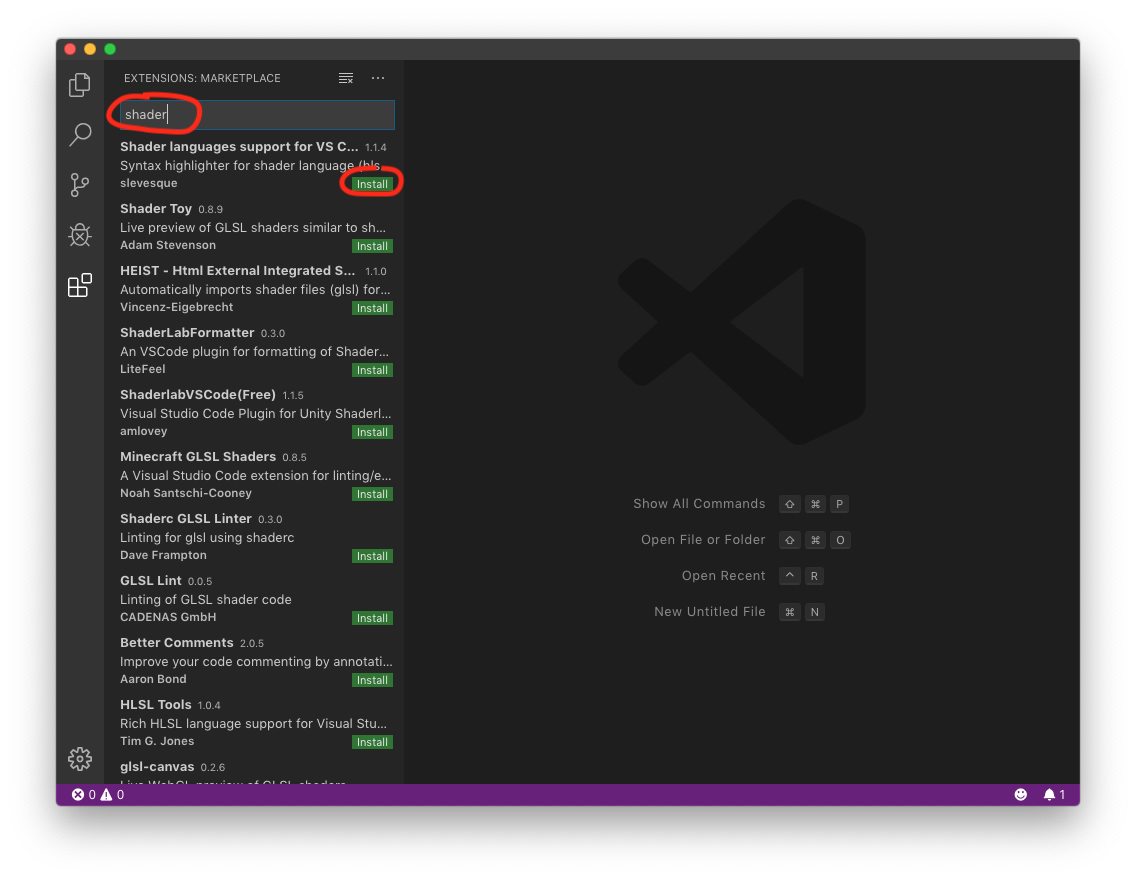
- Do the same for the shader languages support (type 'shader' and seek the required extension).
- Download the project, unzip it and then open the unzipped directory (not just one file, a whole directory).
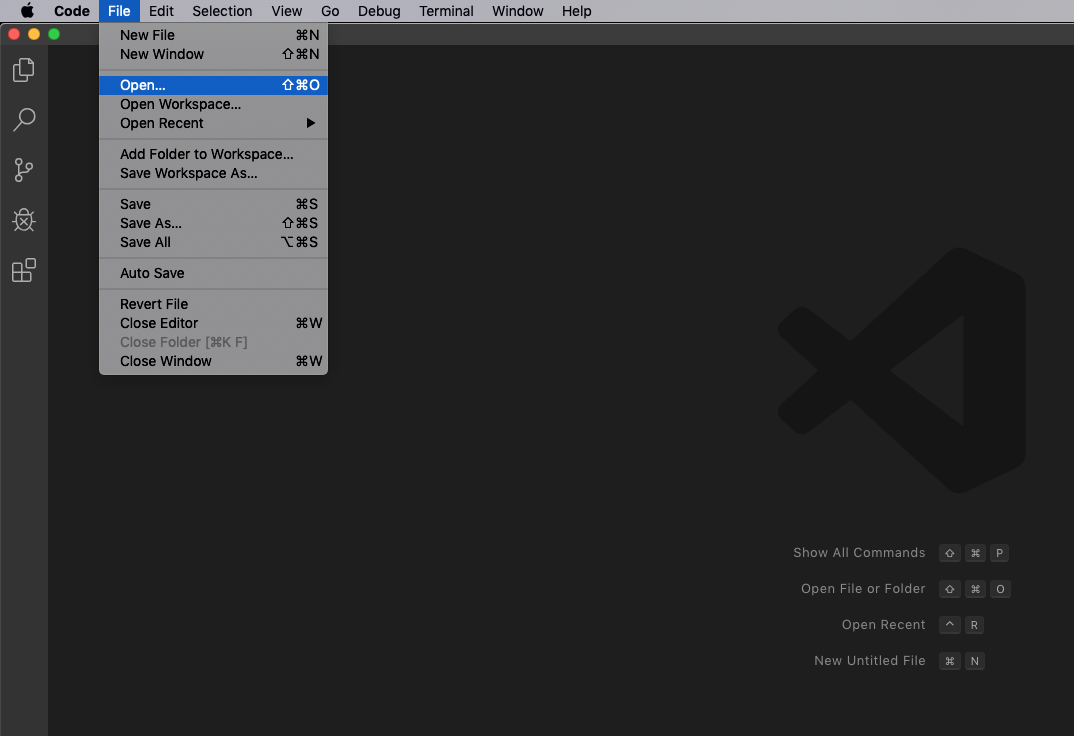
-
Select one of the shaders in the example directory.
-
Press 'Command (Ctrl) + Shift + P', type 'glsl' and then select 'Show glslCanvas' to see shader effect.
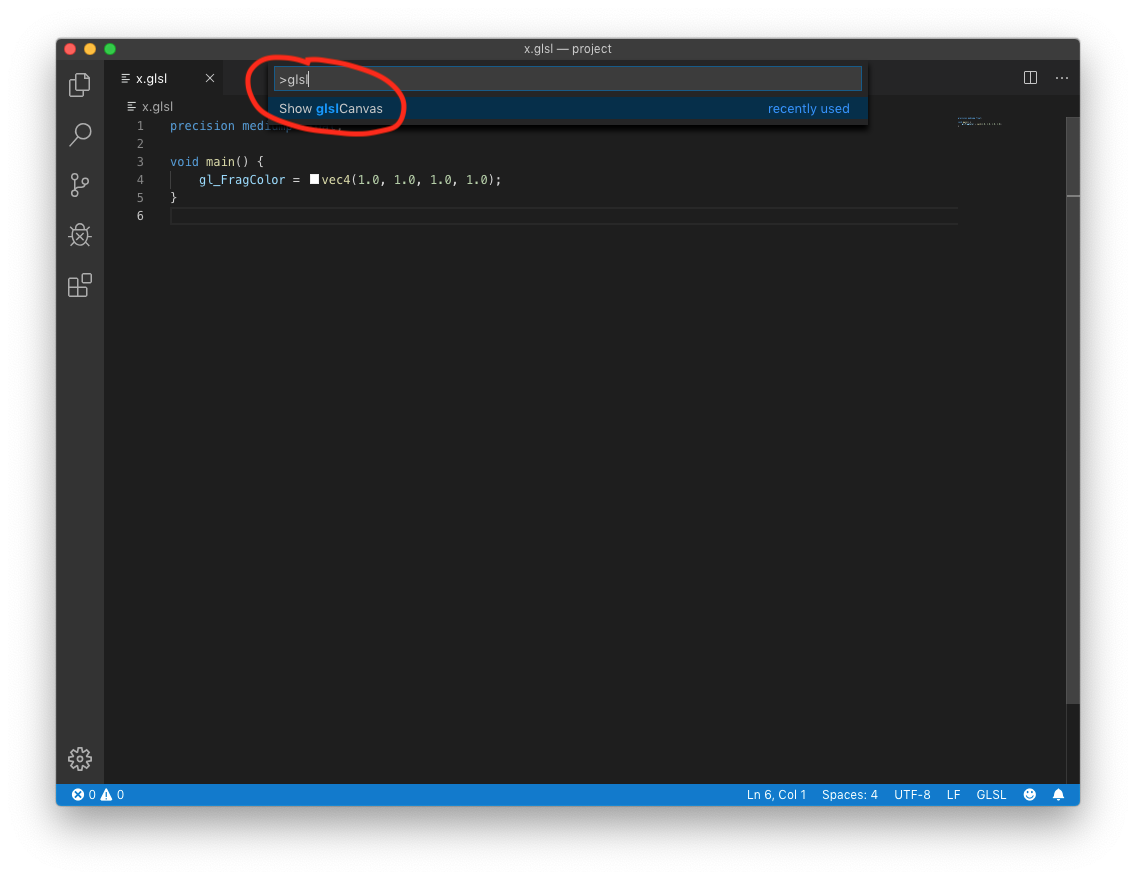
- Now you should be able to see the shader effect in the right panel.
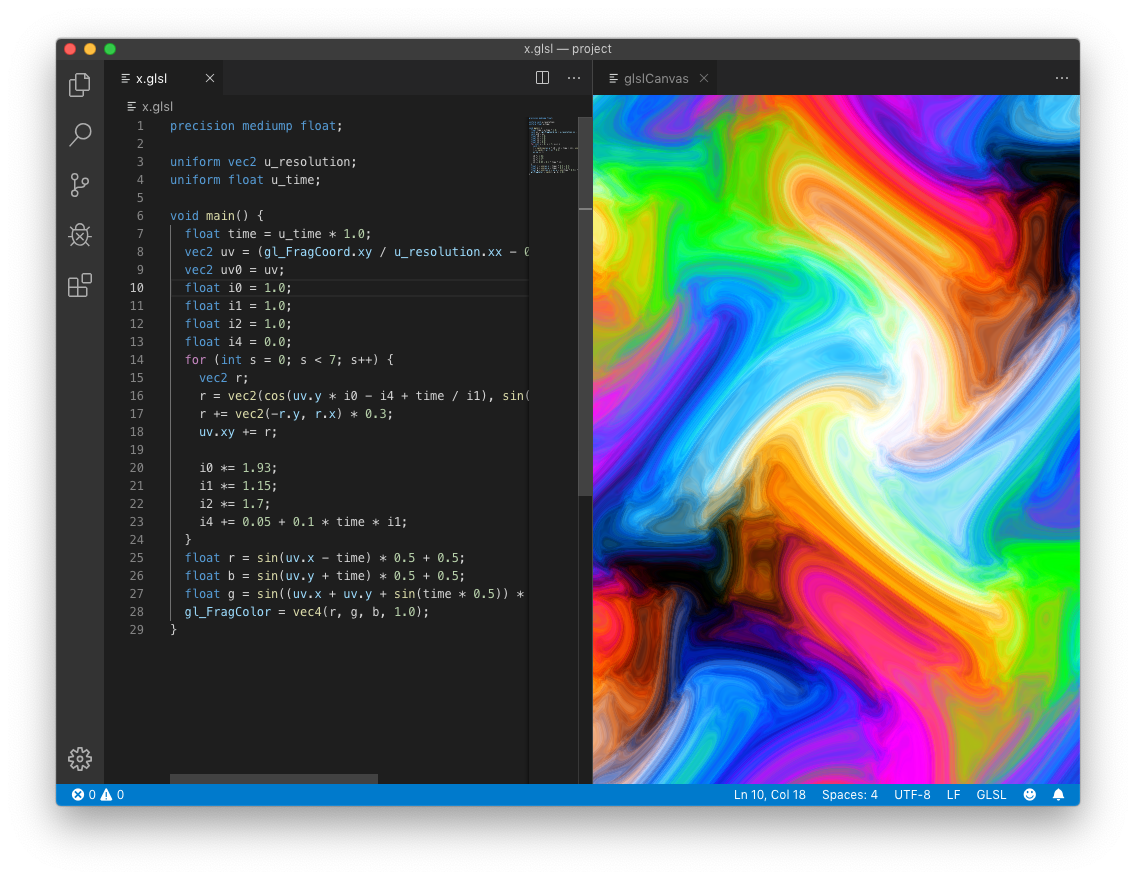
- If at some point you wouldn't be able to see shader effect in the right panel, try closing in and opening it again via 'Command (Ctrl) + Shift + P' command.