A shapeable, personal desktop system — starting with terminal multiplexing.
Built with Tauri v2 + Svelte 5 + Rust.
grug have many claude terminal. alt-tab alt-tab alt-tab. where thing go. brain so smooth. so tired. then grug find controller. all terminal one place. grug not lose thing no more. thing not right? grug grab club. beat to shape. grug tool now. complexity demon quiet. grug recommend.
Install prerequisites:
- Rust + Tauri v2
- Node.js + npm
- tmux (
brew install tmux) - espeak-ng (
brew install espeak-ng) — required for voice mode TTS
Then:
npm install
npm run tauri devIf you use Claude Code inside tmux to develop this project, add the following to ~/.tmux.conf for a cleaner UI:
set -g status off
Reload with tmux source-file ~/.tmux.conf.
status off hides the tmux status bar for a cleaner UI.
The app now includes a companion CLI for secure .env editing:
cd src-tauri
cargo run --bin controller-cli -- env set --project <project-name> --key <ENV_KEY>
Behavior:
- The Controller app must already be running.
- The target project must already be known to The Controller.
- The CLI opens a secure modal in the app instead of reading the secret in the terminal.
- The CLI prints only redacted results such as
created OPENAI_API_KEY for demo-project.
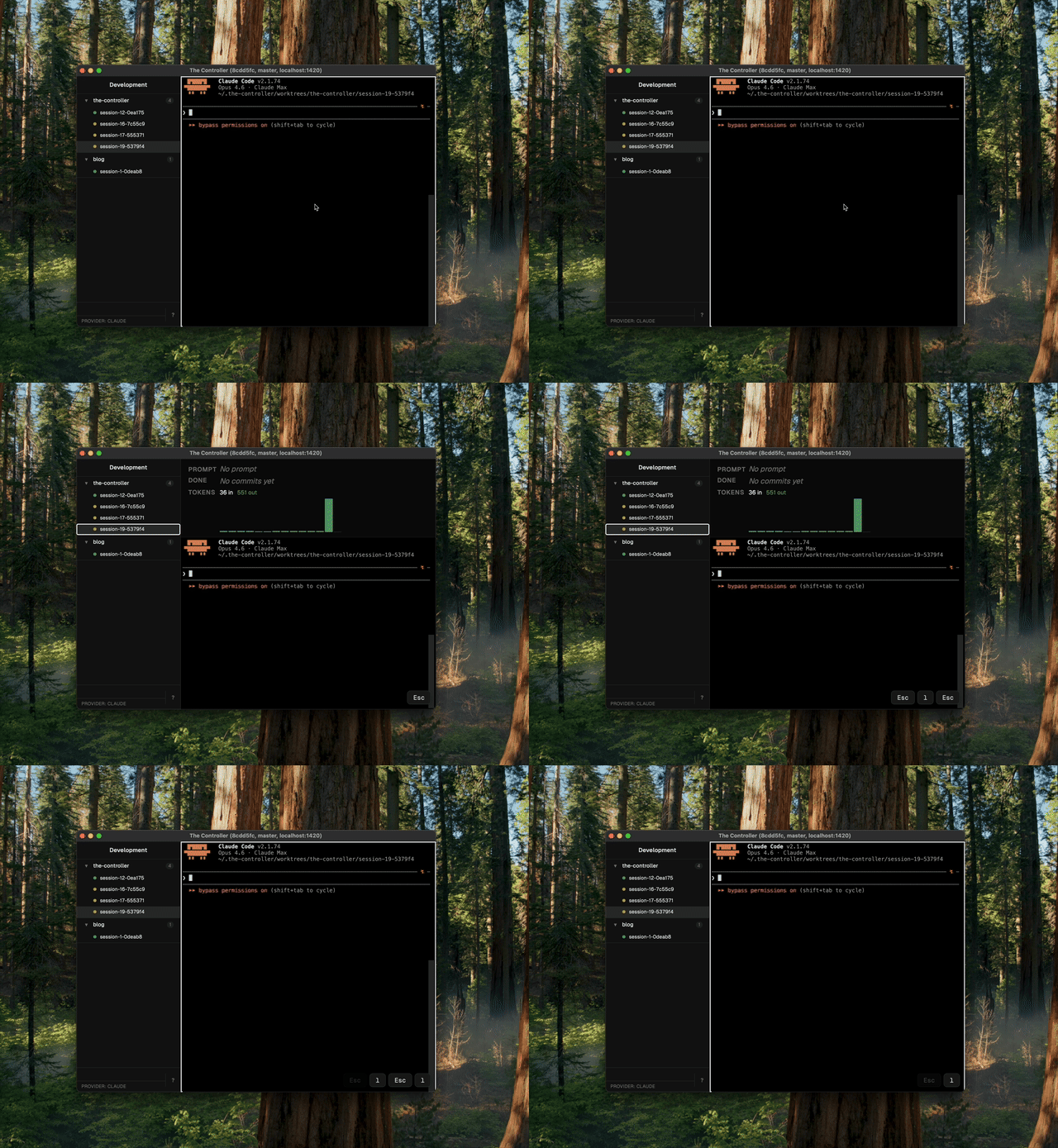
Move focus between the session terminal and the sidebar.
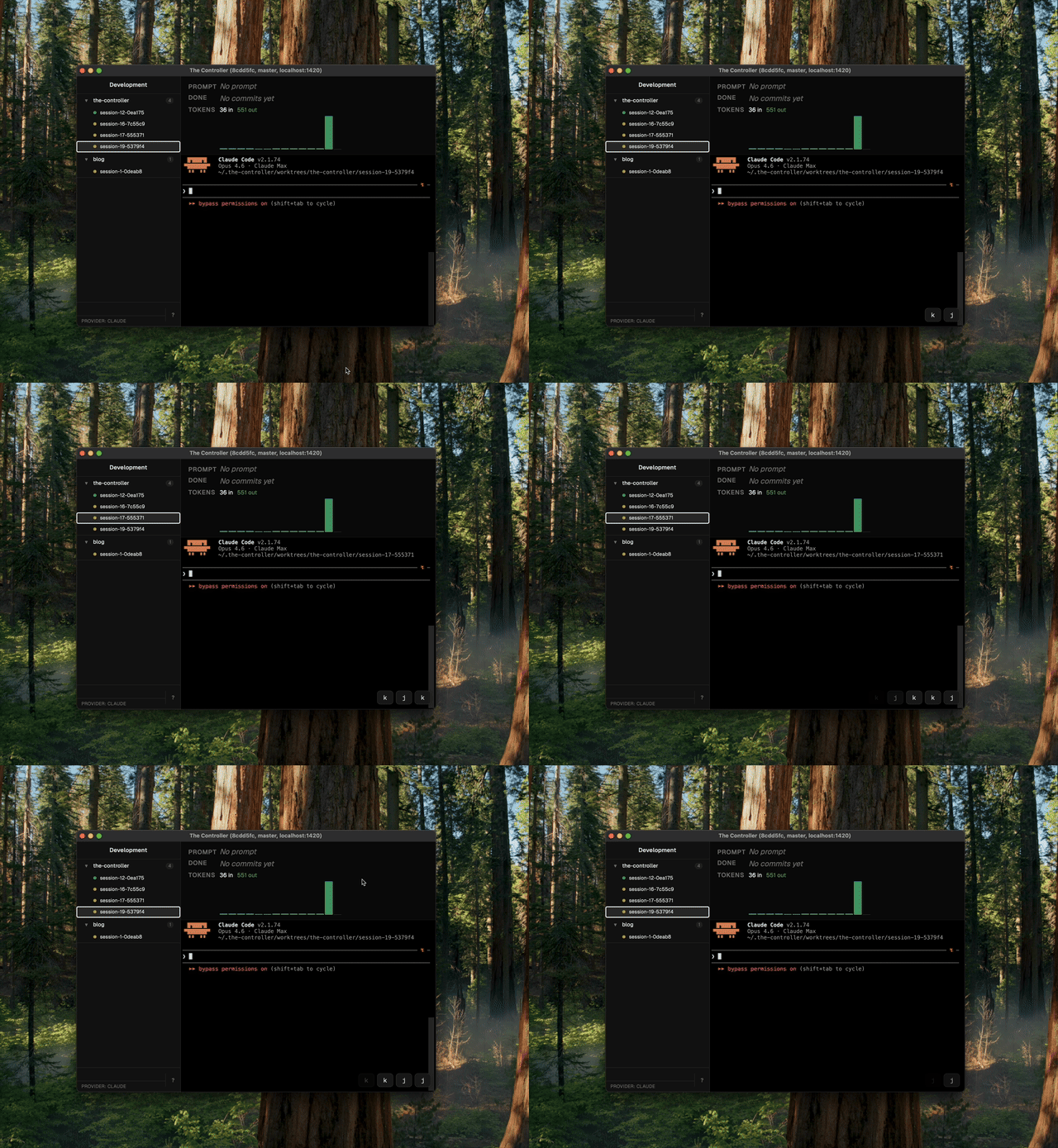
Navigate up and down through sessions in the sidebar.
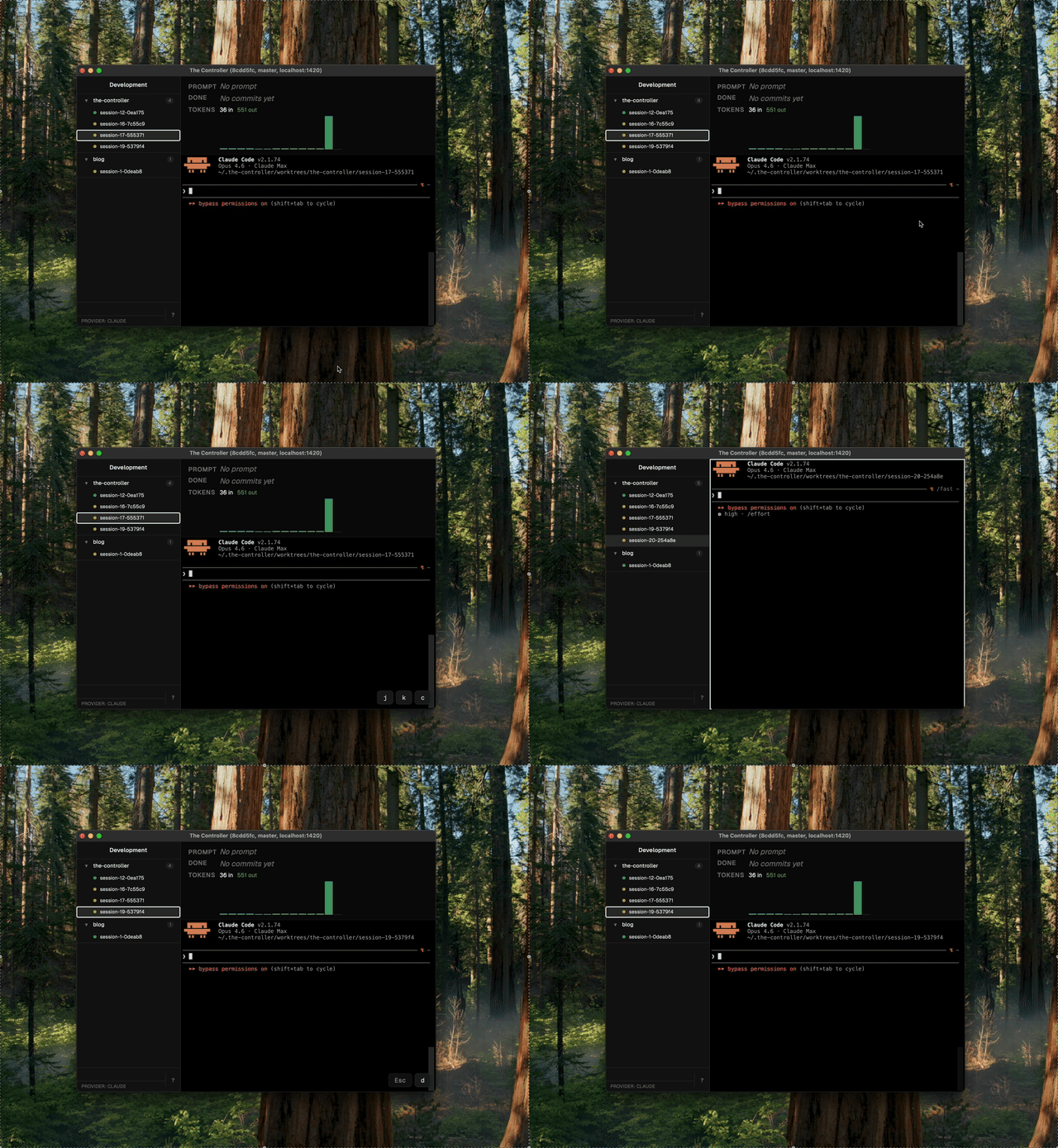
Create a new session or delete the selected one.
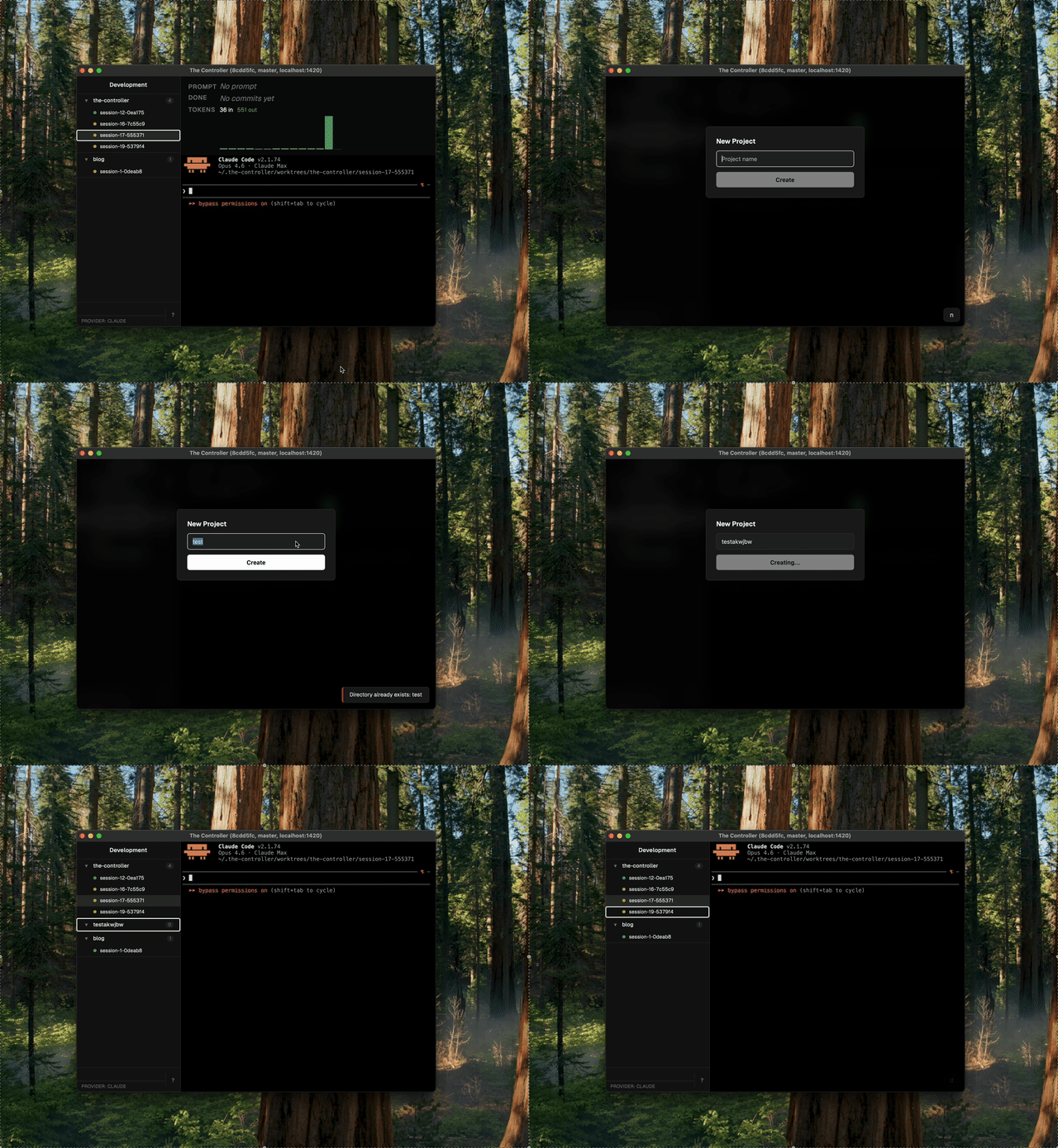
Create a new project or delete the selected one.
One keystroke to capture the current view and save it to the project.
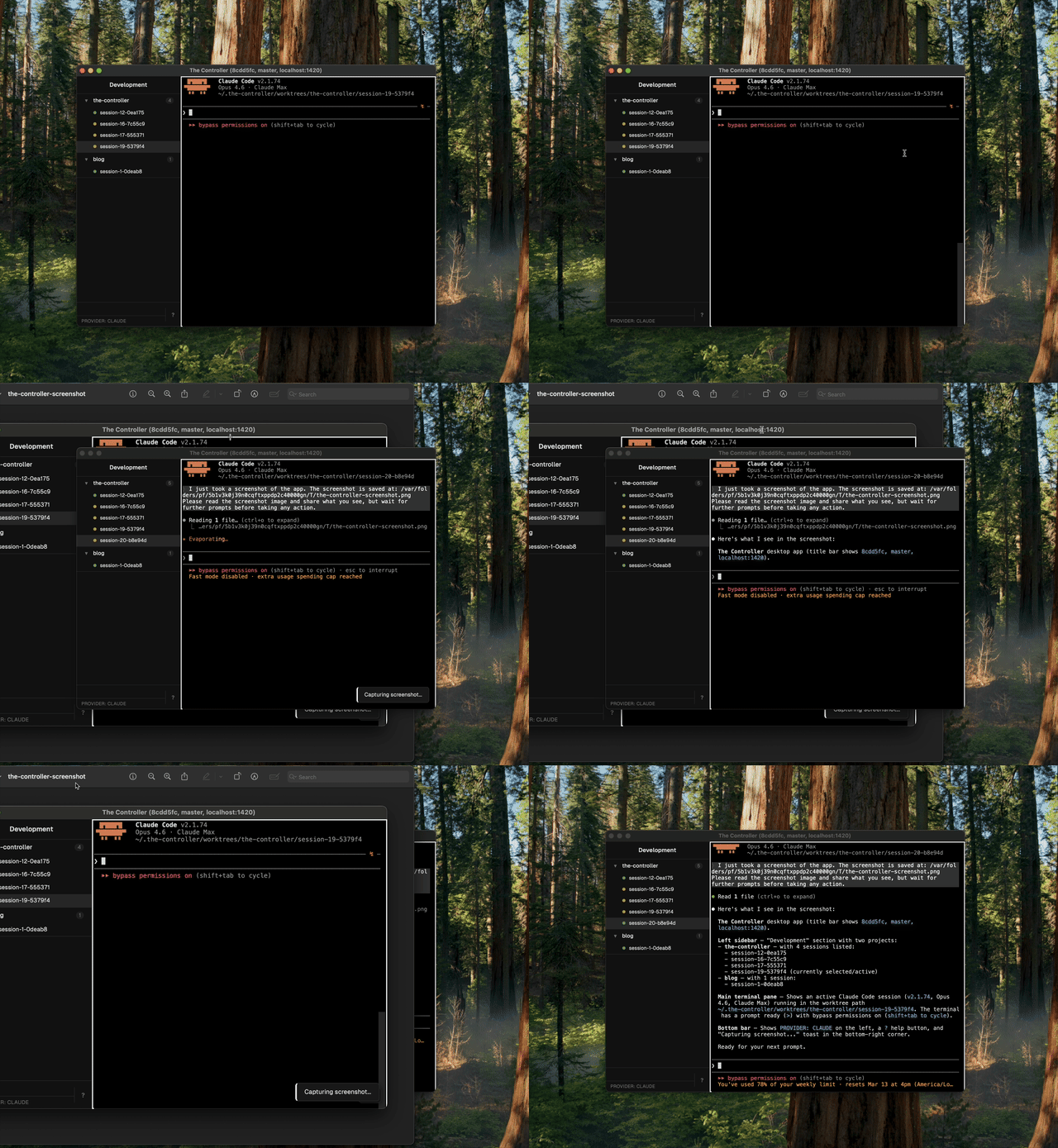
One keystroke to preview uncommitted changes.
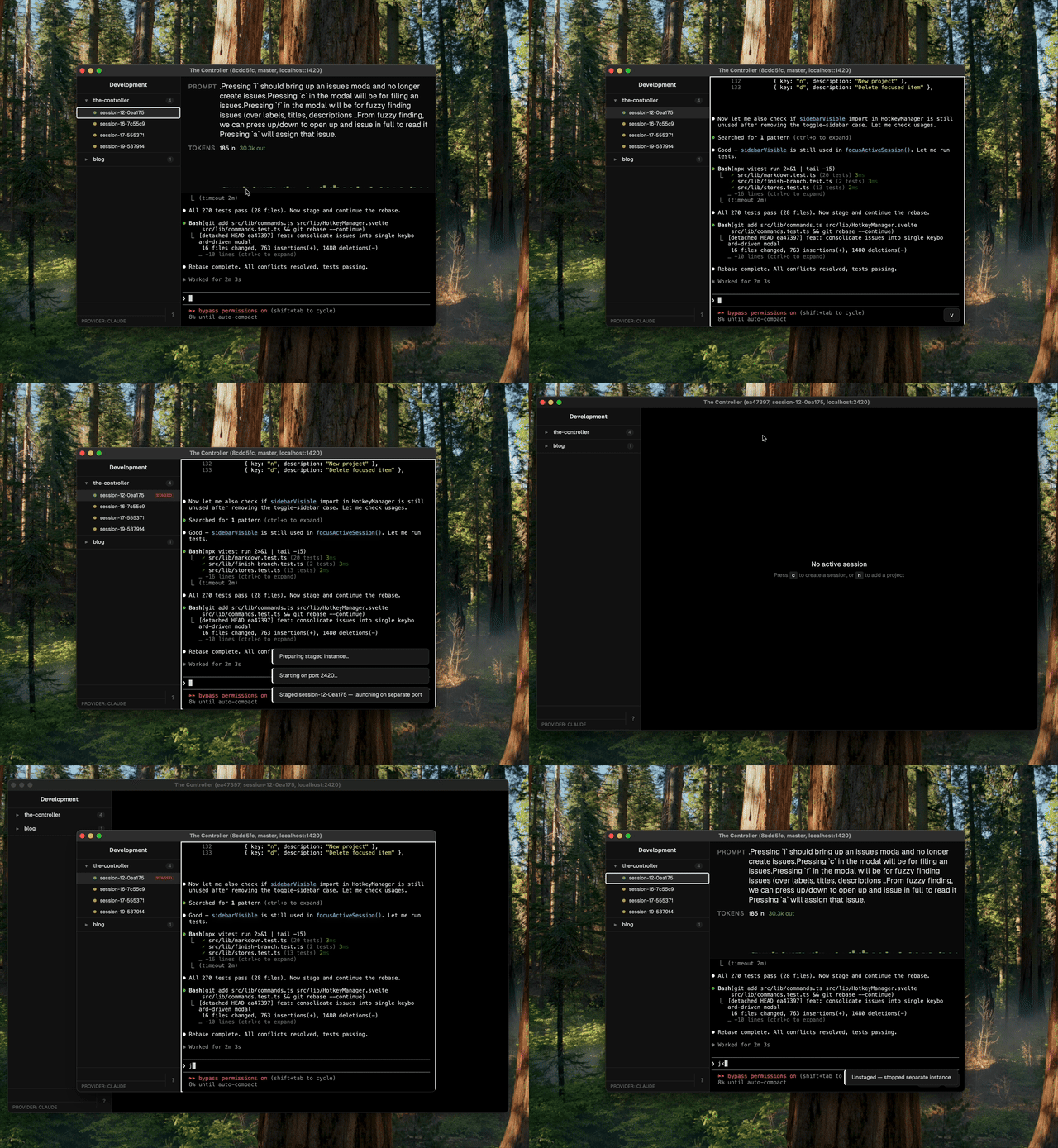
Together they close the loop: take a screenshot, have the agent inspect the UI with Playwright (/the-controller-debugging-ui-with-playwright), fix the issue, toggle staging to verify the fix.
Claude Code is the first-class development agent for this project. Most of the work is design — architecture, UX, interaction patterns, workflow shaping — where Claude's general reasoning, meta-thinking, and design sense make it the stronger choice. Claude also has better UX for interactive development.
Codex is useful for pushing out straightforward code at volume and handling background maintenance (dependency updates, mechanical refactors). It's a good fit for well-defined, independent tasks that can run in parallel.
Both agents are fully supported. Skills are symlinked to both on app startup, and agents.md serves as the shared instruction file. See ARCHITECTURE.md for details.
Not sure what a feature does or how something works? Just ask Claude. The default setup has you clone the repository, so your agent already has full access to the source code and can trace through the implementation to answer your questions.
Or browse the docs directly:
- Keyboard Shortcuts & Modes — all hotkeys, workspace modes, and how to stage/preview changes
- Domain Knowledge — hard-won lessons about Tauri, tmux, and session architecture
- Demo Recording — how to record demos of The Controller
The Controller is a strongly opinionated power tool — built for efficiency, simplicity, and elegant design, maintained under a benevolent-dictator model. This is still a period of experimentation, so even the roadmap is unstable.
This project is in early stages. Some features may be overhauled or removed entirely without concern for backwards compatibility. Things will stabilize eventually, but not in the near term.
Maintain your own fork. This is the single best way to use The Controller without being caught off guard by breaking changes. Keep your customizations on your own branch and periodically rebase onto the latest commits from master. We may provide a skill (the-controller-maintain-fork) to automate this — PRs welcome.
Several things are still being refined, including the contribution guide.