While we were generating ideas for our project, we decided to explore datasets related to the Hackathon sponsors. We came across a dataset of Roblox game data, including game descriptions, titles, genres, and popularity metrics.
Inspired by this dataset, we decided to create our Roblox game title generator!
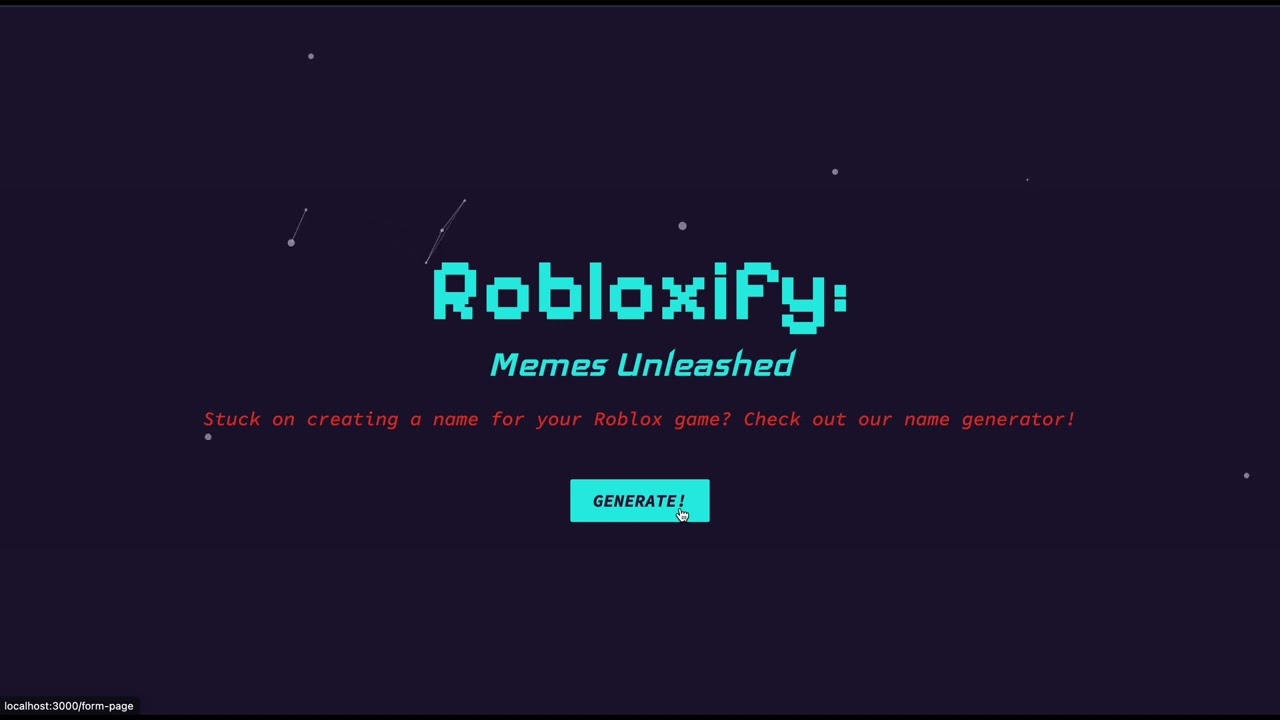
The website prompts the user to select a genre for their Roblox game and enter a description (can be a brain dump!). Then the user-specified genre and description are sent to our fine-tuned Vertex AI model hosted on Google Cloud, which generates the game title. The website then displays that title! As the user navigates with the website, they come across various mouse-sensitive particles and 3D memes that they can drag around, spin, and interact with!
In a Deepnote notebook, we filtered the Roblox Kaggle dataset of the most popular games with over 100,000 entries using Pandas, then we took that dataset put it into a Google Cloud bucket storage, and used that bucket to fine-tune the PaLM 2 large language model using the Google Cloud Vertex AI SDK for Python.
Afterwards, we deployed the fine-tuned model and called it using Google’s built-in REST API for Vertex AI. We called this REST API in our frontend, where we randomly generated a 3D meme based on user-inputted descriptions and genres, and the response from the AI.
We developed the frontend using ReactJS, HTML, and CSS to make our website interactive and have a responsive design. We used particleJS for our mouse-sensitive particles in the background and React Three Fiber for our interactive 3D meme models. We also used Google’s built-in REST API for Vertex AI to send the description and genre, and retrieve a game title.
We ran into several challenges during these parts of our project:
- Training and deploying our model on Google Cloud took a while
- Errors with dataset storage permissions (dataset was not properly configured)
- Rendering our 3D memes
- Layering of elements on our website
- Everything is functional!!!
- The fine-tuned model is able to give more suitable titles than a pre-trained one (we compared against GPT 3.5)
- Our 3D memes render nicely, and the particles work really well
- Great color scheme and appearance of the frontend!
- How to deploy and train models on Google Cloud
- Enhanced our proficiency with React
- Learned how to use external libraries like R3F and ParticleJS to make complicated graphics
- Train our model further so that it includes emojis in the title
- Minor improvements on the frontend
- Deploying the website to Netlify and integrating Google OAuth so that other people can use our website!
- Adding attributions to the 3D model creators on our website