

A light & colorful Atom theme.
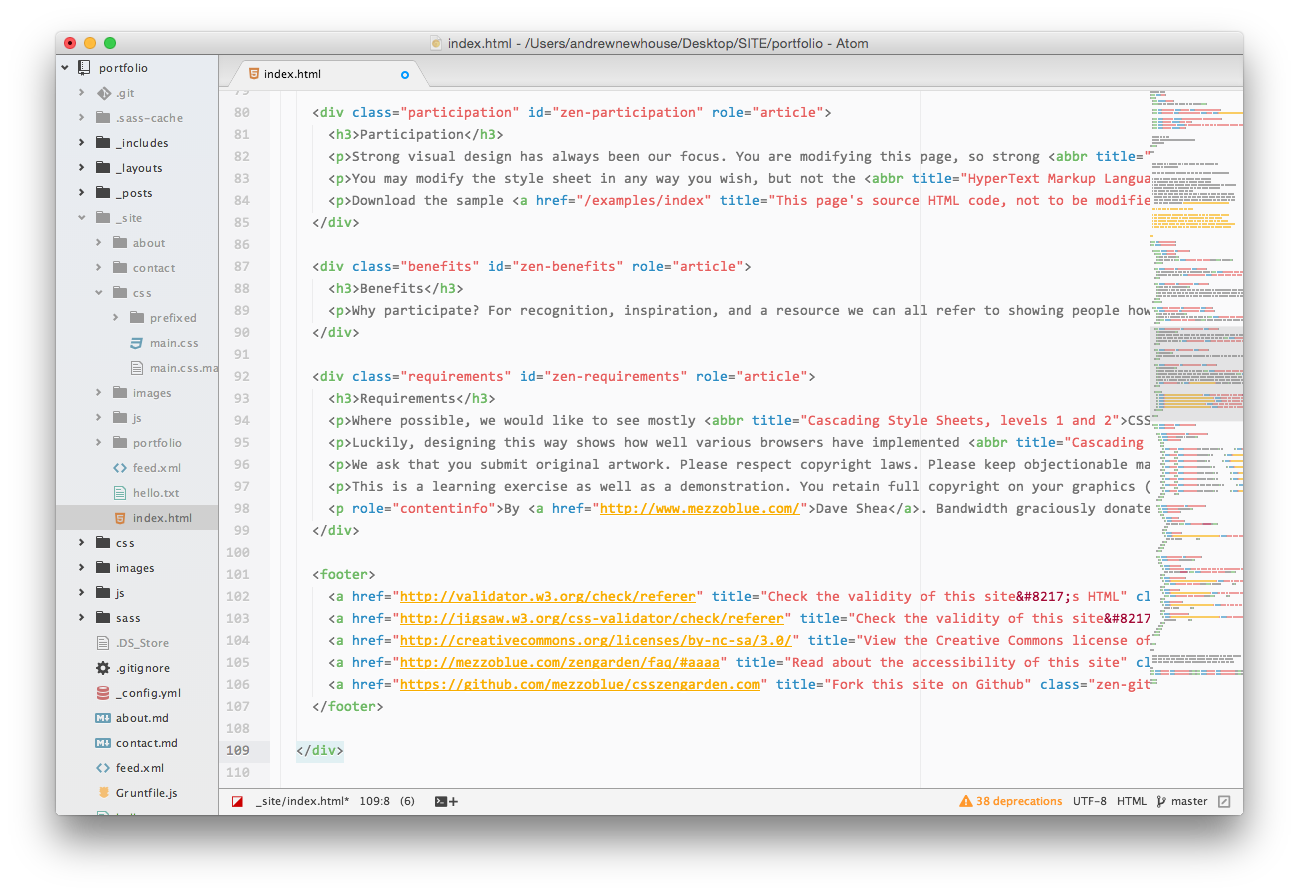
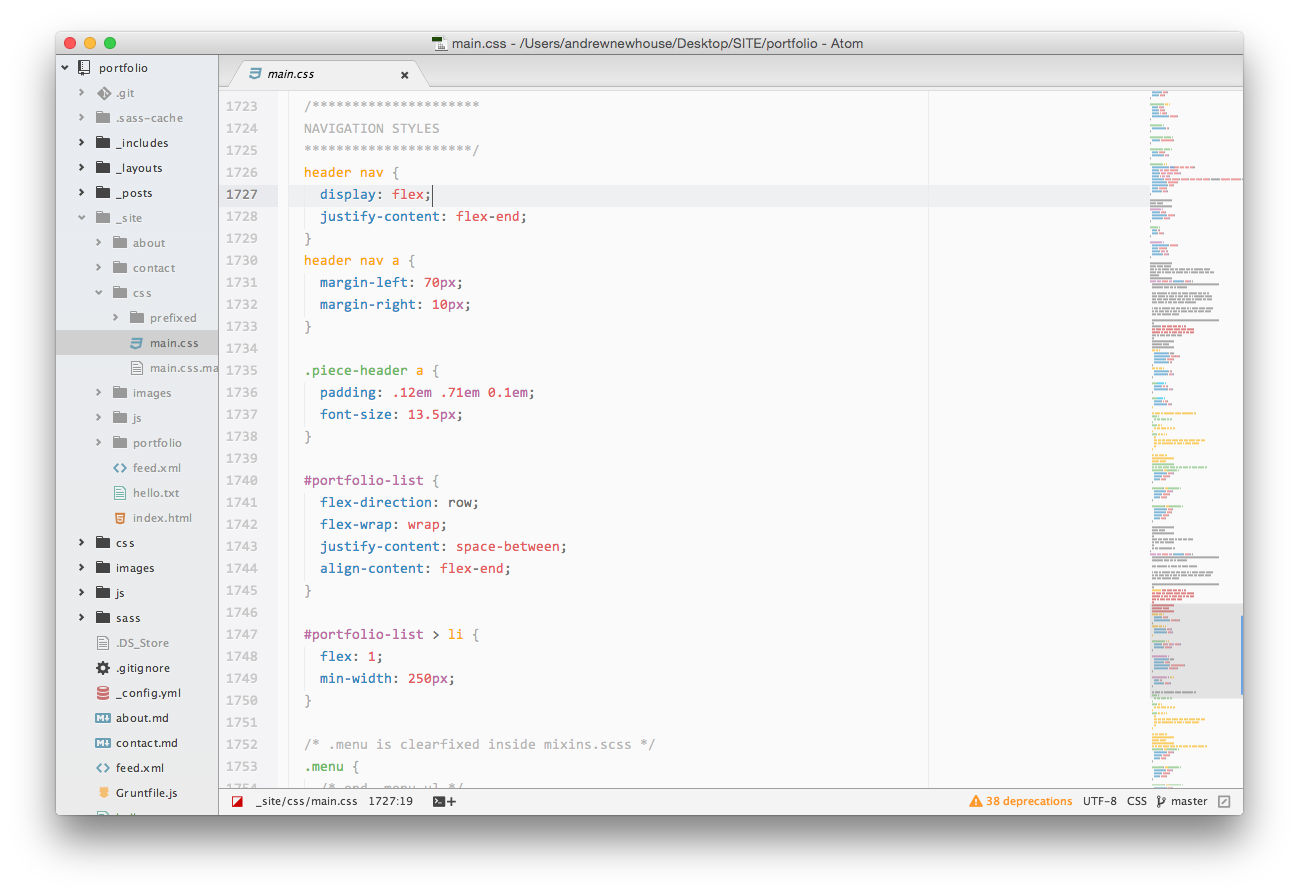
Screenshots shown using Consolas font (1.6 line-height)
Run the following command:
apm install gazizza-syntaxAlternatively open Settings > Install, set the filter to Themes and search for gazizza-syntax.
Then go to Atom > Preferences > Themes and in the Syntax Themes dropdown, select Gazizza from the list.
(theme loosely based on Carlo Zottmann's conversion of Dayle Rees' Rainbow theme.)