Run a full-featured AI coding agent from a USB drive or any folder — no installation required. Plug in. Launch. Code. Take it anywhere.


🎥 Watch the Setup & Demo Video: https://youtu.be/9Dh3kKWFFjg
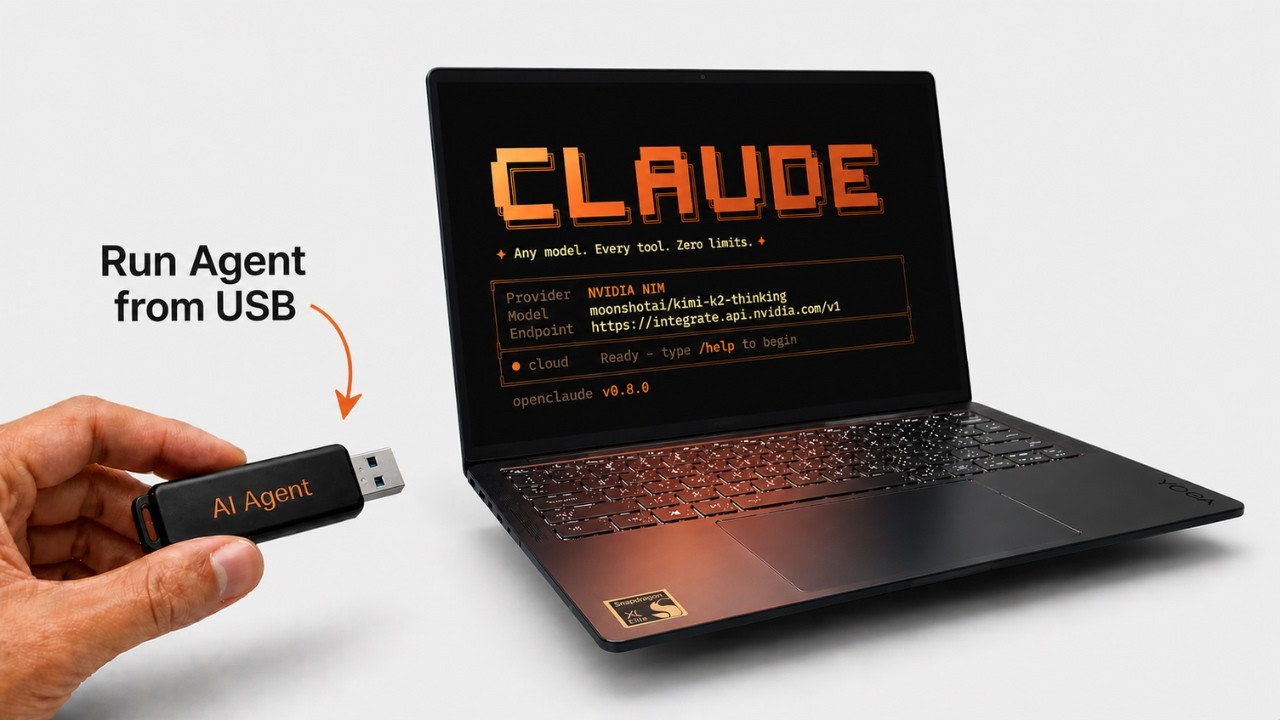
OpenClaude Multi-Platform is a fully portable AI coding agent powered by the open-source OpenClaude engine. It bundles a self-contained Node.js runtime, a smart system-prompt proxy for local models, and a web-based dashboard — all configurable from a single START.bat (Windows) or start.sh (Linux/macOS).
Everything runs strictly inside the project folder. No files are written to the host machine.
| Feature | Details |
|---|---|
| 7 AI Providers | NVIDIA NIM · DeepSeek · OpenRouter · Google Gemini · Anthropic Claude · OpenAI · Ollama (offline) |
| Zero Footprint | All data, keys, and logs stay inside data/ — nothing touches the host system |
| Local Speed Proxy | Trims system prompts by up to 90% before sending to Ollama, dramatically improving response time on CPU-only hardware |
| Auto-Update Cache | Checks for engine updates once per day (skips the network call on repeat launches) |
| Session Resume | Resume any interrupted session with RESUME.bat <session-id> |
| Web Dashboard | ChatGPT-style browser UI with agent mode, tool cards, and thinking visualisation |
| Limitless Mode | Optional full-autonomy mode — the agent runs without asking for approval |
| Cross-Platform | Shared data/ folder works across Windows, Linux, and macOS |
.\START.bat
On first run it automatically downloads Node.js (~25 MB) and the OpenClaude engine (~5 MB), then walks you through provider selection. Every subsequent launch skips setup and goes straight to the menu.
chmod +x start.sh
./start.sh
First-time setup requires internet. After that, only API calls need a connection (or none at all if you use Ollama offline mode).
OpenClaude-Multi-Platform/
│
├── START.bat                  Windows entry point — handles everything
├── start.sh                   Linux/macOS entry point
├── RESUME.bat                 Resume a previous session by ID (Windows)
│
├── data/                      All persistent data (shared across platforms)
│   ├── ai_settings.env        Active provider, model, and API key
│   ├── openclaude/            Session history and agent memory
│   ├── ollama/                Local Ollama binary and model storage
│   └── proxy.log              Speed proxy activity log (silent background)
│
├── engine/                    Node.js runtime + OpenClaude npm package
│   ├── node-win-x64/          Bundled Node.js (Windows)
│   └── node_modules/
│       └── @gitlawb/openclaude/
│
├── tools/                     Helper scripts
│   ├── local-proxy.js         System-prompt trimming proxy for local models
│   ├── setup_local_models.ps1 Ollama model downloader (Windows)
│   ├── setup_local_models.sh  Ollama model downloader (Linux/macOS)
│   ├── Change_Provider.bat    Switch AI provider or API key (Windows)
│   ├── change_provider.sh     Switch AI provider or API key (Linux/macOS)
│   ├── Open_Dashboard.bat     Launch web dashboard (Windows)
│   ├── open_dashboard.sh      Launch web dashboard (Linux/macOS)
│   └── Setup_Local_Models.bat Wrapper launcher for local model setup
│
└── dashboard/                 Web dashboard UI
    ├── server.mjs             Dashboard Node.js server
    └── index.html             Chat interface
When you run START.bat, you are presented with:
1) Launch AI       — Normal Mode      (asks before writing files or running commands)
2) Limitless Mode  — Auto-executes    (fully autonomous, no approval prompts)
3) Open Dashboard  — Web UI at http://localhost:3000
4) Change Provider — Switch model or API key
5) Setup Offline   — Download local Ollama models
The menu auto-selects Normal Mode after 10 seconds if no key is pressed.
| Provider | Cost | API Key |
|---|---|---|
| NVIDIA NIM | Free tier (1 000 credits/month) | build.nvidia.com |
| DeepSeek | Paid API | platform.deepseek.com |
| OpenRouter | Free + paid models | openrouter.ai |
| Google Gemini | Free tier available | aistudio.google.com |
| Anthropic Claude | Paid | console.anthropic.com |
| OpenAI | Paid | platform.openai.com |
| Ollama | Free, fully offline | ollama.com |
Running a local model on CPU or USB 2.0 is inherently slower than a cloud API. The built-in speed proxy (tools/local-proxy.js) intercepts every request and trims the OpenClaude system prompt from ~10 000 tokens down to ~300 tokens before it reaches Ollama.
Typical result: first-token latency drops from 60–120 s to 5–20 s on CPU-only hardware.
Proxy activity is logged silently to data/proxy.log — it never writes to the terminal.
Recommended models for CPU inference:
| Model | Size | Speed |
|---|---|---|
gemma3:1b |
~800 MB | Fastest |
qwen2.5:1.5b |
~1 GB | Fast |
phi3:mini |
~2.3 GB | Moderate |
For best performance, copy
data/ollama/to your local SSD if USB 2.0 read speeds are the bottleneck.
- Zero Footprint —
XDG_CONFIG_HOME,XDG_DATA_HOME, andCLAUDE_CONFIG_DIRare all redirected todata/, keeping the host system clean. - No Telemetry — Nothing is sent anywhere except your chosen AI provider.
- API Key Safety — Keys are stored only in
data/ai_settings.envon your drive. - Approval Mode — In Normal Mode the agent asks before any file write or shell command.
| Platform | Requirement |
|---|---|
| Windows | Windows 10 or later — Node.js is bundled, nothing else needed |
| Linux | curl (pre-installed on most distros) |
| macOS | curl (pre-installed) |
Disk space: ~150 MB for Node.js + engine. Local Ollama models require additional space (800 MB–8 GB depending on model).
| Symptom | Fix |
|---|---|
Node.js not found |
Run START.bat first — it downloads Node automatically |
EADDRINUSE: port 11435 |
The speed proxy from a previous session is still running. Restart START.bat — it kills it automatically |
openclaude: dist/cli.mjs not found |
The engine install was interrupted. Pull the latest launcher and run START.bat again; it will repair incomplete installs automatically |
npm error could not determine executable to run |
Pull the latest launcher. The app now runs the verified bundled OpenClaude binary instead of falling back to npx |
Claude Code on Windows requires git-bash |
Pull the latest launcher and run START.bat again; it installs/repairs bundled GitPortable and adds Git Bash to the launch environment |
'D_ARGS' is not recognized |
Old version of START.bat with nested if-blocks. Pull the latest version |
| Ollama response is very slow | Use a smaller model (gemma3:1b), or copy models to a local SSD |
| API key rejected | Verify your key at the provider's website; re-run option 4 to update it |
| Port 3000 already in use | The dashboard is already running — open http://localhost:3000 directly |
openclaude not found in PowerShell |
Use .\RESUME.bat <session-id> instead of calling openclaude directly |
MIT — use it, fork it, ship it.