
Image Inverter is a creatively named cross-platform photo editing and art generation application that lets you "draw" over an image by inverting selected portions of its pixels.
There are currently four shapes available:
-Rect, which is a rectangle matching the dimensions of the target image
-Box, which is like rect but square, with max edge length matching the width of the image
-Circle, which is pretty self explanatory (max diameter matches the image width)
-Triangle (NEW!)
Additionally, you can choose the value of each rgb color subtracted from the base pixel rgb values to create the inversion. Try experimenting with different values for interesting results :D
This is my first Flutter app so please let me know if there's anything I can improve!
-Triangles
-Rotation
-Anti-aliasing (enabled by default via the "AA" checkbox)
-Multiple undo/redo
-Various quality of life improvements
Continuing WIP:
-general code refactoring
-additional shapes
For all platforms: if compiling from source, make sure you have Flutter installed on your machine (https://docs.flutter.dev/install/quick)
Windows:
-If compiling from source: clone the repo and from the image_inverter_gui folder level run flutter pub get followed by flutter run -d windows --release.
-Otherwise, just download the .zip file from the 'Releases' section in the repo, extract it and run the .exe inside from the extracted folder (note: it needs to be in the same folder as the /data folder and .dlls to run. I may look into the possibility of bundling these in the future but for now this is needed)
MacOs:
-Download the .dmg file, double click it (or right click -> 'Open') to expose the executable and then double click that to run, OR compile from source by running flutter pub get and flutter run -d macos --release
Linux:
-Download the tarball and double click it (or from the command line run tar -xzvf image_inverter_v2_linux.tar.gz) to extract the folder, and double click the executable inside to run (or run ./image_inverter_v2 in the command line), OR compile from source by running flutter pub get and flutter run -d linux --release
Feel free to check out the image_inverter_examples folder for inspiration if you like and have fun inverting :)


BP Oil Spill photo by Daniel Beltrá
Neon Genesis Evangelion pictures sourced from: https://wallpaper-mania.com/wp-content/uploads/2018/09/High_resolution_wallpaper_background_ID_77702143806.jpg, https://64.media.tumblr.com/a37f188cb85d82bbeb633cafd71faffc/1ae97b1da8847271-74/s2048x3072/ad08b0f03c96cfa1f4490927cd808e52be9041c8.png


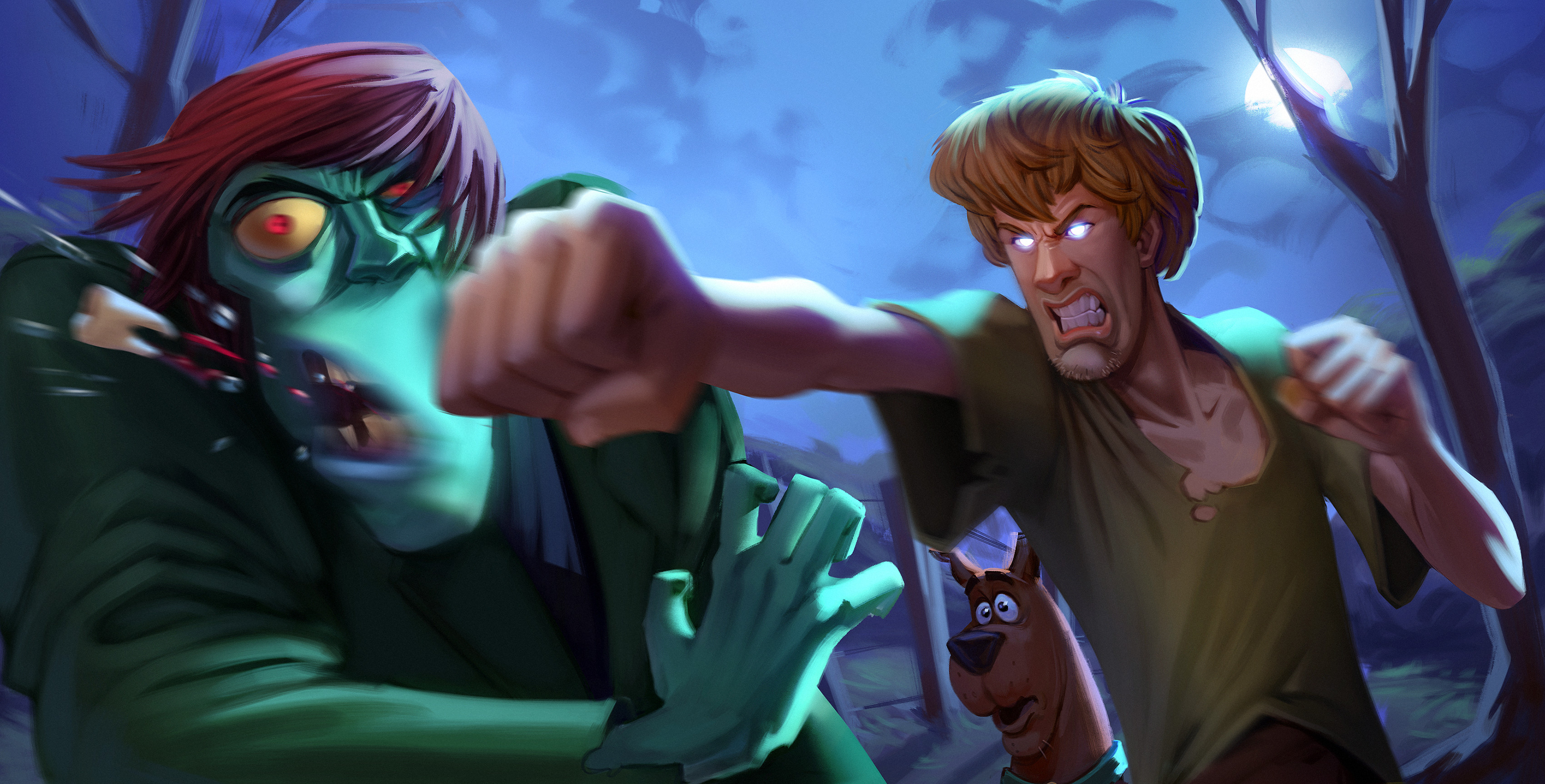
Shaggy picture by Guilherme Freitas: https://cdna.artstation.com/p/assets/images/images/015/693/500/4k/guilherme-freitas-shaggyjpg.jpg?1549288363
Swirl wallpaper: https://pixabay.com/illustrations/abstract-art-creativity-graphic-3135533/
All other example images were created by me