get to know the ursina engine by building your own three-dimensional space
- python 3.9.10
- ursina engine (https://www.ursinaengine.org/cheat_sheet_dark.html)
Install python from https://www.python.org/downloads/release/python-3910/.
Install ursina engine:
pip install ursina
Open cmd.exe and navigate to your python_gallery folder.
Enter
python room.py
to execute the program.
To insert a tree-dimensional object, place the file obj file in the sample.obj files directory.
Add
object1=Entity(
model="sample.obj", scale=1, y=1, z=1, position=(5,5,5), color=color.blue
)
and replace sample.obj with the name of the object you want to insert.
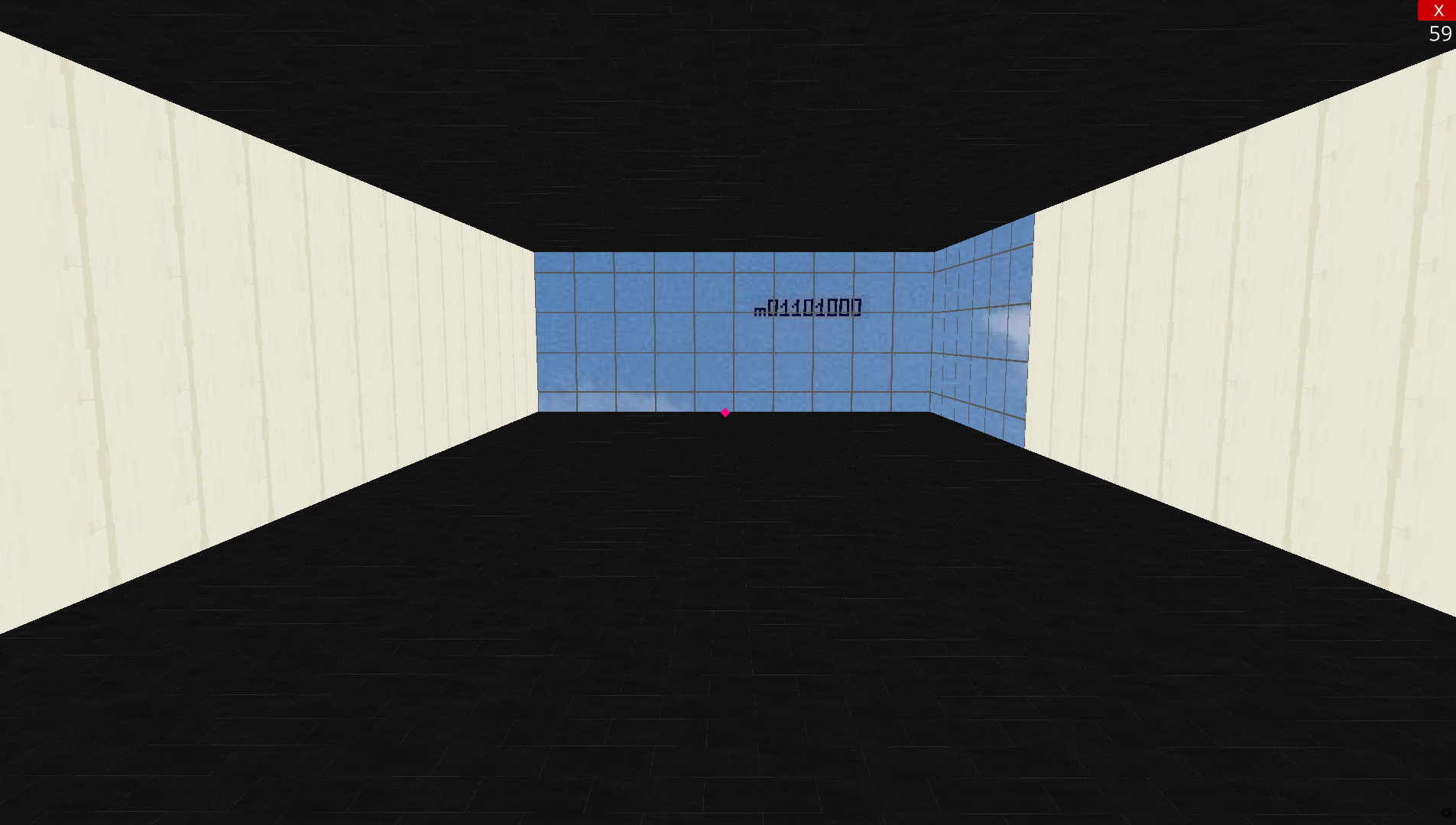
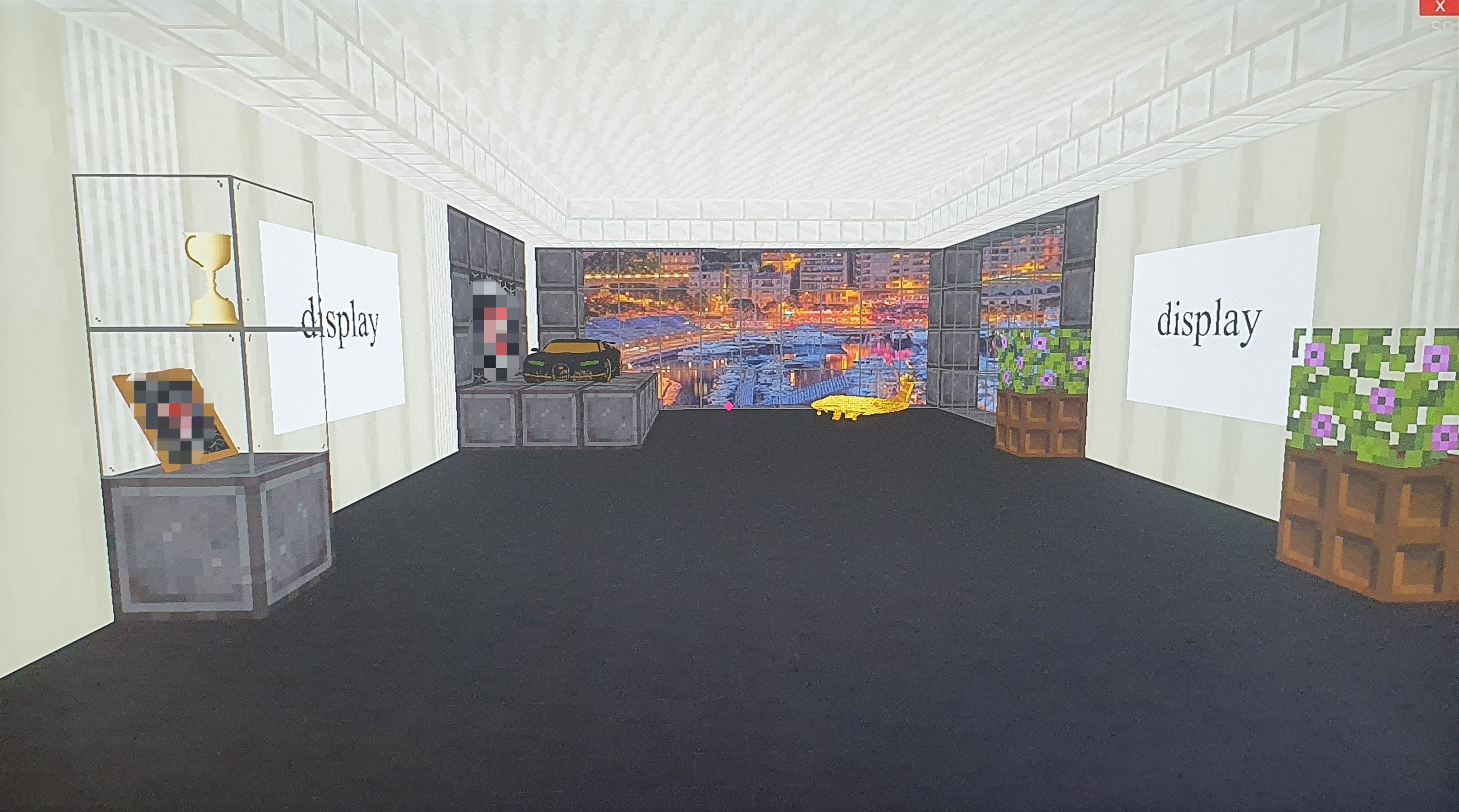
| Your room could look like this | |
|---|---|
 |
 |