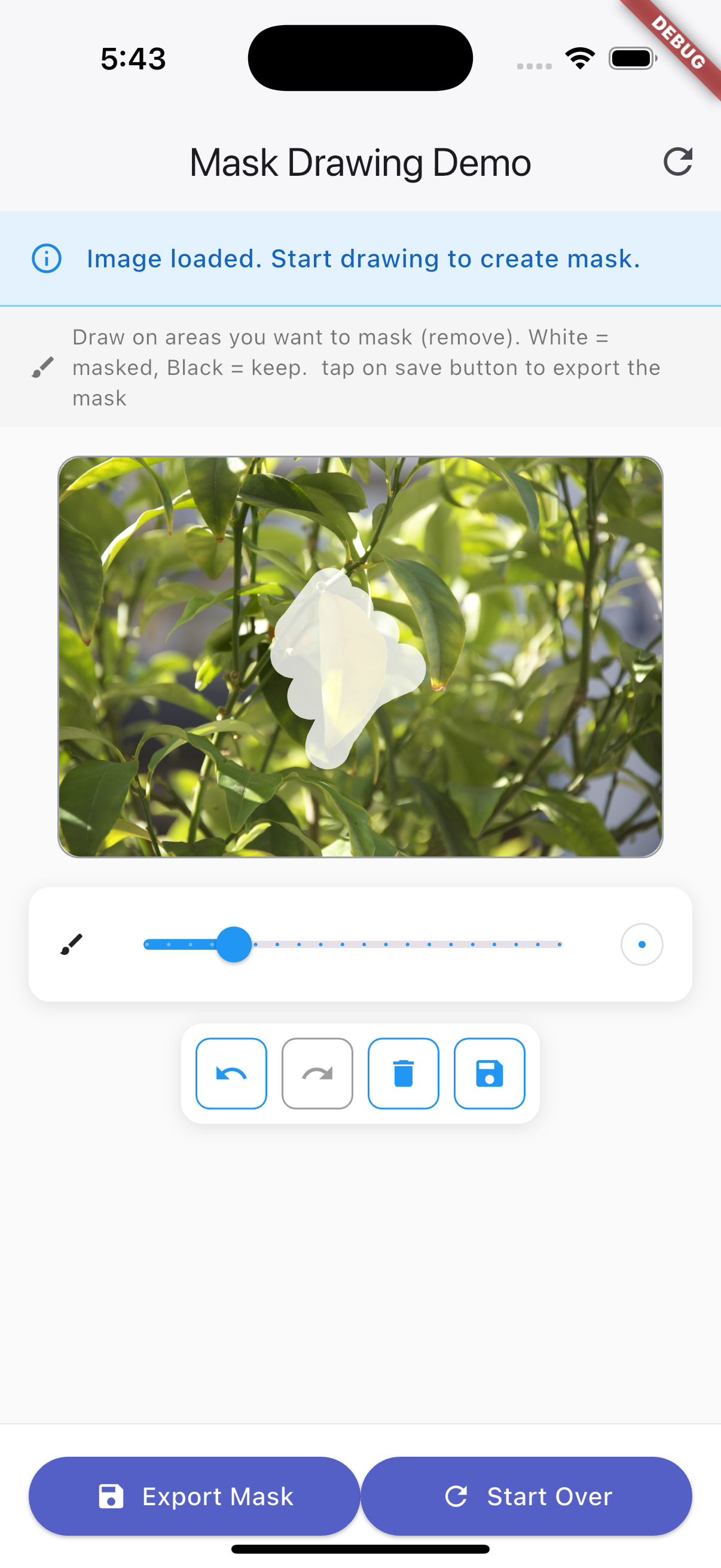
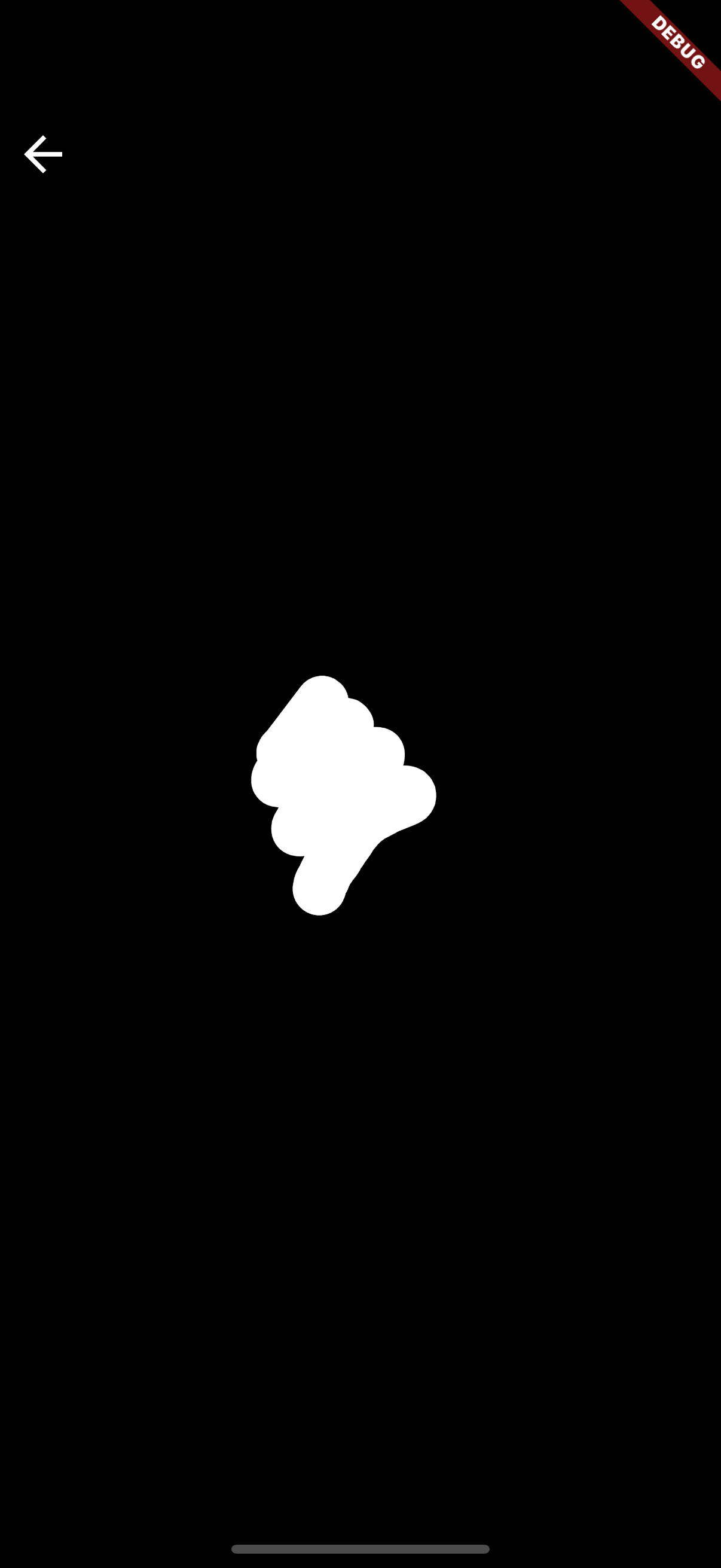
A Flutter widget for drawing and exporting mask layers (black and white) on top of images. Perfect for image editing, segmentation, and annotation tasks.
- AI-powered photo editing: Feed user-generated masks into inpainting, background removal, or other generative AI services
- Selective editing: Apply filters, blurs, or color adjustments only on masked areas
- Creative tools: Build custom drawing or editing apps with masking support
- Draw mask with adjustable brush size
- Undo & Redo
- Export mask as PNG
- Touch-friendly, responsive UI
- Real-time mask preview
- Save mask to file
- Professional controls and smooth drawing
Add to your pubspec.yaml:
dependencies:
flutter_mask_painter: ^1.0.1Import the package and use the MaskPainterWidget:
import 'package:flutter_mask_painter/flutter_mask_painter.dart';
import 'package:image_picker/image_picker.dart';

// ...

MaskPainterWidget(
	backgroundImage: yourXFileImage, // XFile from image_picker
	onMaskSaved: (maskFile) {
		// Do something with the saved mask (XFile)
	},
)For programmatic control, use a MaskPainterController. This allows you to:
- Undo/redo strokes
- Clear all strokes
- Change brush size
- Change mask/background color
- Export the mask as a PNG file
- Listen for changes (with addListener)
final controller = MaskPainterController();

MaskPainterWidget(
	backgroundImage: yourXFileImage,
	controller: controller,
)

// Undo last stroke
controller.undo();

// Redo last undone stroke
controller.redo();

// Clear all strokes
controller.clear();

// Change brush size
controller.setBrushSize(40.0);

// Export the mask
final maskFile = await controller.saveMask();

// Listen for changes
controller.addListener(() {
	// React to changes (e.g., update UI)
});
See the example/ directory for a complete demo app.
Run the example app:
cd example
flutter runBSD 3-Clause License. See LICENSE for details.