
Notes to reproduce my Manjaro setup.
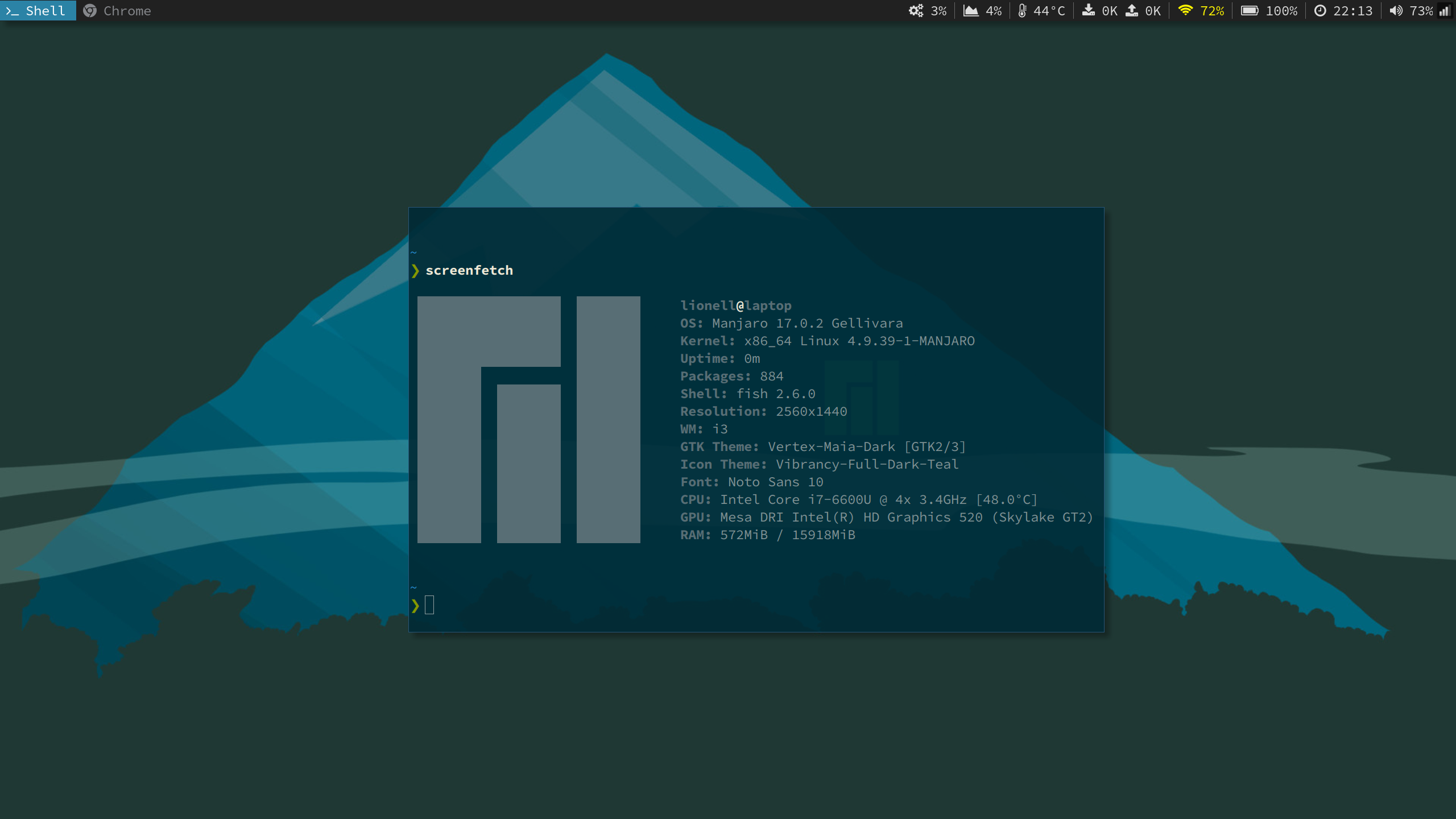
- Do a FULL BACKUP.
- Download Manjaro i3 community edition from here.
- Write
.isoimage to the USB drive. Here is how to do it from Linux:- Find out the name of your USB drive with
lsblk. If it's mounted runumount /where/it/is/mounted. - Run the following command, replacing
/dev/sdxwith your drive, e.g./dev/sdb/. (Do not apppend a partition number).sudo dd bs=4M if=/path/to/image.iso of=/dev/sdx status=progress && sync - Wait for
syncto complete before unplugging USB drive.
- Find out the name of your USB drive with
-
Select US-Colemak keyboard layout during installation.
-
Partition table should look like this:
size fs path 500M FAT32 /boot/efi 20G SWAP 100G EXT4 / 350G EXT4 /home
-
List all available kernels
mhwd-kernel -lISSUE! If you see
error: GPGME error: No datatry runningsudo pacman-key --init -
Look for latest stable kernel and run
sudo mhwd-kernel -i linuxYYto install.
Find more information here.
- To generate mirrorlist run
sudo pacman-mirrors -g - Sync pacman local database with new mirrorlist by running
sudo pacman -Syy
Find more information here
Run sudo pacman -Suy to upgrade all installed software.
- Open
/usr/share/X11/xkb/symbols/pcfor writing. - Substitute
include "altwin(alt_meta)"withinclude "altwin(ctrl_alt_win)" - Open
~/.i3/configfor writing. - Change
set $mod Mod4toset $mod Mod1 - Restart the system
sudo reboot
For more options see /usr/share/X11/xkb/symbols/ctrl and /usr/share/X11/xkb/symbols/altwin
- Install TLP
sudo pacman -S tlp - Start TLP
sudo tlp start - Mask unnecessarry services.
sudo systemctl mask systemd-rfkill.service
sudo systemctl mask systemd-rfkill.socket
- Install ThinkPad specific kernel modules.
sudo pacman -S linuxYY-tp_smapi
sudo pacman -S linuxYY-acpi_call
- Install PowerTOP
sudo pacman -S powertop - Calibrate PowerTOP
sudo powertop --calibrate - Navigate to "Tunables" tab and fix all the remaining issues by pressing enter staying on it.
Find more information about TLP and PowerTOP.
Run yaourt google-chrome and select stable chanel.
- Run
sudo pacman -S gitto install. - Generate new SSH keypair by running
ssh-keygen -t rsa -b 4096 -C 'xlionell@gmail.com' - Start SSH agent in background
eval $(ssh-agent -s) - Add key to SSH agent
ssh-add ~/.ssh/id_rsa - Install xclip
sudo pacman -S xclip - Copy public key to clipboard
xclip -sel clip < ~/.ssh/id_rsa.pub - Go to github.com/settings/keys and add new key.
- Install Apache Stow
sudo pacman -S stow - Pull repo from GitHub
git --recursive -j8 clone git@github.com:lionell/.dotfiles.git
- Install Termite
sudo pacman -S termite - Install Adobe Source Code Pro font
sudo pacman -S adobe-source-code-pro-fonts - Use config from dotfiles
stow termite
- Install Rofi
sudo pacman -S rofi - Use config from dotfiles
stow xresources
Just run stow git
- Install Font Awesome
yaourt ttf-font-awesome - Install sysstat for
cpu_usagescriptsudo pacman -S sysstat - Install xbacklight for brightness control
sudo pacman -S xorg-xbacklight - Switch from Alsa Mixer to Pulse Audio by running premade script
install_pulse - Disable unnecessary services
sudo systemctl disable alsa-state.service sudo systemctl disable alsa-restore.service - Install i3blocks
sudo pacman -S i3blocks - Merge i3 configs. NOTE! This should be manual step as configs can differ from version to version.
- Install neovim
sudo pacman -S neovim - Install python2 bindings for nvim
sudo pacman -S python2-neovim - To link
vitonvimrunsudo ln -s /usr/bin/nvim /usr/bin/vi - Open neovim and run
:PlugInstallto install plugins from config.
- Install tmux
sudo pacman -S tmux - Use config from dotfiles
stow tmux
- Install fish
sudo pacman -S fish - Change default shell to fish
chsh -s $(which fish). You will need to login again to see changes. - Install Oh-My-Fish
curl -L https://get.oh-my.fish | fish - Install
purethemeomf install pure
- Install z
omf install z
- Go to https://github.com/Yubico/libu2f-host/blob/master/70-u2f.rules
and place this file under
/etc/udev/rules.d/ - Reboot
sudo pacman -R morc_menusudo cp /usr/share/zoneinfo/Europe/Kiev /etc/localtime