Cryptocurrency wallet for Mavryk blockchain as Web Extension for your Browser.
Providing ability to manage NFT, mav tokens and interact with dApps.
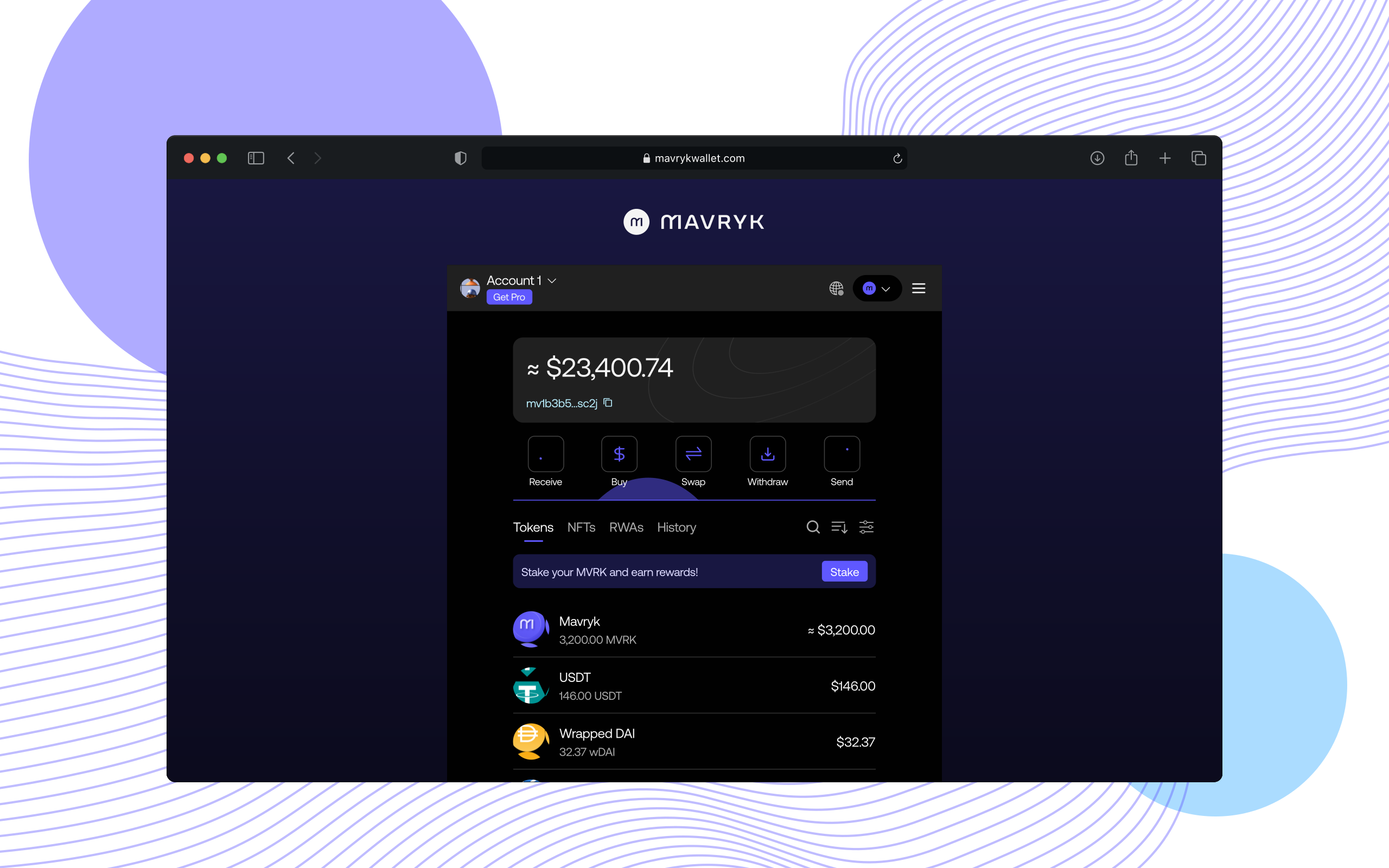
You can install Mavryk Wallet right now: https://mavryk.org/wallet.
 |
 |
 |
|---|---|---|
| 49 & later ✔ | 52 & later ✔ | Latest |
Ensure you have:
Then run the following:
git clone https://github.com/mavryk-network/mavryk-wallet && cd mavryk-walletyarnYou can still build the extension without filling in all the environment variables, but it won’t work properly.
Builds the extension for production to the dist folder.
It correctly bundles in production mode and optimizes the build for the best performance.
# for Chrome by default
yarn build
Optional for different browsers:
# for Chrome directly
yarn build:chrome
# for Firefox directly
yarn build:firefox
# for Opera directly
yarn build:opera

# for all at once
yarn build-all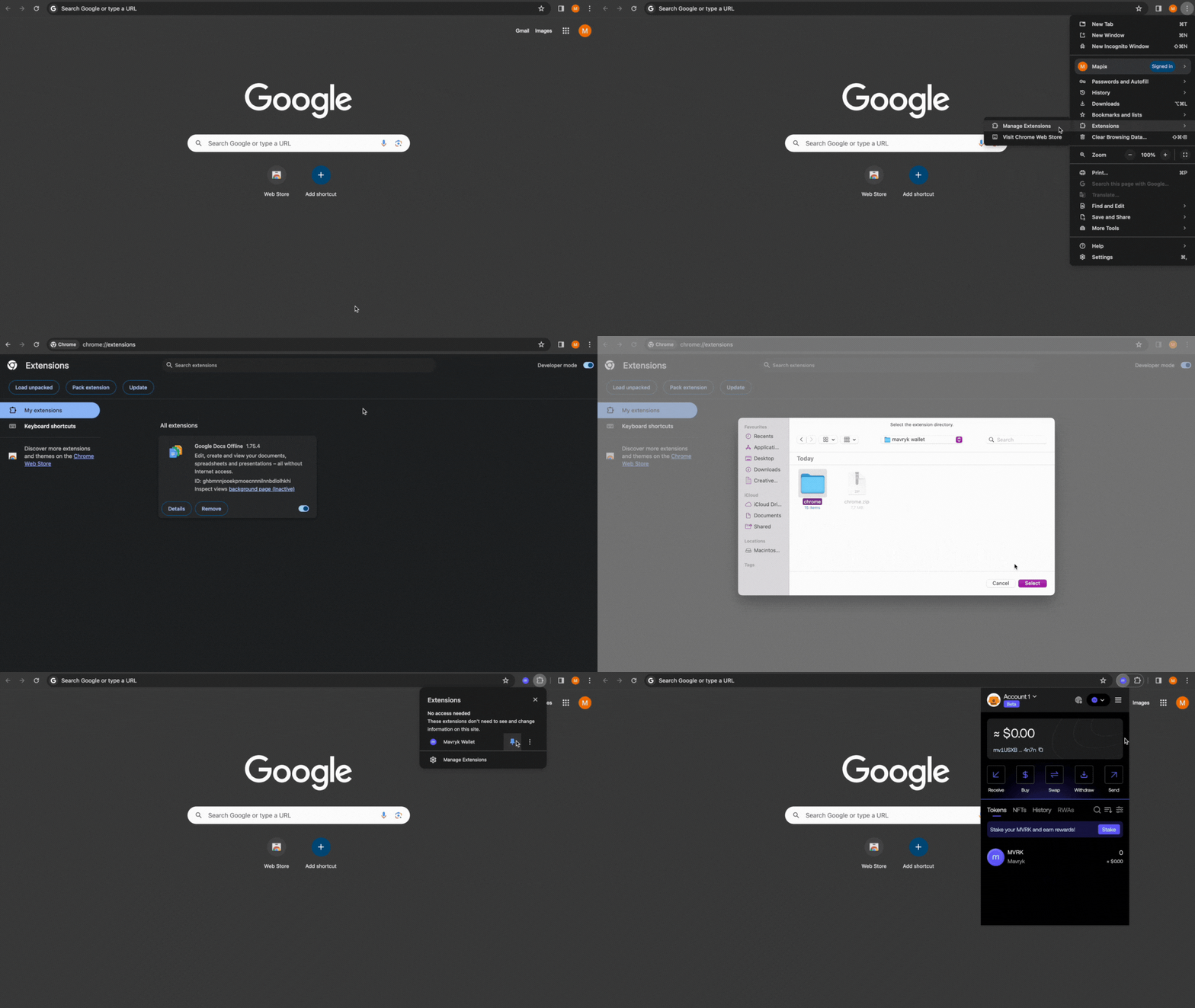
yarn startRuns the extension in the development mode for Chrome target.
It's recommended to use Chrome for developing.
To enable Redux DevTools during development, specify some port in the .env file before running yarn start like so:
REDUX_DEVTOOLS_PORT=8000Install @redux-devtools/cli globally:
yarn global add @redux-devtools/cliThen open an explorer at previously specified port:
redux-devtools --open --port=8000Other UI options like
--open=browserare available.
Go to settings to specify port one more time.