
!!! NOTE !!! It's a fork of a great extension containerise (with some small fixes and additions). All the fame and glory goes to its author kintesh. The original extension is not maintained anymore hence this fork. New features and enhancements are not planned currently, bug fixes and some bits and bobs at best.
Firefox extension to automatically open websites in a container
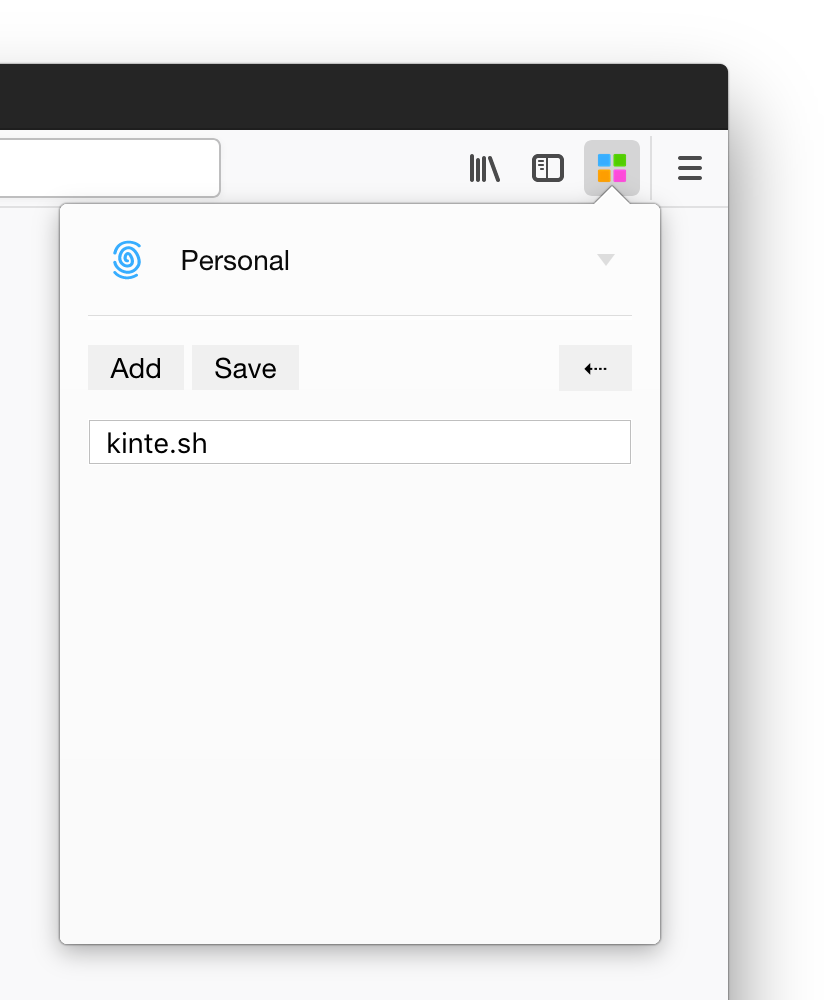 |
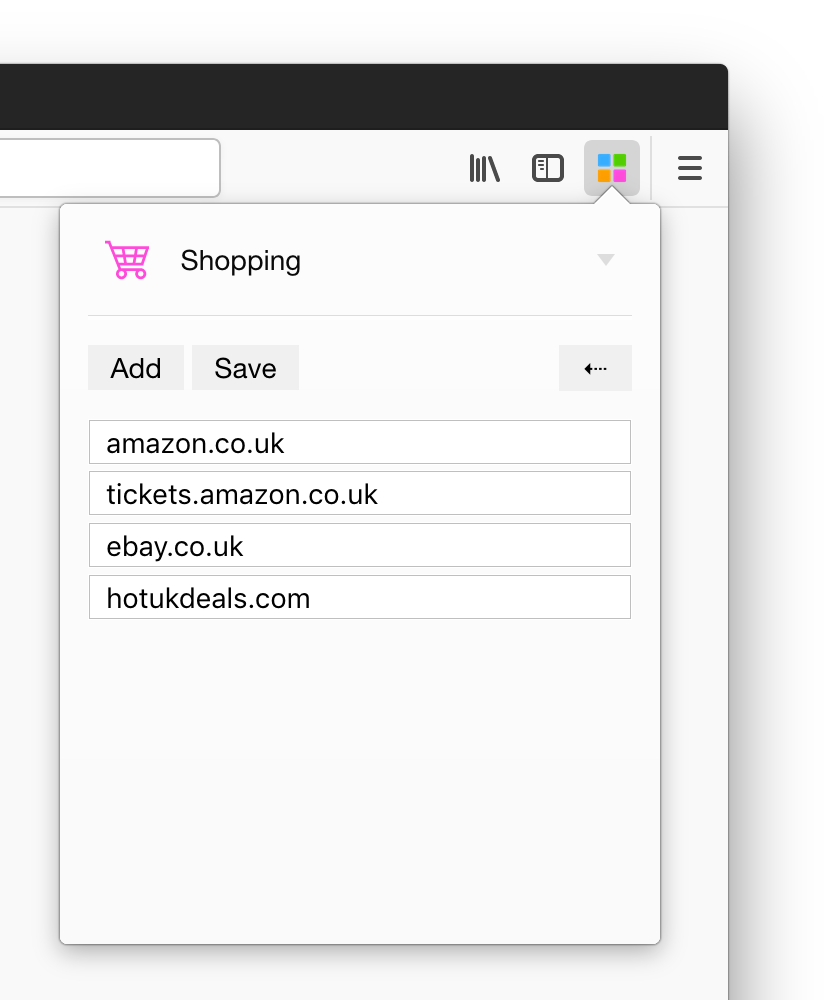 |
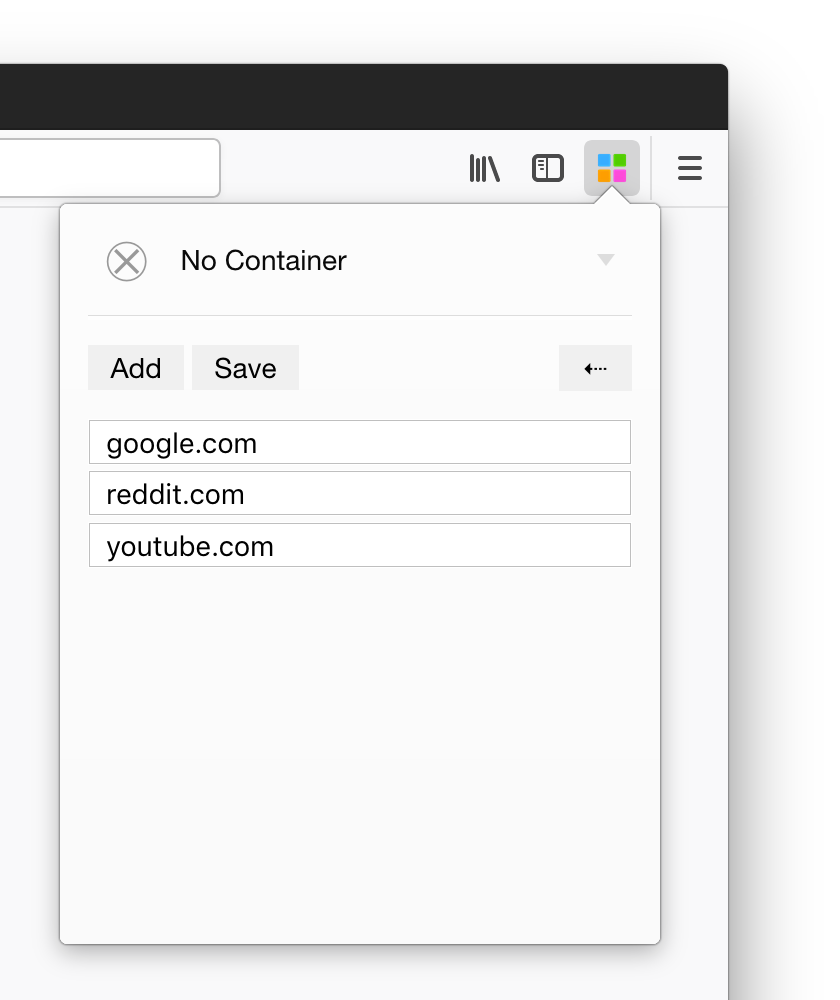 |
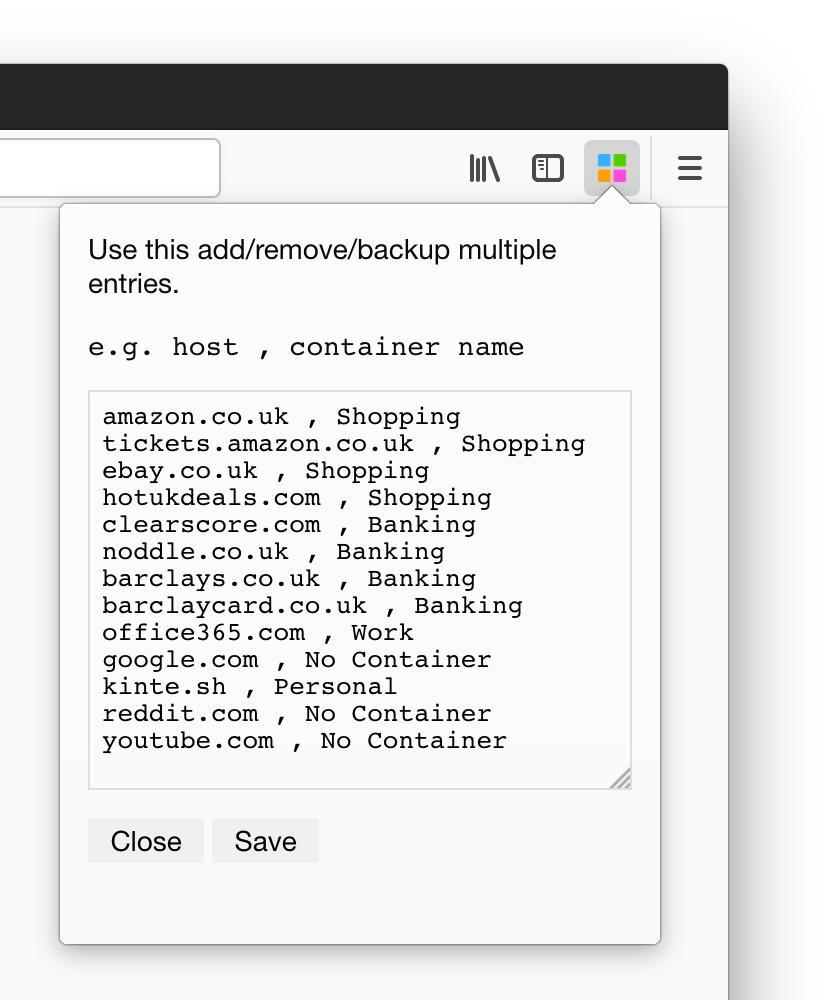 |
|---|---|---|---|
| Select your container and add a domain to always open all visits in the chosen container. | Add many domains as you wish. | Special No Container option to break out of a container. |
Simple CSV based mapping of a domain to a container by name for easy backup and bulk editing. |
Install the latest release for Firefox from AMO
Glob patterns cover most common cases (see the examples below). For more complicated scenarios, use regex patterns.
- If a pattern contains only a domain, we try matching only the URL's domain (the whole domain). For example:
-
if the pattern is
duckduckgo.com, then URLshttps://duckduckgo.com,https://duckduckgo.com/?q=search+me+babywill match the pattern but URLshttps://google.com,https://google.com/?q=duckduckgo.comwill not match the pattern. -
if the pattern is
*.duckduckgo.com, then URLshttps://subdomain.duckduckgo.com,https://subdomain.duckduckgo.com/?q=search+me+babywill match the pattern but URLshttps://duckduckgo.com,https://google.com/?q=subdomain.duckduckgo.com,https://evil.duckduckgo.com.evil.comwill not match the pattern.
- If a pattern contains only not only a domain but a path, we try matching the whole URL. For example:
-
if the pattern is
duckduckgo.com/\?q=search+me+baby, then only URLhttps://duckduckgo.com/?q=search+me+babywill match the pattern. Notice that?is escaped with\. Since*and?are glob meta-characters, you need to escape them if you want them to be interpreted literally. -
if the pattern is
*.duckduckgo.com/\?q=search+me+baby, then URLhttps://subdomain.duckduckgo.com/?q=search+me+babywill match the pattern.
The glob meta-characters *, ? are converted into the regex characters .*, .? under the hood so there can be more than one such a character in a pattern.
Regular expressions should be used when using of glob patterns won't work. A few examples:
-
Search for a pattern anywhere in the URL. For example, pattern
@duckduckgoand URLhttps://duckduckgo.com/?q=search+me+baby. -
Search for a pattern in the URL's path but not in the domain. For example, pattern
@.*?/.*duckduckgo\\.com.*and URLhttps://google.com/?q=duckduckgo.com.
The expression inside <...> must be a valid regular expression (<> is an exception to map to No container).
Examples:
-
<>amazon.co.uk, Shoppingwill open allamazon.co.uk(not subdomains) links in theShoppingcontainer but only if the current tab is not assigned to any container (<>at the begining meansNo Container) -
<shopping>@(?!.+\.amazon\.co\.uk).*, No Containerwill open all links from inside theShoppingcontainer that are not.amazon.co.uksubdomains in theNo Container -
<^(?!Profile \d$)>@.+\.facebook.com, Profile 1will open all links tofacebook.comin theProfile 1container unless the current tab is already assigned toProfile 1,Profile 2,Profile 3, etc.
You can use a CSV editor to set up the container rules (pencil icon). The rules have the format of host/URL pattern, container name, container color (optional), container icon (optional). For example,
www.reddit.com , reddit , orange , fruit
google.com , Google , blue , fingerprint
If the container defined in the rule already exists, the values of the color and icon will be ignored (the values of the already existing container will be fetched and used when the changes are saved).
If the container defined in the rule does not exist, it will be created. If the optional values (color and icon) are not set, random values will be chosen.
To prevent some issues, Temporary Containers and Temporary Containers Plus are allowed to request containers' patterns.
In the project directory, you can run:
Installs required dependencies.
Starts webpack with --watch option and outputs to ./build directory.
Builds the extension for production use.
Runs test specs using jest.
Use test:watch to watch for edits and re-run the tests.
Lint using eslint.
Runs web-ext process to debug the extension on Firefox. See web-ext docs
To live reload the extension, start this process in a new tab after starting npm run webpack process.