fix(ios): improve VoiceOver reading order for ColumnSet elements#653
Open
hggzm wants to merge 1 commit intomicrosoft:mainfrom
Open
fix(ios): improve VoiceOver reading order for ColumnSet elements#653hggzm wants to merge 1 commit intomicrosoft:mainfrom
hggzm wants to merge 1 commit intomicrosoft:mainfrom
Conversation


VoiceOver was traversing ColumnSet content column-by-column (all items
in column 1, then all items in column 2), instead of row-by-row
(column 1 row 1, column 2 row 1, column 1 row 2, etc.).

This happened because accessibilityElements was set to the column views
themselves, causing VoiceOver to drill into each column sequentially.

Now flattens the children of all columns into a single array, allowing
VoiceOver to use geometric frame ordering (left-to-right, top-to-bottom)
which naturally produces row-by-row reading order.

Fixes #42, #44
Collaborator
Author
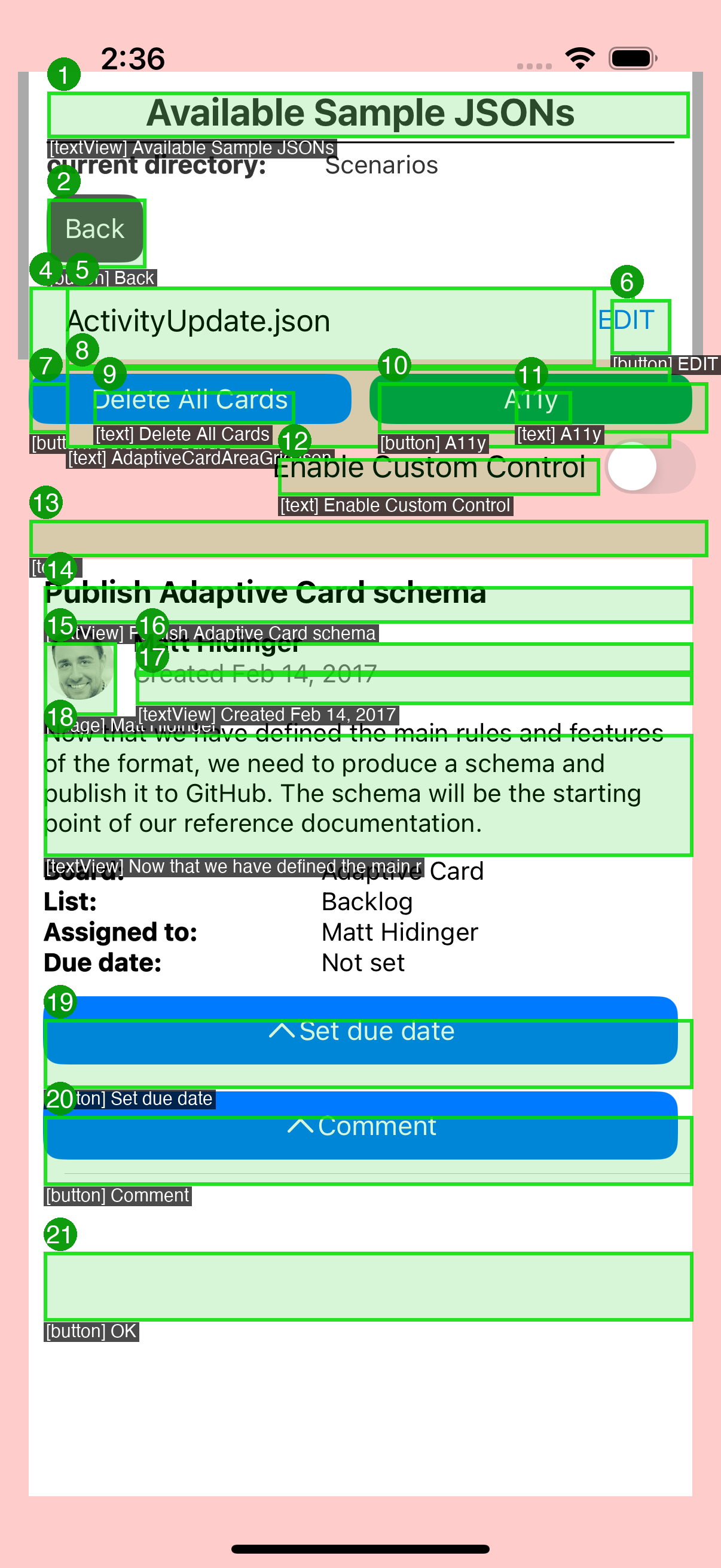
VoiceOver Accessibility ValidationAutomated a11y pipeline validates this fix using real UIAccessibility API data. Annotated A11y Overlay
|
This file contains hidden or bidirectional Unicode text that may be interpreted or compiled differently than what appears below. To review, open the file in an editor that reveals hidden Unicode characters.
Learn more about bidirectional Unicode characters
Sign up for free
to join this conversation on GitHub.
Already have an account?
Sign in to comment
1 participant

Add this suggestion to a batch that can be applied as a single commit.This suggestion is invalid because no changes were made to the code.Suggestions cannot be applied while the pull request is closed.Suggestions cannot be applied while viewing a subset of changes.Only one suggestion per line can be applied in a batch.Add this suggestion to a batch that can be applied as a single commit.Applying suggestions on deleted lines is not supported.You must change the existing code in this line in order to create a valid suggestion.Outdated suggestions cannot be applied.This suggestion has been applied or marked resolved.Suggestions cannot be applied from pending reviews.Suggestions cannot be applied on multi-line comments.Suggestions cannot be applied while the pull request is queued to merge.Suggestion cannot be applied right now. Please check back later.
Fork-based PR (no Azure Pipelines CI). When ready for CI, push branch to upstream as
users/hggzm/clean/fix-columnset-reading-order-42and recreate.History: upstream PRs #622 (closed)
Summary
VoiceOver was traversing ColumnSet content column-by-column instead of row-by-row. For example, in a flight passenger list with (Name, Seat) columns, VoiceOver would read all names first, then all seat numbers, rather than reading each passenger's name followed by their seat.
This happened because
accessibilityElementswas set to the column views themselves (viagetArrangedSubviews), causing VoiceOver to drill into each column sequentially.Changes
Before
VoiceOver reads: "Sarah Hum" → "Jeremy Goldberg" → "Evan Litvak" → "14A" → "14B" → "14C"
After
VoiceOver reads: "Sarah Hum" → "14A" → "Jeremy Goldberg" → "14B" → "Evan Litvak" → "14C"
Testing