Note
Following discord's age verification announcement from the 9th feb, i (milbit) decided to step down indefinitely. kinggamingyt will be the maintainer going forward.
i can no longer justify creating a theme for a platform that wants me to send my ugly ass face just to use it. i don't trust them with my sensitive data, especially after the last breach.
if you're looking for an alternative, there is stoat and spacebar, stoat having the most users
Avoid Fluxer. While it may be open-source under the AGPL license, it uses a CLA; The project maintainer Hampus owns all contributor code and can make it closed-source later, a technique used by things like MongoDB to lock users in and enshittify later. It is not truly free
CLA was removed on the 18th february!
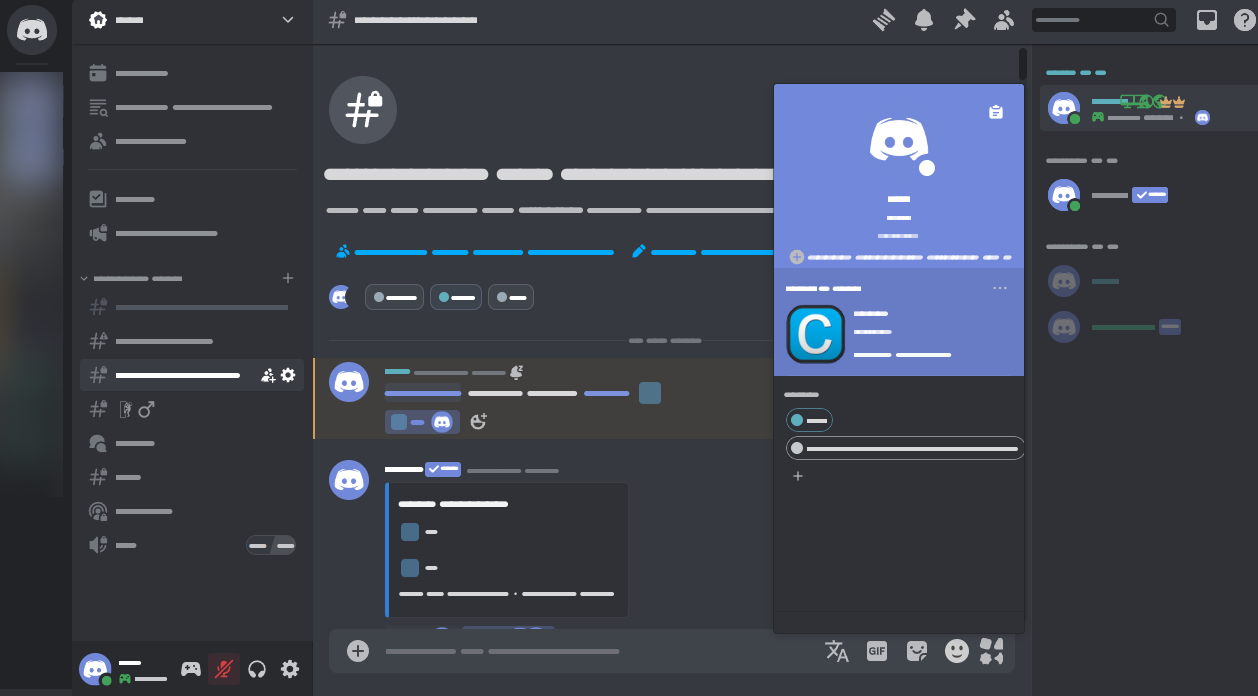
A Discord theme that tries to restore its 2020 UI
By default, it removes profile effects (like banners) and clan tags. See addons below to get them back!
Important
- For the old grey colors, use the "Ash" theme in
Appearanceunder settings- Don't use vencord's "Client Theme" plugin, use Discord's own theme picker (with fakenitro if needed)
- Enable "Sync Profile Themes" in
Settings > Accessibilityto fix broken profile colors - Disable "display name style" in
Settings > Accessibilityif you don't want the flashy names - UI Density should be on default, i won't support the other 2 options (they still kinda work, though)
- If you use BetterFolders, expect half your screen to turn blank every few months
Light mode is CUSTOM, it has higher contrast and slightly darker colors with adjustable tint, keeping it bright while not burning your retinas
It is currently not compatible with ShowEffects, sorry
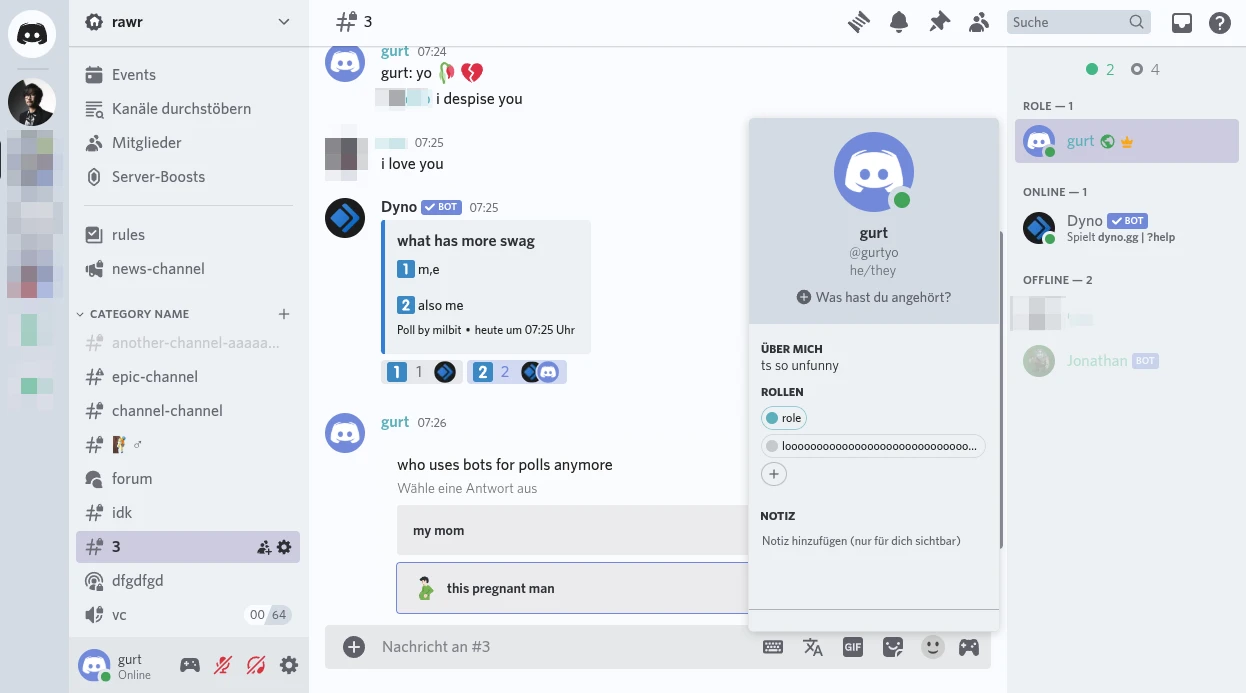
Adjust the tint with --oldcord-tint, value/number has to be in HSL hue (e.g. 200). You can find it in the theme's oldcord.theme.css file.
These are usually included in oldcord.theme.css, so all you need to do is remove /* in the file for each addon you want to use
| Name | Preview | CSS |
|---|---|---|
| Show Profile Effects (the one you prob want) | 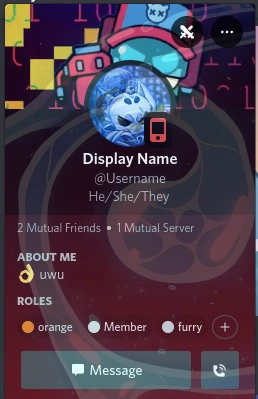 |
@import url("https://milbits.github.io/oldcord/src/components/showEffects.css"); |
| Show Clan Tags | im too lazy for an image | @import url("https://milbits.github.io/oldcord/src/components/showTags.css"); |
| Old Plead Emoji |  |
@import url("https://milbits.github.io/oldcord/src/components/oldEmojis.css"); |
| Context Menu hover bg. | 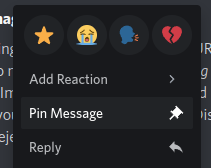 |
@import url("https://milbits.github.io/oldcord/src/components/oldContext.css"); |
| Tanza3D & KingGamingYT's NoMosaic plugin (BetterDiscord) | Restores the old image layout |
If you use custom/quickcss, paste the CSS at the very top!
| Name | Description |
|---|---|
| Icon Revert | Reverts all icons to pre-2023. Can cause lag (see #37) |
| Vencord's NoMosaic plugin | Restores the old image layout |
| KingGamingYT's NoMosaic plugin | BetterDiscord NoMosaic plugin |
| NewOldProfiles | Restores period-accurate profiles w/ modern enhancements |
| hide-nitro-upselling | Hides nitro ads, could cause lag |
- Download OldCord.theme.css (right-click > "Save As")
- Move the file to the Vencord theme folder:
Settings > Themes > Open theme folder
Paste the following in Settings > Themes:
https://milbits.github.io/oldcord/src/main.css
- Download OldCord.theme.css (right-click > "Save As")
- Save the file to your BetterDiscord theme folder:
- Windows:
%appdata%/BetterDiscord/themes - Linux:
~/.config/BetterDiscord/themes - MacOS:
/Library/Application\ Support/BetterDiscord/themes/
- Paste the following at the top of the CSS file/window:
@import url("https://milbits.github.io/oldcord/src/main.css");


