This is a streamlit build Chatbot UI which uses backend services created within SnapLogic, the first platform for generative integration.
Using the chatbot
Chat with one data domain
Chat with multiple data domains
Managing Domain Data
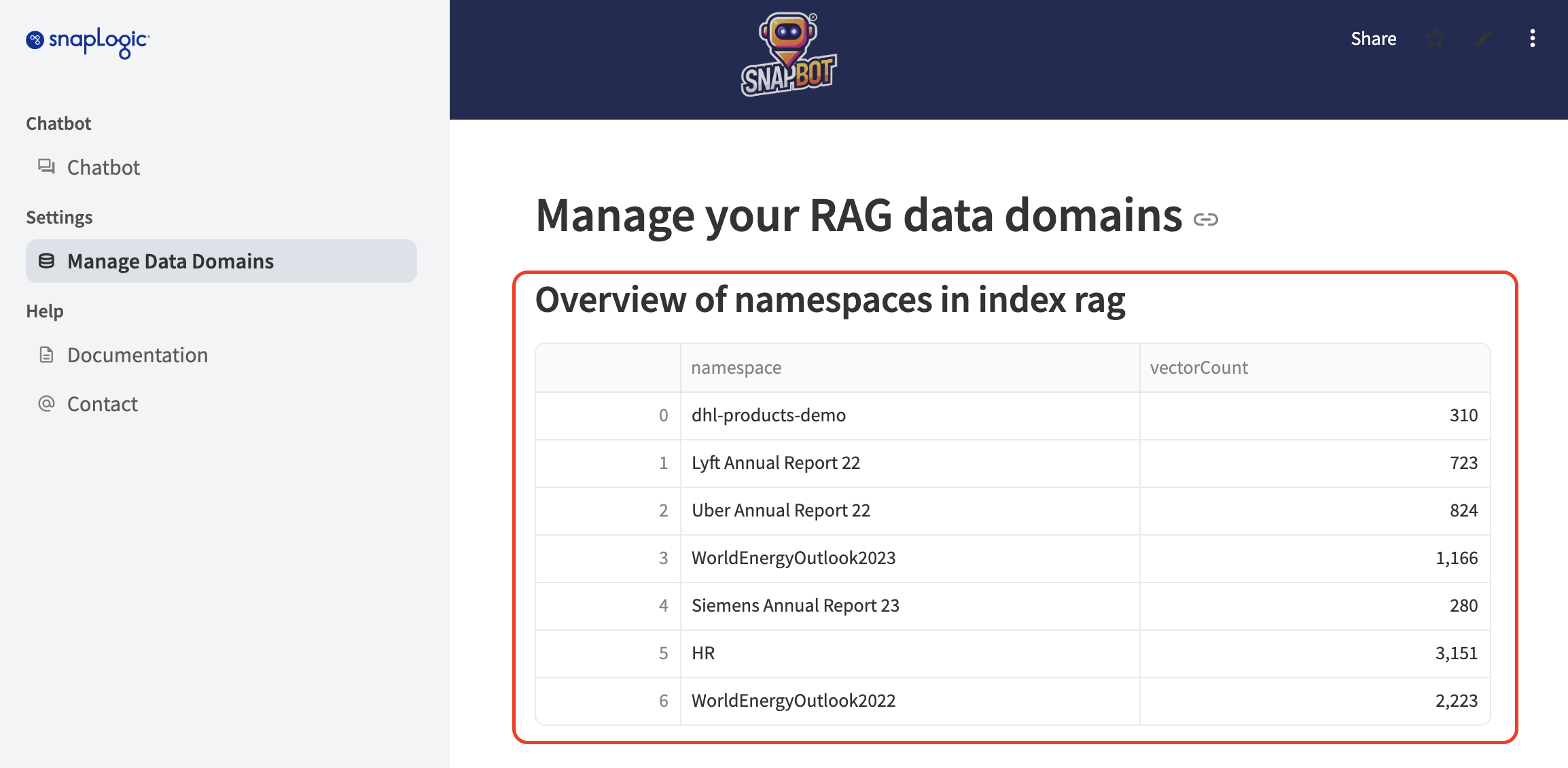
Overview of available namespaces
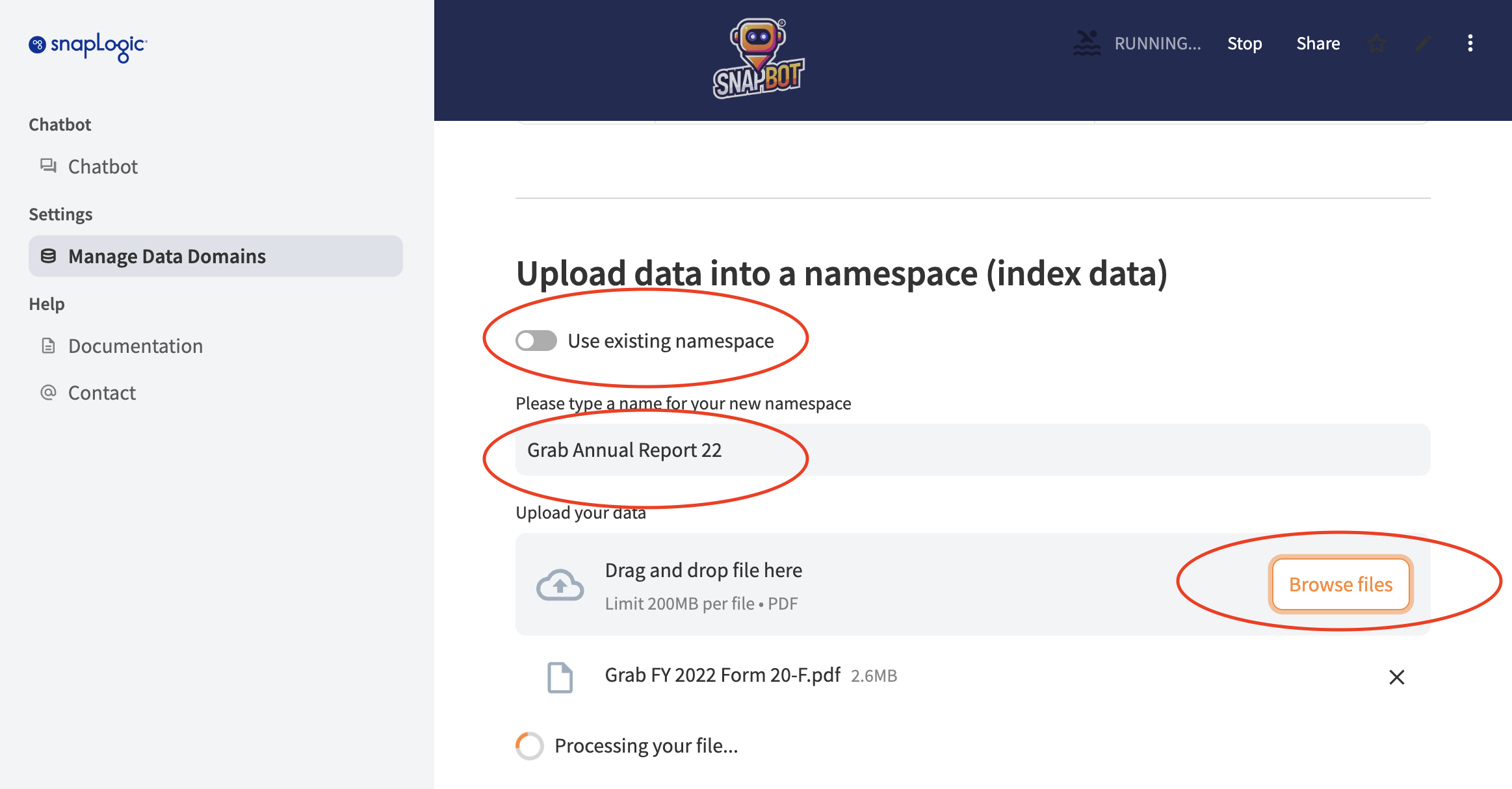
Upload data into a new namespace
Add data to an existing namespace
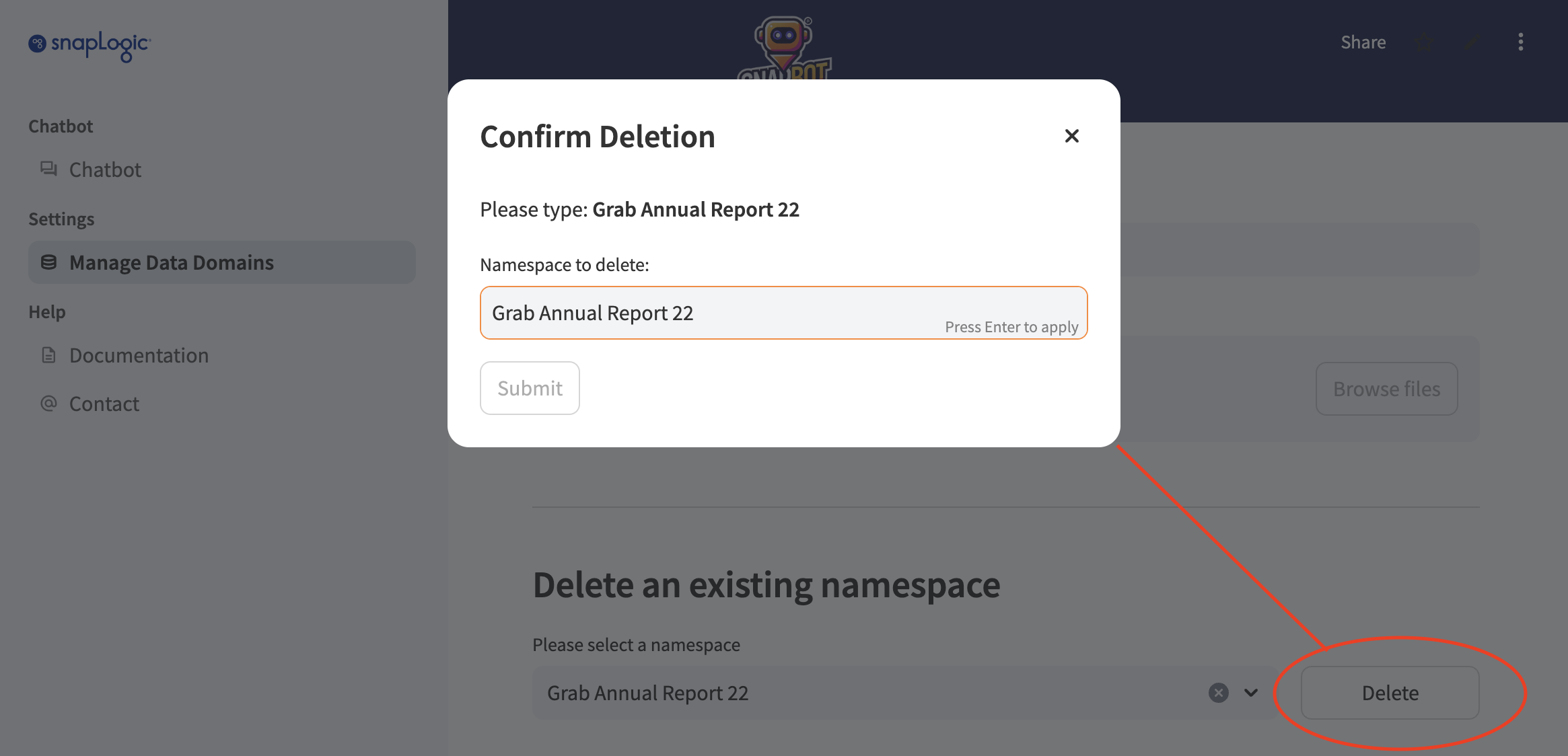
Delete a namespace
Choose a data domain you want to ask your questions against.
Enter your query in the chat box. For example, if you're using a HR service chatbot, you might ask, "When do I got paid?".
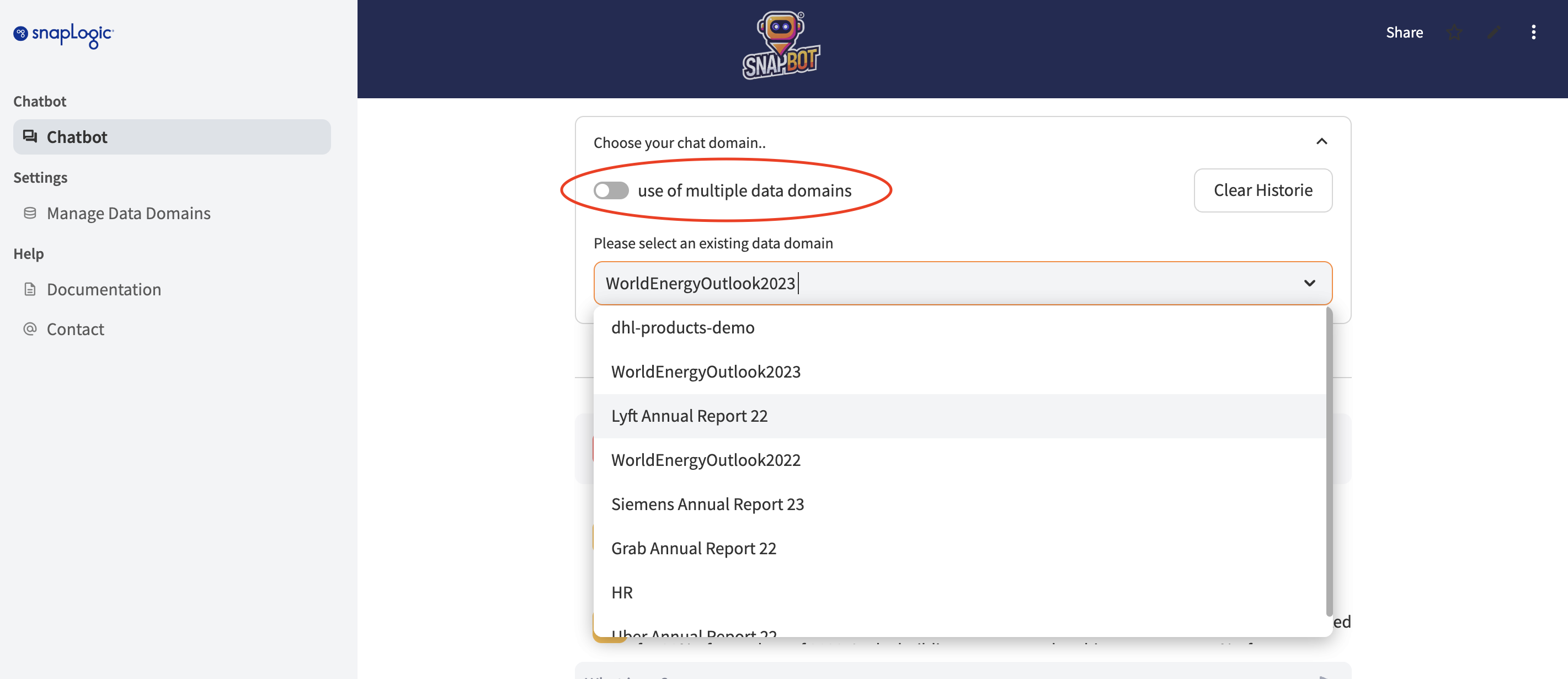
You also can choose more than one data domain to chat with.
Switching on "use of multiple data domains" will let you pick multiple data domains.
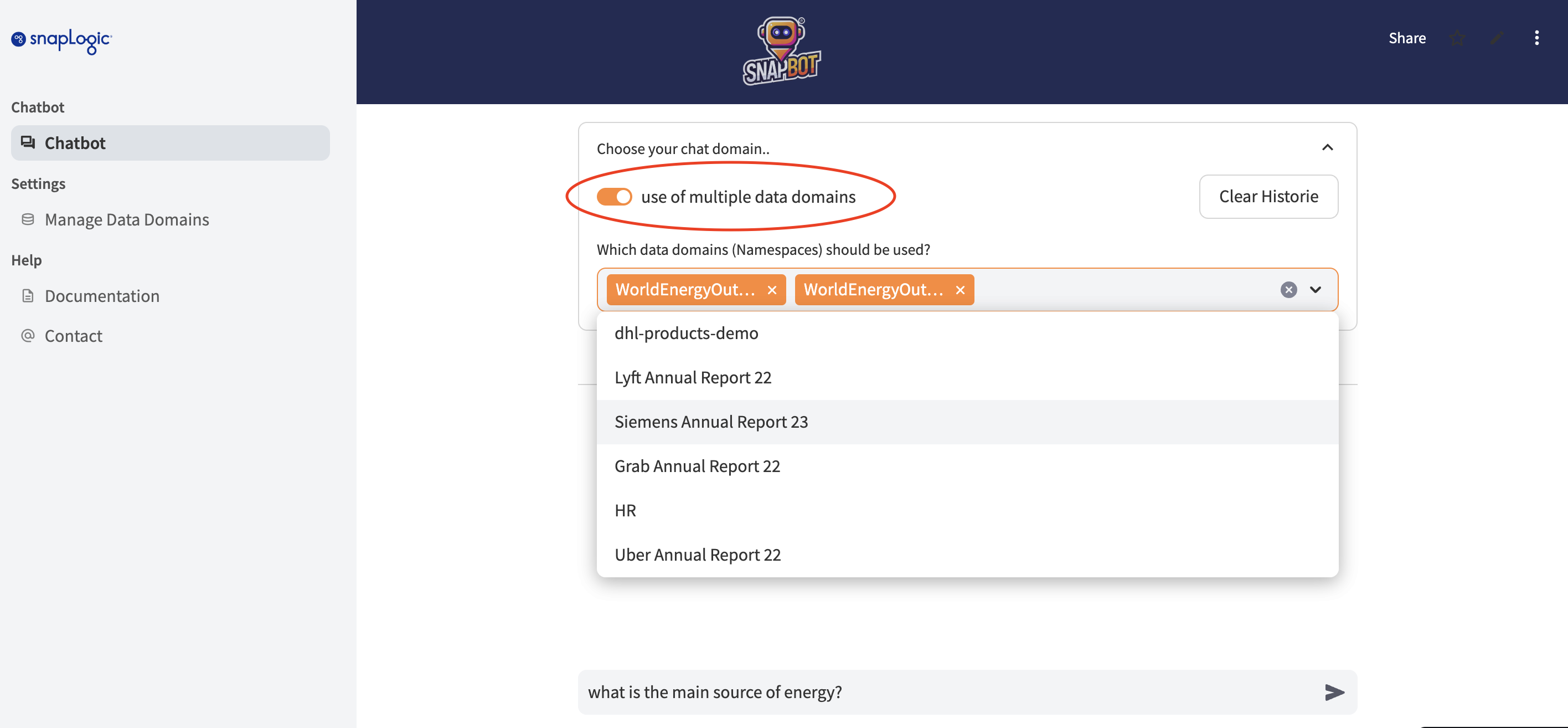
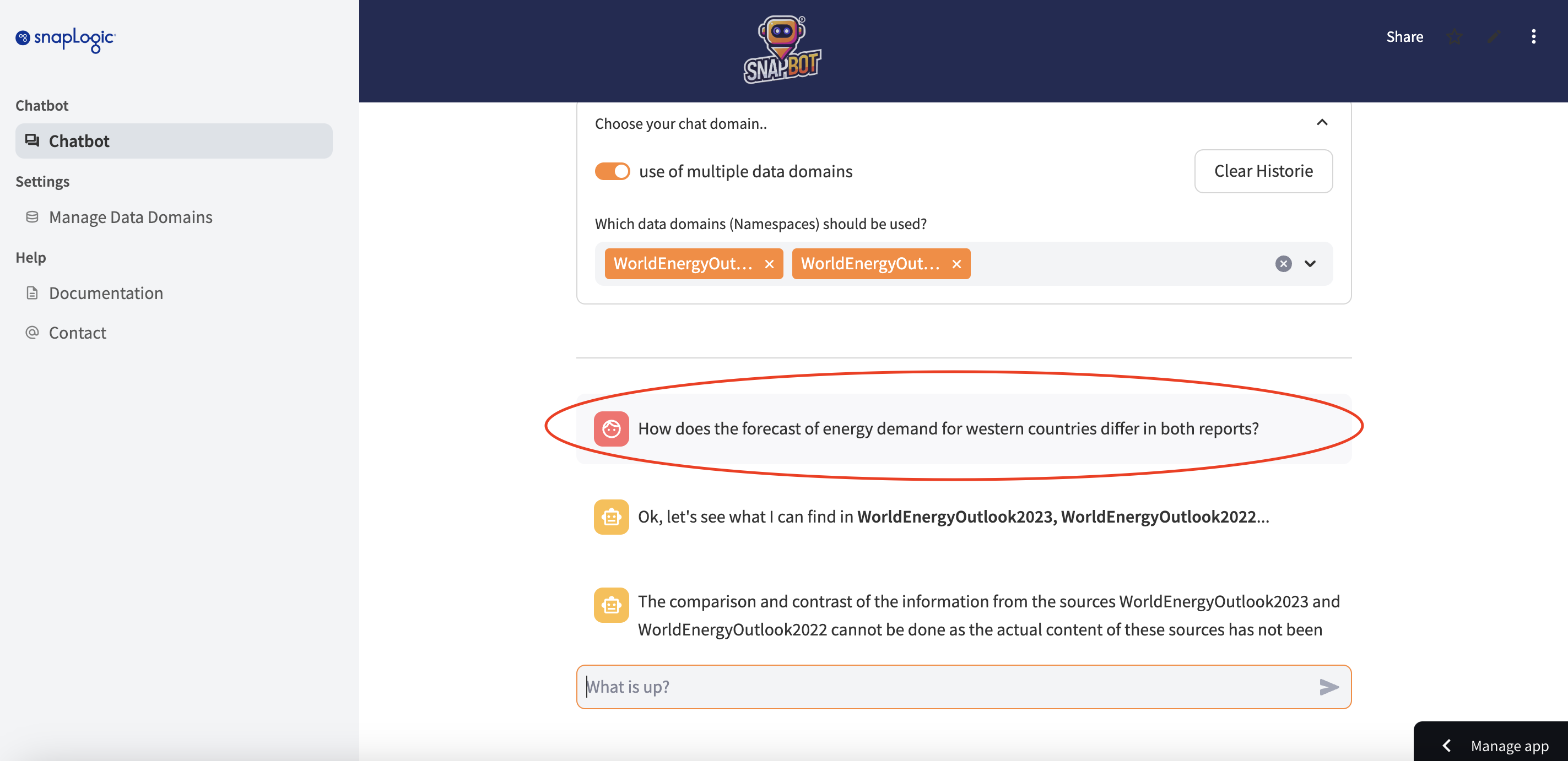
When you select more than one data domain, you can ask questions that will highlight differences between them. For instance, if you choose the Lyft Annual Report and the Uber Annual Report as your data domains, you might ask, 'How do the service offerings in both reports compare?' or 'What is the difference in revenue between the two companies in 2022?'
As this is a Retrieval-Augmented Generation (RAG) chatbot the data is stored in Pinecone Vector Database.
With this chatbot you can manage the data and the corresponding namespaces.
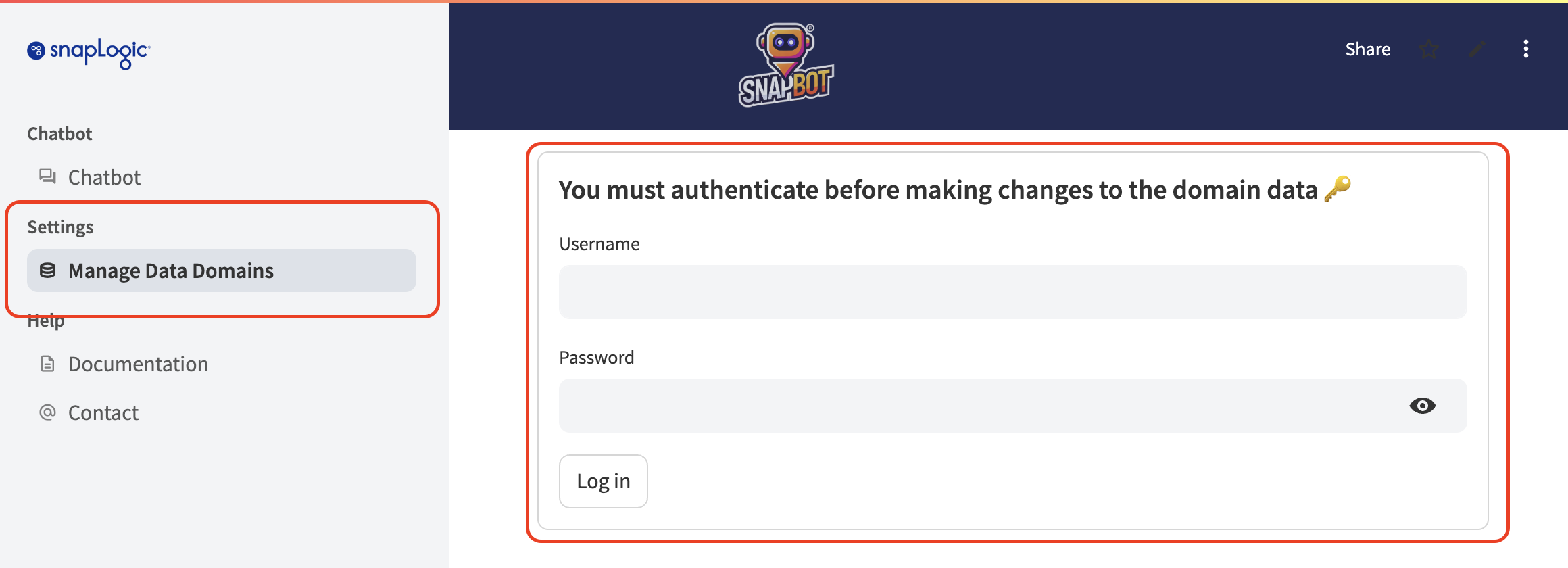
However, you need to authenticate first befor you can manage the domain data.
In the Overview section all available namespaces are listed with the corresponding vector count.
You can upload data into a new namespace by providing a name (for the namespace) followed by the selection of PDF file.
You also can add new data to an existing namespace by selecting the appropiate namespace follwed by the selection of PDF file.
Existing namespaces can be deleted after confirmation. This process removes all vectors irreversible.