Short tutorial demonstrating how to import ARTMO GPR models into GEE.
As done in
https://doi.org/10.3390/rs14010146

Originally developed by Luca Pipia
https://www.researchgate.net/profile/Luca-Pipia
Contributed by Matías Salinero Delgado
https://www.researchgate.net/profile/Matias-Salinero-Delgado
- ARTMO GPR model (.mat). As this one.
- Matlab files that parse the .mat file into .txt.
- Add the sample repository to your GEE account using this link. Refresh so you can see this repo under the Reader section of your GEE workspace.
1- Place the 2 .m files in the same folder.
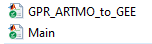
2- Modify Main.m with the path of the ARTMO GPR .mat model and the desired suffix.

3- Run Main.m. It will generate a folder in the same location as the ARTMO GPR .mat model with several .txt files.
4- Open overall_model_gee.txt. and copy its content. Paste it at the beggining of the GPRPredictedMean script in the GEE repository.
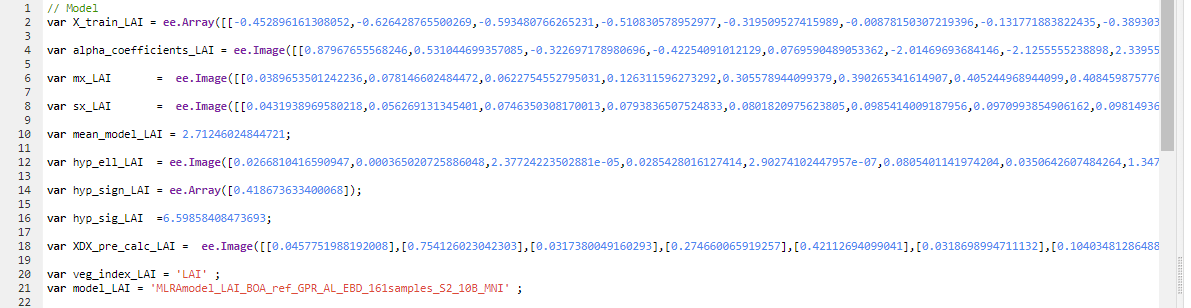
5- Run GPRPredictedMean! You can modify the date of interest and the area of interest inside the script.
Important The correspondence between the variables in the veg_index_GPR function and the model variables should be preserved if the suffix changes.