Transform whole text file to single/multiple character voice speech.
YouTube Demo:
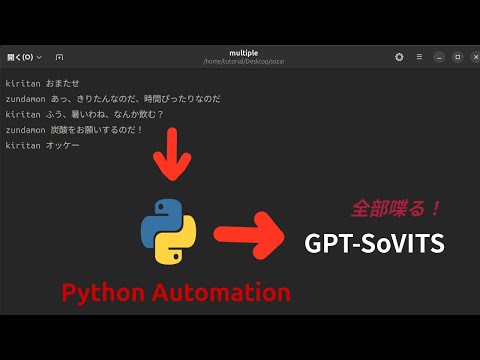
This is unofficial script and can break when GPT-SoVITS update.
When run GPT-SoVITS on remote, use a secure channel like SSH Tunnel to access it.
This script are configured for Japanese, to use other language modify the follow in main.py, please see language list in the GPT-SoVITS inference page to know the correct language spell.
      "Use v2ProPlus base model directly without training!",
      "Japanese", <-
      "Japanese", <-
      ],
      "Japanese", <-
      chat,
      "Japanese", <-
Install GPT-SoVITS, open in a browser, click 1-GPT-SoVITS-TTS -> 1C-Inference -> Open TTS Inference WebUI. On the command line should appear something like Running on local URL: http://0.0.0.0:9872.
# Tested on Ubuntu 24.04
git clone https://github.com/myonmu0/GPT-SoVITS_FromPython
cd GPT-SoVITS_FromPython/
python3 -m venv venv
. venv/bin/activate
pip install --upgrade setuptools wheel
pip install requests playsound
Place your reference audio(3-10 second character voice) to cv/ directory.
Suppose you have alice.mp3 speaking Hi,my name is alice, and bob.ogg speaking hey,I am bob., then place alice.mp3 and bob.ogg to cv/ directory, then edit the cv/index.txt as follow:
alice.mp3 Hi,my name is alice
bob.ogg hey,I am bob.
The format is: (filename)(space)(chat)
Commands
# activate if not
. venv/bin/activate

python3 ./main.py -i input/single.txt -v alice --ip localhost --port 9872
input/single.txt
Hey, how are you?
My name is alice.
Commands
# activate if not
. venv/bin/activate

python3 ./main.py -i input/multiple.txt -m --ip localhost --port 9872
input/multiple.txt
alice Hey, how are you?
bob hi! I am nice, was thinking of you, how are you?
alice I am great!
Don't include ".mp3" or ".ogg"