Example at qr.sng.al:
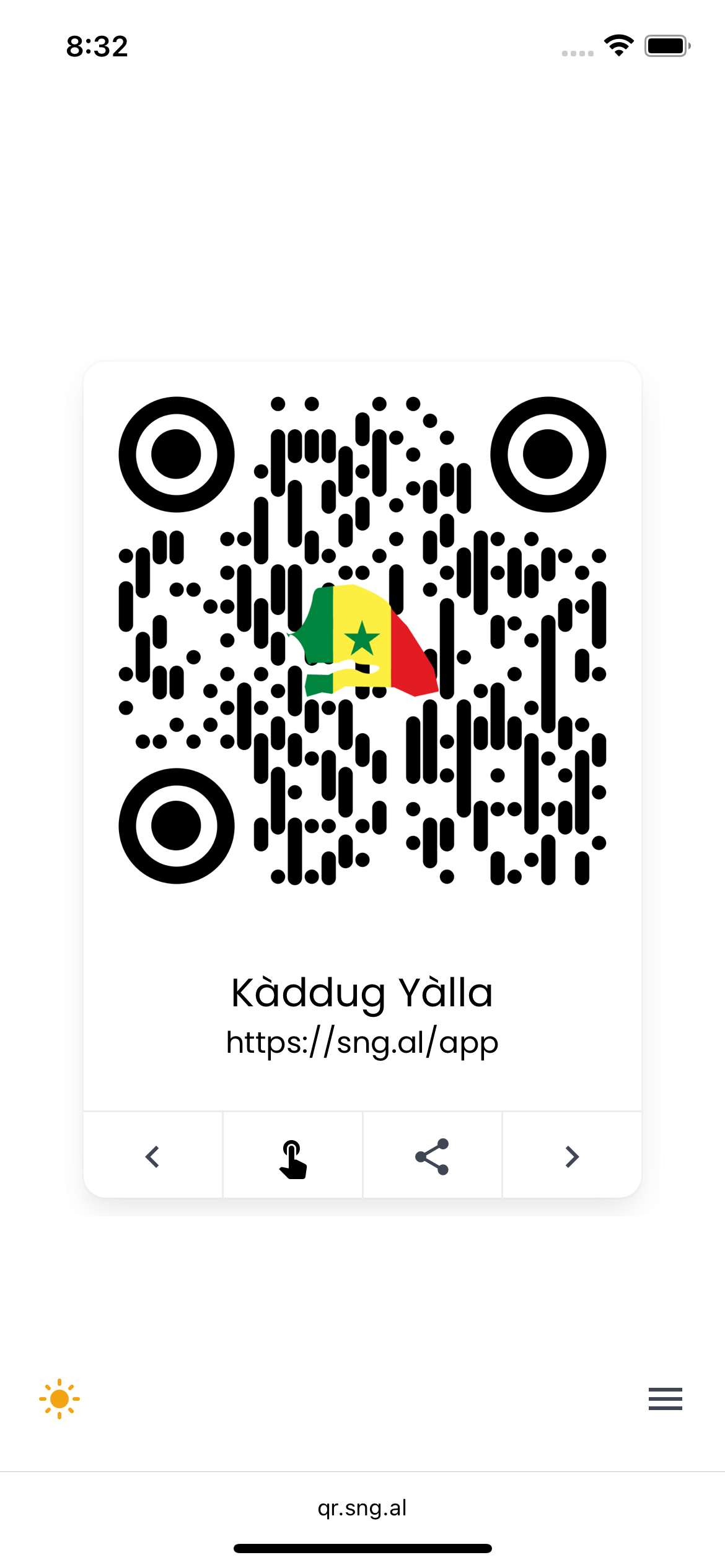
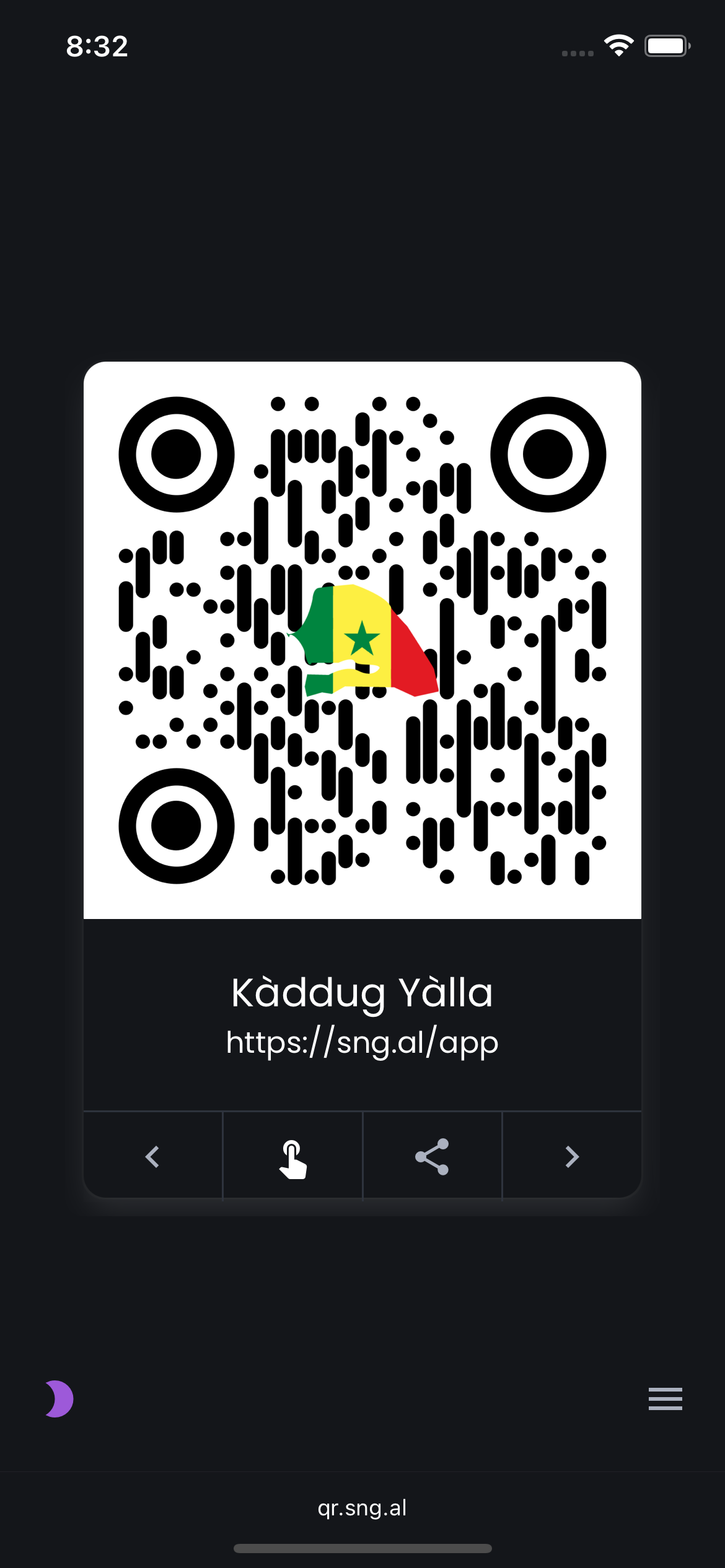
Light mode & Dark mode
- It displays multiple QR codes so you can share your apps/pages/content with others in person without necessarily giving them your contact info.
- It allows you to navigate directly to the links from the app (hand/hyperlink touch button).
- It gives you the option of sharing the link via OS-specific platform sharing options (share button).
- It has a dark mode and light mode.
- Navigate via swiping or buttons.
- View all the code titles in a drawer that slides out from the right side of the screen allowing users to directly navigate to the desired code.
- It has a cache-busting feature that allows users to view new versions when you update it without waiting a long time for their device cache to clear.
- It has a responsive design that works on all devices.
- Edit just one file to add your QR codes: see below.
-
Download this repository.
- You can clone it or
- You can download it as a .zip file
-
Create your QR codes with your preferred method or via QR Code Monkey
-
Download the QR codes and place them in the
imagesfolder, replacing the existing codes. -
Go into
cards.jsand edit the card data & edit thepageTitleto your desired name. This is the only file you have to edit. -
Save
cards.js, upload the entire contents of the folder to your web server, and share.- [If you like you can zip up the folder and upload it as a .zip file, then extract, this is more efficient.]
You can use GitHub Pages to host your QR code viewer: Github Pages