




Never lose your clipboard history again. Search it with AI.
Features • Demo • Installation • Usage • Architecture • Support


See ClipIt in action with AI-powered clipboard management and smart text retrieval.

|
Automatically captures all text and images you copy, creating a searchable history that never forgets. |
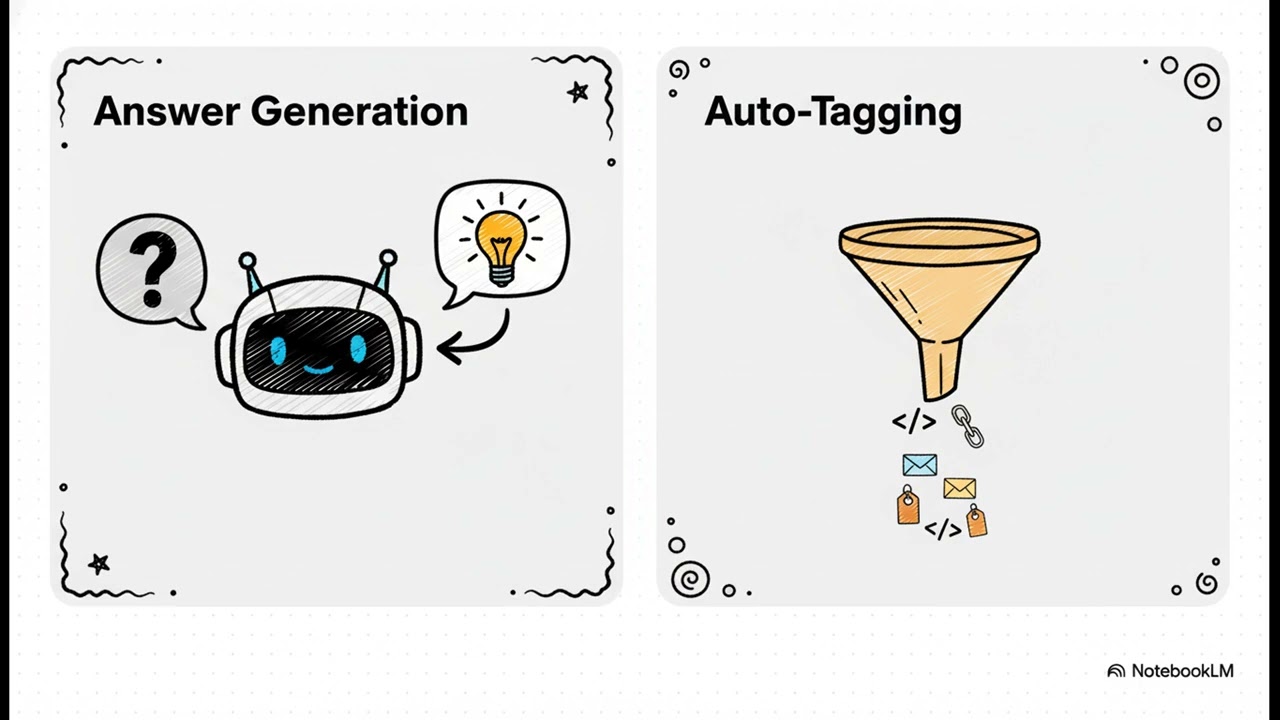
Ask natural language questions about your clipboard history using local AI (Llama-3.2-1B). Press |
|
Automatically organizes clipboard items with semantic tags for easy categorization and retrieval. |
Extract text from anywhere on your screen with |
|
Adorable dog animation provides visual feedback and makes clipboard management delightful. |
Quick access from any application with customizable keyboard shortcuts. |
|
SQLite database keeps your clipboard history safe, searchable, and available even after restarts. |
|


|
|
|
|


- Download Tesseract from: UB-Mannheim/tesseract
- Install to default location or add to PATH
# Clone the repository
git clone https://github.com/nihalnihalani/Clipit.git
cd Clipit

# Install dependencies
pip install -r requirements.txt

# Run the application
python -m clipit.mainDouble-click run.bat to launch ClipIt with a single click!

| Shortcut | Action | Description |
|---|---|---|
Alt+X |
 Ask AI Ask AI |
Press once to start typing your question, press again to get an AI-generated answer |
Alt+V |
 OCR Capture OCR Capture |
Extract text from current screen using OCR technology |
Alt+S |
 Show Suggestions Show Suggestions |
Display clipboard suggestions based on context |
ESC |
 Dismiss Dismiss |
Hide the floating dog assistant |

Example Flow:
Press
Alt+X- Floating dog appears with "Clipit is listening..."Type your question - e.g., "what was that tracking number?"
Alt+Xagain - To stop and processAI searches - ClipIt searches your clipboard history
Answer appears - The answer replaces your question automatically


💡 "what was that email address?"
💡 "tracking number"
💡 "the code snippet from earlier"
💡 "paste image 2" (pastes the 2nd most recent image)
💡 "show me the link I copied yesterday"
💡 "find that API key"


| Layer | Technology | Purpose |
|---|---|---|
 UI Framework UI Framework |
 |
Modern, responsive user interface |
| AI Model |
 |
Local AI inference for privacy |
 Database Database |
 |
Efficient data storage and retrieval |
 Clipboard API Clipboard API |
 |
Windows clipboard integration |
 Hotkey System Hotkey System |
 |
Global keyboard shortcuts |
| OCR Engine |
 |
Text extraction from images |

Clipit/
├── 📦 clipit/                  # Main application package
│   ├── 🚀 main.py              # Application entry point
│   ├── 🎨 ui/                  # User interface components
│   │   ├── floating_clippy.py  # Clippy assistant
│   │   ├── floating_dog.py     # Dog animation
│   │   ├── main_window.py      # Main application window
│   │   └── suggestions.py      # Suggestion system
│   ├── ⚙️ services/            # Core services
│   │   ├── ai_service.py       # AI integration
│   │   ├── clipboard_monitor.py # Clipboard tracking
│   │   ├── hotkey_manager.py   # Keyboard shortcuts
│   │   ├── ocr_service.py      # OCR functionality
│   │   └── text_capture.py     # Text capture system
│   ├── 💾 models/              # Database models
│   │   ├── database.py         # Database connection
│   │   └── item.py             # Data models
│   └── 🔧 utils/               # Utilities
├── 📋 requirements.txt         # Python dependencies
├── 🧪 test_clipit.py          # Test suite
├── 🪟 run.bat                 # Windows launcher
├── 📚 ARCHITECTURE.md         # Detailed architecture docs
├── 📖 README.md               # This file
└── 🔧 TROUBLESHOOTING.md      # Common issues & solutions
For detailed architecture diagrams and technical documentation, see 

ClipIt stores data in your Windows AppData folder:
%APPDATA%/Clipit/
├── clipit.db           # SQLite database
└── images/             # Copied images

ClipIt includes a comprehensive test suite to ensure reliability.
# Run all tests
python test_clipit.py
See 

|
|
|
|
|
|

Having issues? Check out our comprehensive troubleshooting guide:
 TROUBLESHOOTING.md
Common issues include:
- Tesseract OCR not found
- Keyboard shortcuts not working
- AI model loading errors
- Antivirus blocking hotkeys

Contributions are welcome! We'd love your help to make ClipIt even better.
Ways to Contribute:
 Report Bugs Report Bugs |
 Request Features Request Features |
 Submit PRs Submit PRs |
 Improve Docs Improve Docs |
|---|---|---|---|
| Open Issue | Feature Request | Pull Request | Edit Docs |

This project is licensed under the MIT License - see the LICENSE file for details.
ClipIt wouldn't be possible without these amazing projects:
| Project | Purpose |
|---|---|
 Meta Llama-3.2 Meta Llama-3.2 |
Local AI language model |
 Tesseract OCR Tesseract OCR |
Optical character recognition |
 PyQt5 PyQt5 |
Cross-platform GUI framework |
 PastePup PastePup |
Original macOS/Swift inspiration |

If you find ClipIt useful, please consider giving it a star!



